For small business owners, managing payments efficiently is crucial. A customizable printable payment slip for business can help streamline your payment process, ensuring that both you and your clients have clear records of transactions. This guide will explain what a payment slip is, how to customize it, and the best practices for using it effectively.
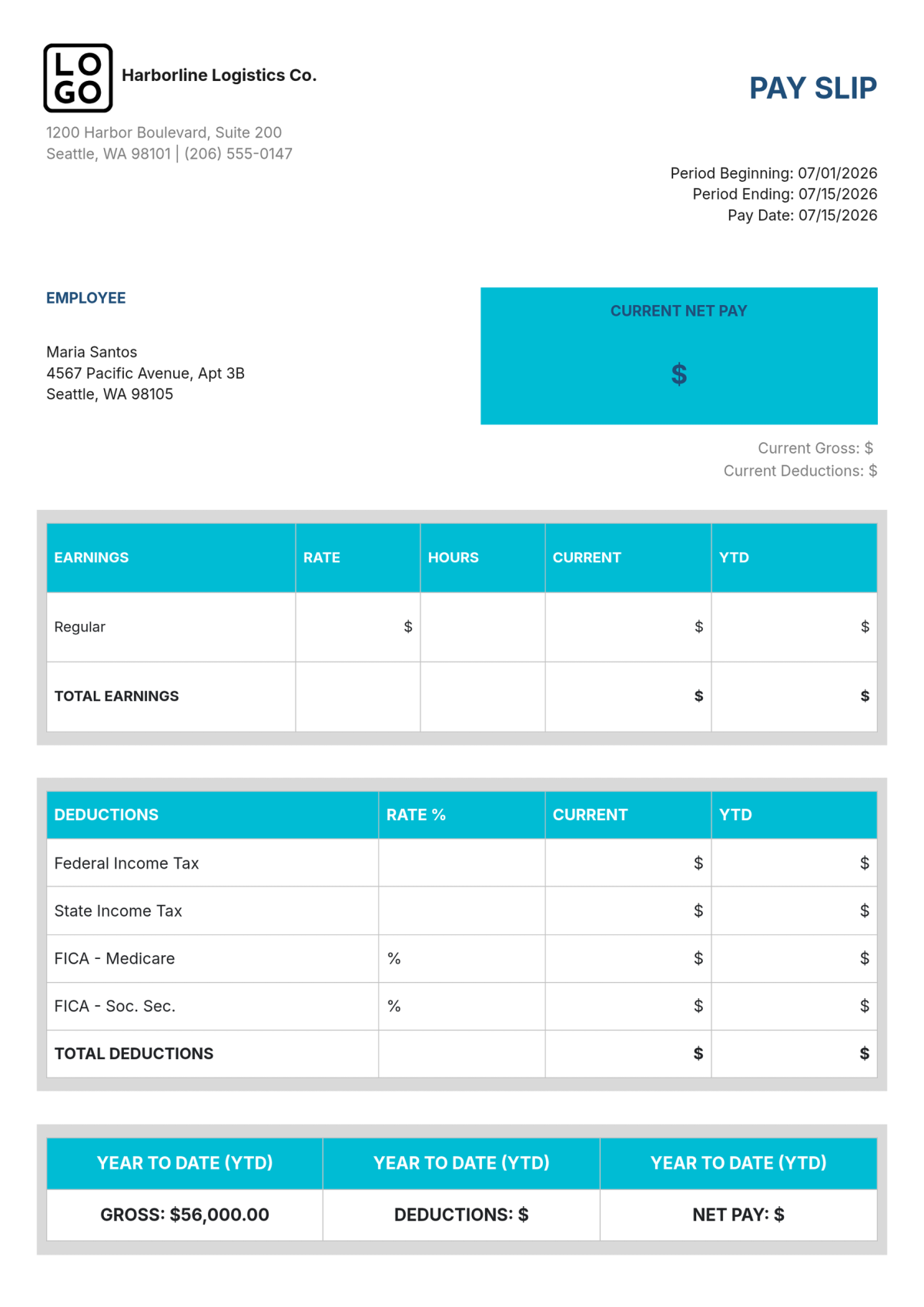
What is a Payment Slip?
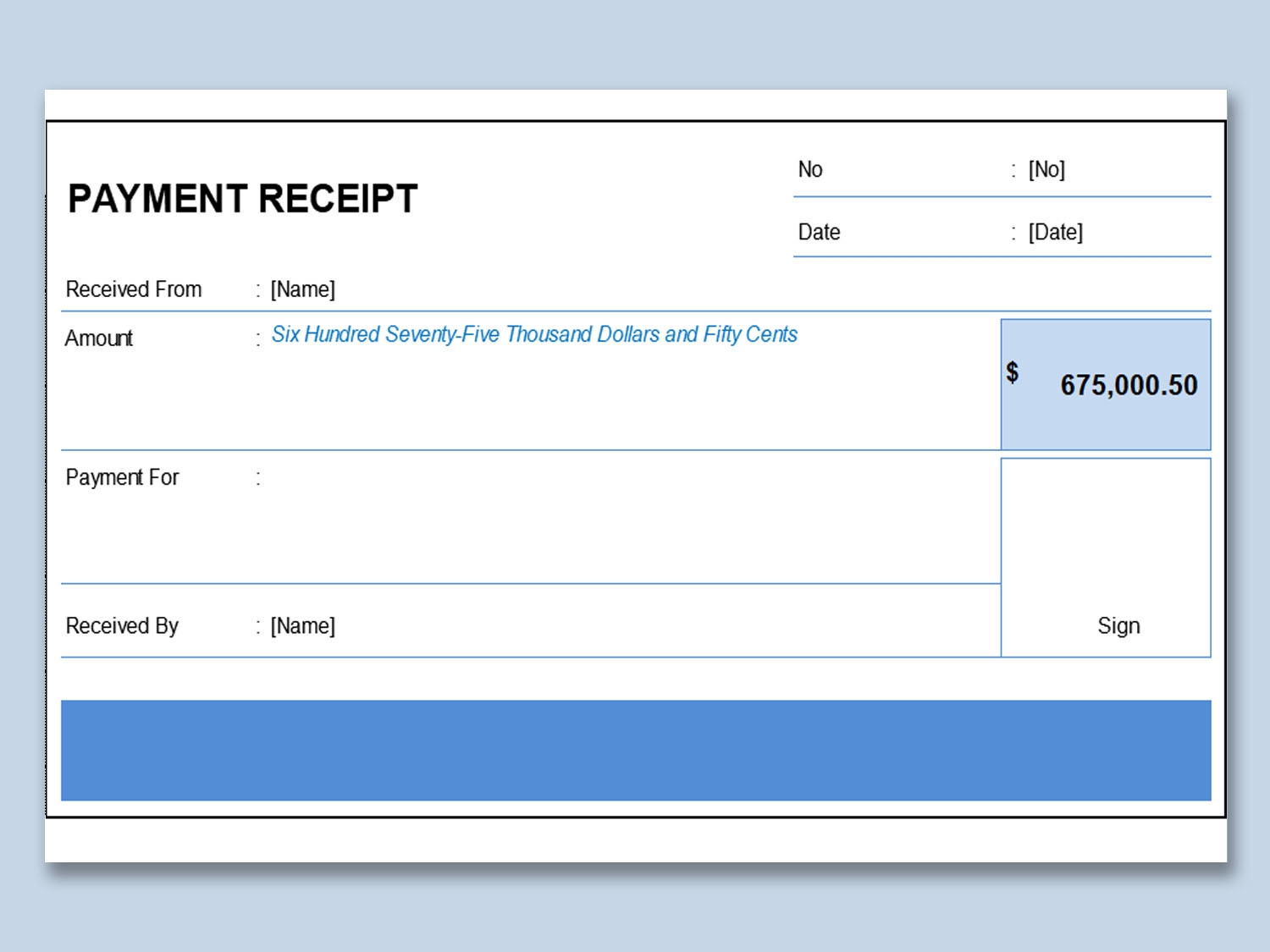
A payment slip is a document that accompanies a payment, detailing the transaction specifics. It typically includes information such as the payer’s name, the amount paid, the date of payment, and any relevant invoice numbers. Payment slips serve as proof of payment and help maintain clear financial records. For small businesses, having a well-designed payment slip can enhance professionalism and improve communication with clients.
Benefits of Using a Customizable Payment Slip
Using a customizable payment slip offers several advantages:
- Professional Appearance: A well-designed slip conveys professionalism, enhancing your business’s image.
- Record Keeping: It provides a clear record for both you and your clients, making tracking payments easier.
- Customization: Tailor the slip to fit your brand by adding your logo, business name, and specific fields relevant to your transactions.
- Time Efficiency: Fill out and print the slip quickly, saving time on manual record-keeping.
How to Customize Your Payment Slip
Creating a customizable printable payment slip for business is straightforward. Here are the steps to follow:
- Choose a Template: Look for a template that suits your business needs. Many resources offer free or paid templates that can be easily downloaded and edited.
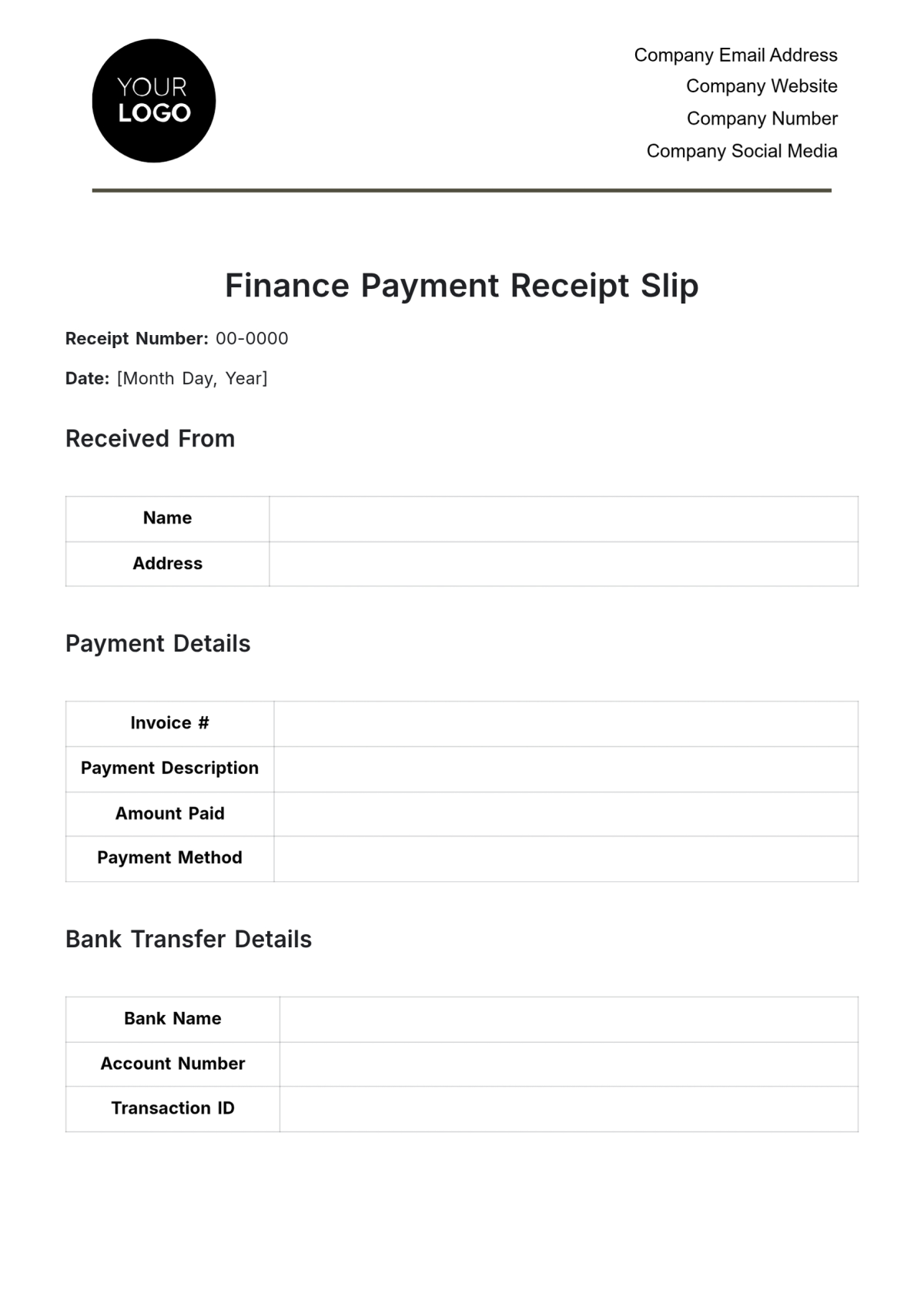
- Add Your Business Information: Include your business name, logo, address, and contact details. This personalization helps clients recognize your brand.
- Include Essential Fields: Ensure the slip has essential fields such as:
- Date of payment
- Payer’s name
- Amount paid
- Payment method (cash, credit card, etc.)
- Invoice number (if applicable)
- Signature line (optional)
- Select a Format: Most payment slips are available in formats like PDF or Word. Choose one that’s easy for you to edit and print.
- Print Settings: Use high-quality paper for printing. Standard letter size (8.5 x 11 inches) works best for most business needs. Adjust printer settings to ensure the slip prints clearly and without distortion.
Best Practices for Using Payment Slips
To maximize the effectiveness of your customizable printable payment slip for business, consider these best practices:
- Keep Copies: Always keep a copy of the payment slip for your records. This will help in case of disputes or for future reference.
- Train Your Staff: Ensure that all employees involved in handling payments understand how to fill out and issue the slips correctly.
- Review Regularly: Periodically review and update your payment slip template to ensure it meets your business needs and complies with any legal requirements.
- Use Digital Options: If your business operates online, consider offering a digital payment slip option. This can simplify the process for both you and your clients.