Keeping track of payments and inventory can be a challenging task for small business owners. Mismanagement can lead to discrepancies, lost revenue, and even strained supplier relationships. A Customizable Printable Payment Slip For Inventory Tracking can simplify this process, providing a structured way to document and manage transactions. This guide will walk through the steps to effectively use this resource, from selection to implementation.
Understanding the Need for Payment Slips in Inventory Tracking
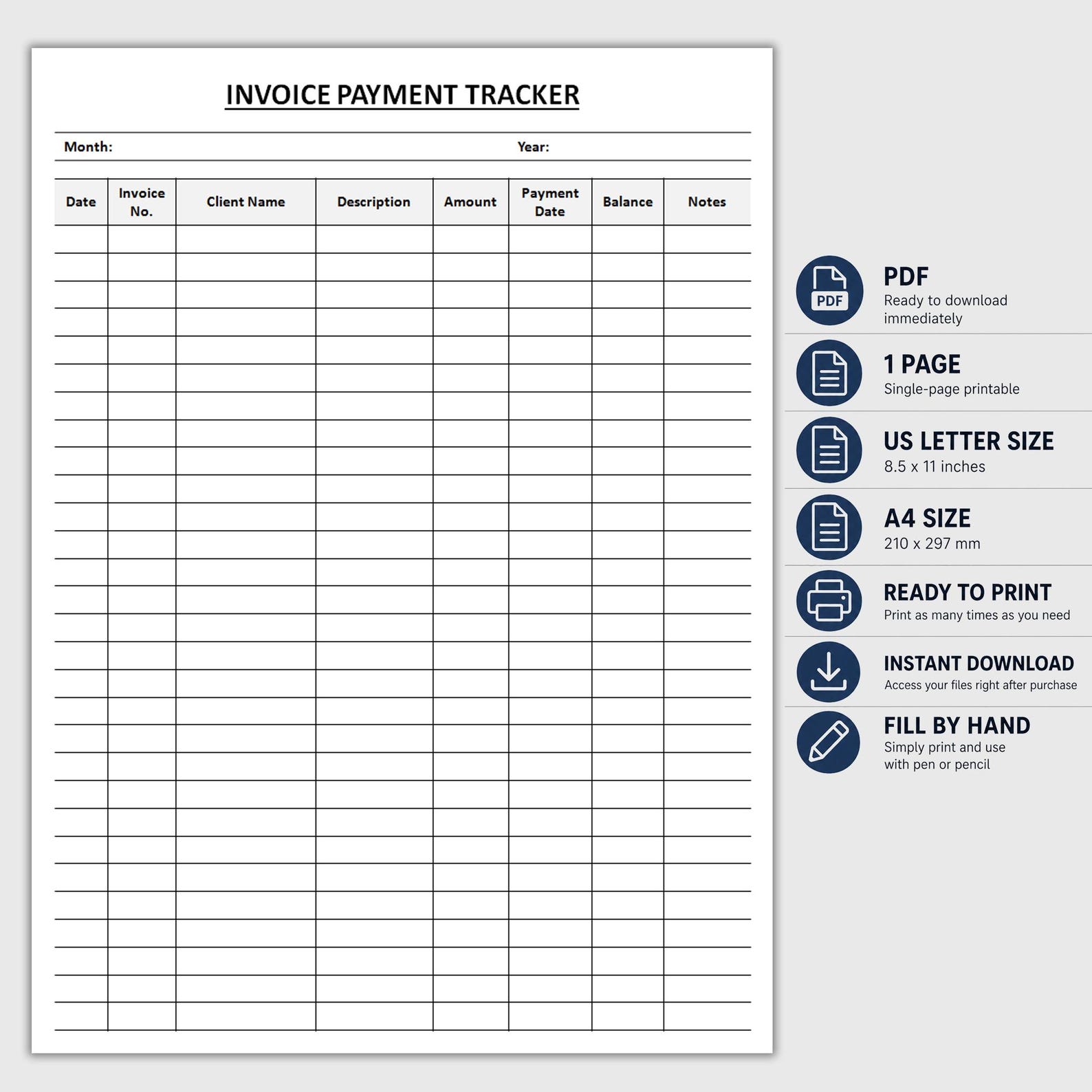
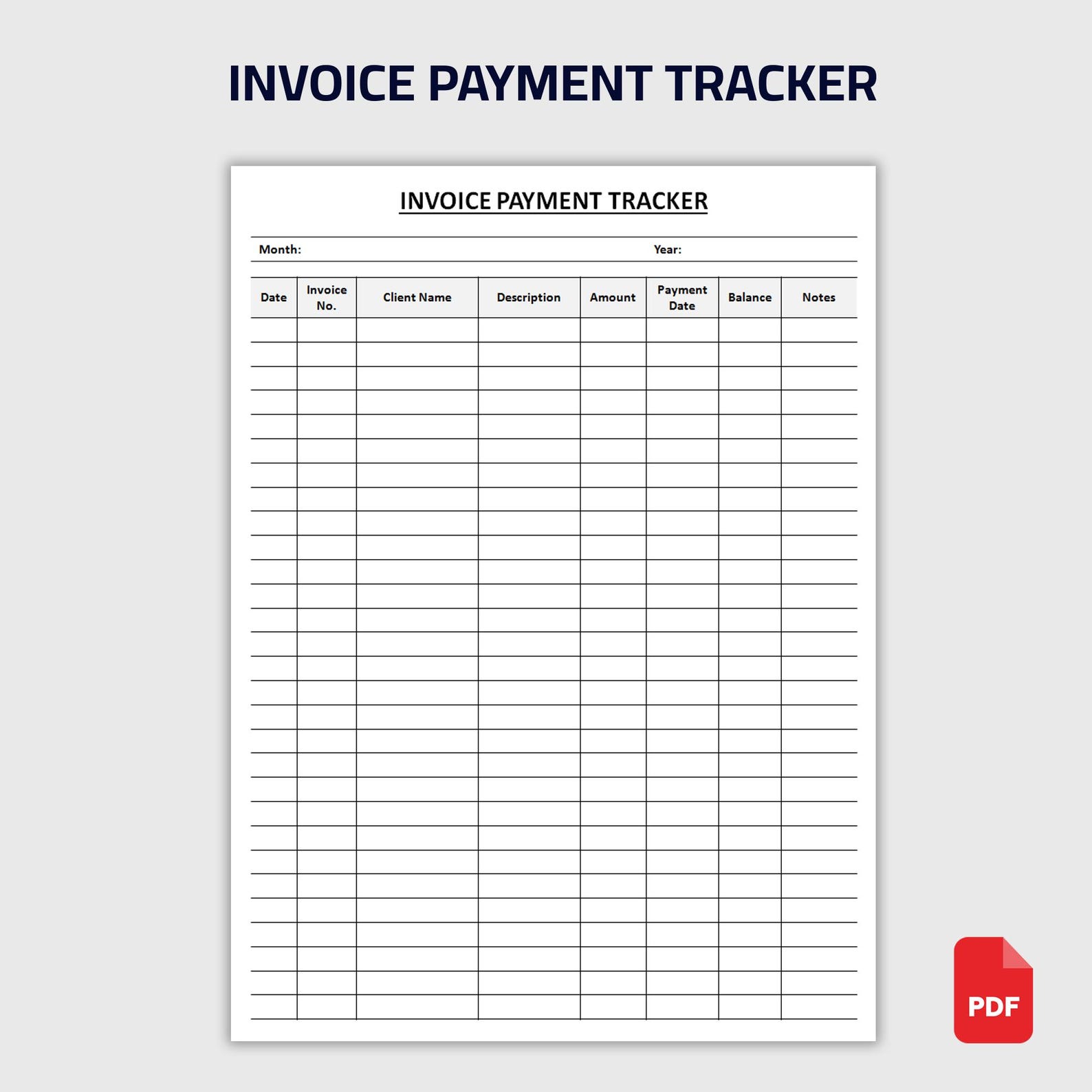
Payment slips are essential for recording transactions related to inventory purchases. They serve as proof of payment and help maintain accurate financial records. By using a customizable payment slip, businesses can tailor the document to fit their specific inventory tracking needs. This customization allows for the inclusion of fields such as item description, quantity, price, and payment method, enhancing clarity and organization.
Choosing the Right Printable Payment Slip Template
When looking for a customizable printable payment slip for inventory tracking, consider the following factors:
- Format: Ensure the template is available in a user-friendly format, such as PDF or Word, which allows easy editing and printing.
- Customization Options: Look for templates that enable you to add your business logo, modify fields, and adjust layout to meet your specific needs.
- Design: A clean and professional layout will enhance readability. Choose a template that is visually appealing and straightforward.
Once the right template is selected, download it to your device. Keep in mind that most templates are designed to fit standard paper sizes, like 8.5 x 11 inches, which is compatible with most printers.
Setting Up Your Customizable Printable Payment Slip
After downloading the payment slip template, follow these steps to set it up for your inventory tracking needs:
- Open the Template: Use a compatible application to open the downloaded file. PDF files can be opened with Adobe Reader or similar software, while Word documents can be edited in Microsoft Word.
- Customize the Fields: Fill in the necessary fields, such as your business name, address, and contact information. Include space for the transaction date, item details, and payment method. Tailor these sections to ensure they capture all relevant information for your inventory.
- Add Your Logo: If the template allows, include your business logo at the top of the slip. This not only personalizes the document but also enhances professionalism.
- Adjust Layout: Before printing, ensure the layout is well-structured. Keep margins consistent and check that all information fits neatly on the page. This attention to detail will reflect positively on your business.
- Save the Document: Once all adjustments are made, save the document to ensure future access. Consider saving it in both editable and printable formats for flexibility.
Printing and Using Your Payment Slip
With your customizable printable payment slip set up, it’s time to print and use it effectively:
- Select the Right Paper: For a professional finish, use high-quality cardstock or paper that holds up well during handling. Aim for a thickness of around 24 lbs for durability.
- Printer Settings: Adjust your printer settings to accommodate the document size. Use portrait orientation for a standard layout, ensuring the print quality is set to high for clear text and graphics.
- Test Print: Conduct a test print to check alignment and readability. This ensures that all information is displayed correctly and allows you to make any last-minute adjustments.
- Distribute as Needed: Once printed, distribute the payment slips as required. These can be handed to suppliers upon payment or kept for your records. Retaining copies will help maintain an organized inventory tracking system.
Integrating Payment Slips Into Your Inventory System
To fully benefit from your customizable printable payment slip for inventory tracking, integrate it into your existing inventory management system.
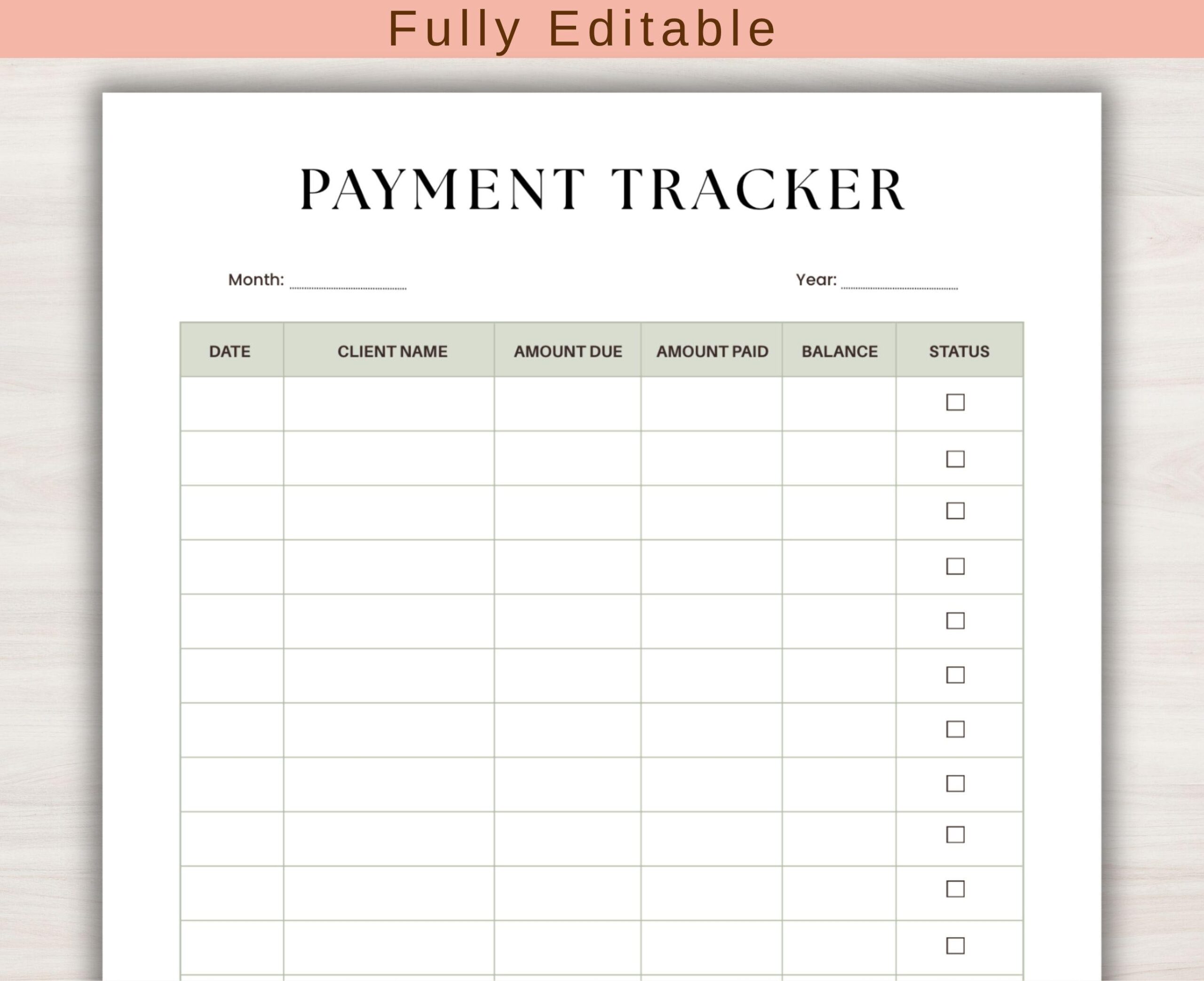
- Record Keeping: Use the payment slips to document each transaction related to inventory. Store these slips in a designated folder or digital file for easy reference.
- Regular Audits: Conduct regular audits of your inventory using the payment slips as a reference point. This will help identify discrepancies and ensure your inventory records are accurate.
- Supplier Relations: Maintain open lines of communication with suppliers by providing them with payment slips. This fosters trust and improves relationships.
As a final tip, consider creating a digital version of your payment slip for ease of access. This can streamline your inventory tracking process even further, allowing for quick updates and easy sharing with team members.