When it comes to managing your finances, a well-designed payment slip can make all the difference. A Customizable Printable Payment Slip With Date Field is not just a document; it’s a practical tool for tracking payments and ensuring that your financial records are accurate. If you are a freelancer, small business owner, or just someone who wants to keep their personal finances in check, this resource can help you stay organized and efficient.
Understanding the Layout of the Payment Slip
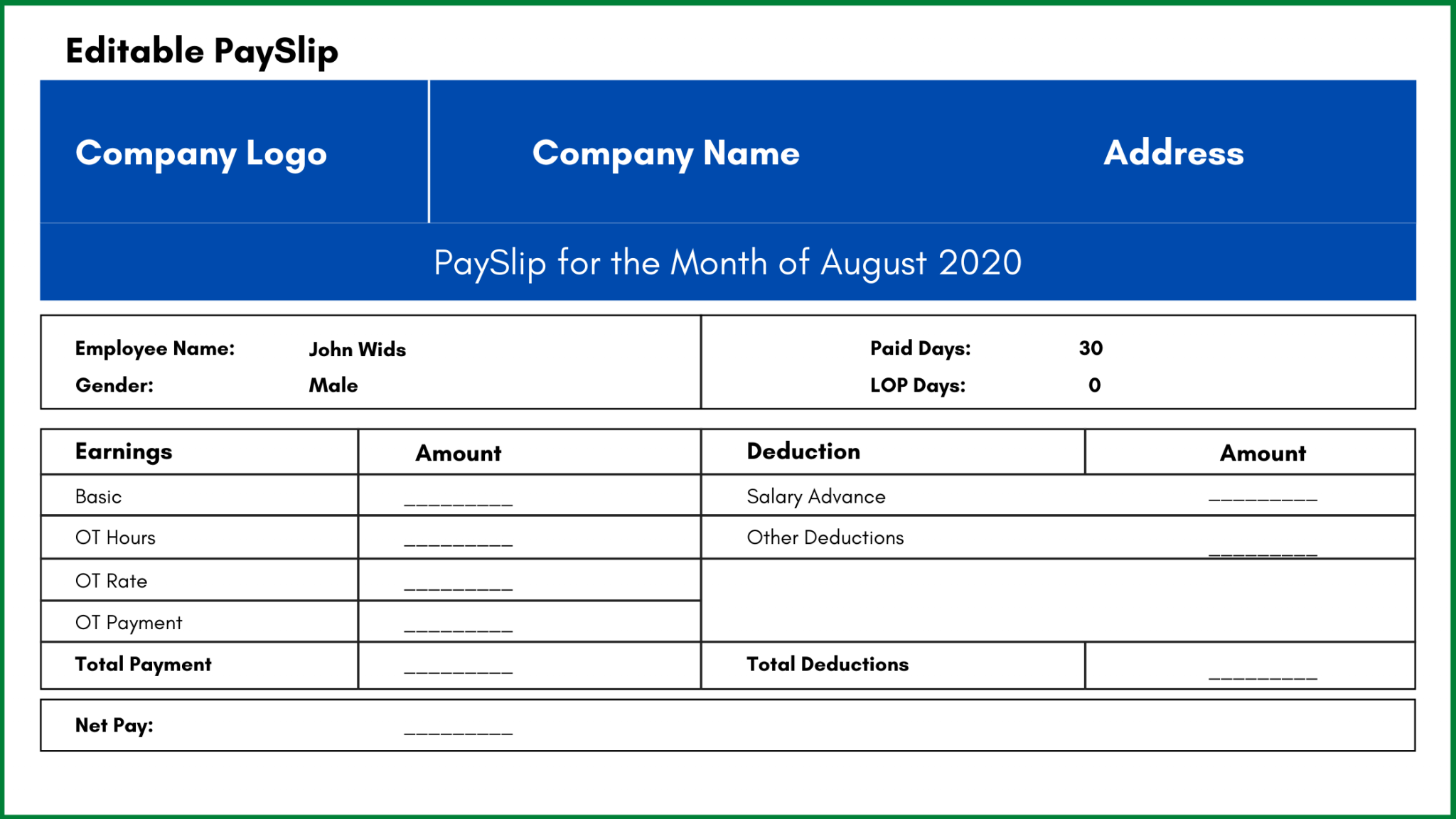
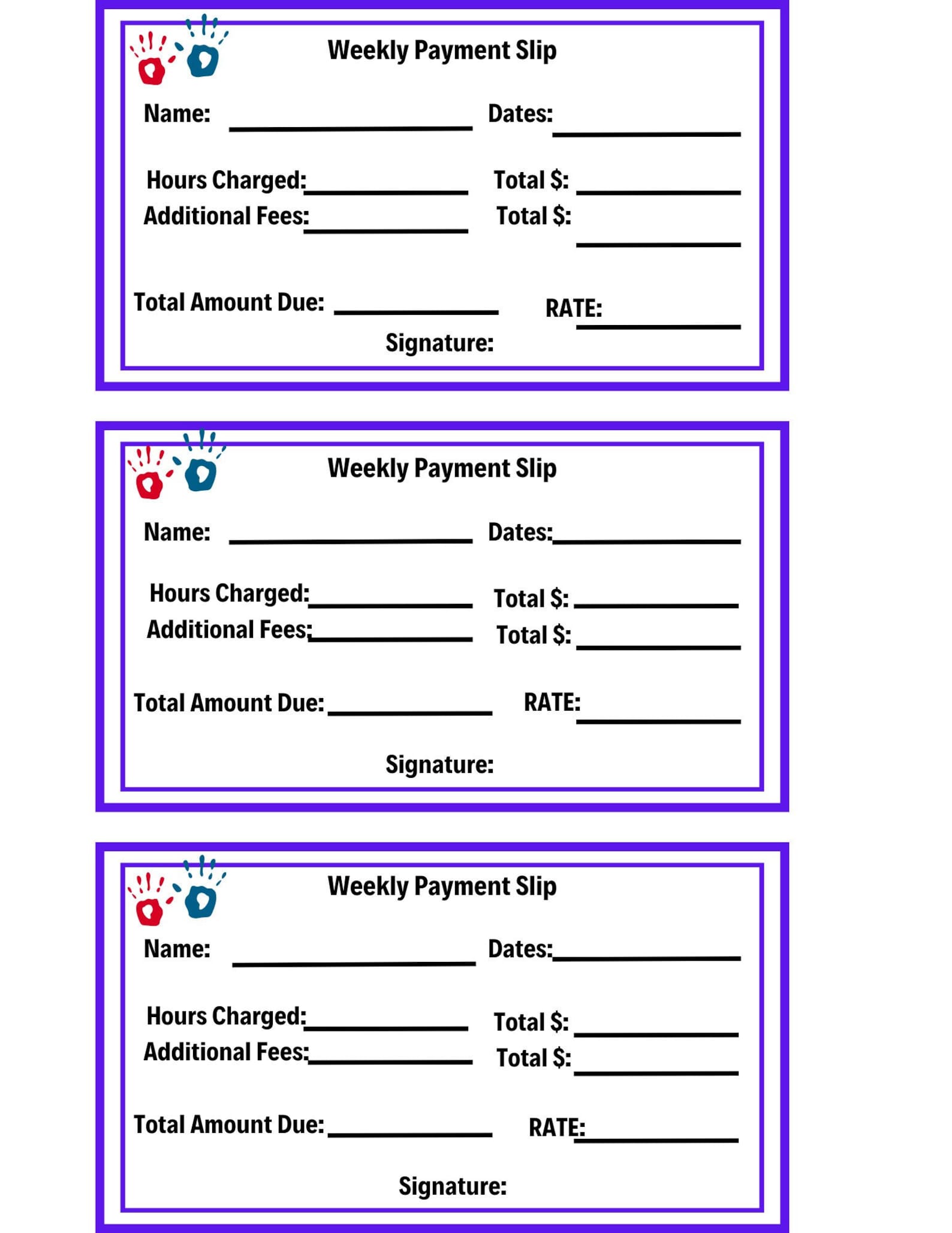
The layout of a customizable payment slip is straightforward, making it easy to use for anyone. Typically, you’ll find sections for the payer’s information, the payee’s details, and the amount being paid. The date field is crucial; it allows you to note when the payment was made, which aids in record-keeping and tracking expenses.
A well-structured payment slip often includes:
- Payer Information: Name, address, and contact details.
- Payee Information: The recipient’s name and details.
- Payment Details: The amount, currency, and payment method.
- Date Field: A dedicated space for the date of the transaction.
This clear organization helps you quickly fill out the slip, reducing the chances of errors.
Customization Options
One of the standout features of a customizable printable payment slip is its flexibility. You can easily tailor it to suit your needs. Many templates allow you to change fonts, colors, and even add your logo if you’re using it for business purposes. Here’s how customization can enhance your experience:
- Personal Touch: Add your branding for business slips to maintain professionalism.
- User-Friendly: Change font sizes for better readability.
- Color Coding: Use different colors to signify various payment categories, making it easier to sort through records.
Customizing the slip can also help you align it with your personal or business style, making it more appealing to use.
Printing Considerations
When you’re ready to print your Customizable Printable Payment Slip With Date Field, there are a few considerations to keep in mind. First, using the right paper type can significantly impact the quality of your printed slips. Here are some tips:
- Paper Size: Most payment slips are designed for standard A4 or letter-sized paper. Check which size your template supports.
- Paper Weight: For durability, consider using heavier paper or cardstock, especially if these slips will be handled frequently.
- Printer Settings: Adjust your printer settings to ensure the best quality print. A high-resolution setting will provide clearer text and graphics.
Also, portrait orientation typically works best for these slips, ensuring that all information fits neatly on one page.
Practical Uses for the Payment Slip
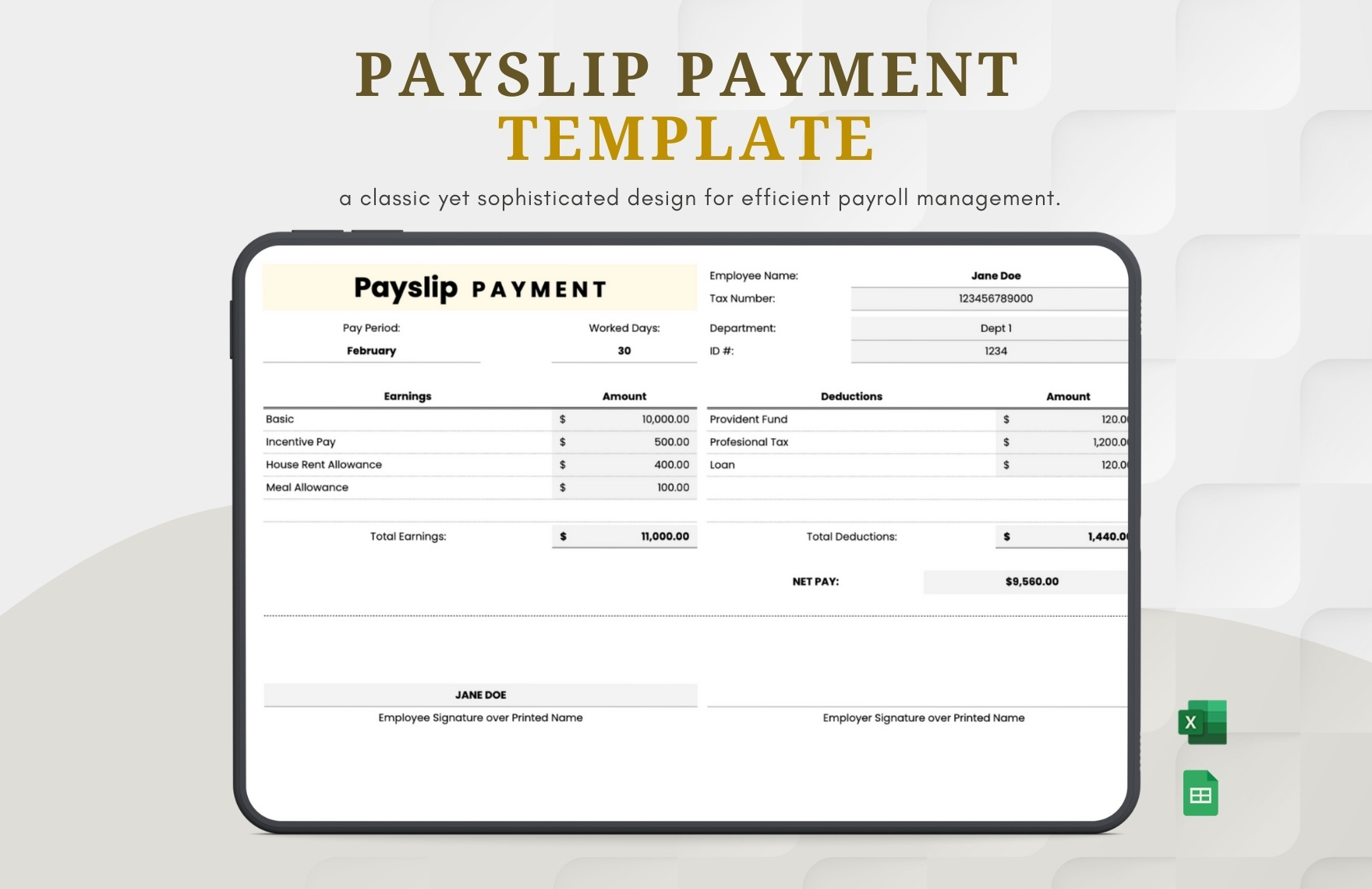
You might wonder how to effectively use a customizable payment slip in your routine. Here are a few practical applications:
- Freelancers: Use it to invoice clients for services rendered. The date field helps track when payments are due.
- Small Business Owners: Issue payment slips for transactions to ensure clear records for both you and your customers.
- Personal Finance: Keep track of payments made for personal expenses, such as rent or bills, providing a clear history for budgeting.
The versatility of this resource allows it to adapt to various financial scenarios, making it an essential tool for anyone looking to stay organized.