For small-business owners, managing payments efficiently is crucial. A customizable printable payment slip with editable fields simplifies this process, allowing you to tailor each slip to your specific needs. This resource is particularly beneficial for businesses that handle various types of transactions, If you are accepting payments for services, products, or other obligations.
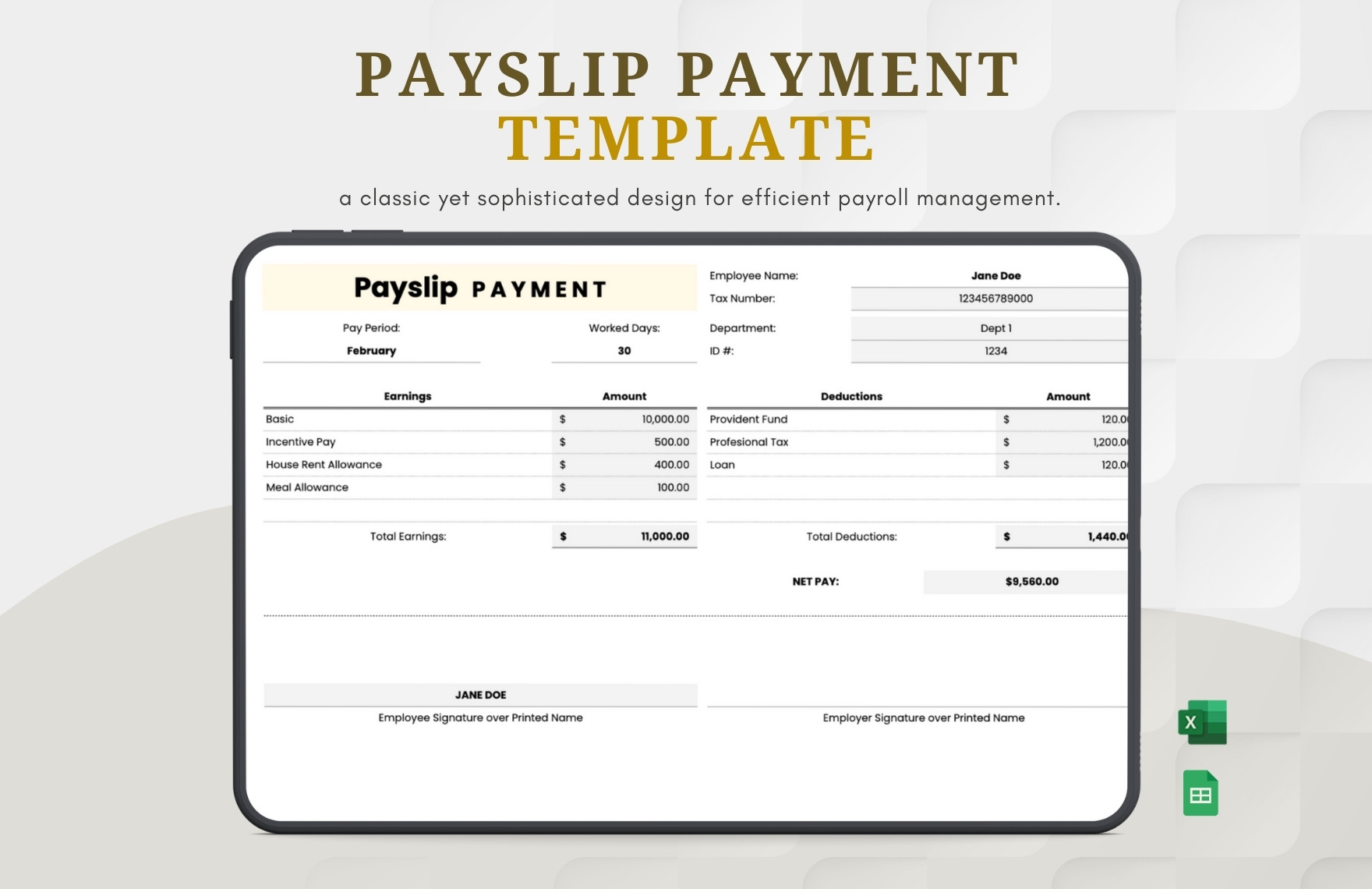
Understanding the Customizable Printable Payment Slip
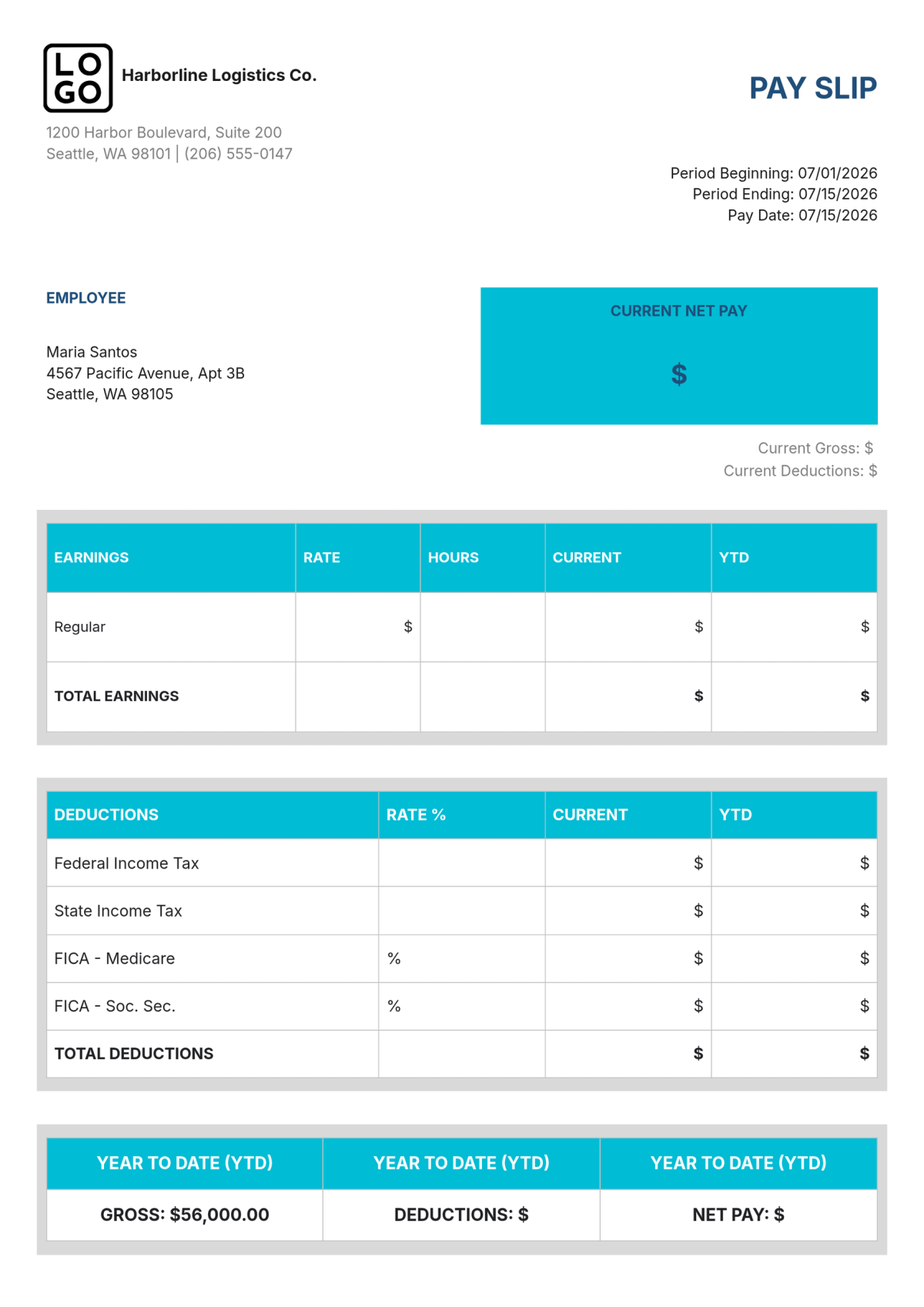
A customizable printable payment slip is a document that allows you to record payment details clearly and professionally. The editable fields enable you to enter essential information such as the payer’s name, the amount due, the payment method, and any additional notes. This flexibility ensures that each payment slip meets your unique requirements.
These slips can be printed on standard letter-size paper (8.5″ x 11″) or customized to fit your preferred format. Using a high-quality printer will ensure that the text is crisp and legible, which is vital for maintaining professionalism.
Benefits of Using a Customizable Payment Slip
- Professional Appearance: A well-designed payment slip enhances your business’s credibility, making it easier for clients to trust your operations.
- Time-Saving: With editable fields, you can quickly enter the necessary details without having to create a new document each time.
- Record Keeping: Payment slips serve as a record for both the payer and payee, helping to prevent disputes over transactions.
- Organization: By using standardized slips, you can keep your financial records organized and easily accessible.
How to Use the Customizable Payment Slip Effectively
To make the most of your customizable printable payment slip, follow these steps:
- Download and Customize: Begin by downloading the payment slip template. Open the file in a compatible program, such as Adobe Acrobat or any PDF editor, to enter your specific information. Be sure to include your business name and contact details at the top for branding purposes.
- Fill in Editable Fields: Enter the necessary information in the editable fields. This typically includes:
- Payer’s name
- Payment amount
- Payment date
- Payment method (cash, check, credit card, etc.)
- Any additional notes or references
- Print: Once all fields are filled, print the slip. Consider using cardstock for durability, especially if the slip will be handed out or filed for future reference.
- Distribute: Hand the printed slip to the payer upon receipt of payment. This serves as their proof of payment and your record of the transaction.
- File for Records: Keep a copy of each payment slip for your records. This can be done digitally by scanning or storing files electronically, or physically by filing them in an organized manner.
Best Practices for Customizing Your Payment Slip
When customizing your payment slip, consider these best practices to enhance its effectiveness:
- Keep it Simple: A clean, uncluttered design makes the slip easy to read. Avoid excessive graphics that may distract from the essential information.
- Use Clear Fonts: Choose legible fonts and appropriate sizes to ensure that all text is easily readable. Standard fonts like Arial or Times New Roman work well.
- Include Instructions: If necessary, provide brief instructions or guidelines on how to fill out the slip, especially if you expect clients to complete any fields.
- Review Before Printing: Always double-check the information for accuracy before printing to avoid errors that could complicate transactions.
Where to Find Customizable Printable Payment Slips
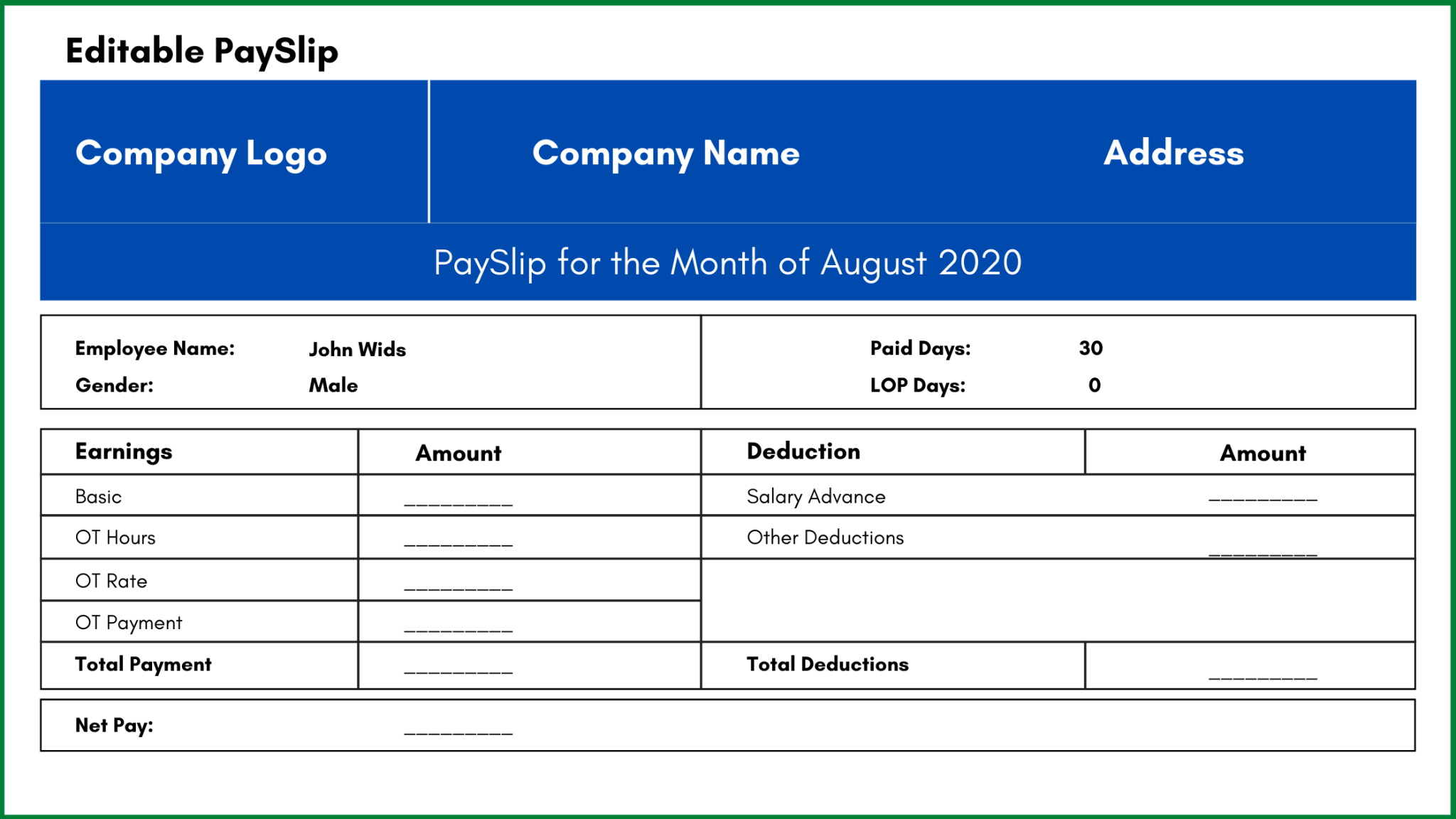
Numerous online resources offer customizable printable payment slip templates. Look for websites that specialize in printable forms and financial documents. Many of these resources allow you to download templates for free or for a small fee. Ensure that the template you choose has editable fields to streamline your payment processing.
By incorporating a customizable printable payment slip with editable fields into your business practices, you can enhance your payment management and maintain professionalism. This simple tool can make a significant difference in how you handle transactions, ultimately contributing to smoother operations and improved client relationships.