Managing personal finances can often feel overwhelming, especially when it comes to tracking payments. A customizable printable payment slip with three per page is a great solution to simplify this process. This resource allows you to efficiently manage your transactions, ensuring that you maintain accurate records without the hassle of complicated software. Let’s explore how to choose, download, print, and effectively use this handy tool.
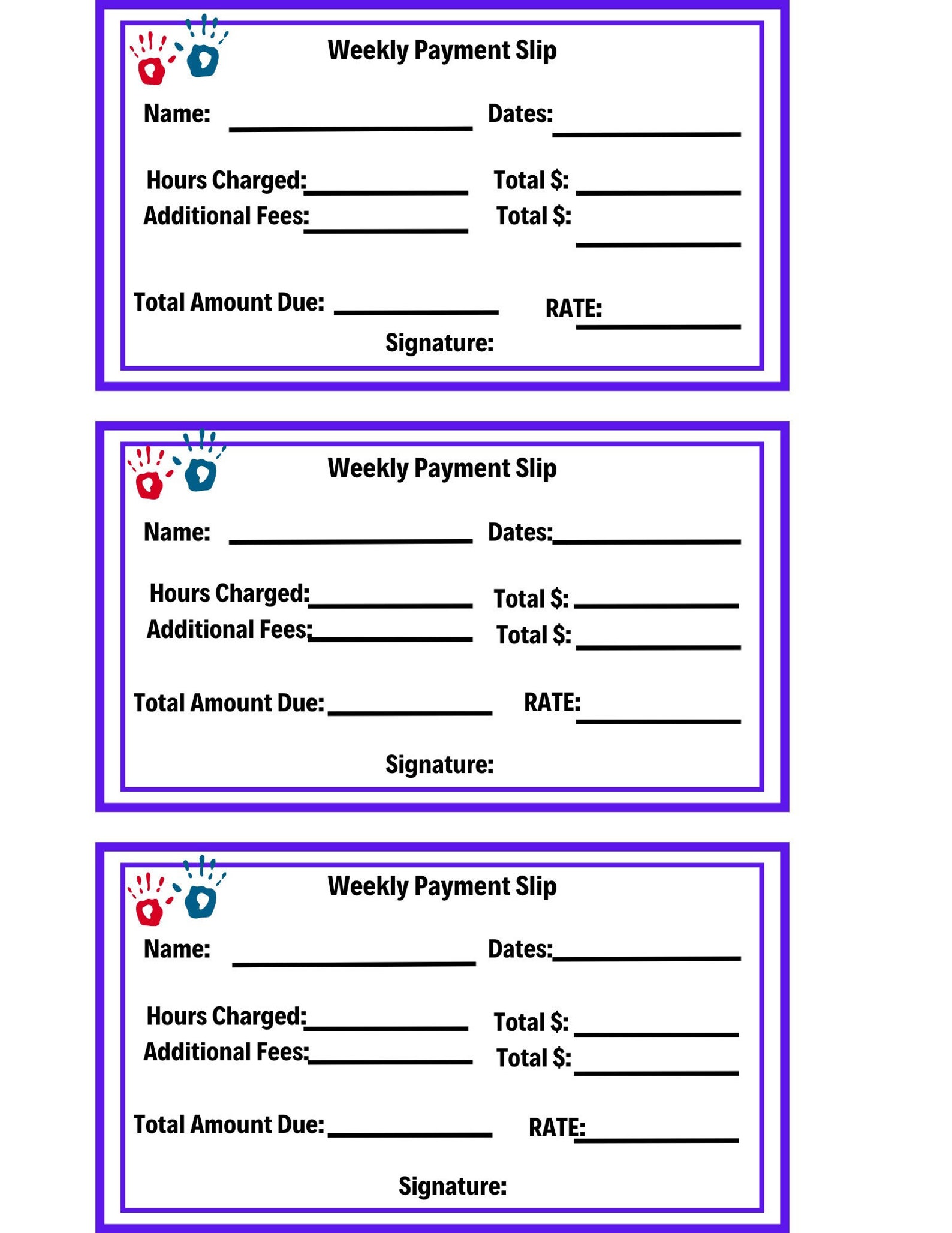
Choosing the Right Payment Slip Template
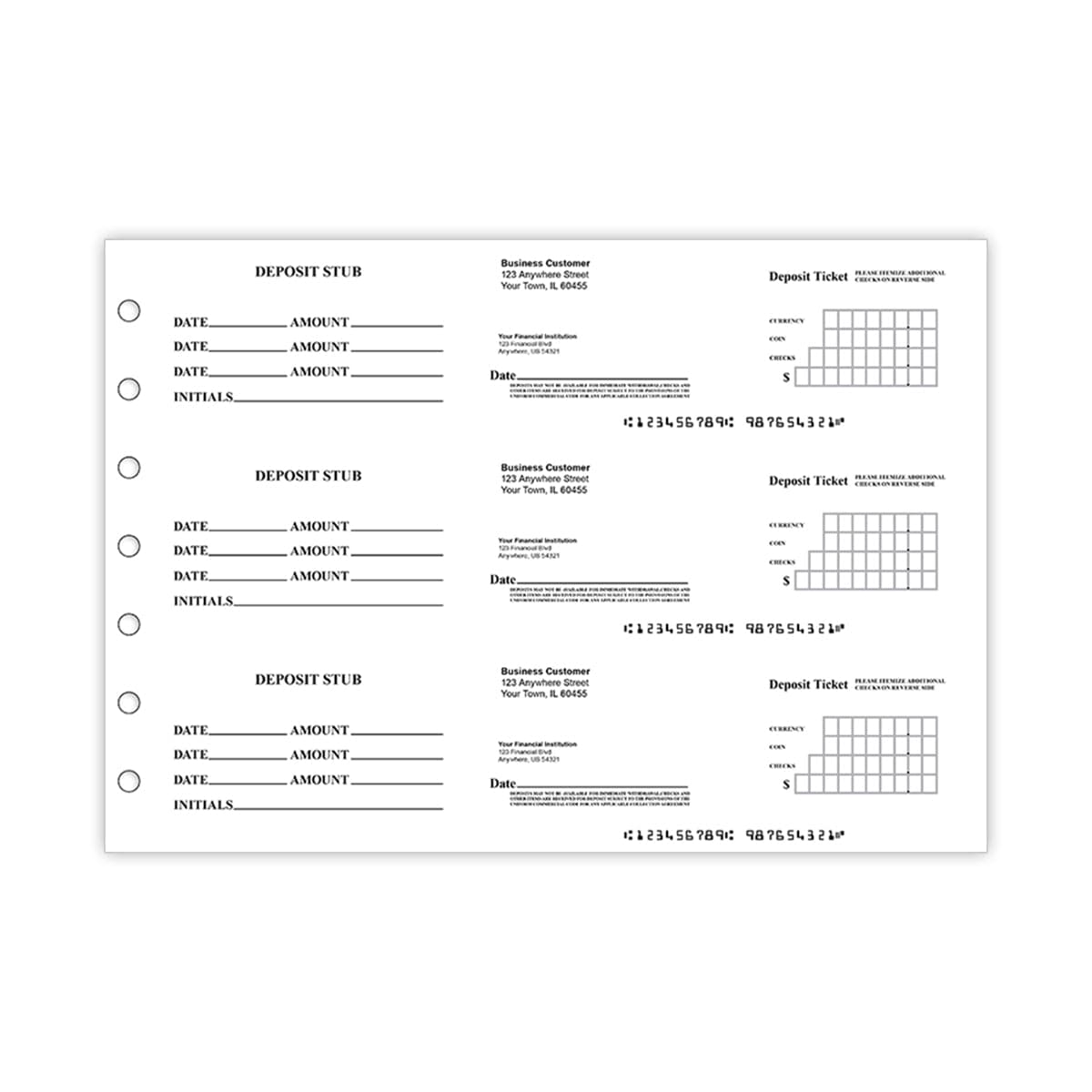
Before you download, take a moment to consider your specific needs. Look for a template that is clear and easy to fill out. The customizable printable payment slip with three per page is particularly useful because it allows you to print multiple slips at once, saving both paper and time.
When choosing a template, consider the following:
- Design: Ensure it has a clean layout. A well-designed slip makes it easier for you and the recipient to read.
- Fields Included: Check for essential fields like date, amount, recipient name, and purpose of payment. This will help in keeping your records organized.
- Customization Options: You should be able to personalize the template with your logo or specific details that suit your needs.
Downloading Your Payment Slip Template
Once you’ve selected the ideal template, downloading it is typically straightforward. Most printable resources come as PDF files, which are perfect for maintaining the layout during printing.
Here’s how to download:
- Click on the Download Link: Locate the download button on the website.
- Select the File Type: If options are available, choose PDF for the best compatibility with printing.
- Save the File: Choose a memorable location on your computer, such as your desktop or a dedicated folder for finance-related documents.
Make sure to open the file after downloading to verify that it looks as expected. This step helps avoid any last-minute surprises when you print.
Printing Your Payment Slips
Now that you have your customizable printable payment slip with three per page, it’s time to print. Here are some tips to ensure your slips come out perfectly:
- Use the Right Paper Size: Typically, standard letter size (8.5 x 11 inches) will work well. If you’re printing on thicker paper, ensure your printer supports it.
- Select the Right Print Settings: Use portrait orientation, as it fits the layout better. Adjust the margins if necessary to avoid cutting off any text.
- Test Print First: It’s wise to do a test print on regular paper to check alignment and clarity before using your preferred paper.
When you’re satisfied with the test print, go ahead and print your slips. With three slips per page, you’ll maximize your paper use efficiently.
Setting Up Your Payment Slips for Use
With your slips printed, it’s time to prepare them for actual transactions. Here’s how you can set them up:
- Fill in the Details: Use a pen or a printer to fill in the necessary information. Ensure clarity in your handwriting, especially for amounts.
- Keep Track of Payments: Use a folder or binder to keep your slips organized. This will make it easier to refer back to them when needed.
- Make Copies if Necessary: If you need to provide a copy to the recipient, consider photocopying the filled slip before handing it over.
This setup not only keeps your finances in order but also serves as a reference for future transactions.
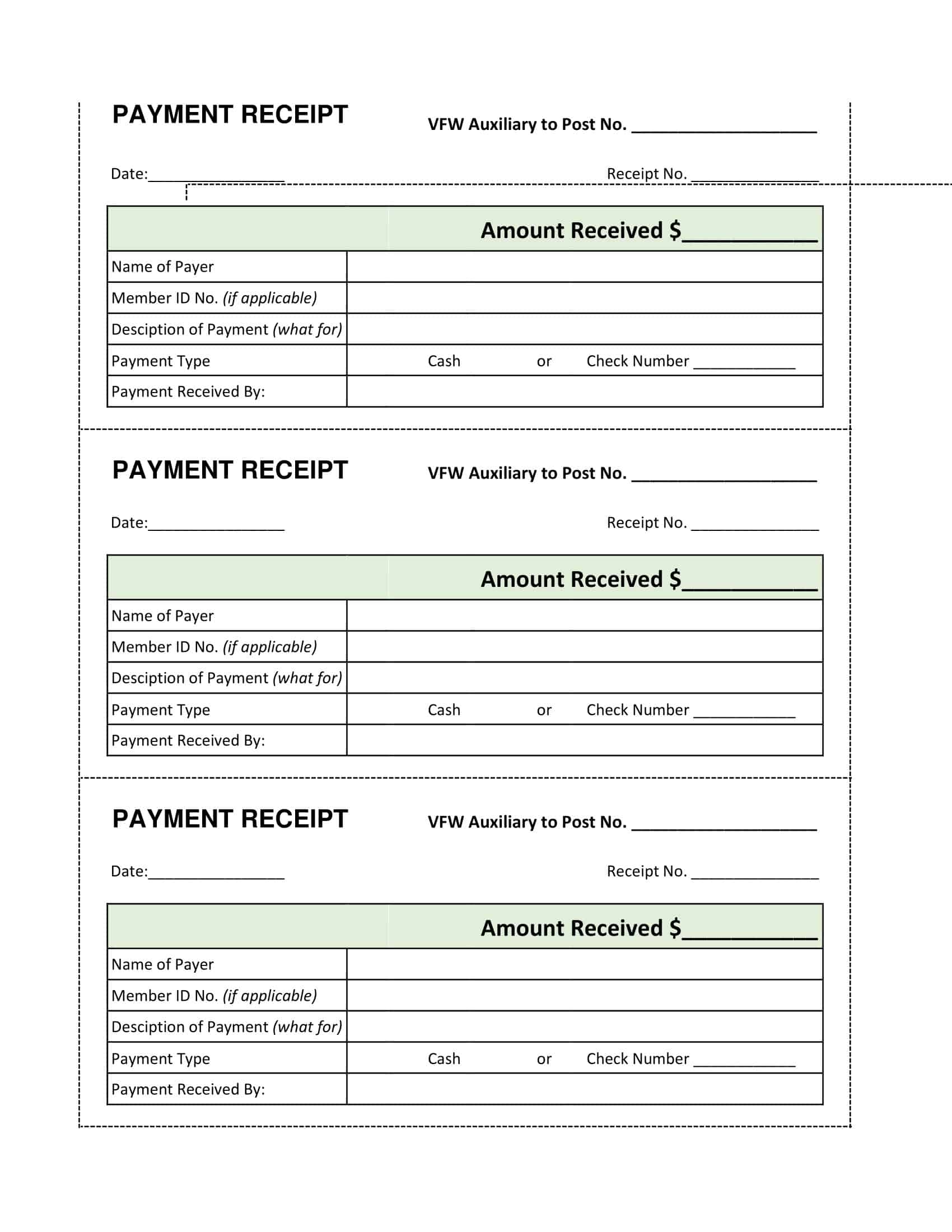
Incorporating Payment Slips Into Your Financial Routine
Integrating the use of these payment slips into your financial routine can significantly enhance your management system. Here are some practical ways to do this:
- Regular Updates: Each time you make a payment, fill out a slip immediately. This habit prevents confusion later and keeps your records current.
- Monthly Reviews: Set aside time each month to review your slips. This helps you understand your spending patterns and can inform your budgeting decisions.
- Digital Backups: Consider scanning your filled slips and storing them digitally. This provides an extra layer of security and makes it easier to retrieve important information.
By making these slips a regular part of your financial management, you’ll find it much easier to keep everything organized.
For an immediate action, download your customizable printable payment slip today and start tracking your payments more effectively. This simple step can bring clarity to your finances and simplify your payment processes.