Creating an organized financial system is essential for any small business. A Downloadable Printable Payment Slip For Office Printing can streamline your payment processes, ensuring clarity and professionalism in your transactions. This resource is designed for small business owners who need to manage payments efficiently. It provides a structured format for recording payments, which can help maintain accurate financial records.
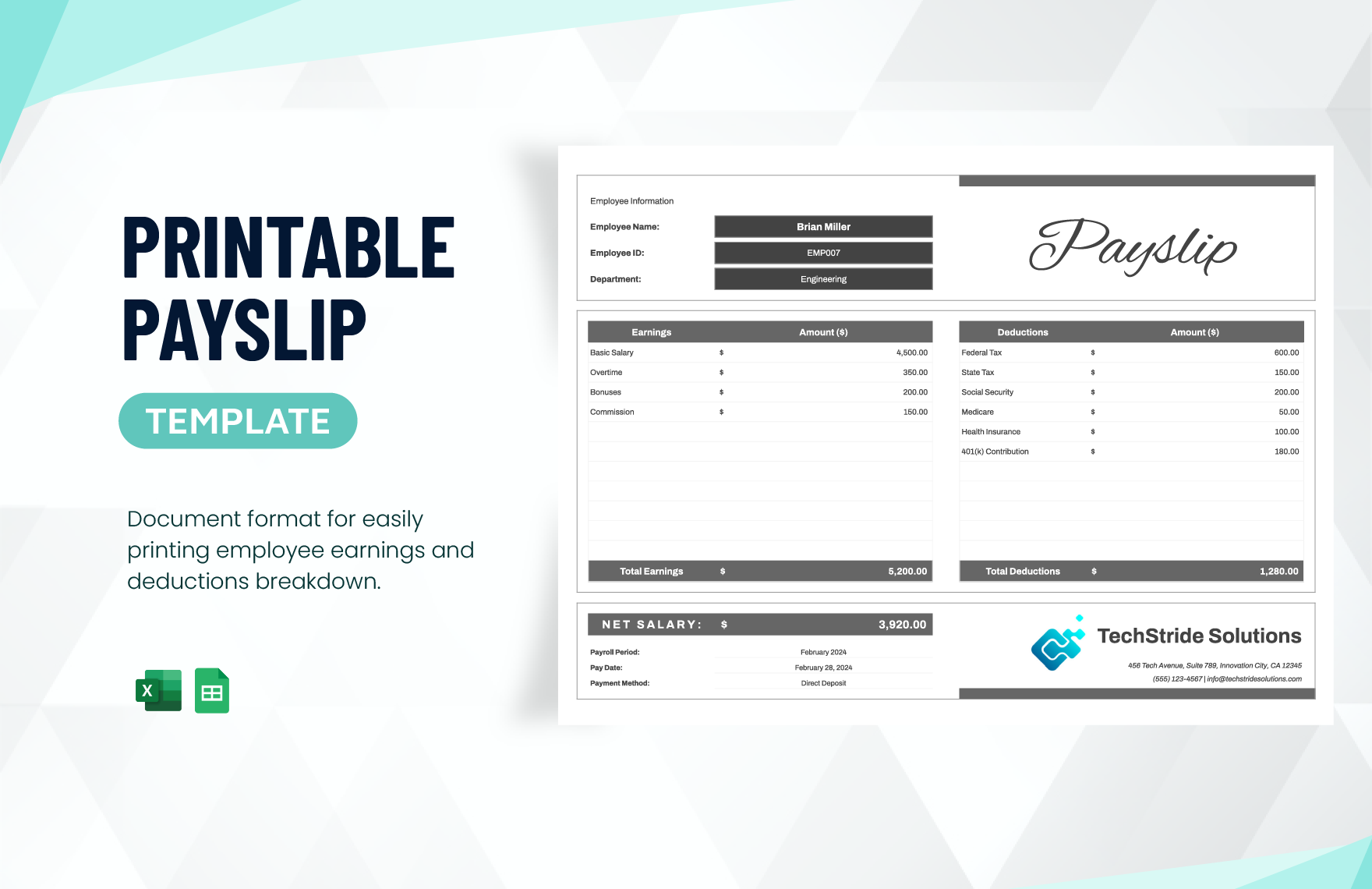
Understanding the Payment Slip Format
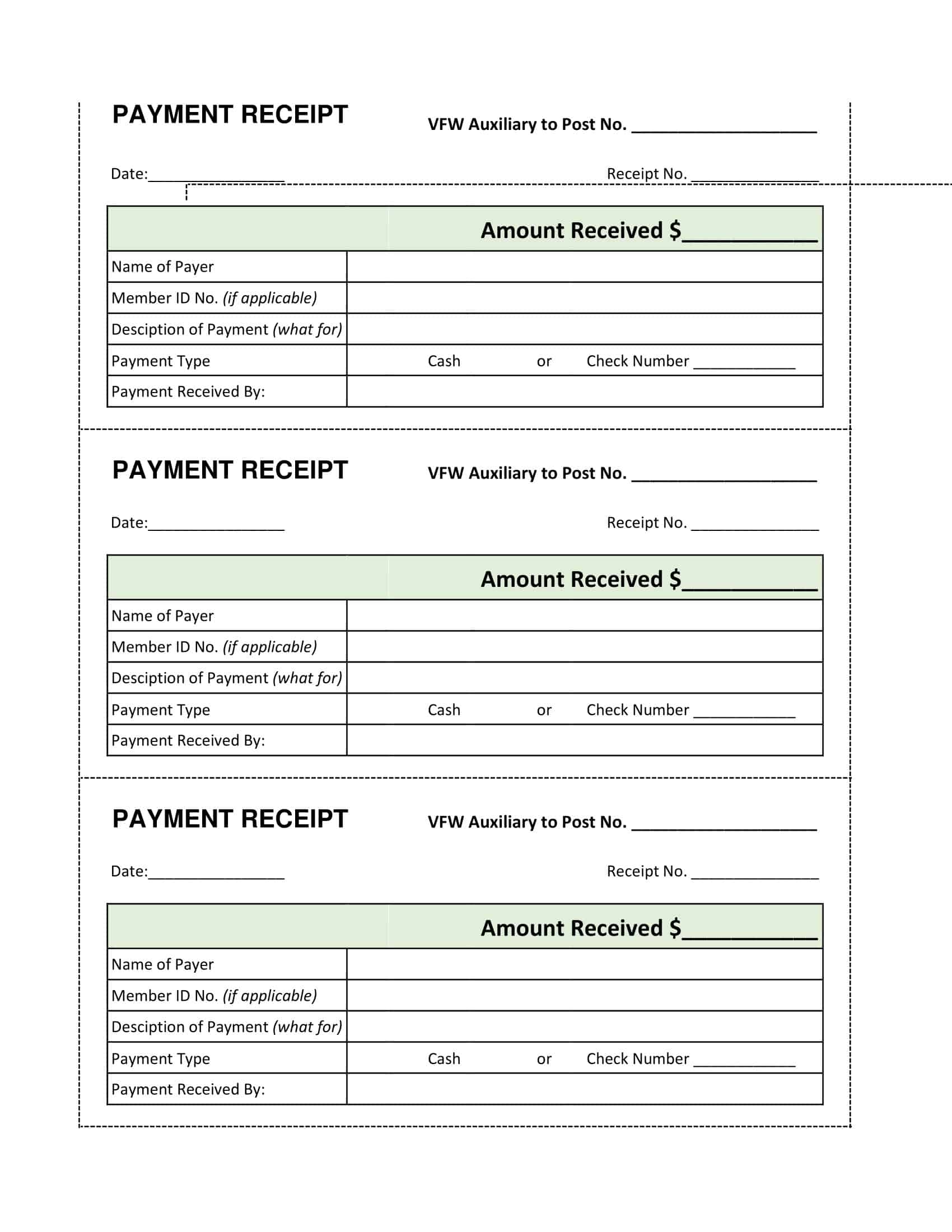
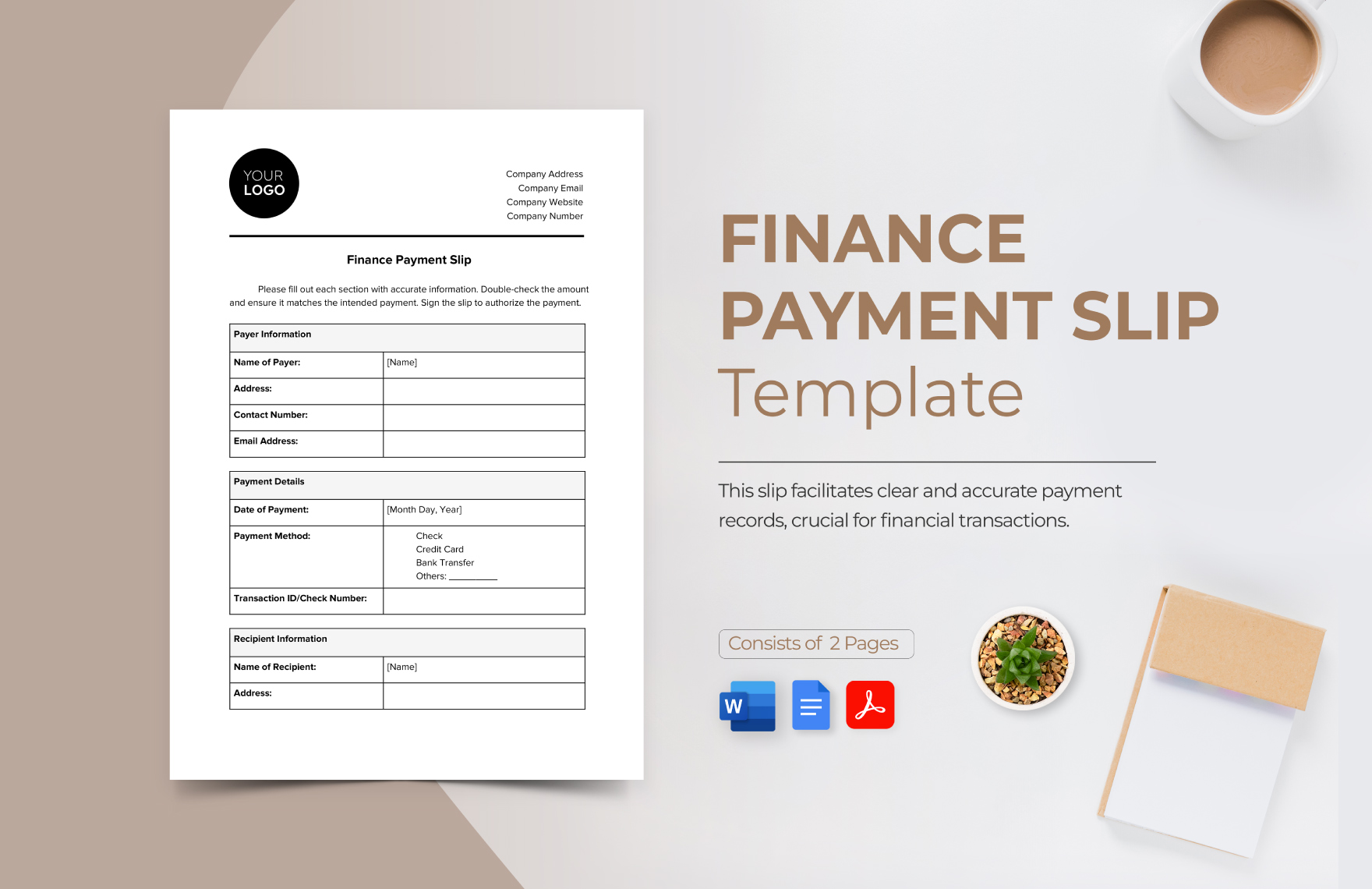
A payment slip typically includes essential fields such as the payer’s name, amount paid, date, and a description of the transaction. When selecting a downloadable printable payment slip, look for a template that offers clear sections to fill out. This ensures that all necessary information is captured and easy to read. The format should also be conducive to printing on standard paper sizes, such as 8.5 x 11 inches (letter size), which works well with most office printers.
Choosing the Right Template
When it comes to choosing a payment slip template, consider the following features:
- Customizability: Look for templates that allow you to customize fields according to your business needs. This could include adding your business logo or changing the layout.
- Design: A clean, professional design is crucial. It reflects your brand and makes the slip easy to read. Avoid overly complex designs that can distract from the important information.
- File Format: Ensure the template is available in a user-friendly format, such as PDF or Word. PDF files are generally preferred for printing, as they maintain formatting better across different systems.
Downloading and Printing the Payment Slip
Once you’ve selected the right downloadable printable payment slip, downloading and printing it should be straightforward. Follow these steps:
- Download the Template: Click on the download link and save the file to your computer. Make sure to note the file format.
- Open the File: Use an appropriate program to open the file. For PDF files, Adobe Reader or any PDF viewer will work. For Word documents, Microsoft Word or compatible software is needed.
- Check Print Settings: Before printing, check your printer settings. Ensure that the paper size is set to 8.5 x 11 inches and that the print quality is set to a high resolution for clarity.
- Print a Test Slip: It’s wise to print a test slip first. This allows you to check the layout and ensure everything appears correctly on paper.
- Print the Final Copies: Once satisfied with the test print, proceed to print the number of copies you need.
Best Practices for Using Payment Slips
Using payment slips effectively can enhance your business operations. Here are some best practices:
- Record Keeping: Always keep a copy of the payment slip for your records. This helps in tracking payments and resolving any disputes that may arise.
- Provide Copies to Payers: When a payment is made, provide a copy of the slip to the payer. This serves as a receipt and reassures them that their payment has been recorded.
- Regular Updates: Periodically review and update your payment slip template to ensure it meets your current business needs. This can include adding new payment methods or changing business information.
Common Questions About Payment Slips
One common question is whether payment slips are necessary for all transactions. While not every payment requires a slip, using them for larger transactions or when dealing with multiple payers can help maintain transparency and accountability.
Another frequent concern is about security. To protect sensitive information, consider using secure methods of distribution, such as encrypted emails or password-protected files, when sharing payment slips electronically.
Using a Downloadable Printable Payment Slip For Office Printing can significantly improve the efficiency and professionalism of your payment processes. By selecting the right template, following best practices, and maintaining thorough records, small business owners can create a clear financial framework that supports their operations.