Managing finances in an office setting can sometimes feel overwhelming, especially when it comes to handling payments. A Downloadable Printable Payment Slip For Office Use can simplify this process, making it easier for you to keep track of transactions. This handy resource is designed to help you maintain clear and organized records, enhancing your office’s financial efficiency.
What is a Payment Slip?
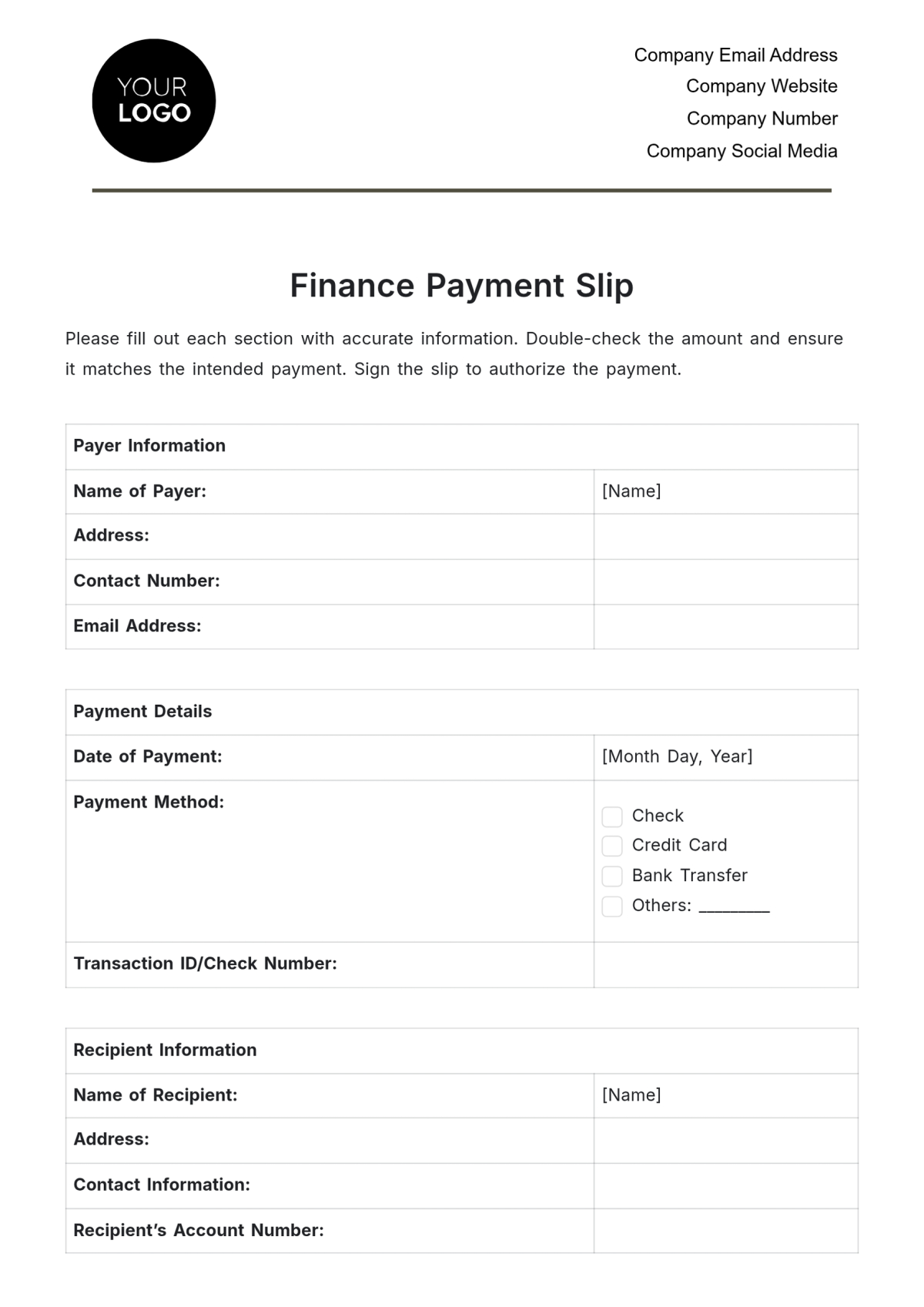
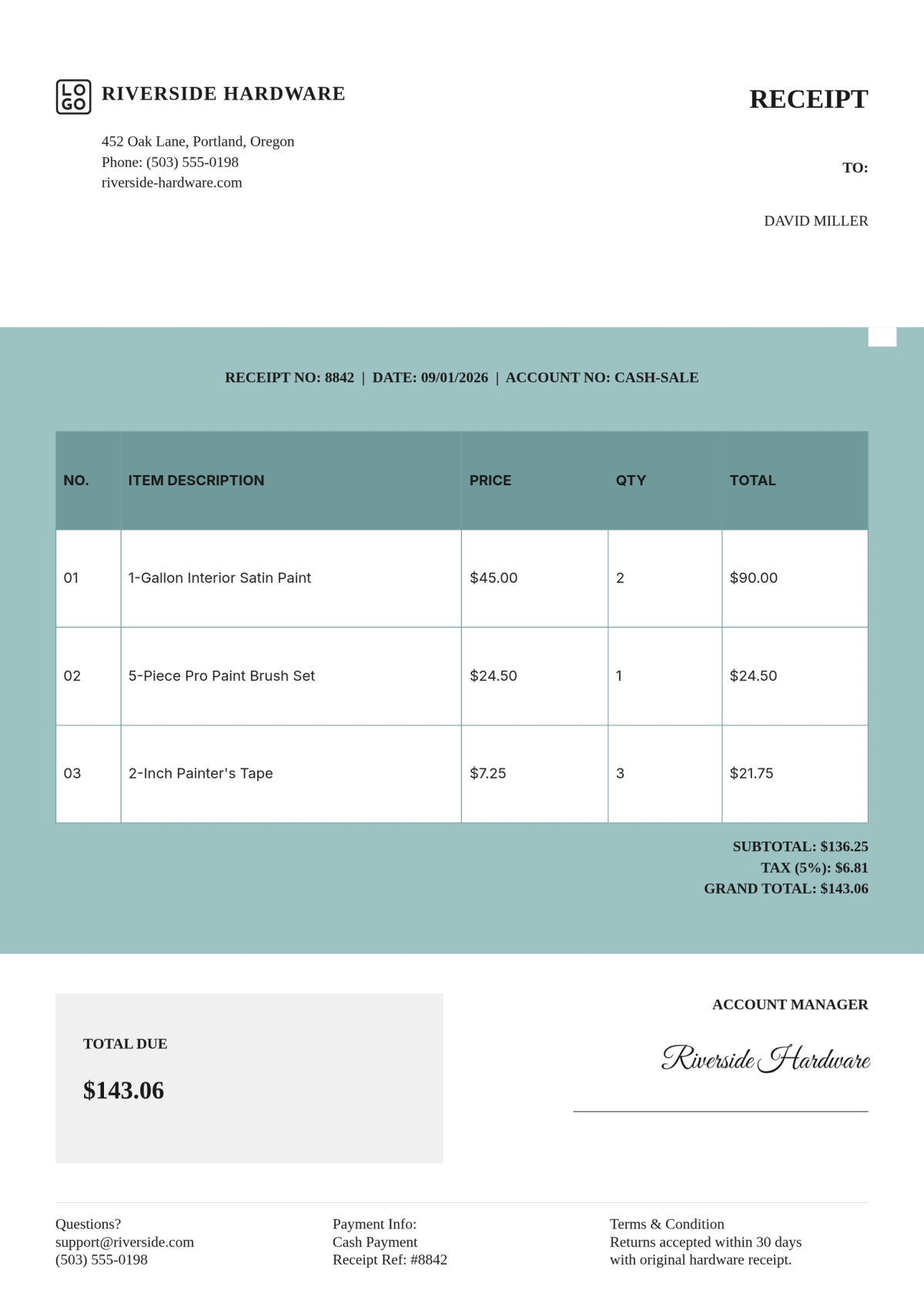
A payment slip is a document that provides essential information about a transaction. It typically includes details such as the payer’s name, the amount being paid, the date of the transaction, and a description of the payment purpose. Using a printable payment slip ensures that all necessary information is documented consistently, which can be invaluable for record-keeping and accounting purposes.
Who Can Benefit From This Resource?
This downloadable payment slip is ideal for various office environments, whether you’re a small business owner, an accountant, or an office manager. It’s particularly useful for:
- Small Business Owners: Keep track of customer payments and maintain organized financial records.
- Accountants: Provide clients with a clear breakdown of payments received.
- Office Managers: Streamline payment processes within larger teams.
Having a standardized slip helps everyone involved stay on the same page, reducing the risk of errors.
Features of the Downloadable Printable Payment Slip
The Downloadable Printable Payment Slip For Office Use comes with several features that enhance its practicality:
- Customizable Fields: You can easily fill in details such as the payer’s name, payment amount, and purpose.
- Professional Design: The layout is clear and easy to read, which helps maintain a professional image.
- Multiple Uses: Suitable for various payment types, including invoices, reimbursements, and petty cash transactions.
When printing, consider using standard letter-sized paper (8.5 x 11 inches) for the best results. This size is compatible with most printers and makes it easy to file away after use.
How to Use the Payment Slip Effectively
Using the payment slip is straightforward. Here’s a simple step-by-step guide:
- Download the Slip: Find the payment slip template on your favorite printable resource website and download it in PDF or Word format.
- Fill in the Details: Before printing, enter the necessary information such as the date, payer’s name, amount, and payment description. Make sure all entries are accurate to avoid confusion later on.
- Print the Slip: Use a printer set to high quality to ensure that the text is clear. It’s best to print on white or light-colored paper for readability.
- Distribute as Needed: Once printed, you can hand it to the payer or file it for your records. If you’re using it for client payments, having a copy for both parties can help maintain transparency.
Adapting the Payment Slip for Your Needs
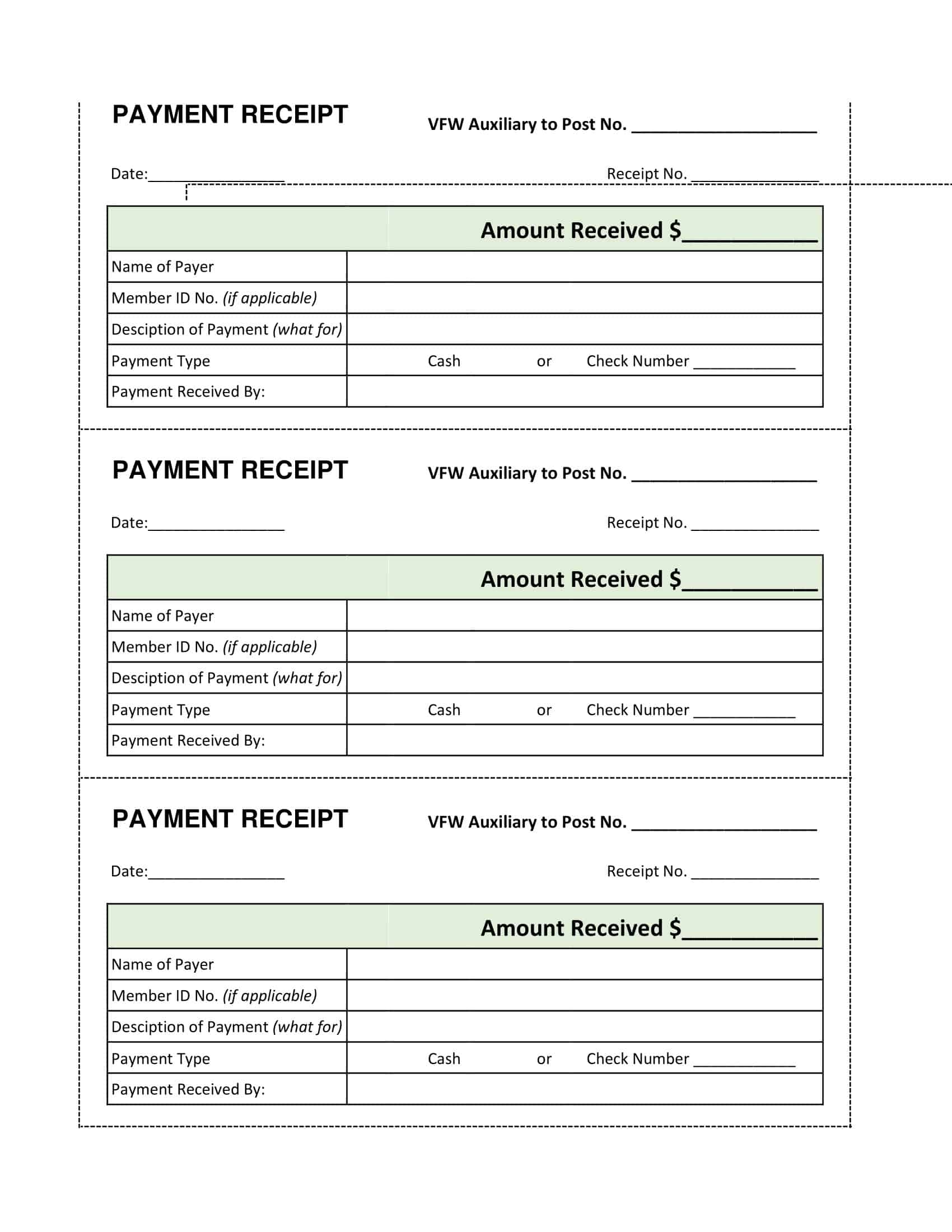
One of the great advantages of a downloadable printable payment slip is its versatility. You can adapt it according to your office’s specific requirements. For instance:
- Add Your Logo: Customize the payment slip by adding your company logo at the top. This helps reinforce your brand and adds a professional touch.
- Include Additional Notes: If needed, you can include additional fields for notes or payment terms, ensuring that all relevant information is captured.
- Change the Format: If your office uses a different paper size, you can adjust the layout accordingly before printing.
By personalizing the payment slip, you can create a tool that fits seamlessly into your existing financial processes.
With the Downloadable Printable Payment Slip For Office Use, managing payments becomes a much easier task. It not only helps you keep your transactions organized but also saves time and reduces errors. Start using this resource today to improve your office’s financial documentation and make your payment processes smoother.