When managing finances, having a reliable resource like a Downloadable Printable Payment Slip For Personal Use can simplify payment tracking and ensure clarity in transactions. explore the benefits of using a payment slip, how to download and print it, and tips for effective usage.
Understanding the Payment Slip
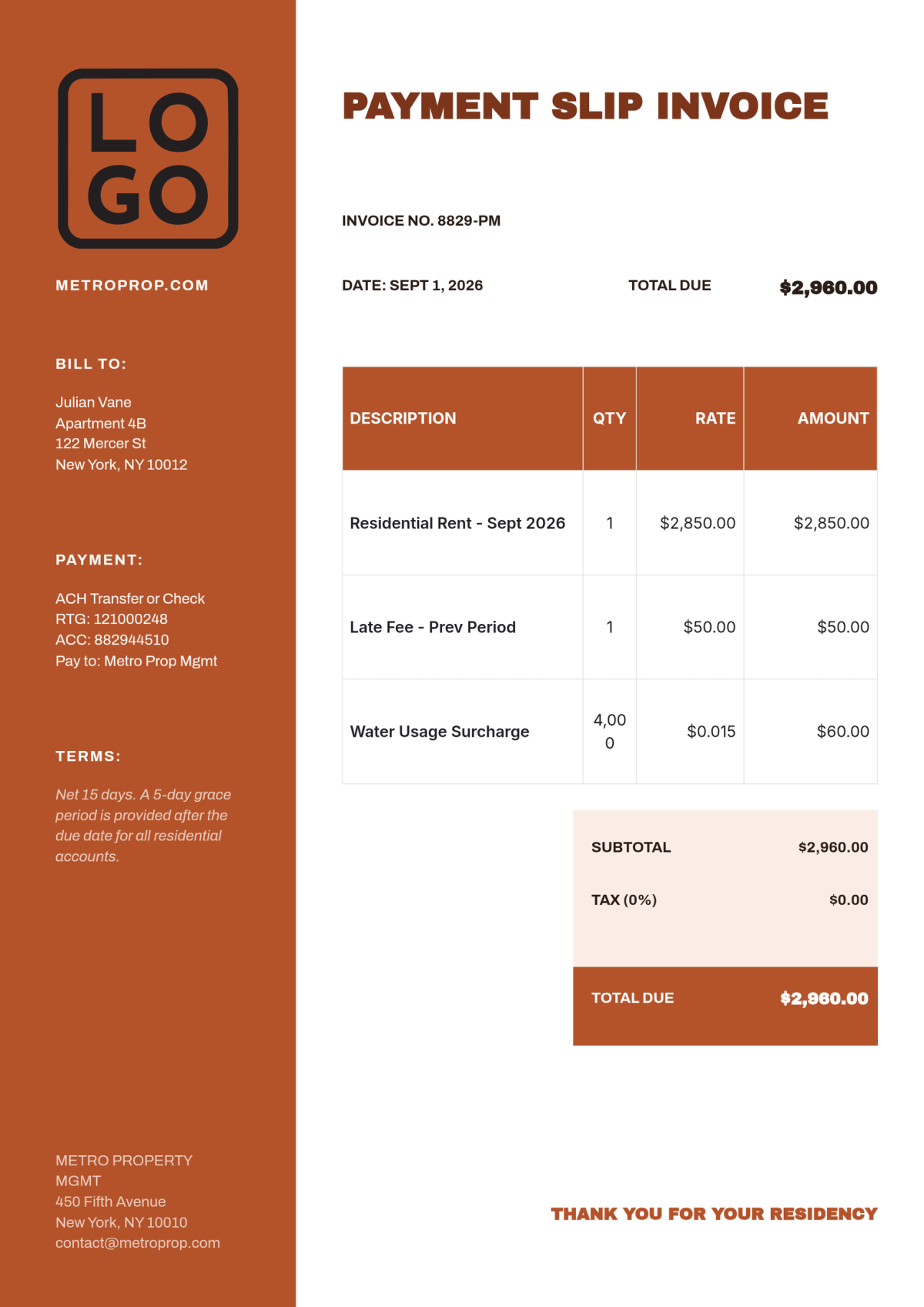
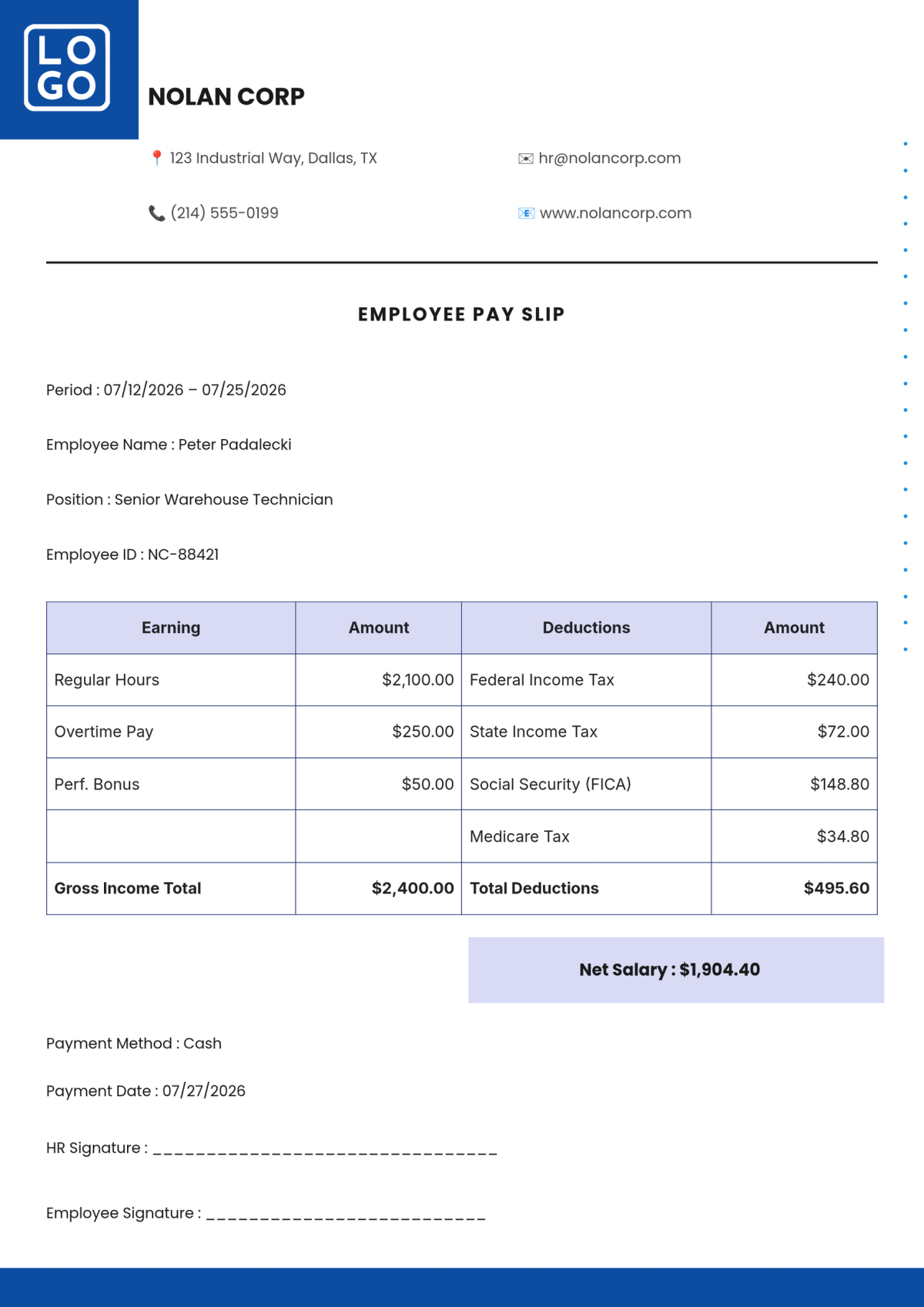
A payment slip serves as a formal record of a payment made or received. It typically includes essential details such as the payer’s name, the amount paid, the purpose of the payment, and the date. For small-business owners, using a payment slip can enhance professionalism and accountability in financial dealings.
When you utilize a downloadable printable payment slip, you can customize it to suit your specific needs. This is especially beneficial for personal use, where tracking payments for bills, services, or personal loans is necessary.
How to Download Your Payment Slip
Finding and downloading a payment slip template is straightforward. Here are steps to ensure you get the right resource:
- Search for a trusted website: Look for a reputable source that offers downloadable printable payment slips. Ensure the site provides a variety of templates to choose from, accommodating different needs.
- Select the template: Choose a payment slip template that best fits your requirements. Some templates may include additional fields or specific designs that cater to different types of payments.
- Download the file: Most templates are offered in PDF format, which preserves the layout regardless of the device used. Click the download button and save the file to your computer or device.
- Check compatibility: Ensure the file can be opened with your PDF viewer. This helps avoid formatting issues when printing.
Printing Your Payment Slip
Once you have downloaded the payment slip, it’s time to print it. Here are some tips for optimal printing:
- Paper selection: Use standard letter-size paper (8.5 x 11 inches) for most templates. If you prefer a sturdier option, consider using cardstock, which holds up better over time, especially if you plan to laminate the slips.
- Printer settings: Adjust your printer settings to ensure the document prints correctly. Portrait layout generally works best for payment slips. Check the print preview to confirm everything appears as expected.
- Quality check: Print a test page to verify the clarity of the text and overall design. This step is essential to ensure your payment slips look professional.
Using Your Payment Slip Effectively
With your payment slips printed, it’s time to put them to use. Here are practical ways to incorporate them into your financial routine:
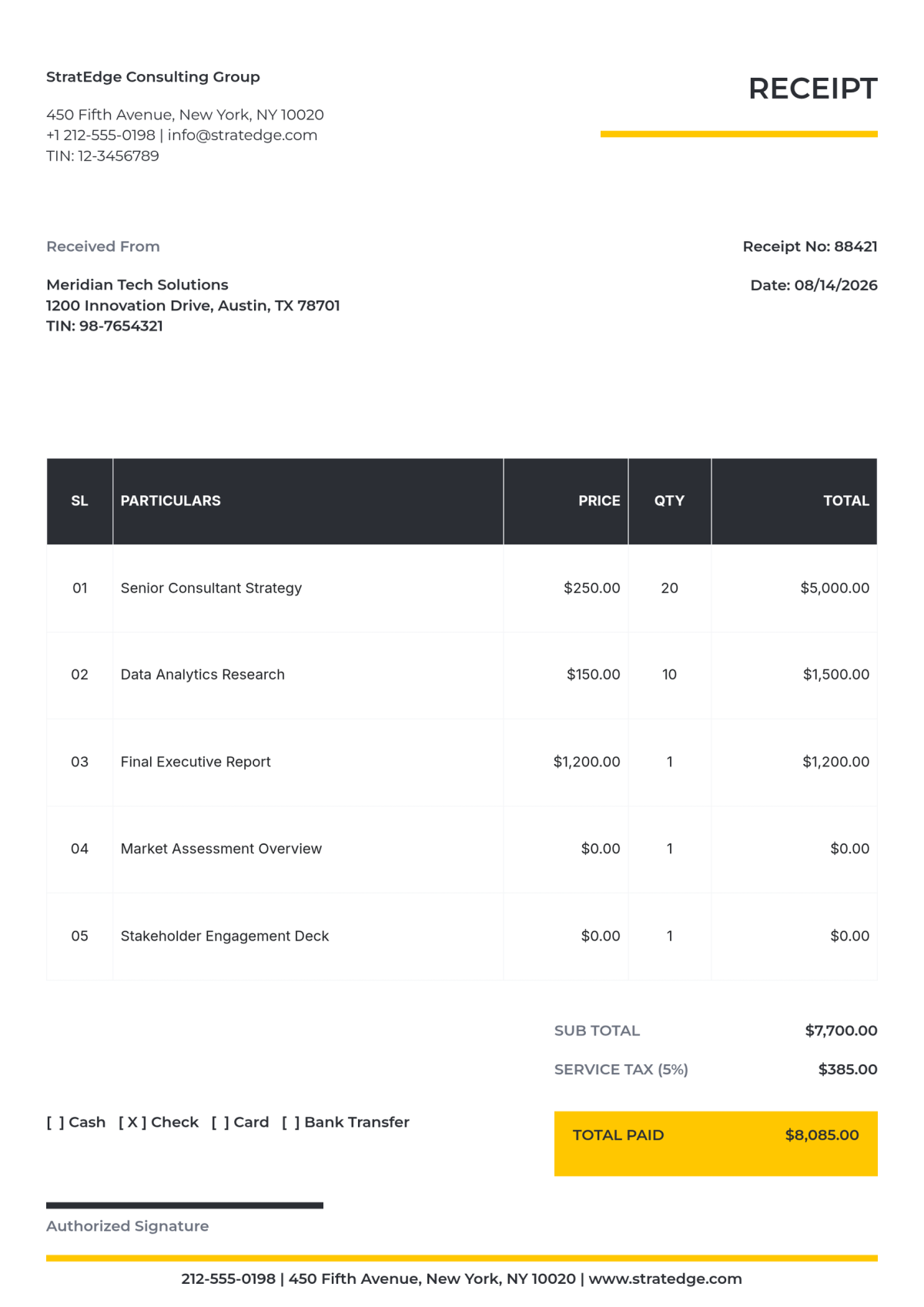
- Record keeping: Keep a stack of payment slips on hand for personal use. When making a payment, fill out the slip completely, including the date and purpose. This practice helps you maintain accurate records for future reference.
- Communication tool: When giving payments to individuals or businesses, hand them a completed payment slip. This not only serves as a receipt but also conveys a sense of professionalism and organization.
- Digital storage: After using a payment slip, consider scanning it and saving it digitally. This step ensures that you have a backup of all your transactions, which can be useful for budgeting or financial reviews.
By implementing these practices, you can improve your financial organization and accountability.