Managing your finances can often feel overwhelming, especially when it comes to keeping track of payments and receipts. The Downloadable Printable Payment Slip Layout is an effective tool that can simplify this process. If you are running a small business or just need to keep your personal finances in check, having a structured payment slip can help you stay organized and professional.
Understanding the Payment Slip Layout
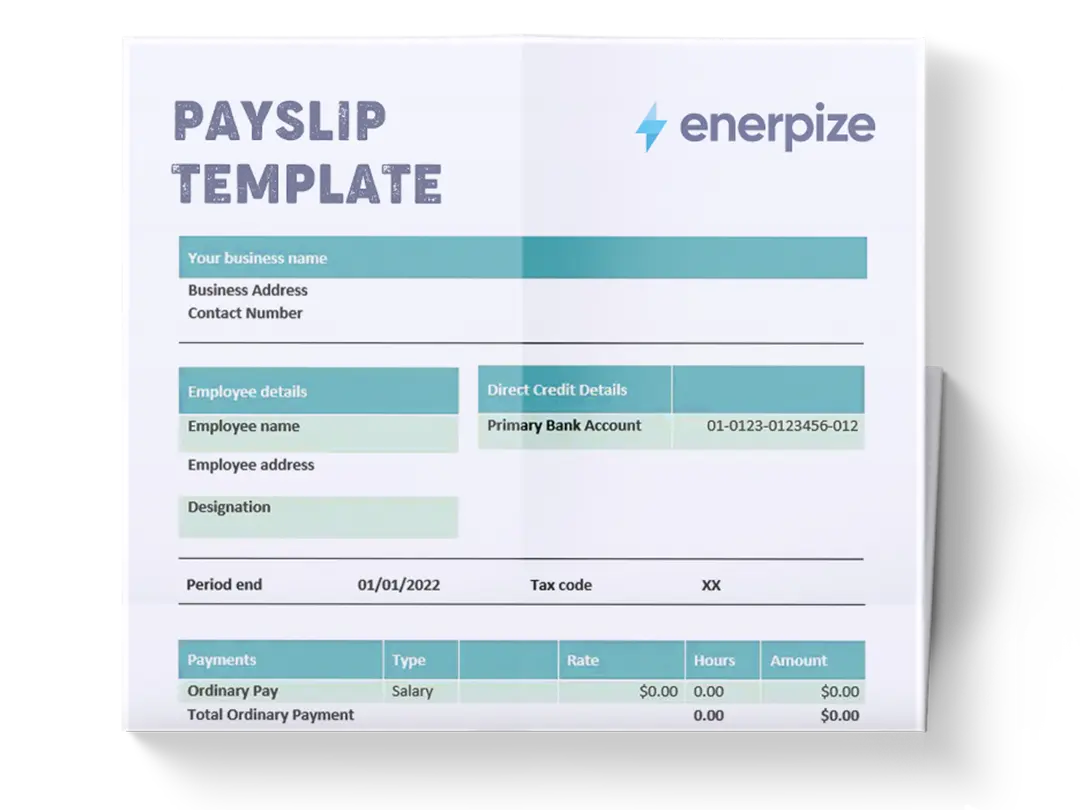
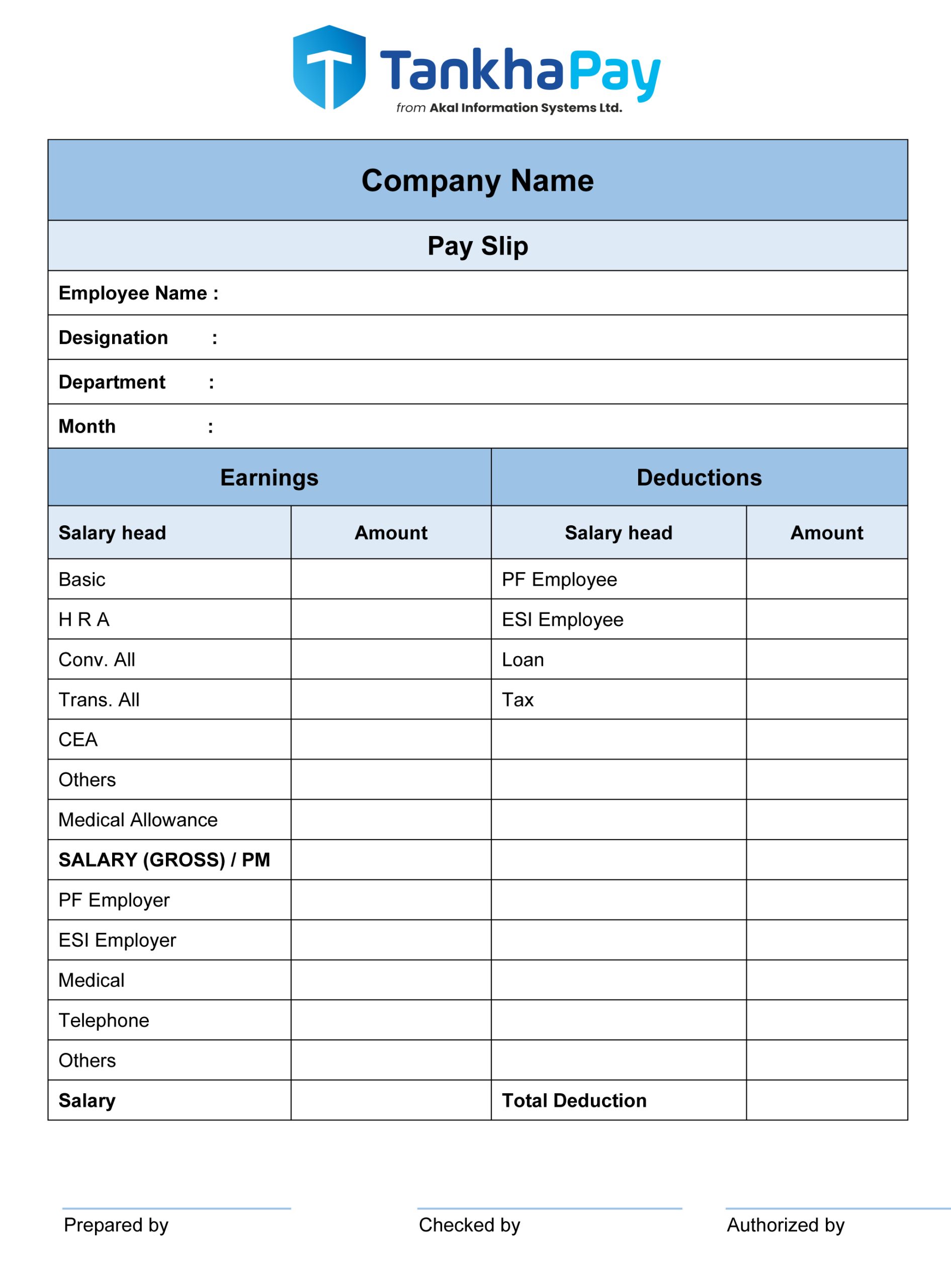
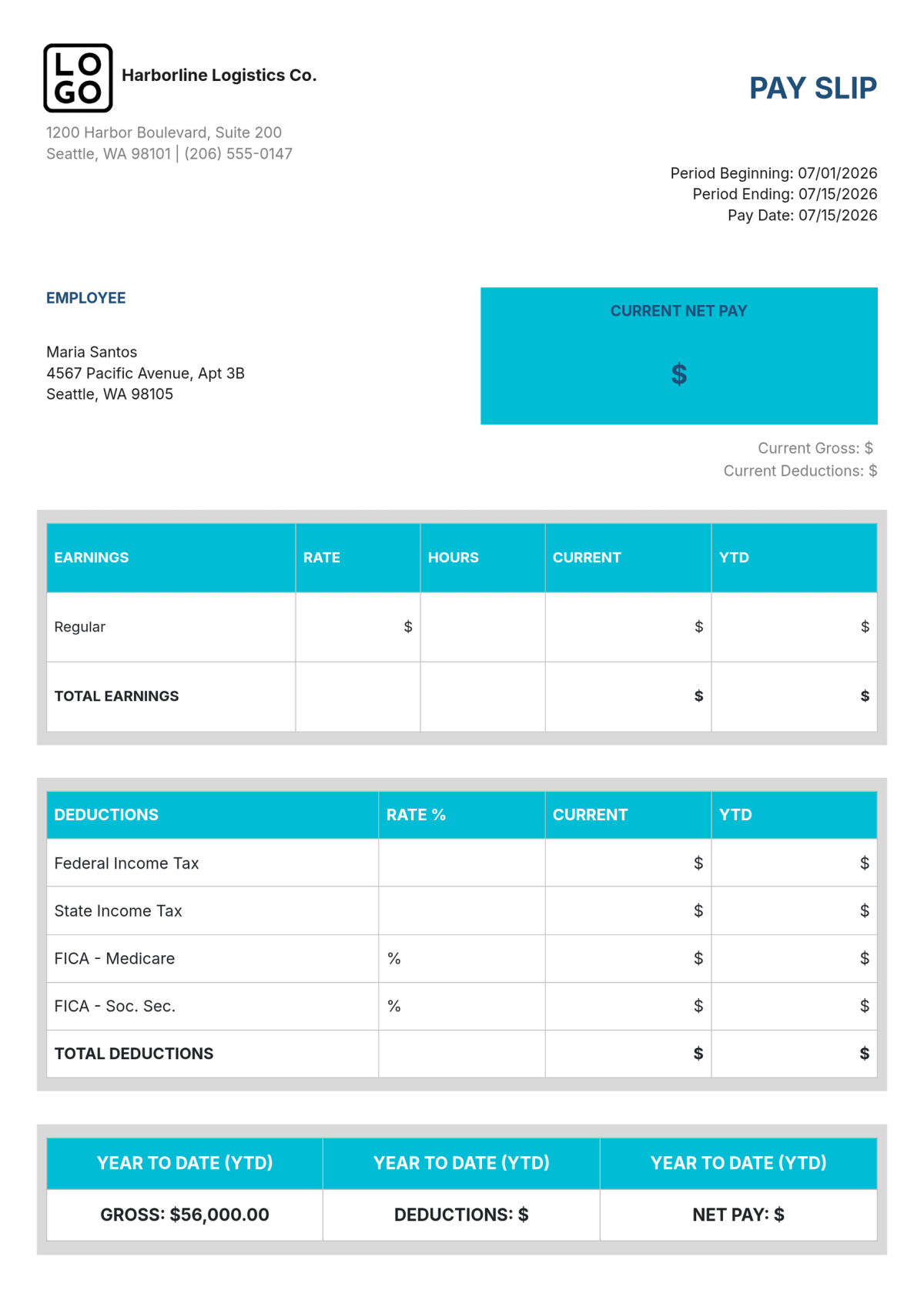
A payment slip is essentially a document that provides a clear record of a transaction, including details such as the payer’s name, amount paid, date, and purpose of the payment. The Downloadable Printable Payment Slip Layout is designed to be user-friendly and adaptable for various uses, such as for personal bills, business transactions, or even school fees. This resource typically comes in a PDF format, ensuring that it prints perfectly without any formatting issues.
You can find different styles of payment slips online, but the key is to choose one that suits your needs. Look for layouts that provide ample space for all necessary information. Most templates will include sections for:
- Payer’s Name
- Payment Date
- Amount
- Payment Method (e.g., cash, check, credit card)
- Purpose of Payment
- Signature Line
Benefits of Using a Printable Payment Slip
Using a printable payment slip offers several advantages. First, it helps maintain clarity in your transactions. When you fill out a payment slip, both you and the recipient have a clear record of the payment, reducing the chances of disputes. Additionally, having a consistent format makes it easier to track payments over time.
Moreover, these slips can serve as excellent documentation for your financial records. You can file them away for future reference, which is particularly useful during tax season or if you need to verify past transactions.
How to Download and Print Your Payment Slip
Getting started with your Downloadable Printable Payment Slip Layout is straightforward. Here’s a step-by-step guide:
- Find a Template: Search for a payment slip template that meets your needs. Look for options that allow customization, so you can add your branding or personal touches if necessary.
- Download the File: Once you find a suitable template, download it to your computer. Most resources will offer the slip in PDF format, which is ideal for printing.
- Choose Your Paper Size: Standard letter-sized paper (8.5 x 11 inches) works well for most payment slips. If you need a smaller size, like A5, check your printer settings to adjust accordingly.
- Print Settings: Before printing, make sure to select the correct print settings. Use portrait orientation for the best results, and ensure that your printer is set to high quality for clear text.
- Fill Out the Slip: After printing, fill out the payment slip with the relevant information. You can do this by hand or type the information before printing.
Customization Options for Your Payment Slip
While the standard payment slip layout is effective, you may want to customize it further to fit your specific needs. Here are a few ideas:
- Add Your Logo: If you’re using the slip for business purposes, including your logo can enhance professionalism.
- Change Colors: Consider adjusting the color scheme to match your brand or personal preference. This can make the slip more visually appealing.
- Include Additional Information: If you often need to track certain details, such as invoice numbers or account numbers, modify the layout to include these fields.
Tips for Effective Use of Payment Slips
To get the most out of your Downloadable Printable Payment Slip Layout, consider these practical tips:
- Keep Copies: Always keep a copy of the payment slip for your records. Whether you file it physically or digitally, having a backup is essential.
- Organize by Category: If you handle multiple types of payments, organizing slips by category can streamline your record-keeping process. Use folders or digital files to separate business expenses, personal transactions, etc.
- Review Regularly: Set aside time each month to review your payment slips. This can help you catch any discrepancies early and maintain better control over your finances.
By incorporating a Downloadable Printable Payment Slip Layout into your financial management routine, you’ll find it easier to track and document your transactions reliably. Start by choosing a template that works for you, customize it as needed, and enjoy the clarity that comes with organized financial records.