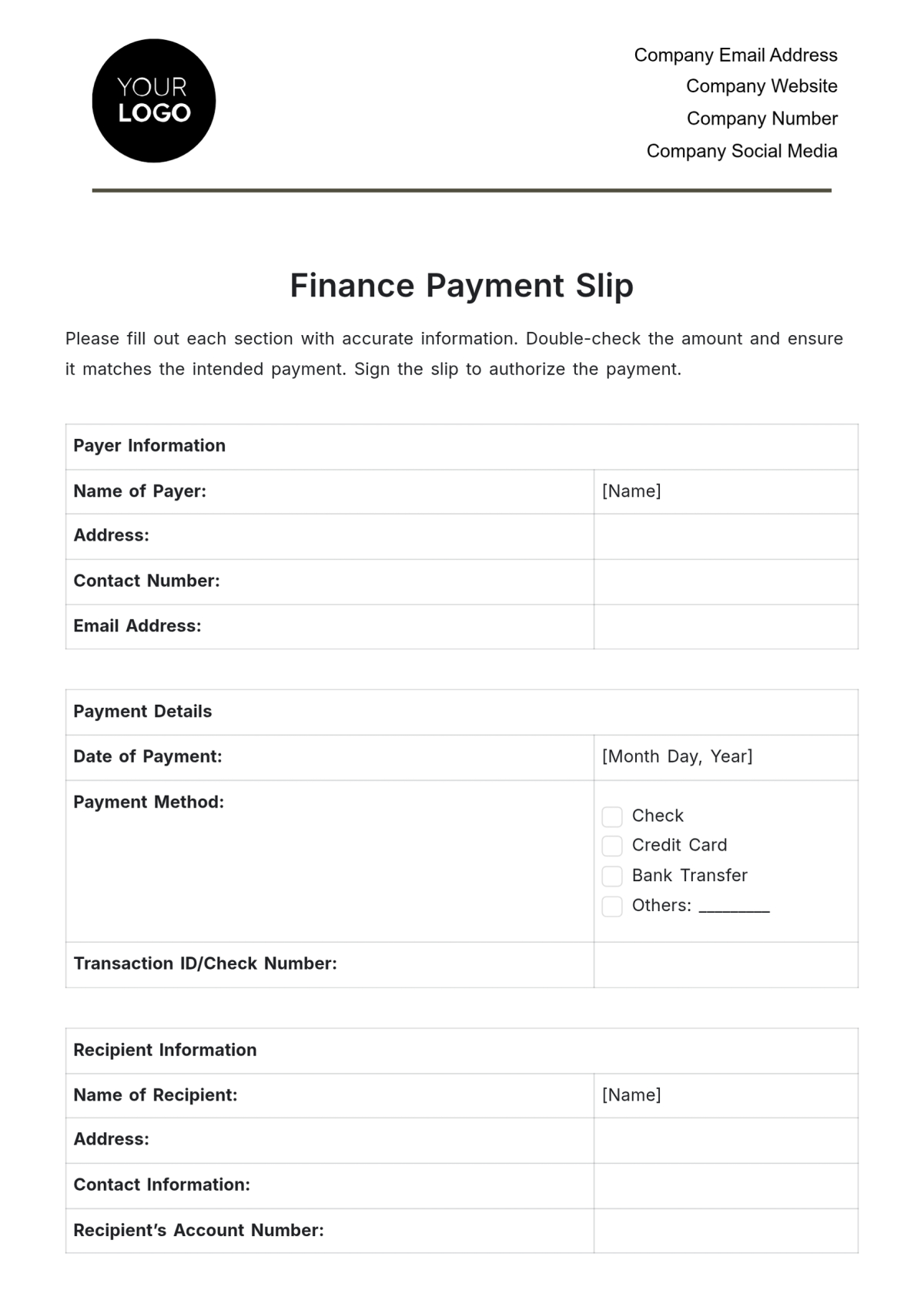
Managing payments in a small business can be challenging without the right tools. A well-organized payment slip can simplify this process, ensuring clarity and professionalism in financial transactions. The Downloadable Printable Payment Slip With Clean Layout is designed to help small business owners like you maintain a structured approach to payments, making record-keeping easier and more efficient.
Understanding the Payment Slip’s Importance
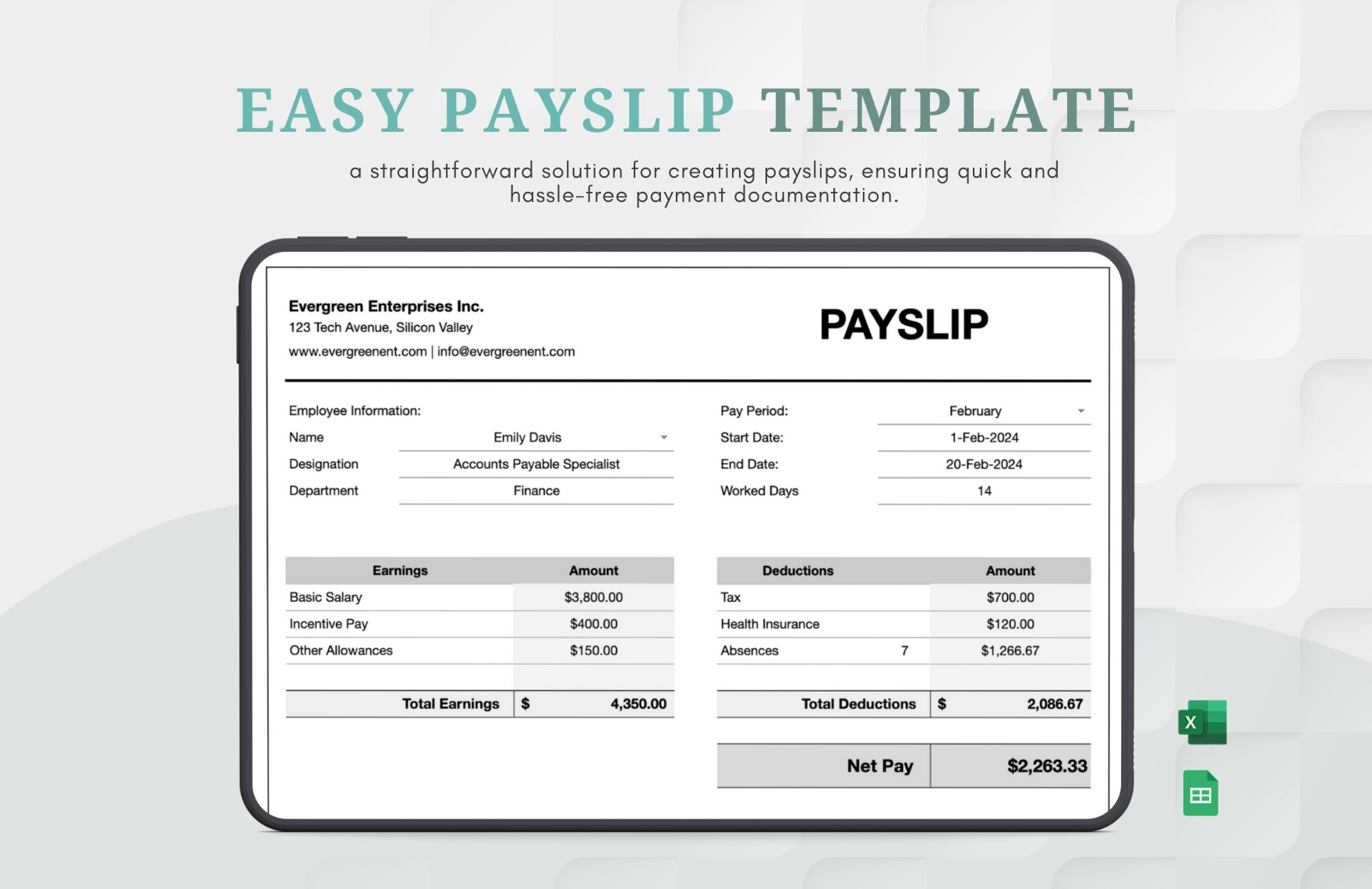
Payment slips serve as a formal record of transactions between businesses and their clients. They help in tracking payments, managing cash flow, and maintaining accurate financial records. A clean layout enhances readability, ensuring that all necessary information is easily accessible. This can be especially useful in audits or when reconciling accounts.
How to Download Your Payment Slip
Getting started with the Downloadable Printable Payment Slip With Clean Layout is straightforward. Here’s a step-by-step process:
- Locate the Resource: Browse to the section of the printable-resource website that features financial forms. Look for the payment slip section.
- Select the Format: Choose the appropriate format for your needs. PDF is often recommended for its compatibility with most printers and devices.
- Download the File: Click the download button. Ensure your device’s settings allow for file downloads to avoid interruptions.
- Save the Document: Store the file in an easily accessible folder on your computer. Label it clearly for future use.
Preparing for Printing
Before printing, ensure your settings are optimized for the best results. Here are some practical tips:
- Paper Size: Standard letter size (8.5” x 11”) works best for most payment slips, fitting easily into folders and envelopes.
- Printer Type: Inkjet printers typically handle colored documents well, while laser printers can provide sharper text. Choose based on your available resources.
- Print Quality: Set your printer to a high-quality print setting for a professional finish. This is particularly important if you’re using the slips for client interactions.
Filling Out the Payment Slip
Once printed, it’s time to fill out the payment slip. A clear layout helps in organizing information efficiently. Here’s a breakdown of what to include:
- Date: Always start with the date of the transaction. This helps in tracking and referencing payments.
- Payee Information: Include your business name, address, and contact information. This establishes professionalism.
- Payer Information: Clearly write the payer’s name and details to avoid any confusion regarding who made the payment.
- Payment Details: Specify the amount paid, payment method (cash, check, or electronic), and any relevant invoice numbers. This is crucial for bookkeeping.
- Signature Line: Include a space for signatures if needed, which can provide an additional layer of verification.
Using the Payment Slip in Your Financial Workflow
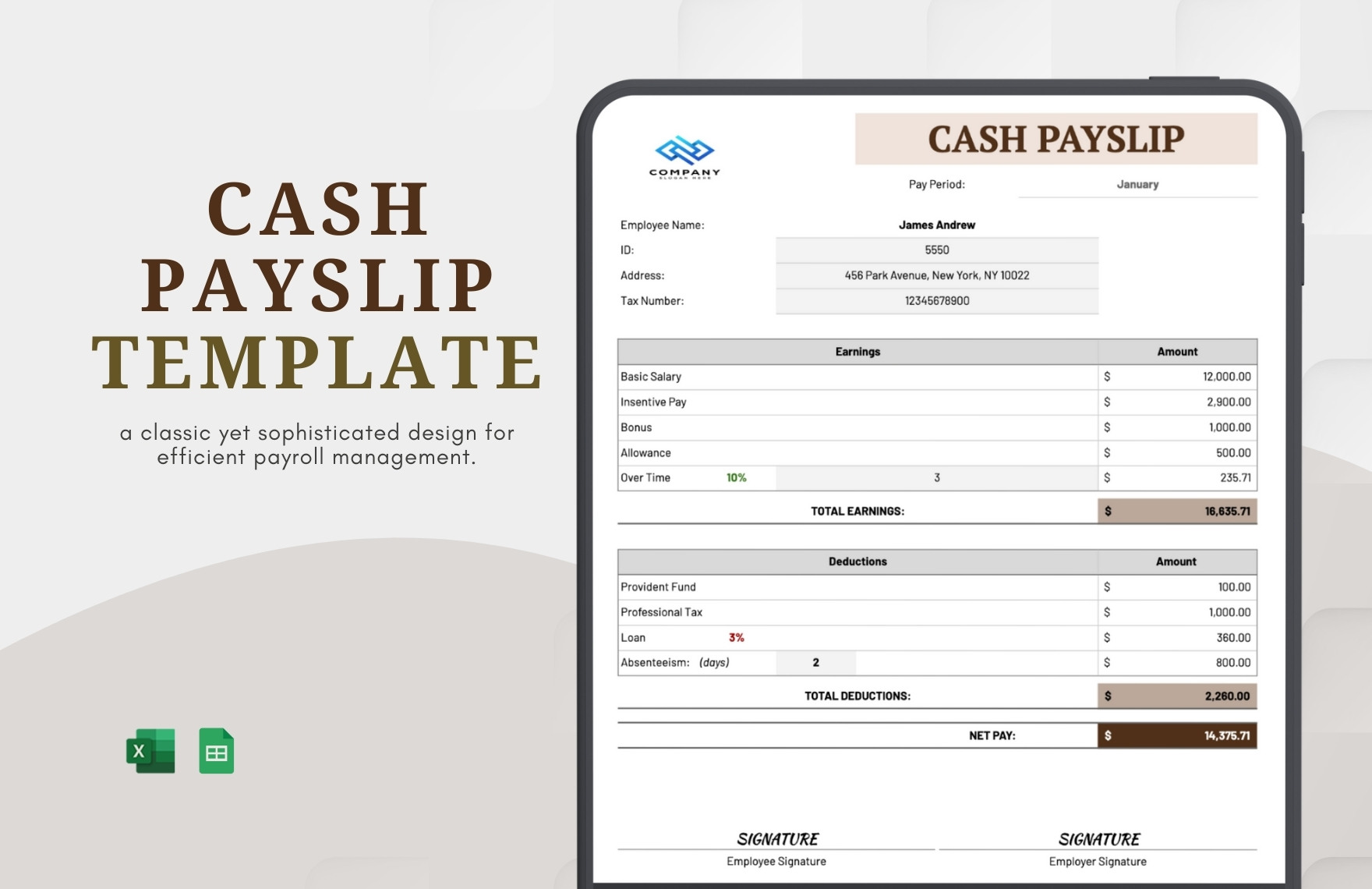
Incorporating the Downloadable Printable Payment Slip With Clean Layout into your financial routine can enhance your overall payment process. Consider these steps for effective use:
- Regularly Update Your Slips: Keep a stock of blank payment slips on hand. This ensures you’re always prepared for transactions.
- Organize Completed Slips: Once filled out, file the payment slips systematically. This could be by date, client, or transaction type. Consistent organization is key to effective record-keeping.
- Review Periodically: Regularly check your payment records against bank statements to ensure accuracy. This practice helps catch any discrepancies early.
Implementing these steps can lead to improved efficiency in managing finances. A well-maintained payment record can save time and hassle during tax season or business audits.
As you move forward, consider using high-quality paper for printing the payment slips. Cardstock can provide durability, especially if slips are frequently handled or need to last longer in your records.