Managing payments efficiently is a key aspect of running a small business. Invoices, receipts, and payment slips are essential for tracking transactions and maintaining accurate records. A Downloadable Printable Payment Slip With Multiple Copies can simplify this process, allowing for easy distribution and record-keeping. This resource is particularly useful for small business owners who need to manage payments quickly and effectively.
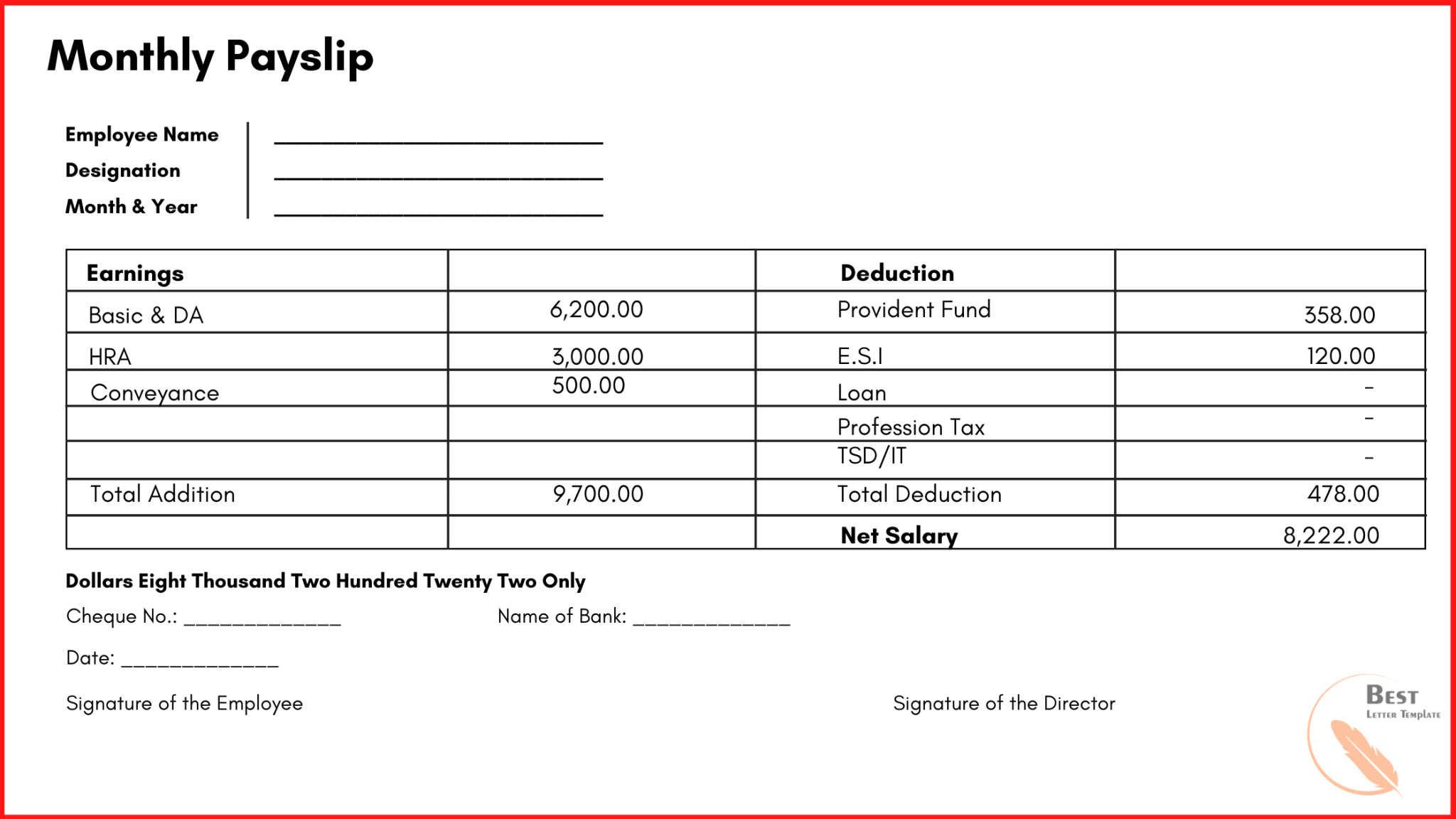
Understanding Payment Slips
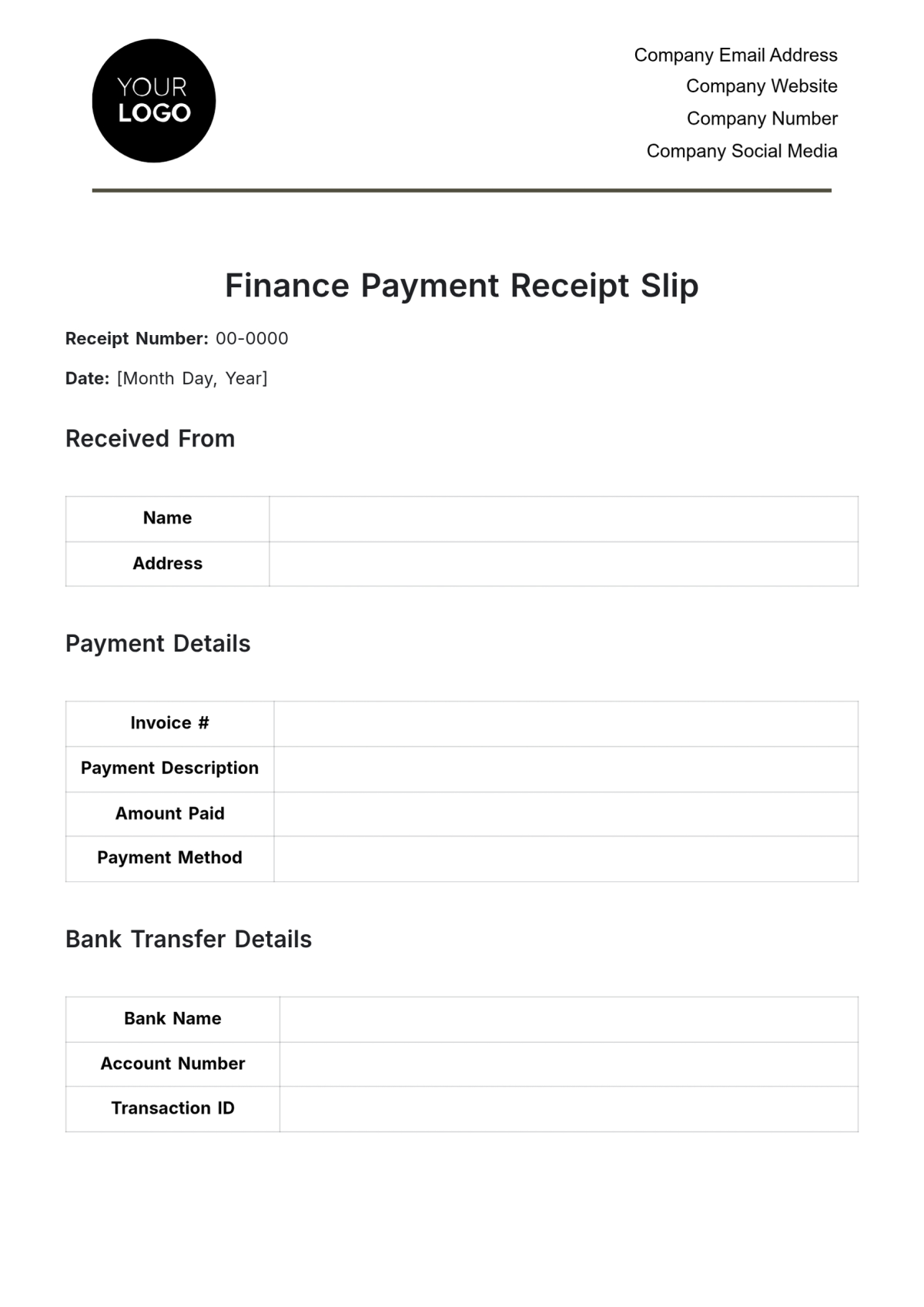
Payment slips act as a formal acknowledgment of payment received. They are crucial for both the payer and the recipient to keep track of financial transactions. A well-organized payment slip includes important information such as the date, amount paid, method of payment, and the names of both parties involved. Having a downloadable printable version with multiple copies ensures that you can provide one for your records and one for the payer, maintaining clarity and accountability.
How to Download Your Payment Slip
- Choose the Right Template: Start by selecting a payment slip template that fits your business needs. Look for designs that allow for easy customization, enabling you to add your company logo, contact information, and any other relevant details.
- Download the File: Once you’ve found a suitable template, click on the download button. Most printable resources come in PDF format, which is ideal for maintaining the layout across different devices and printers. Ensure your device is compatible with PDF files so you can open and edit as needed.
- Customize the Slip: Open the downloaded file in a PDF editor or printing software. Fill in the necessary fields with your business information and the details of the transaction. This includes the payer’s name, payment date, and amount.
- Print Multiple Copies: When ready, print the payment slip. Set your printer to print multiple copies at once. Most home printers can handle standard paper sizes, but if you need additional copies, consider using a commercial printer for high-volume needs.
- Distribute and Store: After printing, give one copy to the payer and keep another for your records. This not only helps in tracking payments but also aids in resolving any future disputes regarding the transaction.
Best Practices for Using Payment Slips
When utilizing a Downloadable Printable Payment Slip With Multiple Copies, consider these best practices:
- Use Quality Paper: For durability, print your payment slips on thicker paper or cardstock. This is especially useful if the payment slips will be handled frequently or stored for an extended period.
- Maintain a Consistent Format: Consistency in the format of your payment slips enhances professionalism and helps both parties quickly identify important information. Stick to a standard template for all transactions.
- Include Payment Method Details: Clearly indicate how the payment was made, whether by cash, check, or credit card. This helps in keeping transparent records and can be essential for financial audits.
- Secure Your Records: Store copies of payment slips in a secure and organized manner. Digital copies can be saved on a cloud service, while physical copies should be kept in a locked filing cabinet.
Troubleshooting Common Issues
Even with a well-designed payment slip, issues may arise that require attention:
- Printing Problems: If the payment slip doesn’t print correctly, check your printer settings. Ensure that the paper size selected in the printer settings matches the actual paper size loaded in the printer.
- Format Discrepancies: If the slip appears distorted, try opening the file in a different PDF viewer. Some viewers handle formatting better than others.
- Missing Information: Always double-check that all necessary fields are filled out before printing. A missing signature or date can lead to confusion later.
Using a Downloadable Printable Payment Slip With Multiple Copies is a straightforward way to enhance your small business’s payment management. By following the steps outlined, you can streamline your financial processes and maintain accurate records.
For immediate action, download a payment slip template today and start customizing it for your next transaction.