Keeping track of payments is crucial for any small business. A Fillable Printable Payment Slip For Accounting Records streamlines this process, ensuring that every transaction is documented accurately. This resource is not just a piece of paper; it’s a tool that can help maintain order and clarity in your financial dealings.
Understanding Payment Slips
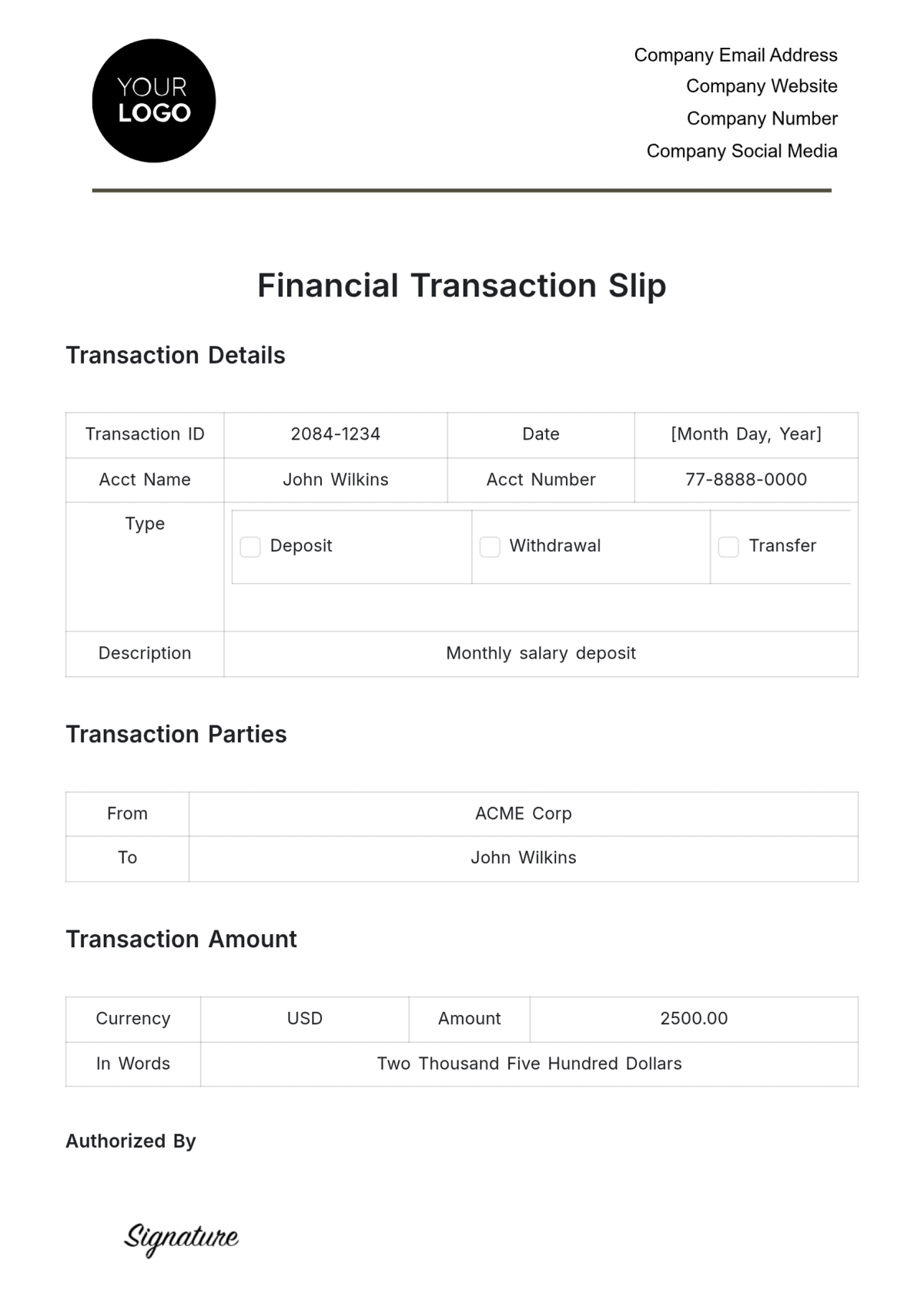
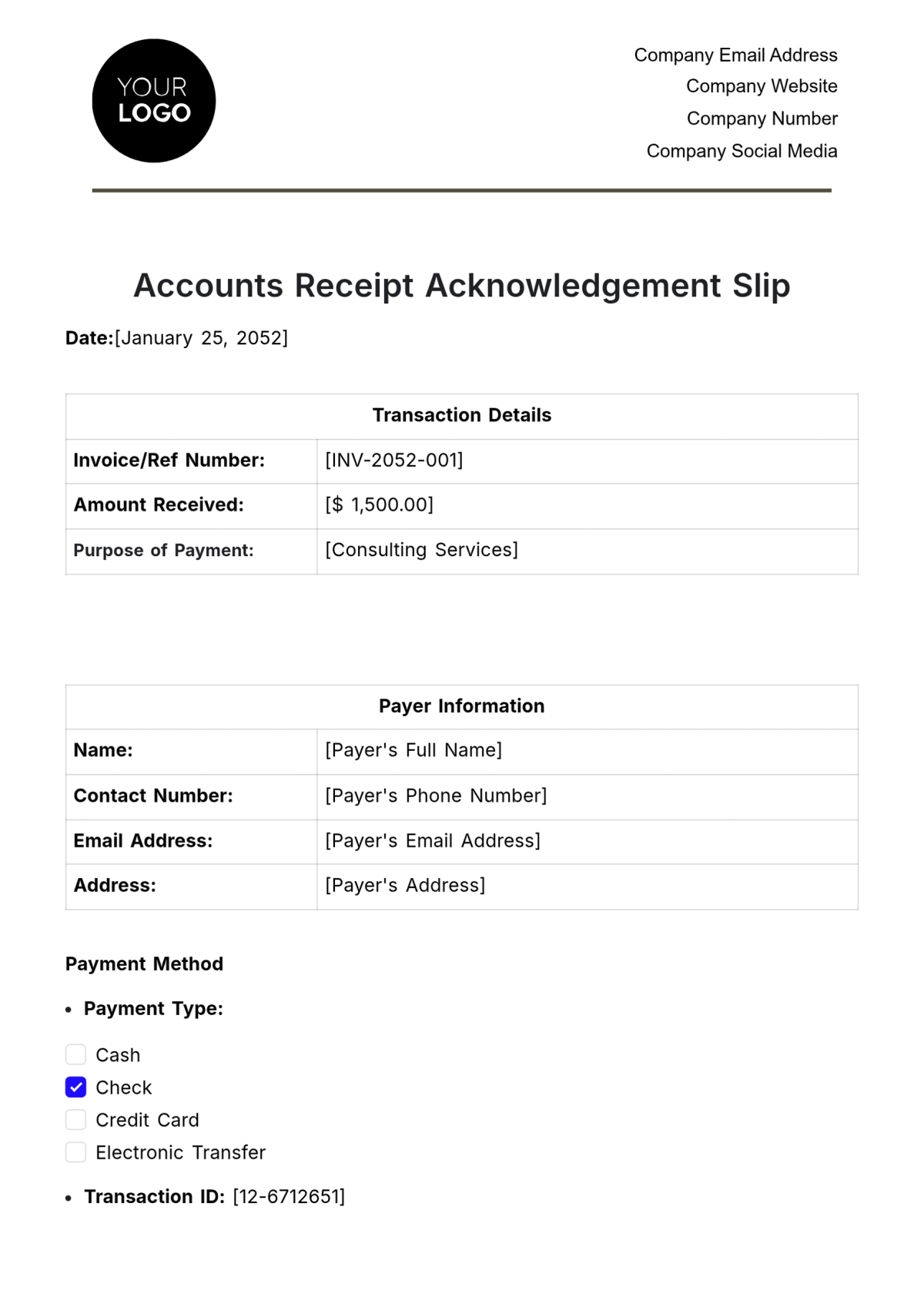
Payment slips serve as formal receipts for transactions. They provide a written record that can be referenced later for accounting purposes. Using a fillable printable version means you can easily enter details digitally before printing, saving time and reducing errors. These slips typically include fields for the date, amount received, payment method, and payer details.
Choosing the Right Template
When selecting a payment slip template, consider the following:
- Format: Look for a format that suits your needs. PDF files are preferred since they maintain formatting across different devices and printers.
- Customization: Ensure the template allows for customization. You might want to add your business logo or specific terms relevant to your transactions.
- Fields Included: Check that the template includes all necessary fields. Essential details like payment type (cash, check, credit) and any additional notes should be easily editable.
Downloading and Printing the Slip
Once you have chosen your fillable printable payment slip, the next steps are downloading and printing it:
- Download the Template: Click the download button on the resource website, ensuring you save it to a location you can easily access.
- Open the Document: Use a PDF reader to open the file. This ensures that all formatting remains intact.
- Fill in the Details: Enter the required information directly into the fields. Double-check for accuracy to avoid any discrepancies later.
- Print the Slip: Use a high-quality printer for best results. Most payment slips are designed to fit standard letter-size paper (8.5” x 11”). If your printer offers duplex printing, consider using it to save paper.
Setting Up a Filing System
After printing your payment slips, establishing a filing system will help you manage them effectively. Here’s how:
- Organize by Date: Use a binder or folder to keep slips in chronological order. This will make it easier to reference them during audits or when preparing financial reports.
- Digital Copies: Consider scanning your printed slips to create digital backups. This adds an extra layer of security in case physical copies are lost or damaged.
- Labeling: Clearly label each section of your filing system, such as “2023 Payments” or “Client Transactions,” to facilitate easy access.
Utilizing Payment Slips in Your Accounting Routine
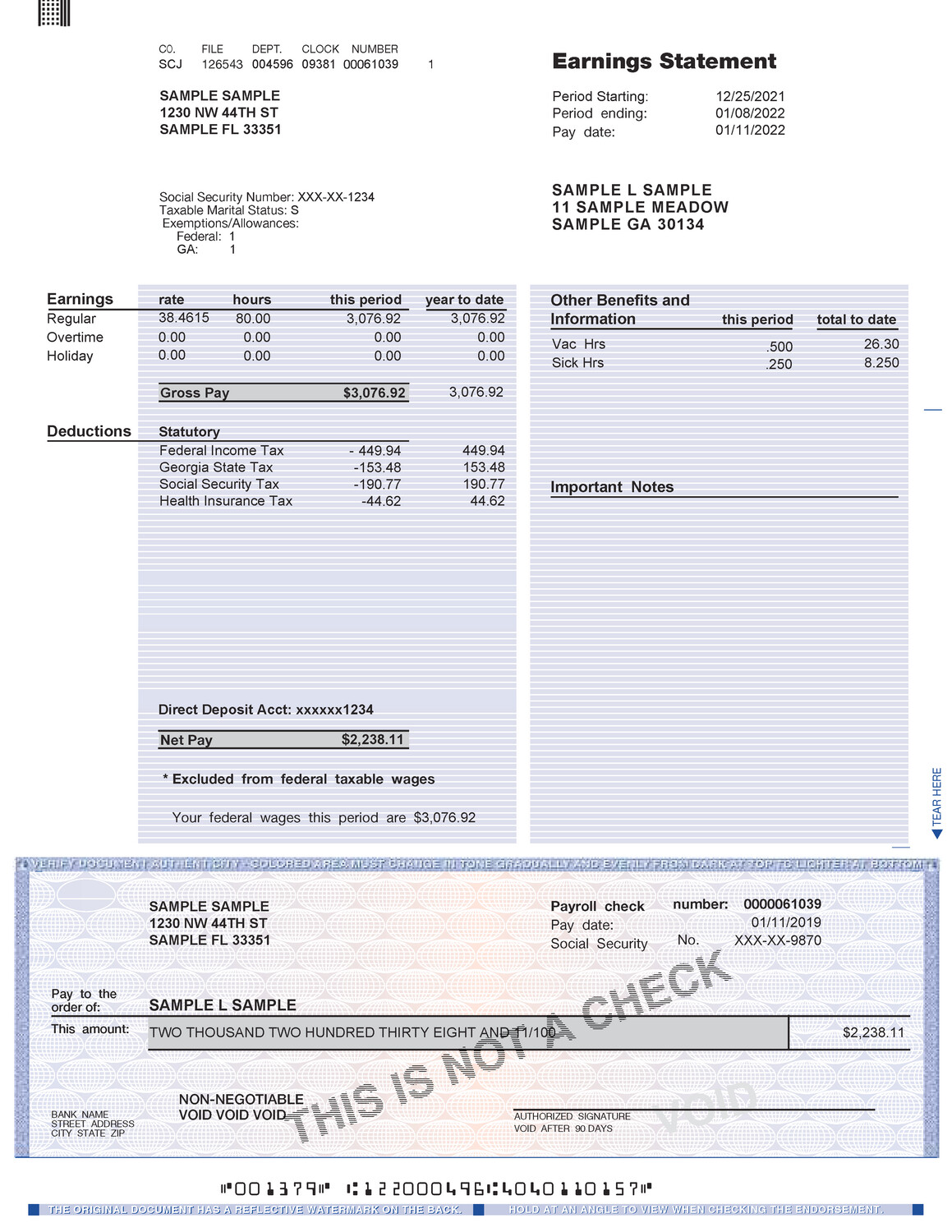
Integrating payment slips into your accounting routine is vital for maintaining accurate financial records. Here’s how to do it:
- Record Transactions Promptly: As soon as a payment is received, fill out a payment slip. This habit prevents forgetfulness and ensures records are kept up to date.
- Reconcile Regularly: Regularly compare your payment slips against bank statements. This will help identify any discrepancies early on.
- Review for Trends: Periodically review your payment slips to identify patterns in your business income. This can inform budgeting and financial planning.
Having a consistent system in place for payment slips not only aids in keeping accurate records but also enhances your professionalism. Clients appreciate receiving structured documentation, which can foster trust and reliability.
For immediate action, download a fillable printable payment slip today to improve your transaction tracking. This small step can lead to significant benefits in your accounting practices.