A fillable printable payment slip for bookkeeping is a valuable tool for small business owners who need an efficient way to manage transactions. Unlike traditional payment slips, this version allows you to easily input information digitally before printing, saving time and effort. guide you through the features and benefits of using this specific type of payment slip, ensuring you can integrate it seamlessly into your bookkeeping routine.
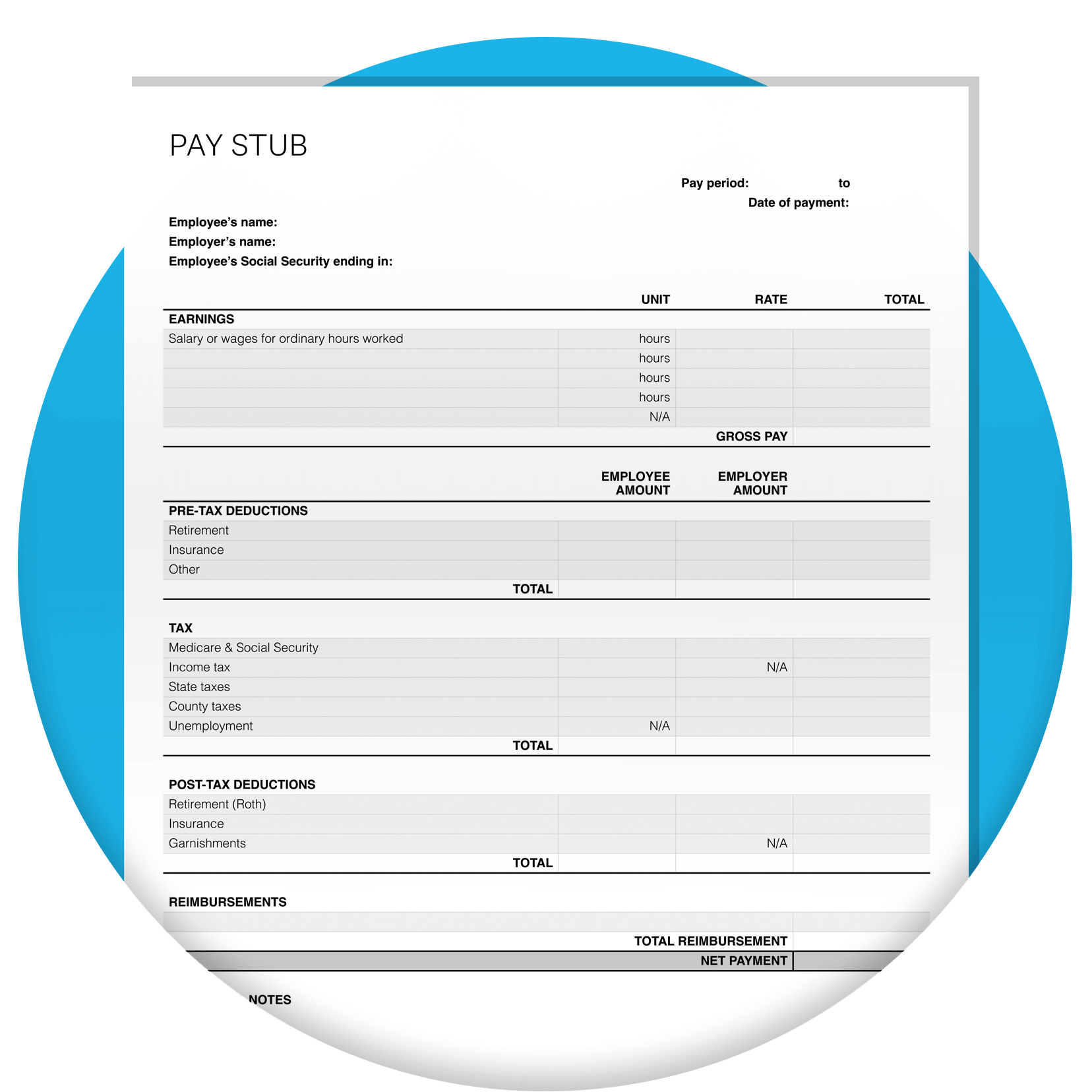
Key Features of a Fillable Printable Payment Slip
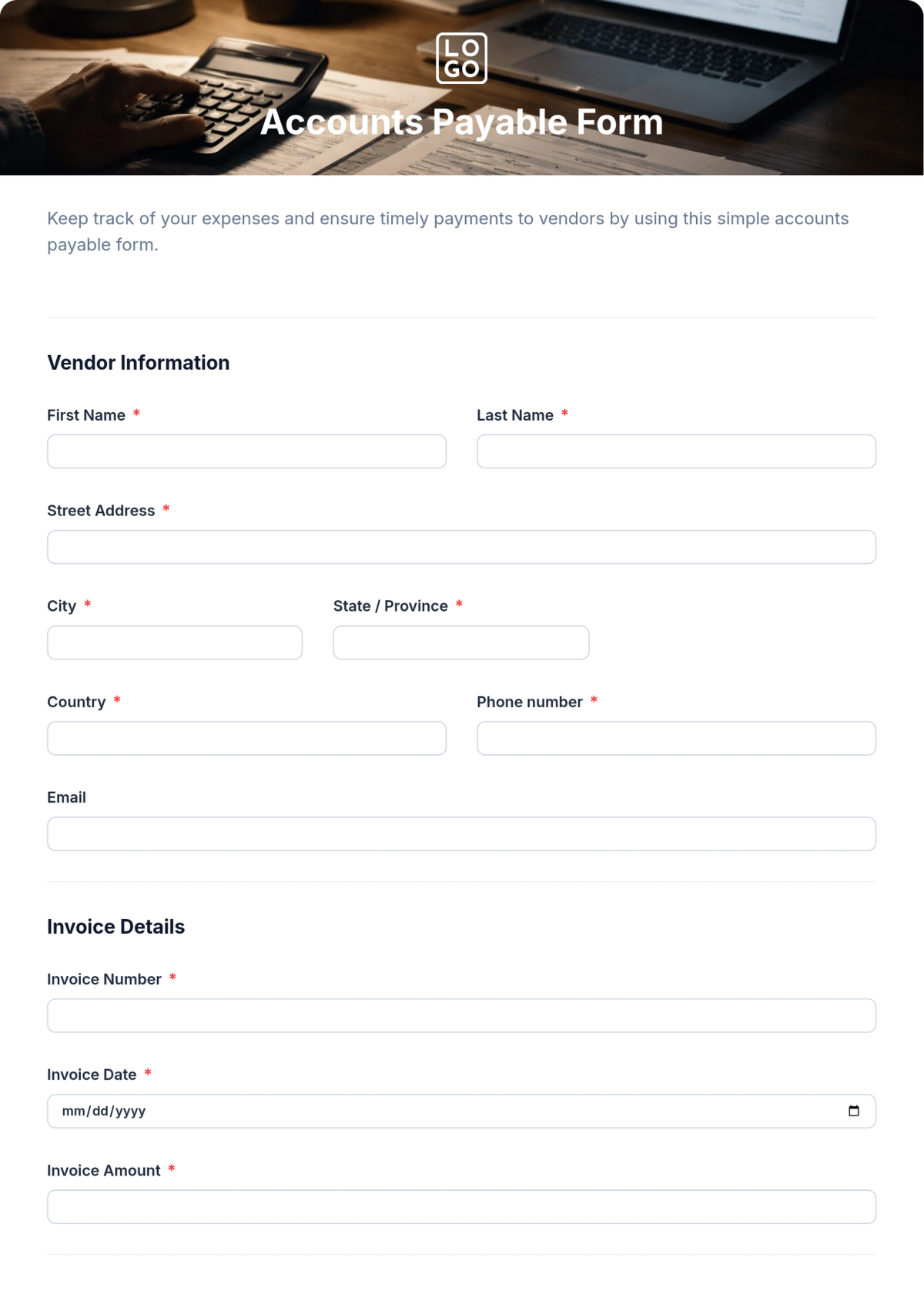
When selecting a fillable printable payment slip for bookkeeping, consider its layout and features. A well-designed slip typically includes the following sections:
- Business Information: Your business name, address, and contact details should be prominently displayed at the top. This ensures that the recipient knows who the payment is from and how to reach you for any queries.
- Payment Details: This section is where you’ll fill in the date, payment amount, and purpose of the payment. Having clear fields for these details helps keep records organized.
- Recipient Information: Including the recipient’s name and address can be crucial, especially for tax purposes. Make sure the slip has a designated area for this information.
- Payment Method: There should be options for different payment methods, such as cash, check, or electronic transfer. This feature can help clarify how the payment was made.
- Signature Line: A signature line adds a professional touch and provides a way to authenticate the transaction.
These features not only streamline the payment process but also ensure compliance with financial record-keeping standards.
How to Use the Payment Slip Effectively
Integrating a fillable printable payment slip into your bookkeeping routine can significantly enhance your financial management. Here’s how to use it effectively:
- Digital Input: Start by downloading the slip in PDF format. Fill in the required fields directly on your computer. Most PDF viewers support this functionality, making it easy to customize each slip.
- Print for Transactions: After filling out the slip, print it on standard letter-size paper (8.5″ x 11″). This size is convenient for most home and office printers and ensures that all details are legible.
- Record Keeping: Once the payment is made, keep a copy of the slip in your records. You can organize these by date or recipient to simplify future reference.
- Update Regularly: As your business grows, consider updating the slip to include additional details or features. This might include tracking numbers for shipments or additional payment methods.
Using the payment slip in this way can help maintain accurate and organized financial records, which is essential for any small business.
Benefits of Using a Fillable Printable Payment Slip
Choosing a fillable printable payment slip for bookkeeping comes with several advantages:
- Time Savings: Digital completion allows for quick input of information, reducing the time spent on manual entries.
- Professional Appearance: A well-designed slip enhances the professionalism of your business, making a positive impression on clients and vendors.
- Error Reduction: Filling in details electronically helps minimize errors that often occur with handwritten slips, ensuring accuracy in your bookkeeping.
- Customizable: Many templates allow for customization, so you can add your business logo or adjust the format to fit your needs.
- Easy Distribution: Once printed, slips can be handed over directly or mailed, making it simple to manage payments in various scenarios.
These benefits can significantly improve your bookkeeping processes, allowing you to focus more on growing your business rather than getting bogged down in financial details.
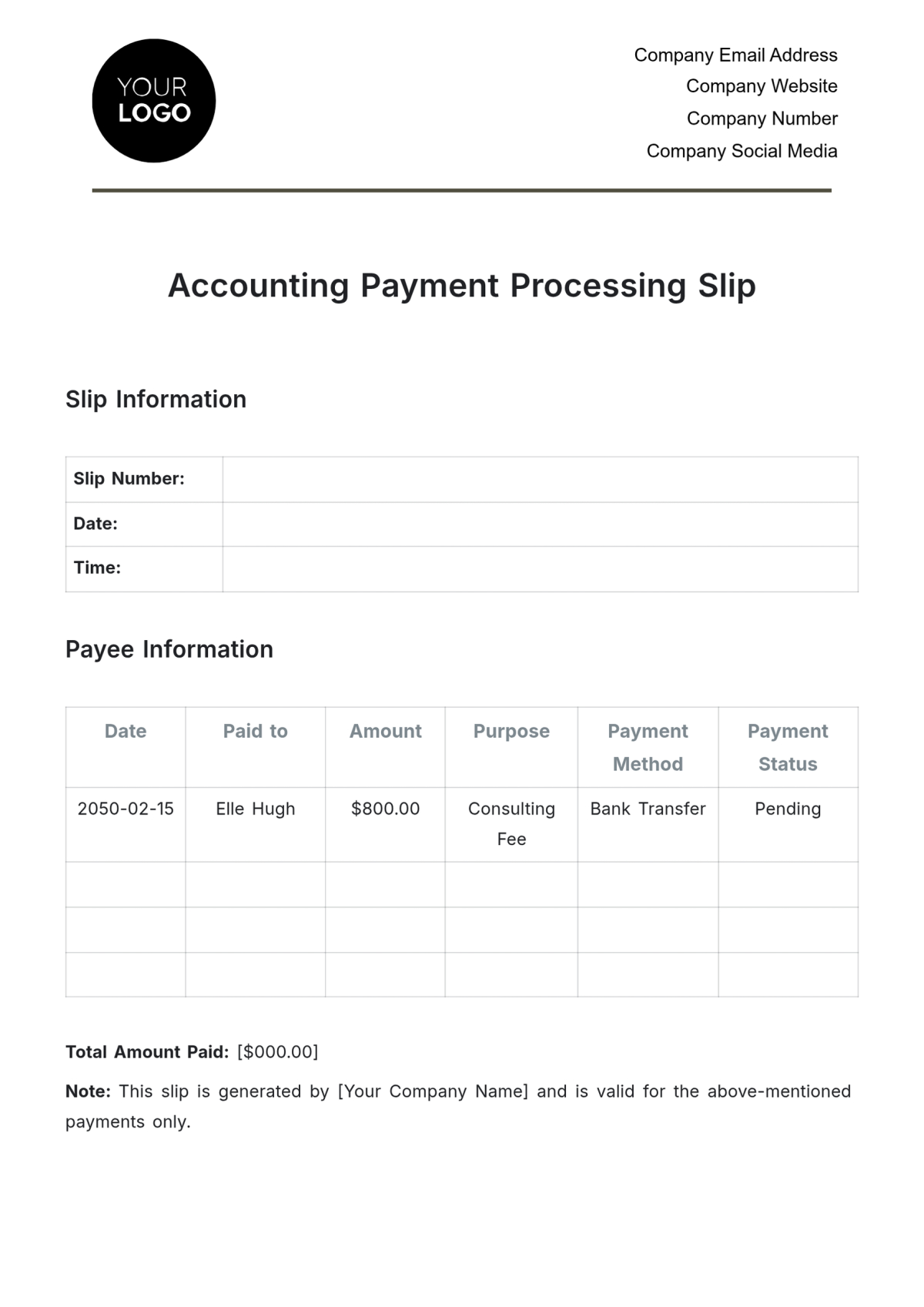
Choosing the Right Paper and Print Settings
When printing your fillable printable payment slip for bookkeeping, the choice of paper and print settings can affect the final output:
- Paper Type: Using heavier paper, like cardstock, can provide durability if the slips need to be stored or sent out. For everyday use, standard printer paper is sufficient.
- Print Settings: Ensure your printer is set to the highest quality for clear text and images, especially if your slip includes a logo. Double-check that the settings fit the paper size accurately to avoid cut-off information.
- Color vs. Black and White: Depending on your branding, you might want to print in color to maintain a professional look. However, black and white prints are often more cost-effective for high-volume printing.
These small details can enhance the usability and professionalism of your payment slips, making them an essential part of your bookkeeping toolkit.