A fillable printable payment slip for Google Docs is a practical tool designed to streamline payment processes for small businesses. This resource typically comes in a standard letter size (8.5 x 11 inches), making it easy to print on most home or office printers. Utilizing a Google Docs format allows for easy customization and sharing, ensuring that you can quickly create a tailored payment slip that meets your specific needs.
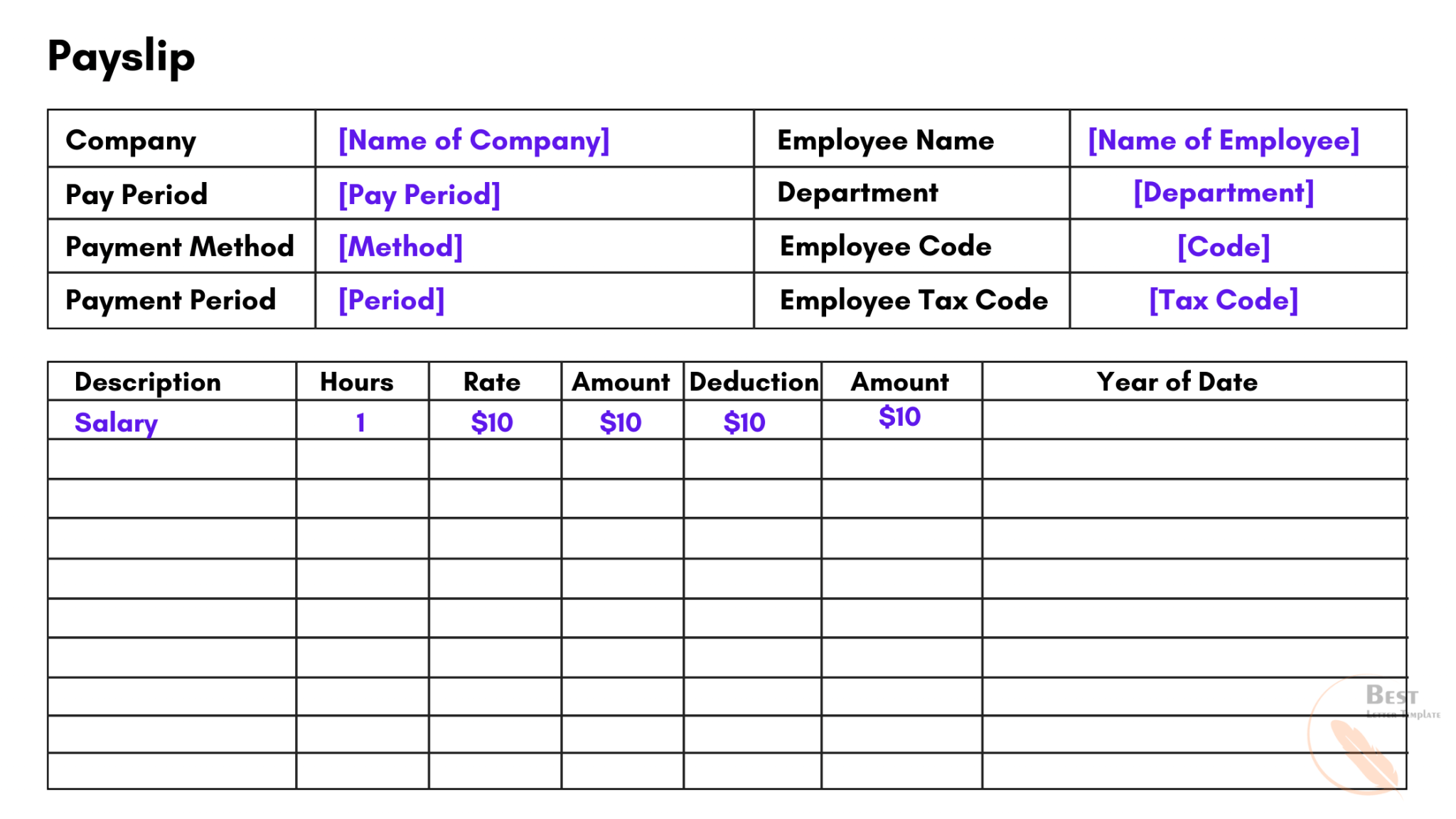
Understanding the Layout of the Payment Slip
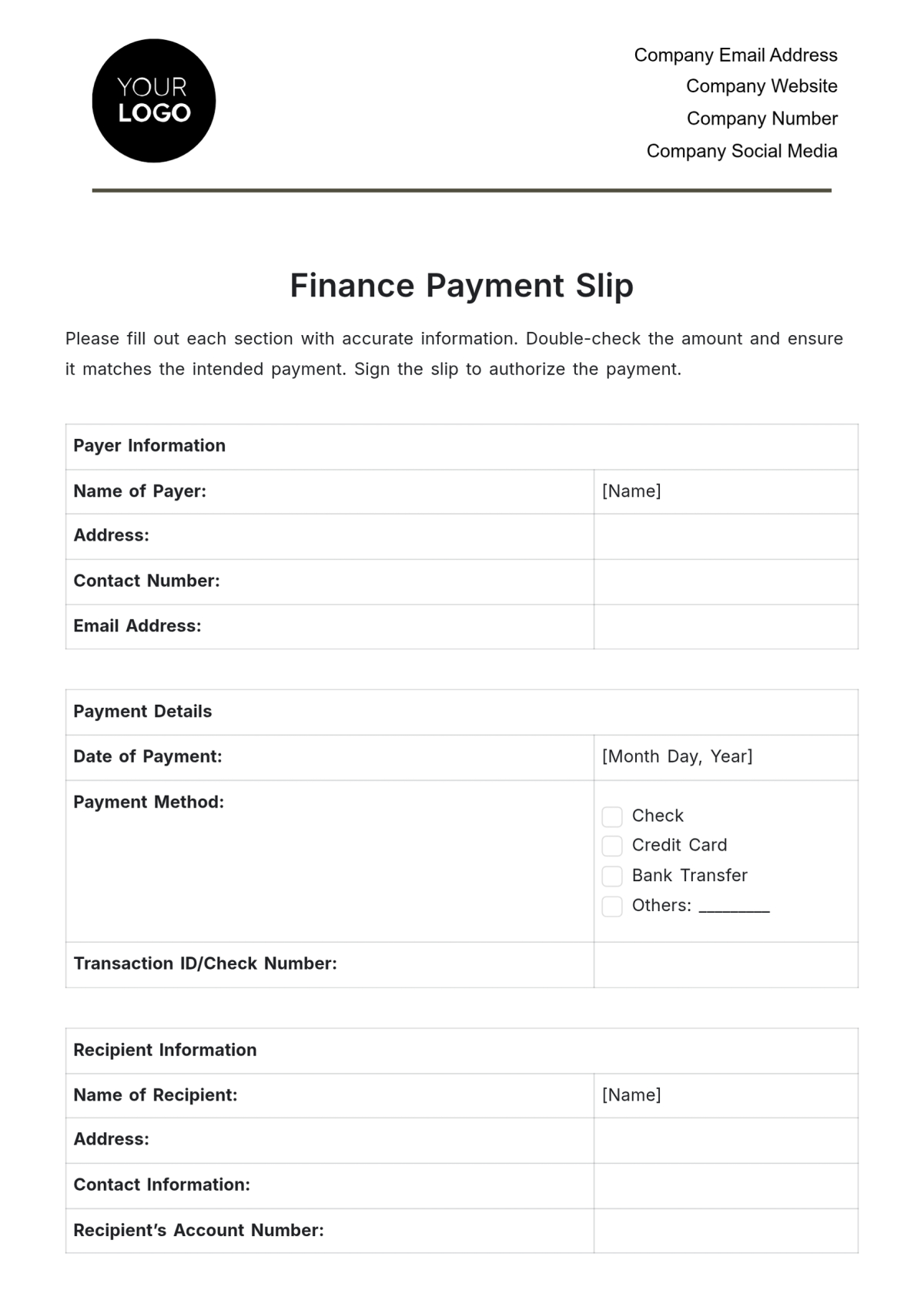
The layout of a fillable printable payment slip is straightforward and user-friendly. It consists of several key sections that facilitate clear communication regarding payments.
- Header: This area usually includes your business name, logo, and contact information. A well-designed header helps to establish your brand and makes the slip look professional.
- Recipient Information: This section is where you’ll enter the name and contact details of the person or company making the payment. It’s essential for record-keeping and for ensuring that payments are correctly attributed.
- Payment Details: This is the core of the payment slip, where you’ll specify the amount due, the date of payment, and any reference numbers (like invoice numbers). This section is critical for tracking payments and reconciling accounts.
- Notes/Comments Section: Often, a space is included for additional notes or comments. This can be useful for providing specific instructions or additional context regarding the payment.
- Signature Line: A signature line can add an extra layer of authenticity. It allows for a physical signature, which can be important for some transactions.
How to Create Your Payment Slip in Google Docs
Creating a fillable printable payment slip in Google Docs is a simple process. Here’s a step-by-step guide to get started:
- Open Google Docs: Start by opening Google Docs and selecting ‘Blank Document’.
- Set Up Your Document: Adjust the page size to 8.5 x 11 inches if it isn’t already set. This is the standard letter size for most business documents.
- Design the Header: Insert your business name and logo at the top of the document. Use a larger font size for the business name to make it stand out.
- Add the Recipient Information Section: Create fields for the recipient’s name and contact details. You can use tables to keep the layout organized.
- Input Payment Details: Add text boxes for the amount, date, and reference numbers. Using tables or lines can help distinguish these fields clearly.
- Incorporate a Notes Section: Leave space for any additional comments. Consider using a shaded box to make this section visually distinct.
- Include a Signature Line: Lastly, add a line for signatures. You can label it with “Authorized Signature” to clarify its purpose.
- Make it Fillable: If you want users to fill it out digitally, ensure that the fields are clearly marked and easy to navigate.
- Save and Share: Once you are satisfied with your design, save the document and share it with your team or clients. Google Docs allows easy sharing and collaboration.
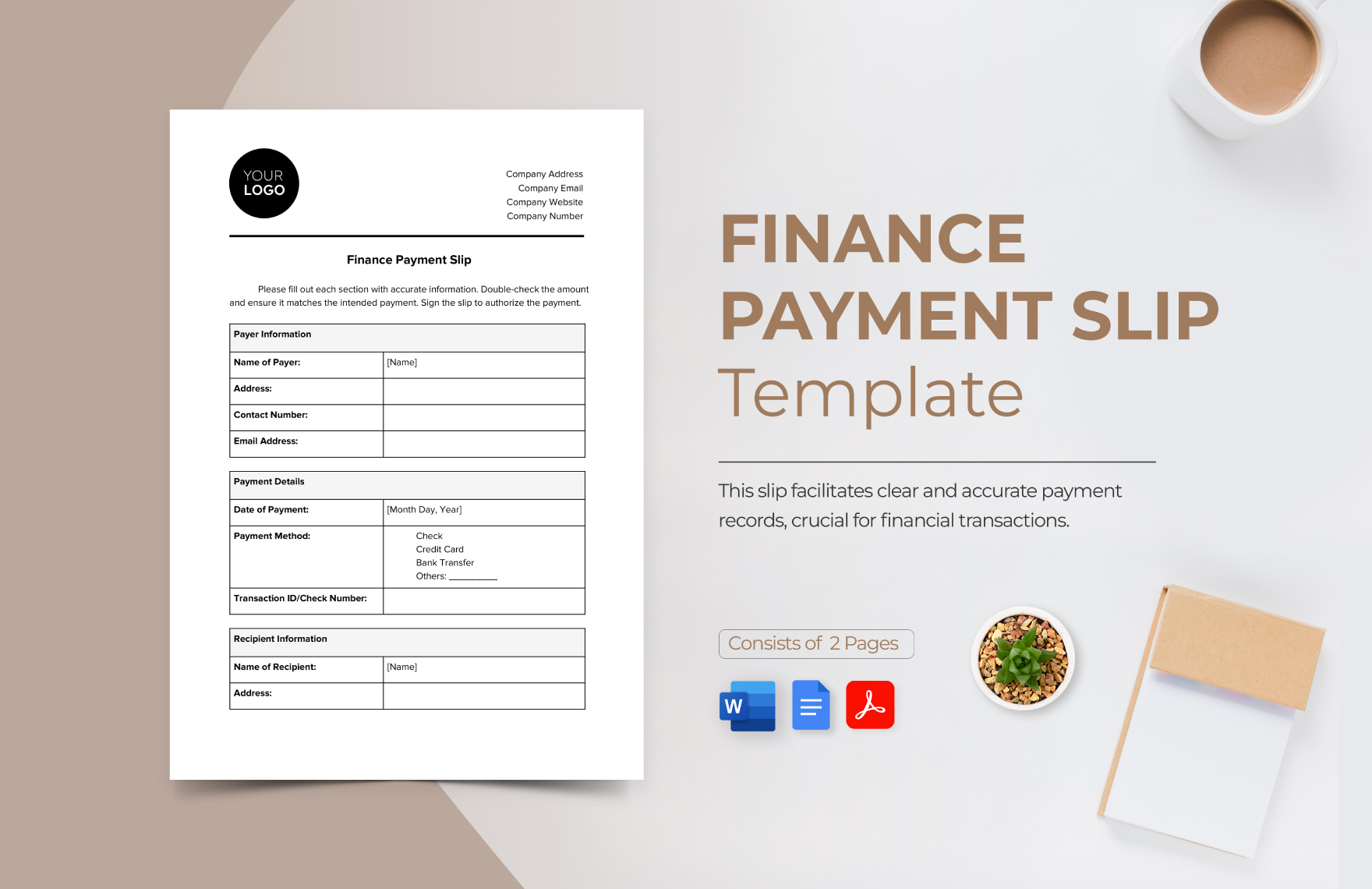
Best Practices for Using Your Payment Slip
To maximize the effectiveness of your fillable printable payment slip, consider the following best practices:
- Keep It Updated: Regularly review and update the payment slip to reflect any changes in your business information or payment processes.
- Maintain Consistency: Use the same design elements across all your business documents. This creates a cohesive brand image and enhances professionalism.
- Train Your Team: Ensure that your staff understands how to use the payment slip correctly. This includes knowing how to fill it out and when to use it.
- Record Keeping: After payments are processed, maintain a record of all filled slips. This will help in tracking payments and reconciling accounts effectively.
- Feedback Loop: Encourage clients or staff to provide feedback on the payment slip. This can help identify areas for improvement and ensure the document meets everyone’s needs.
Using a fillable printable payment slip for Google Docs is an excellent way to streamline your payment processes. By implementing these practices, small businesses can enhance their financial management and improve overall efficiency. Remember, a well-structured payment slip not only aids in tracking payments but also reflects the professionalism of your business, leaving a positive impression on clients and partners alike.