Creating a fillable printable payment slip for Google Sheets can significantly streamline the payment process for small business owners. This resource is designed to help you manage payments with ease, ensuring accuracy and efficiency. By utilizing this template, you can customize slips to meet your specific needs, making it easier to track transactions and maintain records.
Understanding the Fillable Printable Payment Slip
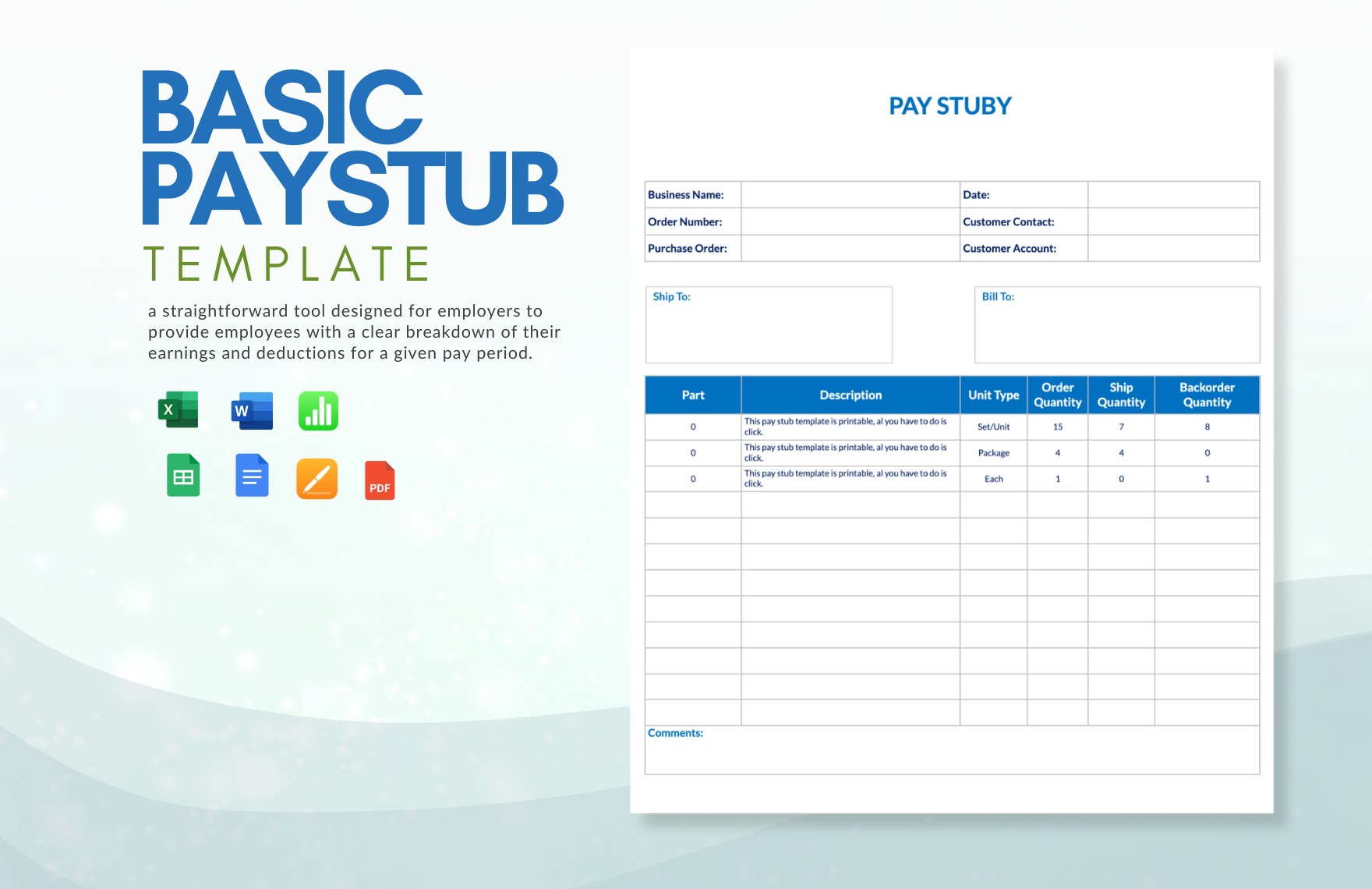
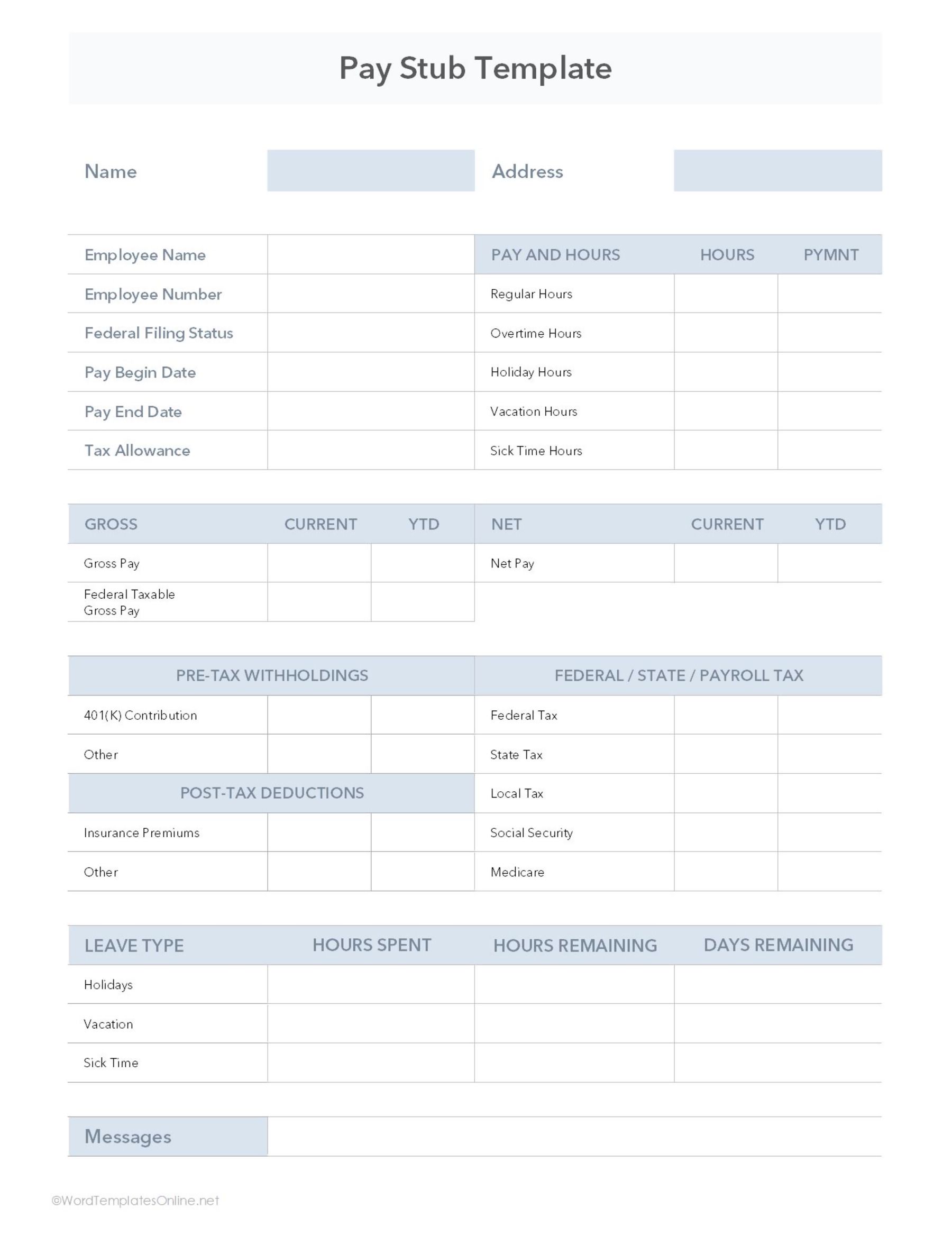
A fillable printable payment slip is a customizable document that allows you to input payment details directly into a Google Sheets template. This slip typically includes fields such as the payer’s name, payment amount, date, and purpose of payment. The primary advantage of using this format is that it simplifies record-keeping and improves organization, which is crucial for small business operations.
These payment slips can be tailored to fit various business types, If you are running a service-based company, retail store, or freelance operation. The flexibility of Google Sheets means you can easily adjust the template to include additional fields relevant to your business.
How to Download and Customize Your Payment Slip
- Download the Template: Begin by accessing a trusted printable-resource website that offers a fillable payment slip template. Ensure it is compatible with Google Sheets for seamless integration.
- Open in Google Sheets: After downloading, upload the template to your Google Drive. Open it with Google Sheets to start editing.
- Customize the Fields: Modify the fields to reflect your business needs. You might want to add specific payment categories, terms, or notes fields. This customization can enhance the functionality of the slip and make it more user-friendly.
- Save Your Template: Once you’ve made your changes, save the document. Consider creating a copy of the original template for future use to maintain a clean version for repeated modifications.
Best Practices for Using the Payment Slip
Using a fillable printable payment slip effectively requires some planning. Here are some best practices to ensure your payment management is as efficient as possible:
- Consistency is Key: Use the payment slip for all transactions to create a uniform record. This consistency helps in tracking payments and maintaining financial clarity.
- Keep Digital and Physical Records: After collecting payments, ensure you either print the slips for physical records or keep a digital copy in your Google Drive. Digital storage allows for easy retrieval and sharing when needed.
- Train Staff: If you have employees handling payments, ensure they understand how to use the payment slip effectively. Providing training on filling out and processing these slips can minimize errors.
- Regular Reviews: Set aside time each month to review payment slips. This practice can help identify any discrepancies and ensure that all payments are accounted for in your financial records.
Advantages of Using Google Sheets for Payment Slips
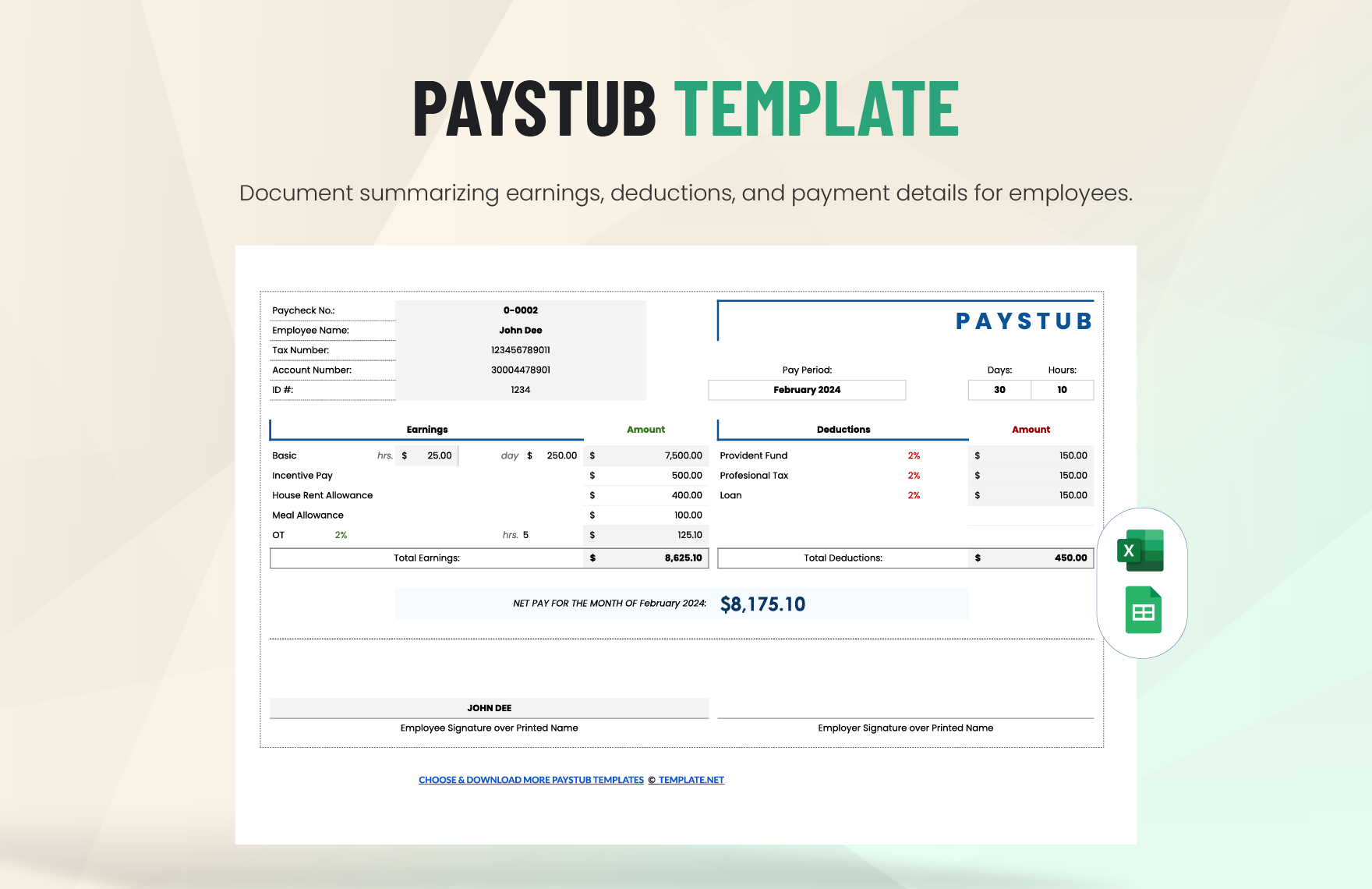
Utilizing Google Sheets for your payment slips offers several benefits:
- Accessibility: Google Sheets can be accessed from any device with internet connectivity, making it easy to manage payments on the go.
- Collaboration: Multiple users can work on the same document simultaneously, which is beneficial for teams that need to input data together.
- Automatic Updates: Any changes made in real time are saved immediately, reducing the risk of lost information.
- Integration with Other Tools: Google Sheets can easily integrate with other Google Workspace tools, such as Google Forms, allowing you to expand your payment processing capabilities if necessary.
By implementing a fillable printable payment slip for Google Sheets, small business owners can elevate their payment tracking and processing systems. This resource not only saves time but also enhances organization, providing clarity in financial transactions.
Next, download your customizable payment slip template today and begin optimizing your payment workflow!