Managing payments can often feel overwhelming, especially with multiple bills and expenses to track. A Fillable Printable Payment Slip With Blank Fields can significantly streamline this process. This resource allows you to input the necessary payment details directly into a digital format before printing, making it easy to stay organized.
Understanding the Layout of the Payment Slip
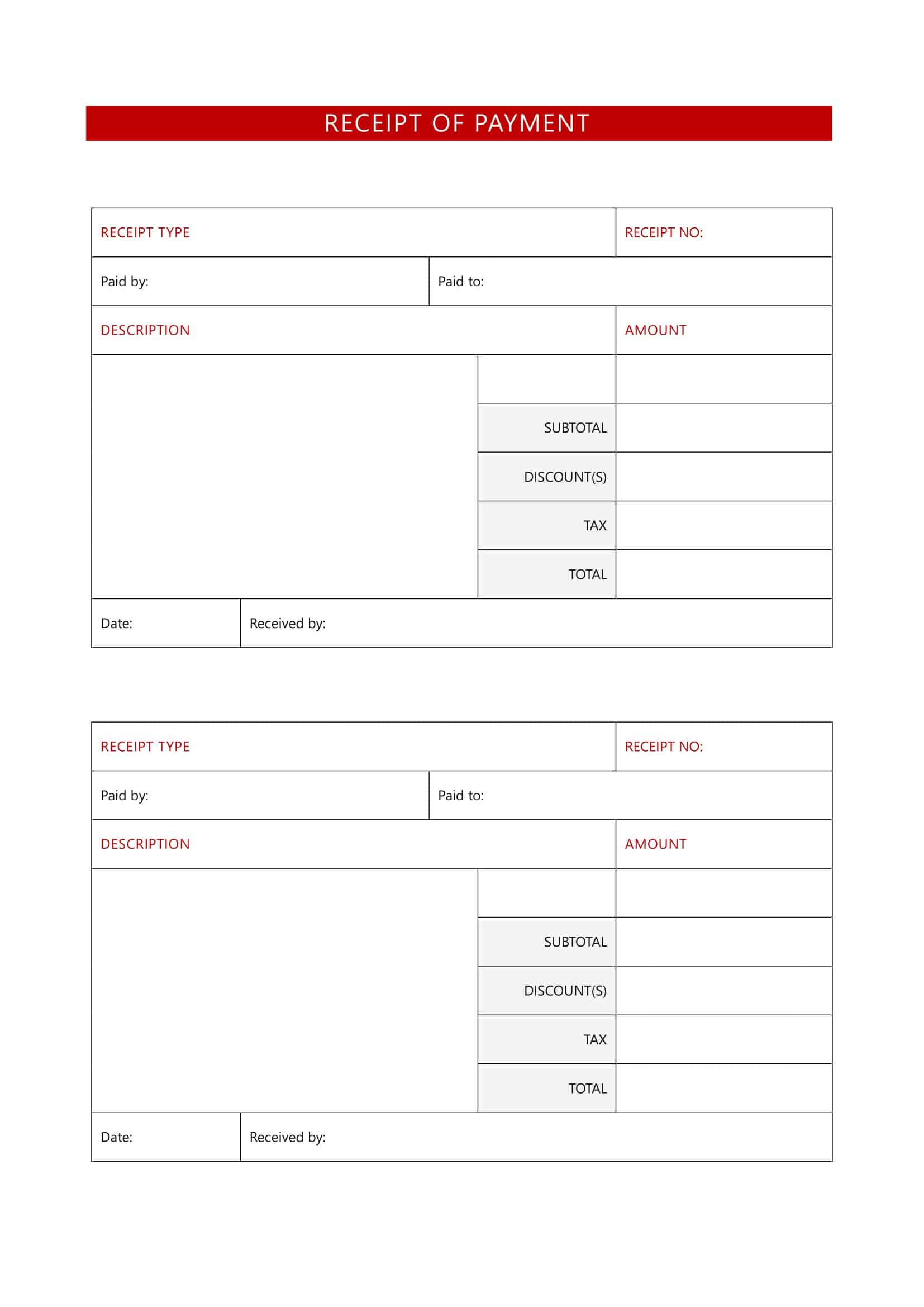
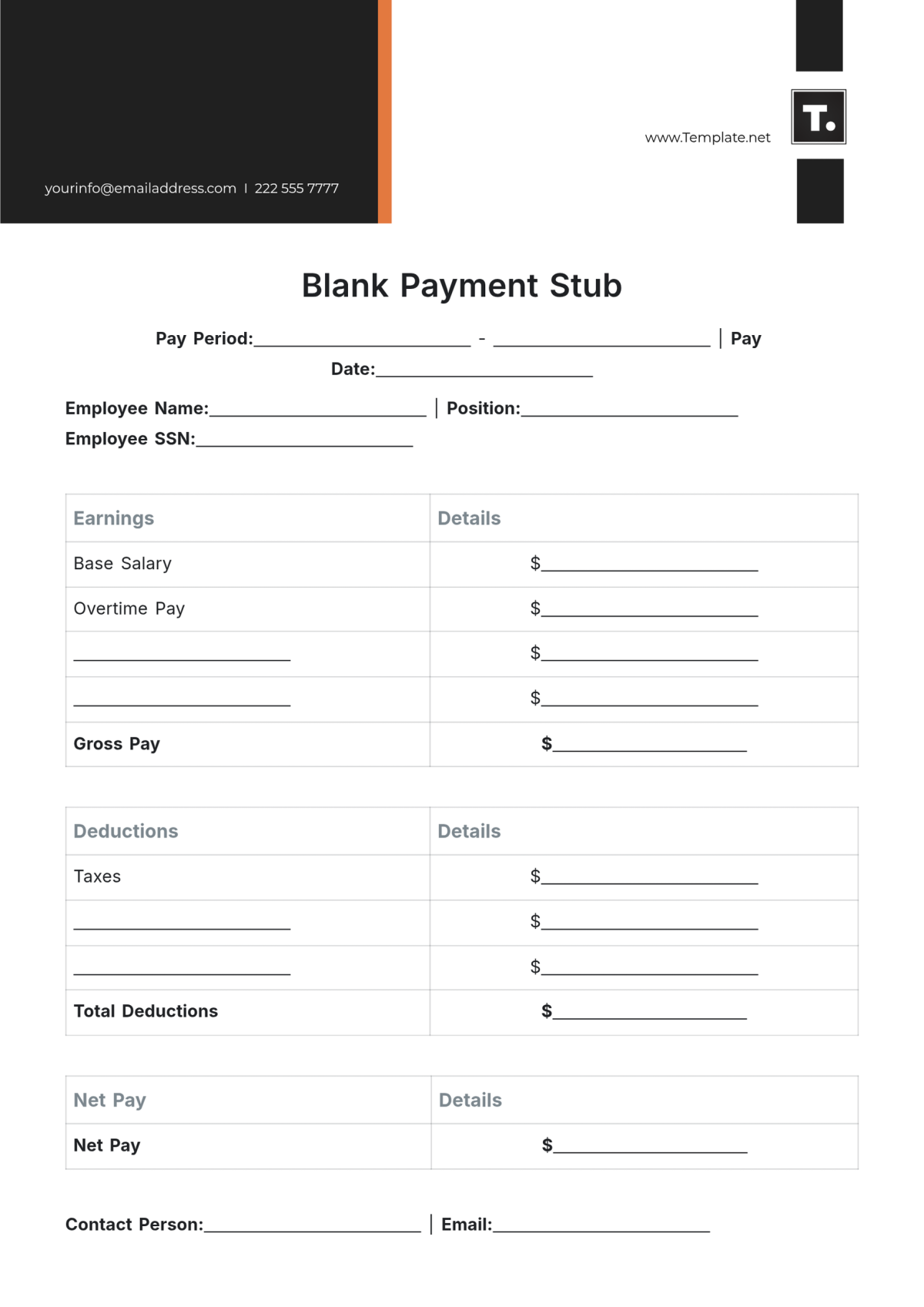
When you first download the fillable payment slip, you’ll notice its straightforward design. Typically formatted in A4 or letter size, this printable resource features blank fields for essential information, including payee details, amount due, date, and payment method. The clear sections help you categorize each payment type, ensuring you don’t miss anything important.
The layout often includes:
- Payee Information: A section to fill in the name and address of the recipient.
- Payment Details: Fields for the payment amount, due date, and any reference numbers.
- Your Information: Space for your name and contact information, which is especially useful for keeping a record of your transactions.
This structure not only helps you fill in necessary details but also serves as a template to ensure you include all relevant information for each payment.
How to Use the Fillable Printable Payment Slip
Using this resource is straightforward. Once you download the fillable payment slip, open it in a PDF viewer that supports form filling. Here’s a step-by-step guide on how to get the most out of it:
- Open the Document: Use any standard PDF viewer. Most modern browsers can also open PDF files directly.
- Fill in the Fields: Click on each blank field to enter your information. This can be done from a computer, tablet, or even your smartphone.
- Review Your Information: Double-check all entries for accuracy. This ensures that your payments are processed correctly and on time.
- Print the Slip: After filling in the necessary fields, print the slip. It’s advisable to use a high-quality printer for a clear output, which will help in making the document look professional.
- Keep a Copy: For your records, consider keeping a digital copy of the filled slip or a printed version in a dedicated file. This can help you track payments and resolve any disputes that may arise.
Benefits of Using a Fillable Payment Slip
The use of a fillable payment slip offers several advantages. Here are a few reasons why incorporating this tool into your financial management routine can be beneficial:
- Customization: You can tailor each slip to fit the specific payment you’re making. This flexibility allows you to adapt the document for various payment scenarios, whether for bills, services, or personal transactions.
- Professional Appearance: Using a well-structured payment slip can enhance your professionalism, especially when dealing with businesses or service providers. It shows that you are organized and serious about your financial commitments.
- Ease of Tracking: With all your payments documented in one place, it becomes easier to track expenses and manage your budget. You can quickly refer back to previous slips for details on payments made.
- Saves Time: Filling in the same information repeatedly can be tedious. Having a fillable slip means you can quickly input details each time without needing to write everything out by hand.
Printing Considerations for the Payment Slip
Before you hit the print button, there are a few considerations to ensure the best results:
- Paper Type: Use standard printer paper, but if you want durability, consider using cardstock. This material holds up better over time, especially if you plan to keep copies for records.
- Print Settings: Select the correct paper size in your printer settings. Most slips are designed for A4 or letter-sized paper, so ensure your printer is set accordingly.
- Check Alignment: Before printing multiple copies, do a test print to check that everything aligns properly. Misalignment can make your slips look unprofessional and may lead to missing information.
By following these guidelines, you can effectively utilize the Fillable Printable Payment Slip With Blank Fields to manage your payments efficiently. This resource not only simplifies the payment process but also enhances your organizational skills, making it easier to stay on top of your financial responsibilities.