Managing finances can become overwhelming, especially when it comes to tracking payments and customer details. A Fillable Printable Payment Slip With Customer Details can simplify this process, allowing you to keep accurate records and ensure seamless transactions. This resource is designed for anyone looking to maintain organized financial documentation, whether you’re a small business owner, freelancer, or managing personal finances.
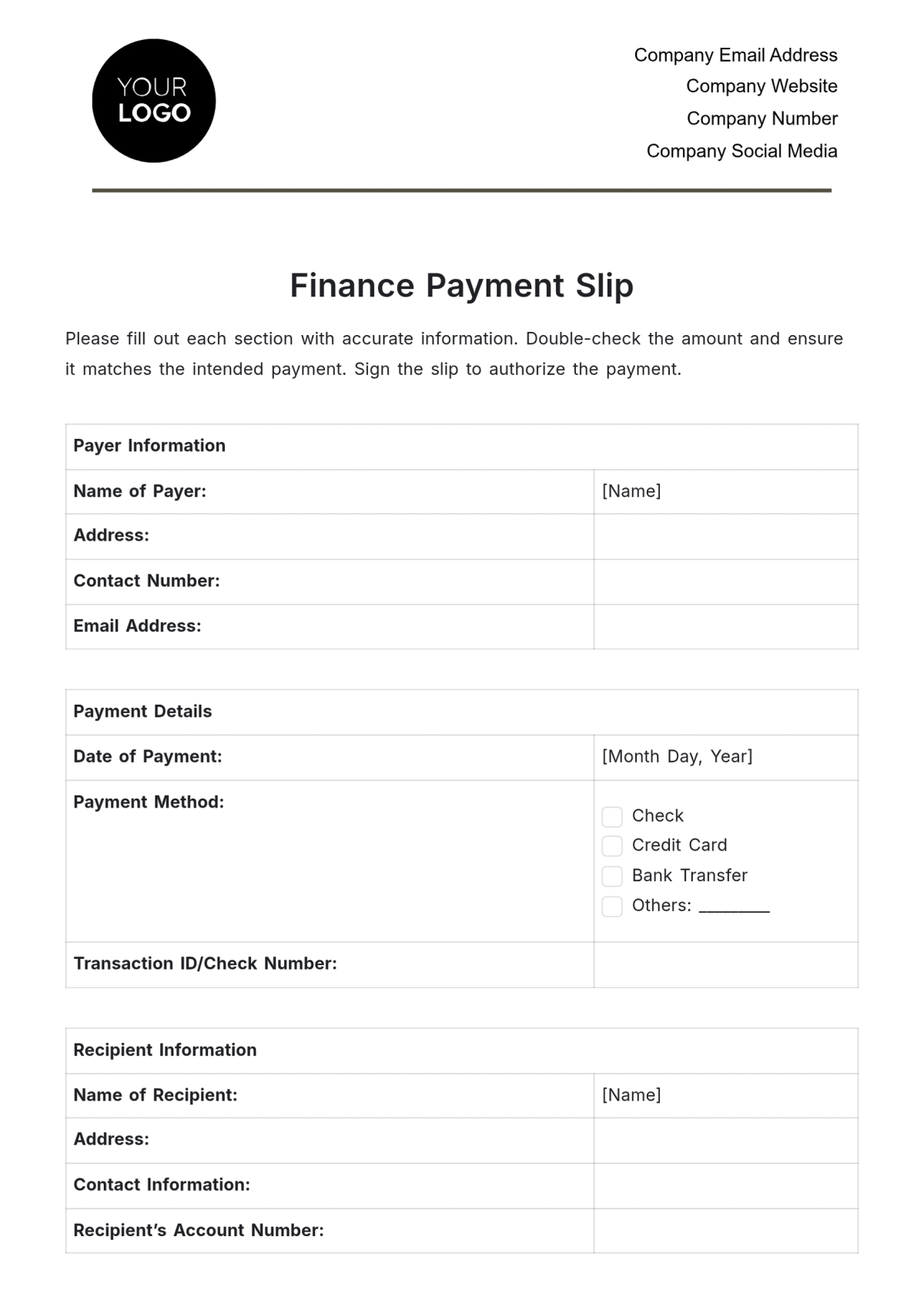
Understanding the Structure of the Payment Slip
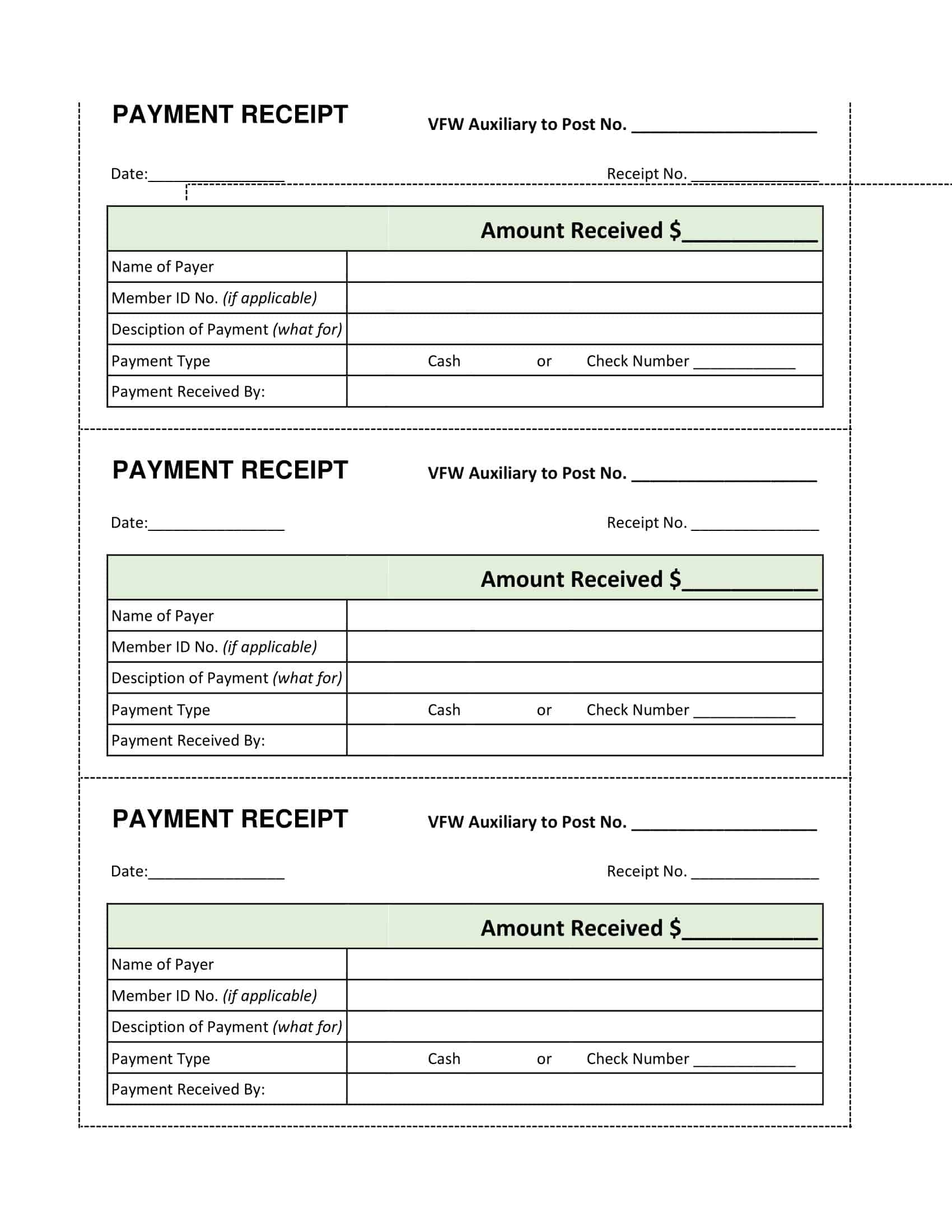
A fillable printable payment slip typically includes several key sections that facilitate easy data entry and clear communication. When you download this slip, you’ll notice it usually features:
- Customer Information: This section often includes fields for the customer’s name, address, and contact information. Having this data readily available ensures you can follow up on payments if necessary.
- Payment Details: Here, you can specify the amount being paid, the payment method (like cash, check, or credit card), and the due date. This clarity helps avoid any misunderstandings about what the customer owes.
- Service or Product Description: This area allows you to detail what the payment is for, which is particularly useful for businesses that offer multiple services or products. Clear descriptions help both you and the customer keep track of services rendered.
The layout is designed to be user-friendly, making it easy for you to fill out the necessary information quickly. The visual organization of the payment slip helps you maintain focus while managing transactions.
How to Use the Payment Slip Effectively
Now that you understand the layout, let’s look at how to effectively use your fillable printable payment slip.
- Download and Print: Start by downloading the slip in PDF format. This format maintains the original layout and ensures that the fields are fillable. When printing, use standard letter-size paper (8.5 x 11 inches) for best results.
- Fill in Details: Before handing over the payment slip to a customer, fill it out completely. Include your business name and logo at the top if desired, as this adds a professional touch. Make sure to input the customer’s details accurately to avoid any confusion.
- Provide a Copy to the Customer: Once filled out, give a copy of the slip to the customer. This serves as their receipt and can help them keep track of their payments.
- Keep Records: It’s a good practice to keep a copy for your records as well. You might consider filing these slips by date or customer name for easy retrieval in the future.
By following these steps, you can ensure that your payment process is organized and efficient.
Choosing the Right Paper and Printing Options
When it comes to printing your payment slips, the choice of paper and settings can make a difference in the final product. Here are some tips:
- Paper Type: For durability, especially if the slip will be handled frequently, consider using cardstock. It holds up better over time than regular printer paper.
- Print Settings: Use the portrait layout setting on your printer for optimal results. This orientation typically fits the payment slip design best and reduces the risk of cutting off important information.
- Test Print: Before printing multiple copies, do a test print to ensure everything appears correctly. Check for alignment and clarity of the text.
Selecting the right materials can enhance the professionalism of your payment slips while ensuring they are functional and easy to read.
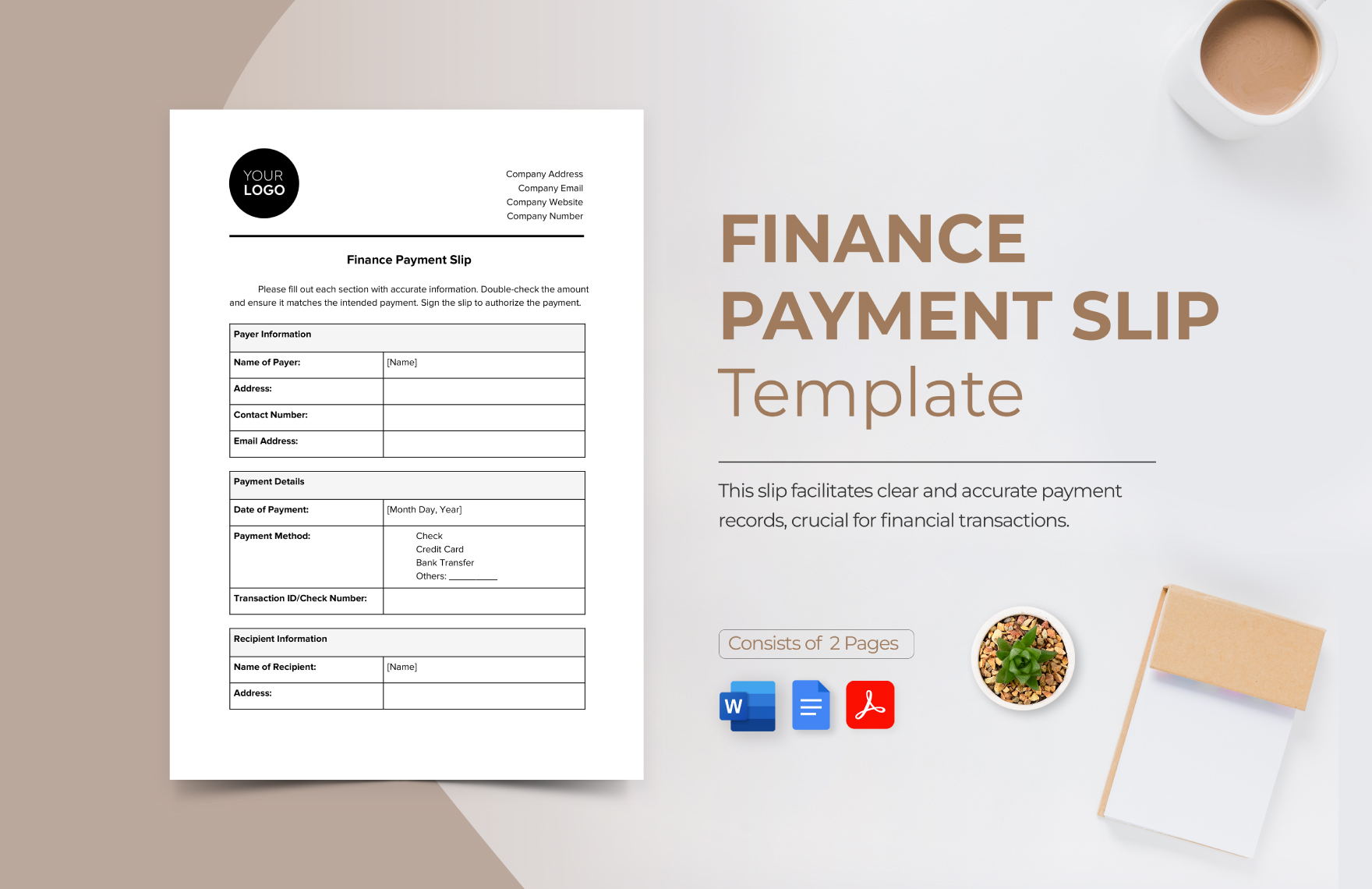
Integrating the Payment Slip Into Your Financial Routine
Incorporating the Fillable Printable Payment Slip With Customer Details into your financial routine can streamline your processes significantly. Here’s how:
- Consistency: Use this payment slip for all transactions to maintain consistency. This helps in creating a clear paper trail for your finances.
- Track Payments: Keep a log of all slips issued, including the date and amount. This will help you track incoming payments and follow up on any overdue accounts.
- Review Regularly: Set aside time weekly or monthly to review your payment slips and customer records. This helps you stay on top of your finances and spot any discrepancies early.
By making this slip a part of your everyday financial management, you’ll find it much easier to stay organized and in control.
The Fillable Printable Payment Slip With Customer Details serves as a valuable tool for managing your financial transactions effectively. By understanding its layout, using it correctly, and integrating it into your routine, you can streamline your payment processes and maintain accurate records with ease. Whether you opt for traditional paper or digital copies, this resource can significantly enhance your financial documentation practices.