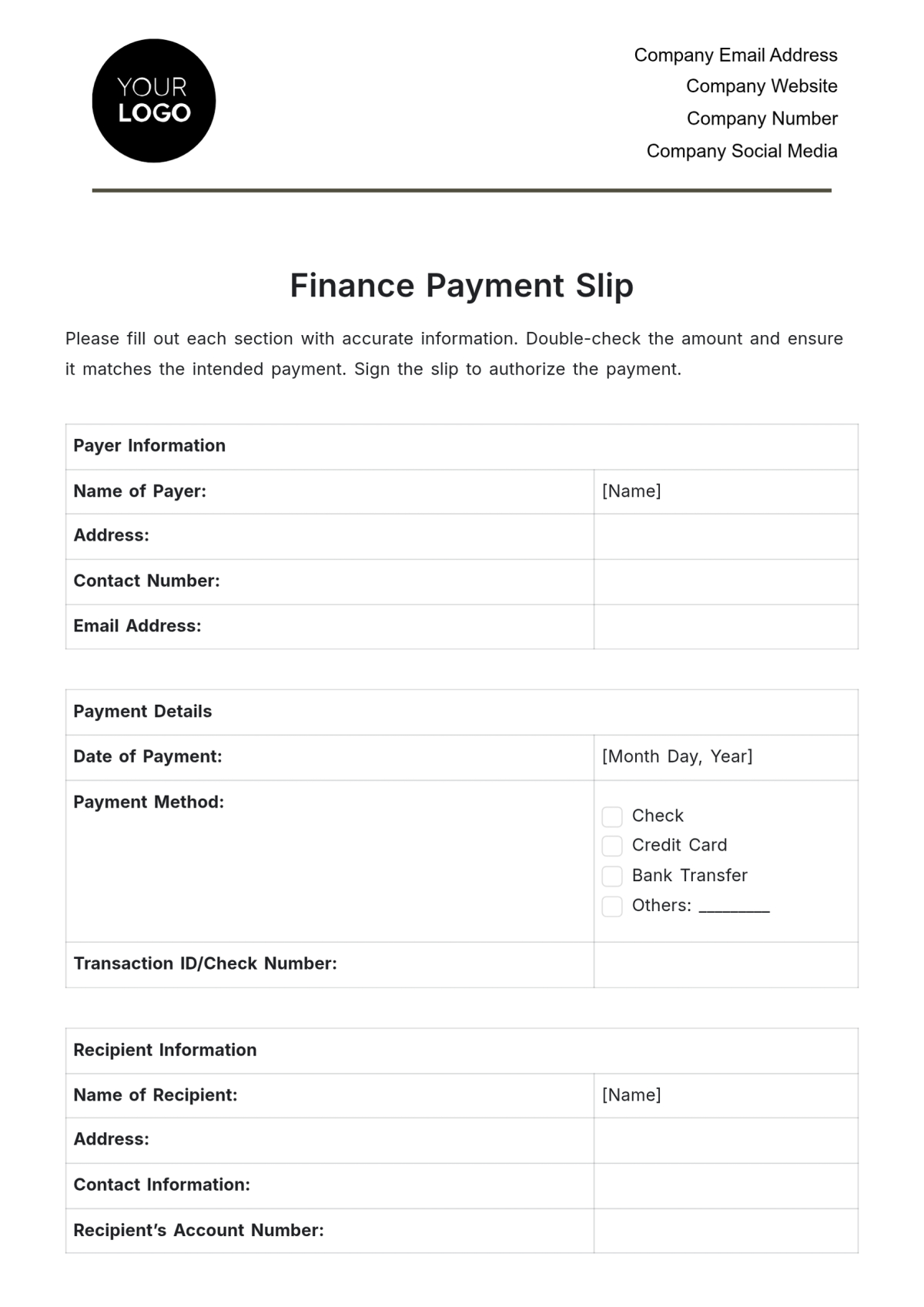
A Fillable Printable Payment Slip With Multiple Copies is an essential tool for small business owners managing transactions. This resource allows you to create payment slips that can be easily filled out and printed multiple times, making it ideal for various payment scenarios. Using this printable slip helps ensure professionalism while maintaining accurate records.
Why Use a Fillable Payment Slip?
Having a fillable payment slip streamlines the payment process. Instead of relying on handwritten notes or generic invoices, a dedicated slip offers a structured format. This is particularly useful for small businesses that handle numerous transactions daily. It reduces the chances of errors in recording payments and ensures that both the payer and payee have a clear understanding of the transaction.
Benefits of Multiple Copies
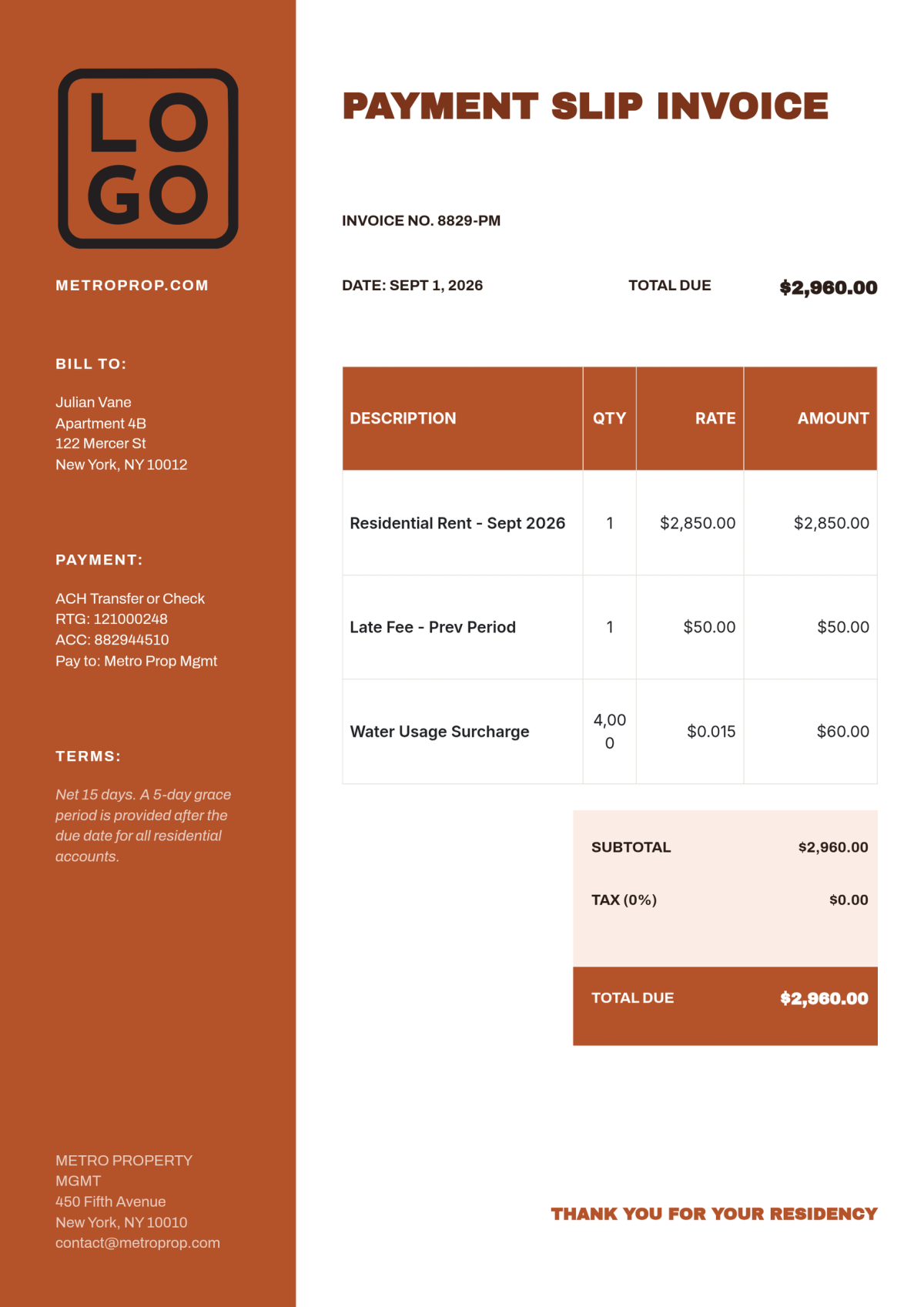
One of the standout features of this payment slip is its capability to produce multiple copies. This is beneficial for several reasons:
- Record Keeping: You can keep one copy for your records while providing another to the payer.
- Tracking Payments: Having multiple copies allows for better tracking of payments made and received.
- Professional Appearance: A well-structured slip enhances your business’s credibility and professionalism.
How to Use the Fillable Payment Slip
Utilizing a fillable payment slip is straightforward. Here’s a simple guide to help you get started:
- Download the Template: Locate a fillable payment slip template that suits your needs. Ensure it is in a format that can be easily edited, such as PDF or Word.
- Fill in the Details: Open the template and enter necessary information such as:
- Business Name
- Date of Payment
- Amount Paid
- Payment Method (cash, check, credit card)
- Payer’s Information
- Customize as Needed: Depending on your business requirements, you can add or remove fields. For instance, if you need to track invoice numbers or include tax details, adjust the template accordingly.
- Print Multiple Copies: Once the slip is filled out, print as many copies as needed. Most templates are designed to allow a clean, easy print of multiple slips on a single page.
- Distribute: Give the necessary copies to the payer and retain one for your records.
Ideal Formats and Printing Tips
When printing your fillable payment slips, consider the following:
- Paper Size: Standard letter size (8.5 x 11 inches) works well for most business needs.
- Printer Settings: Use a high-quality printer to ensure that the text is clear and legible. A color printer can enhance visual appeal, especially if your business branding is involved.
- Cardstock vs. Regular Paper: For slips that will be used frequently or need to last longer, consider printing on cardstock. It provides durability and a professional feel.
Where to Find Fillable Payment Slip Templates
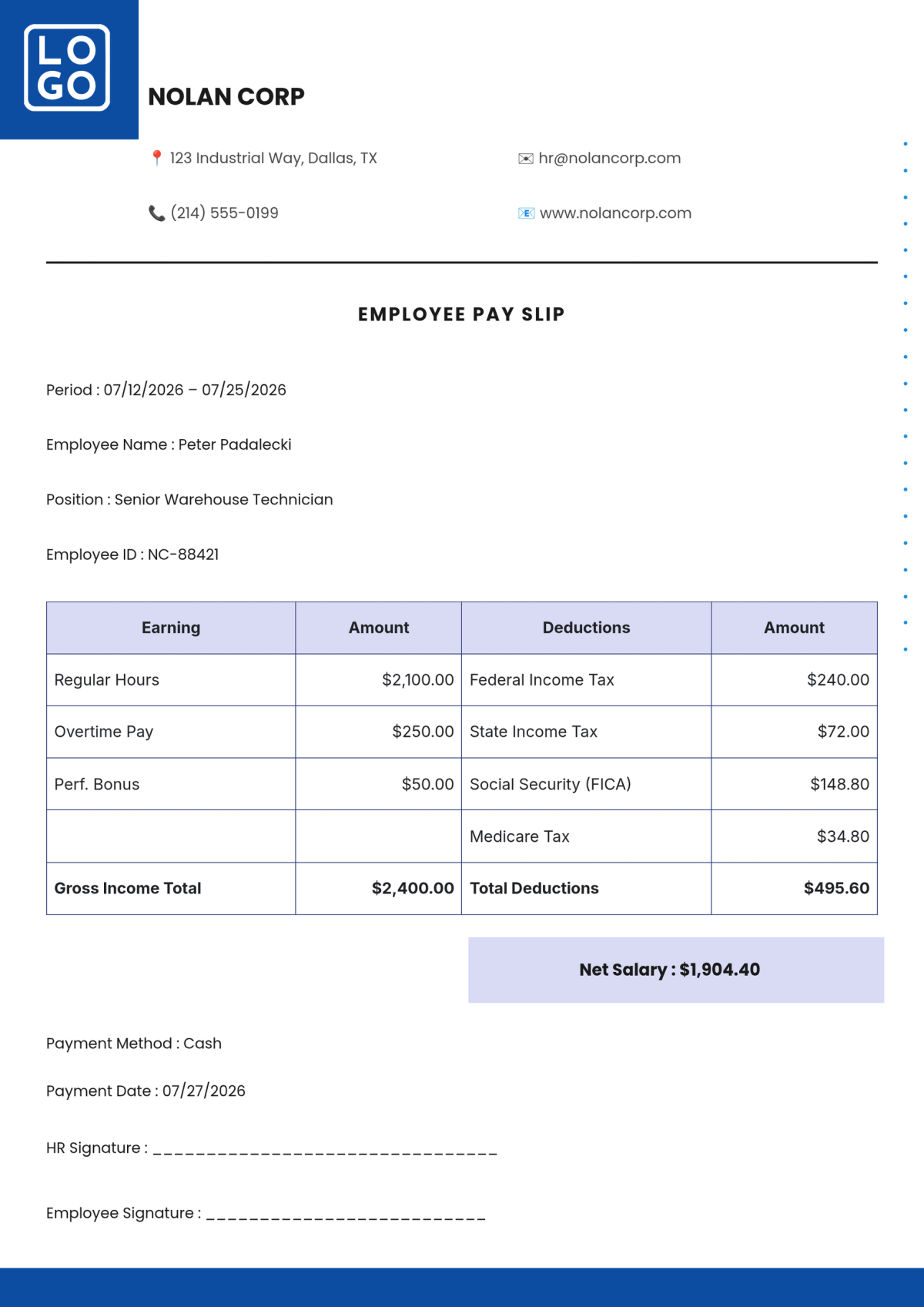
Finding quality templates is essential for ensuring that the fillable payment slip meets your business needs. Here are a few reliable sources:
- Printable Resource Websites: Many online platforms offer free or paid downloadable templates. Look for sites that specialize in business forms.
- Office Supply Stores: Some stores provide templates in their software or as physical products.
- Custom Design Services: If you have specific needs that aren’t met by standard templates, consider hiring a graphic designer to create a personalized payment slip.