A Fillable Printable Payment Slip With Professional Layout stands out from typical payment slips by offering an organized and visually appealing format that enhances usability. This resource is designed specifically for small-business owners who need a straightforward way to manage transactions. The professional layout not only simplifies the payment process but also adds a touch of professionalism that can impress clients and customers alike.
Understanding the Layout
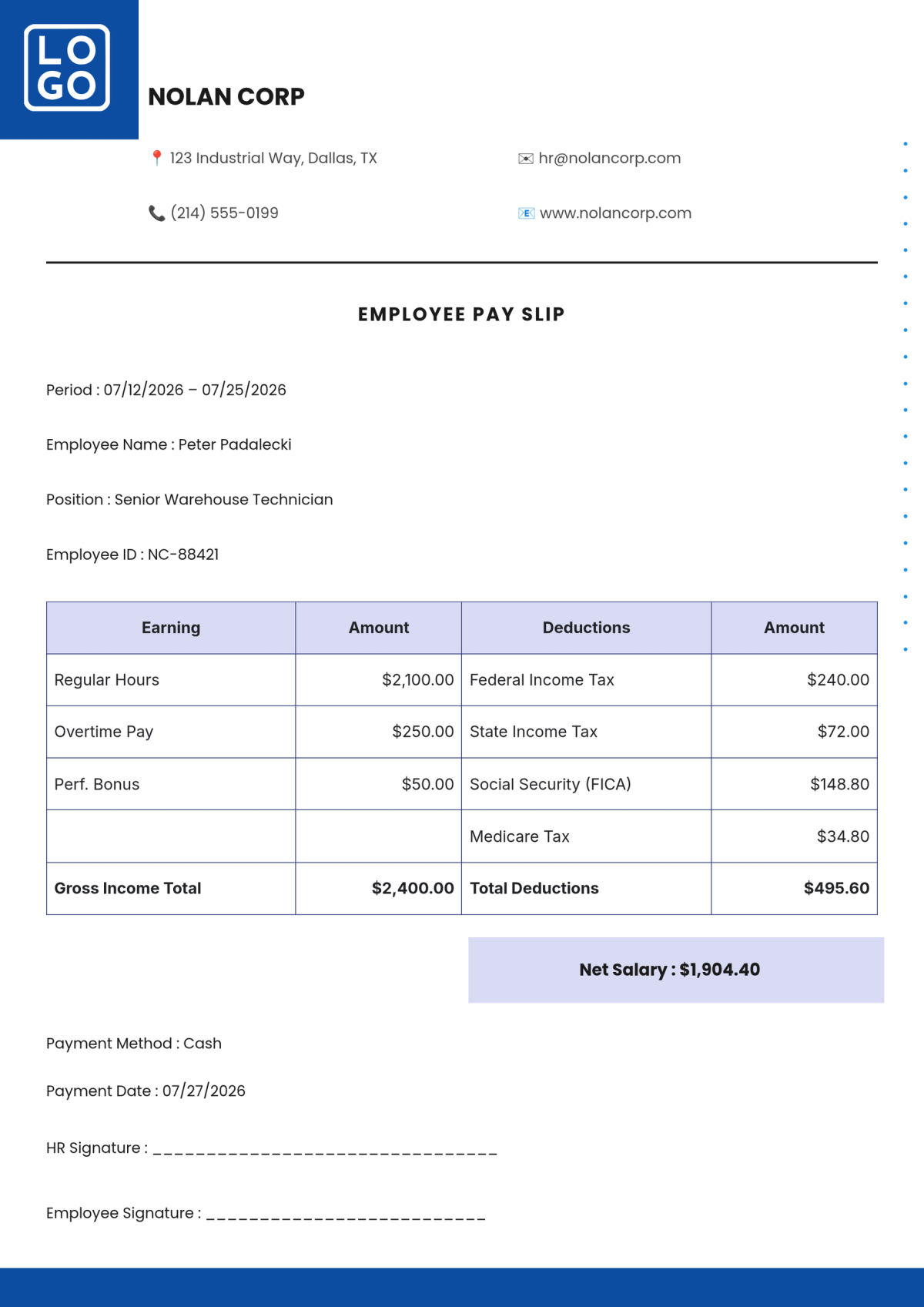
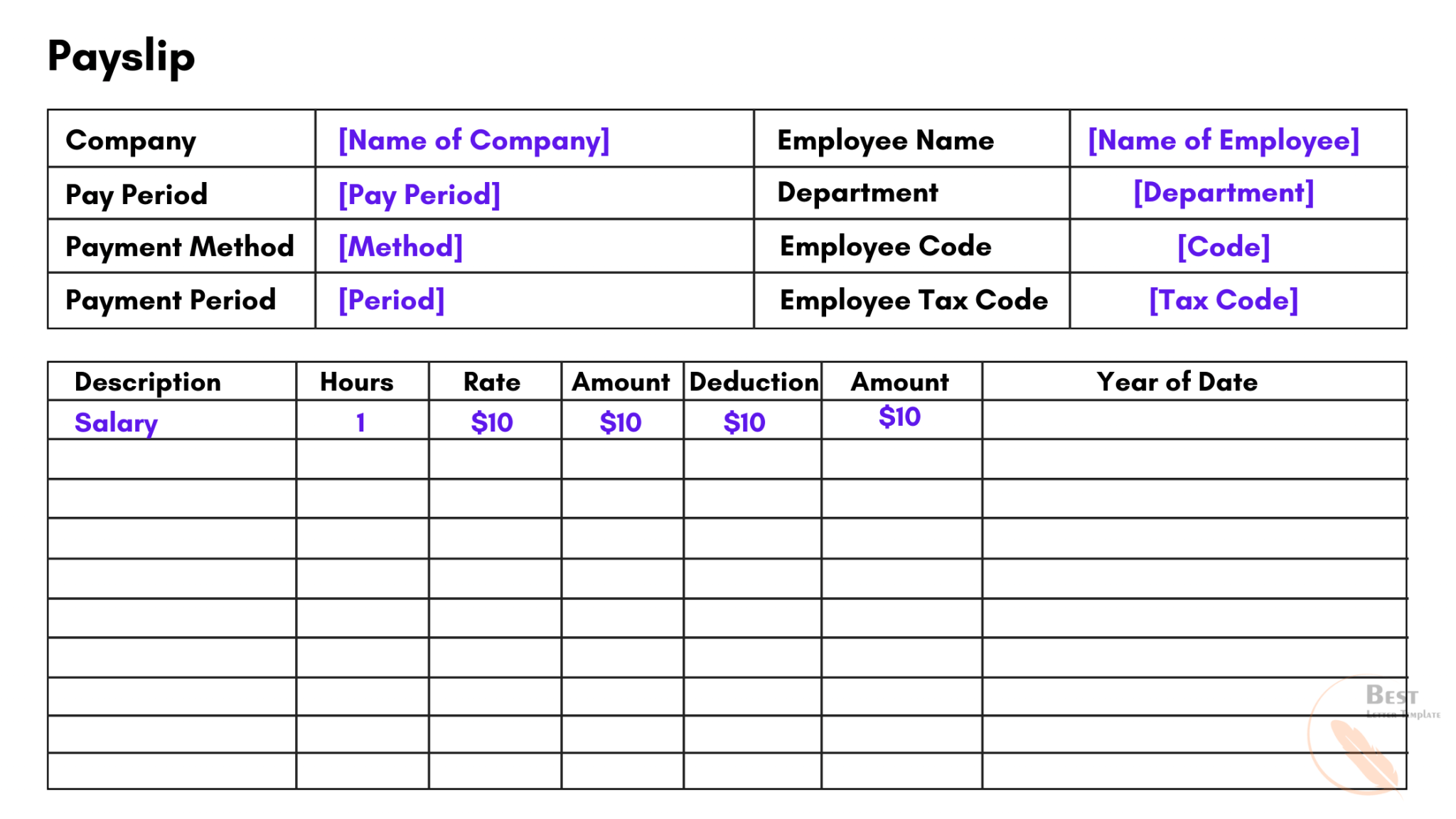
The layout of a fillable printable payment slip plays a crucial role in how effectively it serves its purpose. Typically, these slips feature distinct sections for essential information such as the date, payment amount, and recipient details. This structured design allows users to fill in necessary information quickly and accurately.
Key components of the layout often include:
- Header Section: This typically features your business name, logo, and contact information, establishing brand identity.
- Date Field: A dedicated area for the date of the transaction, ensuring that records are kept timely.
- Recipient Information: Space to enter the name and details of the person or entity receiving the payment.
- Amount Due: A clear section for the payment amount, often with a line for both numerical and written format, reducing the chance of errors.
- Signature Line: For verification, a signature line may be included, adding an extra layer of authenticity to the transaction.
It’s important to note that the professional layout not only enhances readability but also makes it easier to locate specific information at a glance.
How to Use the Payment Slip Effectively
Using a fillable printable payment slip can streamline your payment processes. Here are several practical steps to incorporate this resource into your routine:
- Download and Print: Start by downloading the slip in a PDF format, which ensures that the layout remains intact during printing. Use standard letter-sized paper (8.5” x 11”) for easy handling.
- Fill in the Details: Before printing, fill out the slip digitally if your version allows it. This can help minimize mistakes and make it easier to read. If you prefer, you can print a blank slip and fill it out by hand.
- Keep Records: After completing a transaction, keep a copy of the payment slip for your records. You can either store physical copies or scan them for digital storage, ensuring you have a backup.
- Organize Payments: Consider creating a dedicated folder for all payment slips. This helps in tracking payments and can assist during audits or financial reviews.
- Customize When Necessary: If your business has specific needs, consider customizing the payment slip. Many templates allow for minor adjustments, such as additional fields for tax identification numbers or payment methods.
Benefits of Using a Professional Layout
The advantages of a Fillable Printable Payment Slip With Professional Layout extend beyond mere aesthetics. Here are some key benefits:
- Increased Professionalism: A well-designed payment slip reflects positively on your business, enhancing your credibility with clients.
- Improved Accuracy: The structured layout reduces the likelihood of errors when recording payment details, ensuring that both you and your client have the correct information.
- Time Efficiency: With clear sections for each piece of information, filling out the payment slip becomes a faster task, saving valuable time for busy business owners.
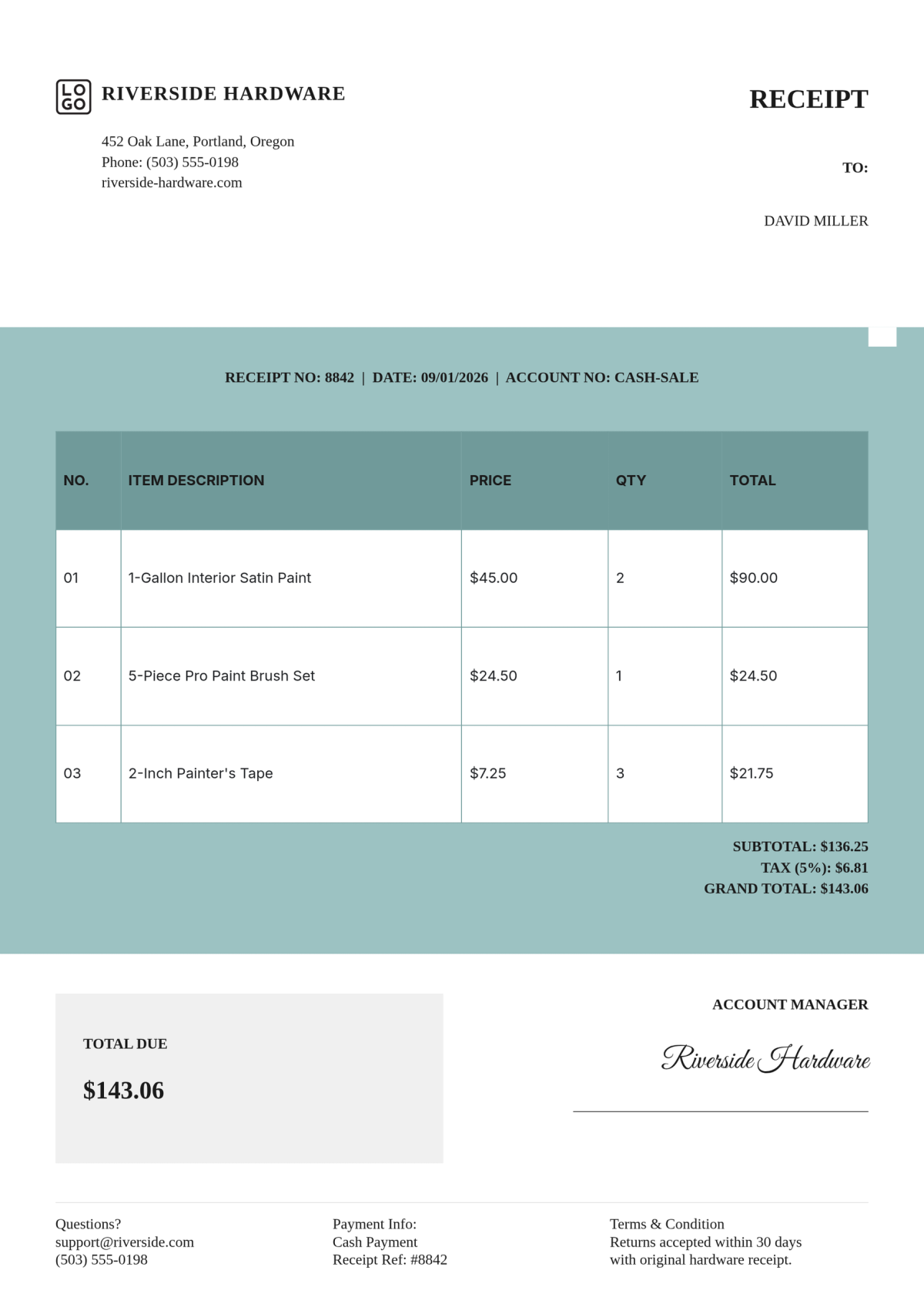
The professional layout also makes it easier for accounting or payroll departments to process payments quickly.
Options for Printing and Material
When it comes to printing your payment slips, there are a few options to consider:
- Paper Type: Standard printer paper works well, but using heavier cardstock can enhance durability, especially if the slips will be handled frequently.
- Printer Settings: Ensure that your printer settings are adjusted for the best quality. Use portrait orientation to match the typical layout design.
- Lamination: For long-term use, consider laminating the slips. This protects them from wear and allows for easy reuse with dry-erase markers for temporary notes.
With these printing options, you can ensure that your payment slips remain professional and functional.
Incorporating a Fillable Printable Payment Slip With Professional Layout into your business practices can significantly improve transaction management. Whether you choose to print on standard paper or invest in cardstock, the design choices you make will impact your overall efficiency and professionalism.