A pay slip printable template typically comes in a standard format, often A4 or letter-sized, making it easy to print and distribute. Using a Pay Slip Printable Template For Office Records is essential for small businesses that want to maintain clear and organized payroll records. This resource not only simplifies payment documentation but also helps employees understand their earnings, deductions, and overall compensation.
Understanding the Components of a Pay Slip
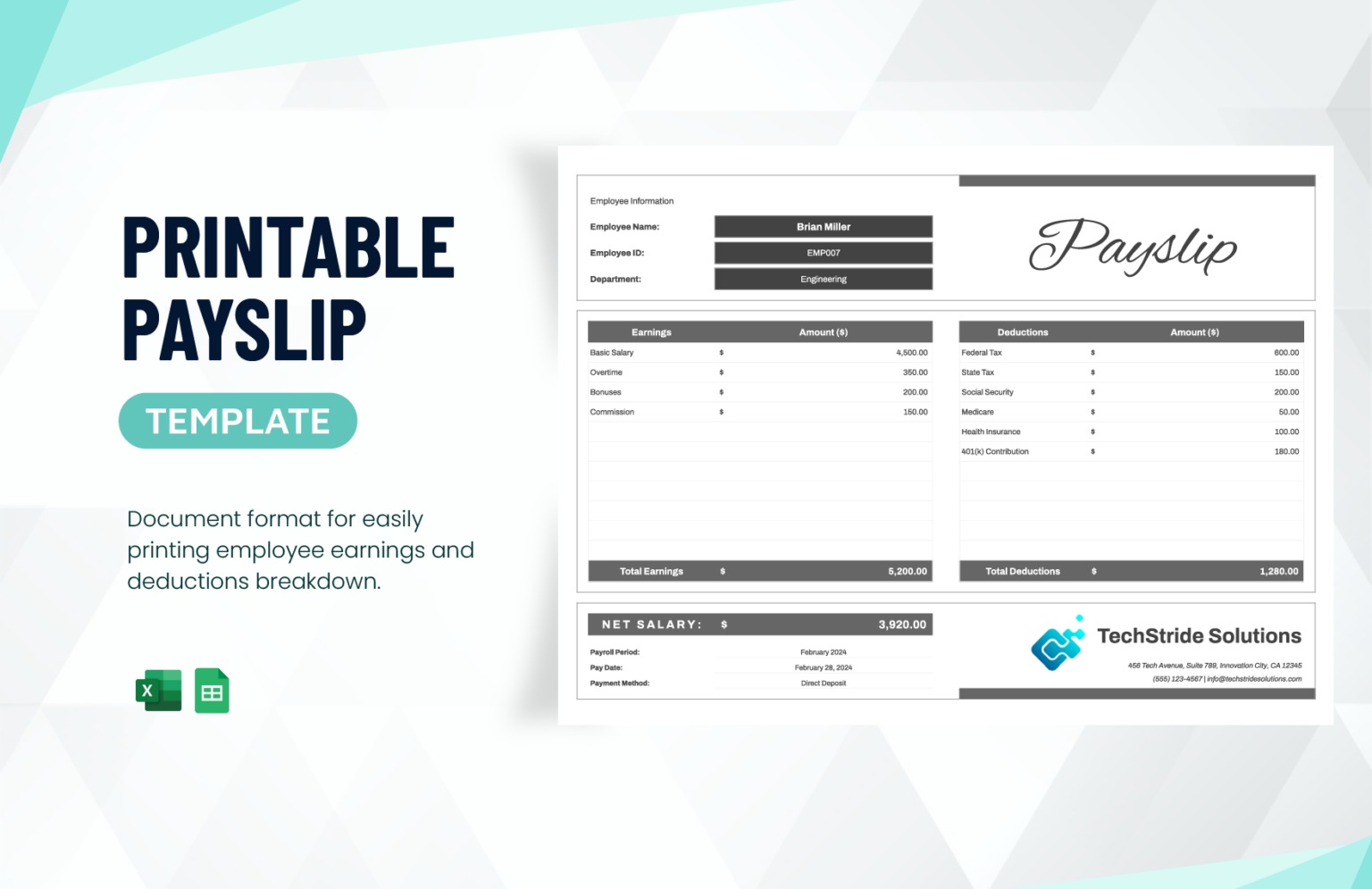
A comprehensive pay slip includes several key components that ensure clarity and transparency. Here’s what to look for:
- Employee Information: This section usually contains the employee’s name, identification number, and job title.
- Company Details: Include the company’s name, address, and contact information for any inquiries.
- Pay Period: Clearly specify the start and end dates for the pay period being reported.
- Earnings: Detail the gross pay, including basic salary, bonuses, and overtime, if applicable.
- Deductions: List all deductions, such as taxes, health insurance, and retirement contributions, to display net pay.
- Net Pay: The final amount the employee receives after all deductions are made.
Benefits of Using a Printable Pay Slip Template
Using a pay slip template offers numerous advantages for small business owners:
- Consistency: A template ensures that all pay slips maintain a uniform structure, which helps in record-keeping and analysis.
- Professional Appearance: Well-structured pay slips enhance the professionalism of your business, instilling trust among employees.
- Time-Saving: Templates can drastically reduce the time spent on payroll processing. Instead of creating a new document from scratch, you can simply fill in the required fields.
- Customization: Most templates are customizable, allowing you to add your company’s logo or modify layout according to specific needs.
Downloading and Printing Your Pay Slip Template
When downloading a pay slip template, consider the following practical aspects:
File Formats
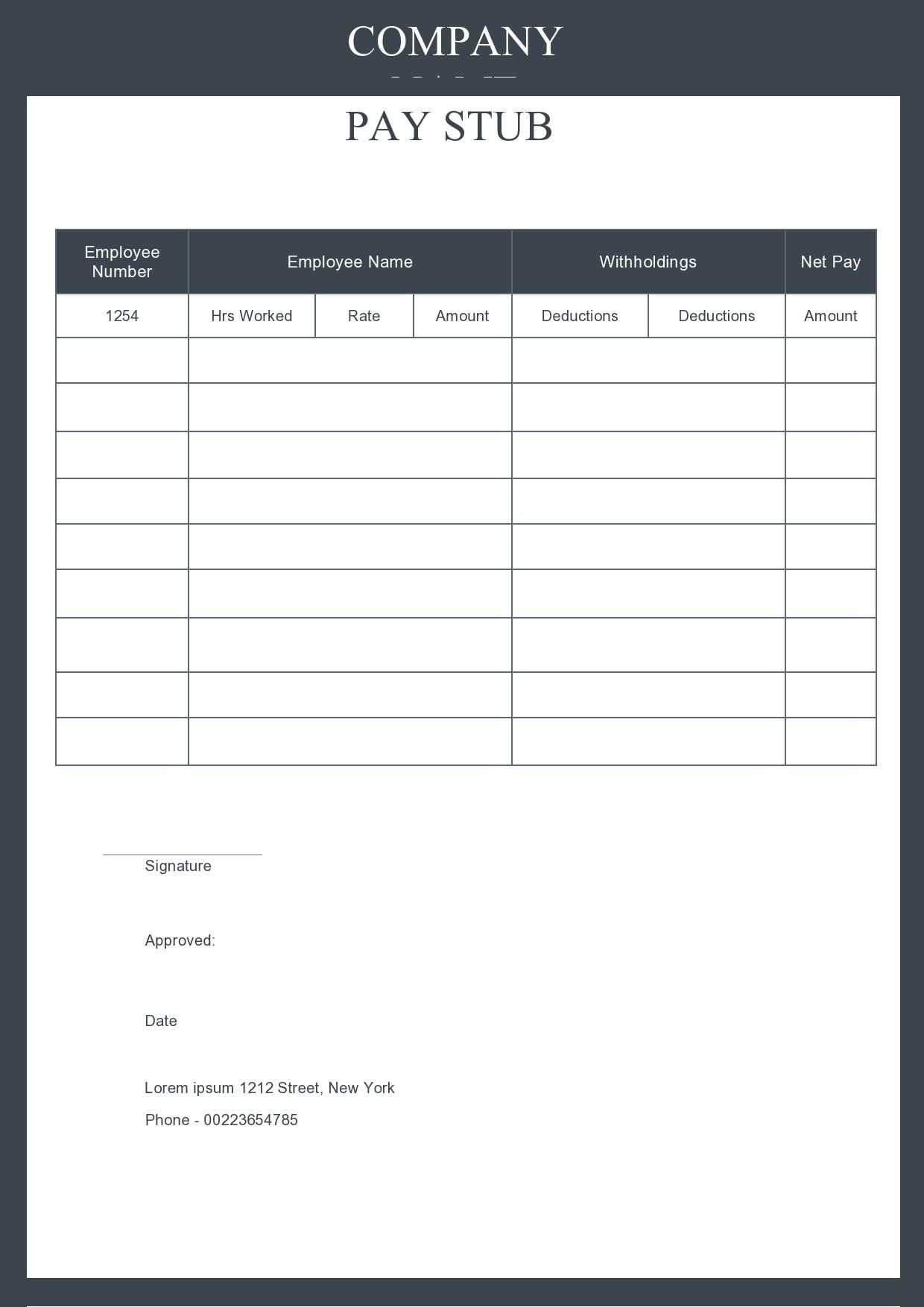
Most templates are available in formats like PDF, DOCX, or XLSX. Each format has its advantages:
- PDF: This format preserves layout and design, ensuring the document looks the same on any device. It’s ideal for printing.
- DOCX: A Word document allows for easy editing but may require careful formatting to maintain the original design.
- XLSX: Excel spreadsheets can be useful for calculations, especially if you want to automate some of the payroll processes.
Printer Setup
To ensure the best quality print, follow these guidelines:
- Paper Size: Confirm that your printer is set to the correct paper size (A4 or letter).
- Print Quality: Use high-quality settings for clearer text and better overall appearance, especially if the pay slip includes logos or graphics.
- Orientation: Typically, a portrait layout works best for pay slips, as it accommodates most document styles.
Paper Choices
Selecting the right paper can enhance the professionalism of your pay slips. Options include:
- Standard Printer Paper: Good for everyday use, economical, and readily available.
- Cardstock: Heavier and more durable, cardstock can be beneficial if the pay slips are going to be kept for longer periods or require a more formal presentation.
- Recycled Paper: For environmentally conscious businesses, using recycled paper can reflect your commitment to sustainability.
Customizing Your Pay Slip Template
Customizing the pay slip template can add a personal touch and ensure it meets your business’s specific needs. Here are some practical customization tips:
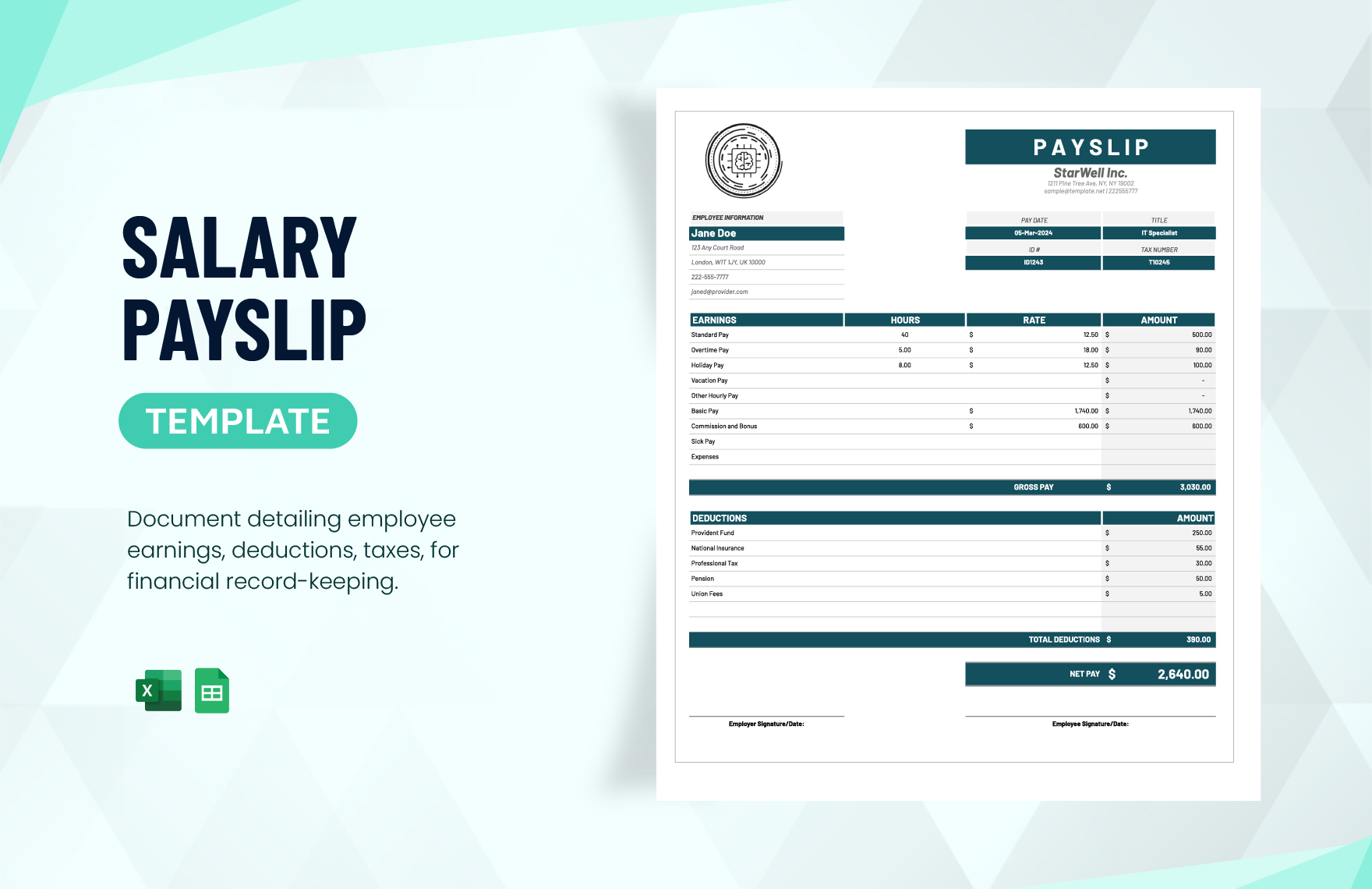
- Incorporate Your Branding: Add your company logo and colors to create a cohesive brand identity.
- Adjust Layout: Modify the layout to include specific fields that are relevant to your business, such as commission rates or performance bonuses.
- Include Additional Information: Consider adding a section for comments or notes, which can be useful for explaining deductions or providing feedback on performance.
Maintaining Records and Compliance
Keeping accurate records of pay slips is crucial for compliance with tax regulations and labor laws. Here are a few tips on how to maintain these records effectively:
- Digital Archive: Consider scanning printed pay slips and storing them digitally. This practice not only saves physical space but also makes retrieval easier.
- Backup Copies: Always keep backup copies of pay slips, whether in physical or digital form. This step ensures that you can access them if needed for audits or employee inquiries.
- Retention Period: Familiarize yourself with local laws regarding how long payroll records must be kept. Generally, it’s advisable to keep records for at least three years.
By utilizing a Pay Slip Printable Template For Office Records, small business owners can streamline their payroll processes, enhance transparency with employees, and ensure compliance with legal requirements. Once the template is customized to fit your business needs, printing and distributing the pay slips will be a smooth process, allowing for efficient payroll management and employee satisfaction.