Managing personal finances can be a daunting task, especially when it comes to keeping track of income and expenses. A Pay Slip Printable Template With Amount Field makes it easier to manage your finances, whether you’re an employee or a freelancer. This resource allows you to clearly outline your earnings, deductions, and net pay, providing a straightforward way to monitor your financial health.
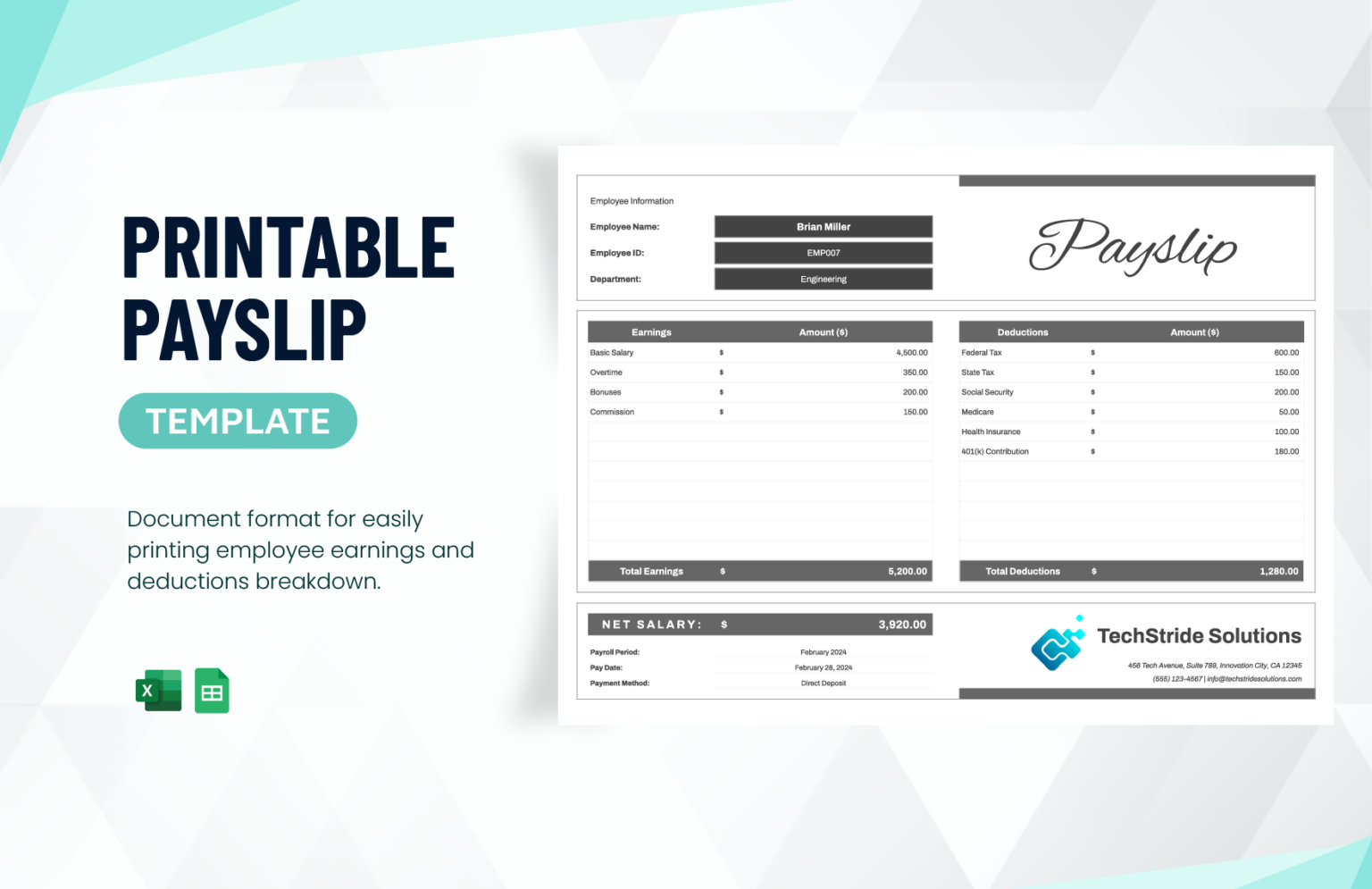
Understanding the Pay Slip Printable Template
A pay slip serves as a formal record of an employee’s earnings for a specific pay period. The Pay Slip Printable Template With Amount Field comes equipped with sections to fill in all necessary details, including gross salary, deductions (like taxes and insurance), and the final net pay.
Customization Options
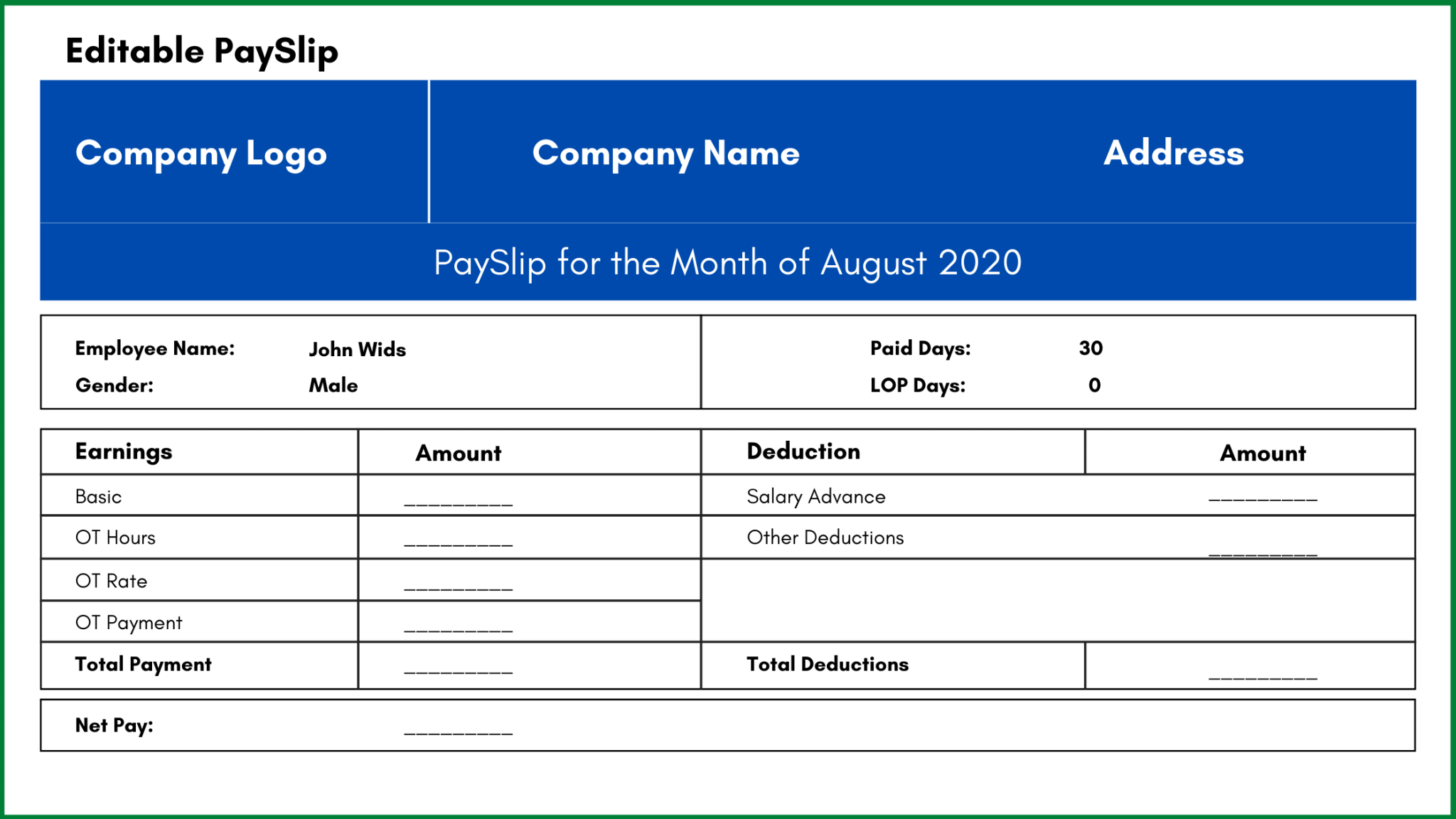
Customization is one of the key benefits of a printable template. You can tailor the template to reflect your specific needs. Here’s what you typically can modify:
- Your Company Name and Logo: Personalize the template by adding your business name and logo at the top.
- Employee Information: Include fields for the employee’s name, address, and employee ID.
- Pay Period Dates: Clearly define the start and end date of the pay period.
- Earnings and Deductions: Fill in the amount fields to reflect gross pay, various deductions, and net pay.
This flexibility ensures that you have a document that accurately represents your financial situation.
Downloading and Printing the Template
Once you find a suitable Pay Slip Printable Template With Amount Field, downloading it is usually straightforward. Most templates come in PDF or Word formats. Here’s how to handle each:
- PDF Format: This is often the best choice since it preserves formatting. After downloading, you can open the file with a PDF reader and print it directly. Make sure your printer settings are correct—opt for “Actual Size” to maintain proportions.
- Word Format: This format allows for easy editing. You can fill in the fields directly on your computer before printing. Just remember to save the updated document before printing.
Printer Setup and Paper Choices
When preparing to print, consider the following:
- Printer Type: Most home printers can handle standard letter-sized paper (8.5” x 11”). If you have a color printer, it’s best for creating a professional look.
- Paper Quality: For a more durable document, consider using heavier paper like cardstock. This will hold up better, especially if you plan to laminate it for long-term use.
- Layout Settings: Portrait orientation is typically the best choice for pay slips. Check that your printer settings reflect this before printing.
Practical Uses of the Pay Slip Template
The uses for a Pay Slip Printable Template With Amount Field extend beyond simply tracking your pay. Here are some practical applications:
- Personal Finance Management: Regularly using a pay slip helps you keep an eye on your earnings and expenditures. This is especially useful for freelancers who need to manage inconsistent income.
- Tax Preparation: Having a record of your earnings and deductions makes preparing your taxes much simpler. It can help ensure that you report accurate figures.
- Loan Applications: Lenders often require proof of income. A well-organized pay slip can serve as a reliable document to present during loan applications or rental agreements.
- Employee Records: If you’re a business owner, maintaining pay slips for employees can help you manage payroll effectively and keep accurate records for tax purposes.
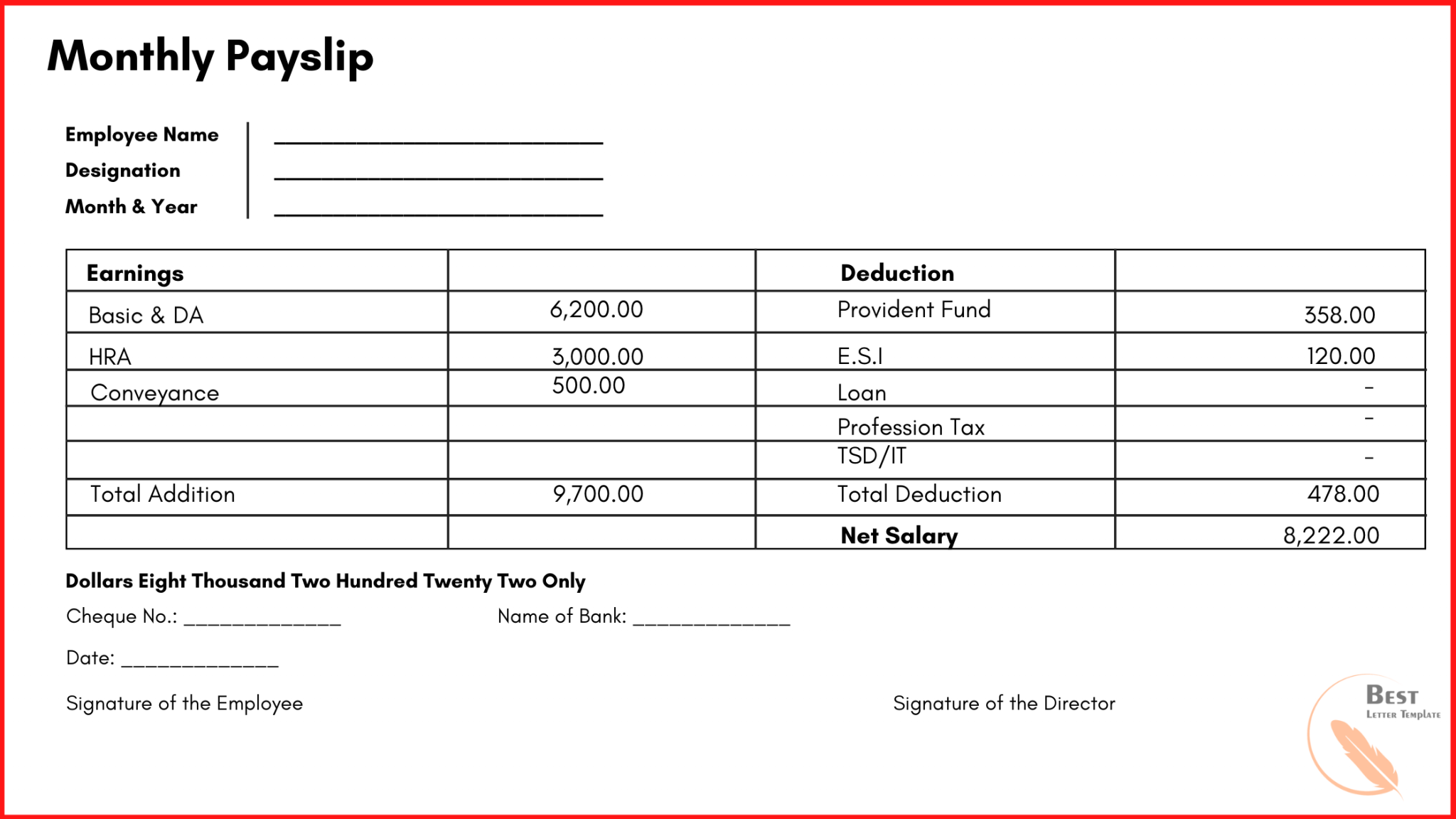
Tips for Effective Use
To maximize the effectiveness of your Pay Slip Printable Template With Amount Field, consider these tips:
- Regular Updates: Make it a habit to fill out your pay slip promptly after each pay period. This ensures that your records are always up to date.
- Backup Copies: Keep digital copies of your filled templates stored safely. This way, you can easily retrieve them if needed.
- Review Deductions: Regularly check the accuracy of your deductions. This helps you understand where your money is going and can highlight any discrepancies that need addressing.
Watch Out for Common Pitfalls
While using a pay slip template is generally straightforward, there are a few things to keep in mind:
- Formatting Issues: If you’re using a Word template, ensure that the formatting remains intact when printing. Sometimes, margins can shift, which may truncate important information.
- Data Entry Errors: Always double-check the amounts you enter. A simple typo can lead to significant financial misunderstandings.
- Consistency in Use: If you’re using this template for multiple employees, ensure that the same format and specifications are applied consistently across all payslips to maintain clarity and professionalism.
By following these guidelines and utilizing the Pay Slip Printable Template With Amount Field, you can keep your financial records organized and clear. This tool is not just a piece of paper; it’s a step towards better financial management and transparency in your earnings.