Creating a payment slip is a vital part of running a business. A Payment Slip Printable Template For Business can help you maintain professionalism and organization in your financial dealings. This guide will walk you through customizing, downloading, and using these templates effectively.
Understanding Payment Slips
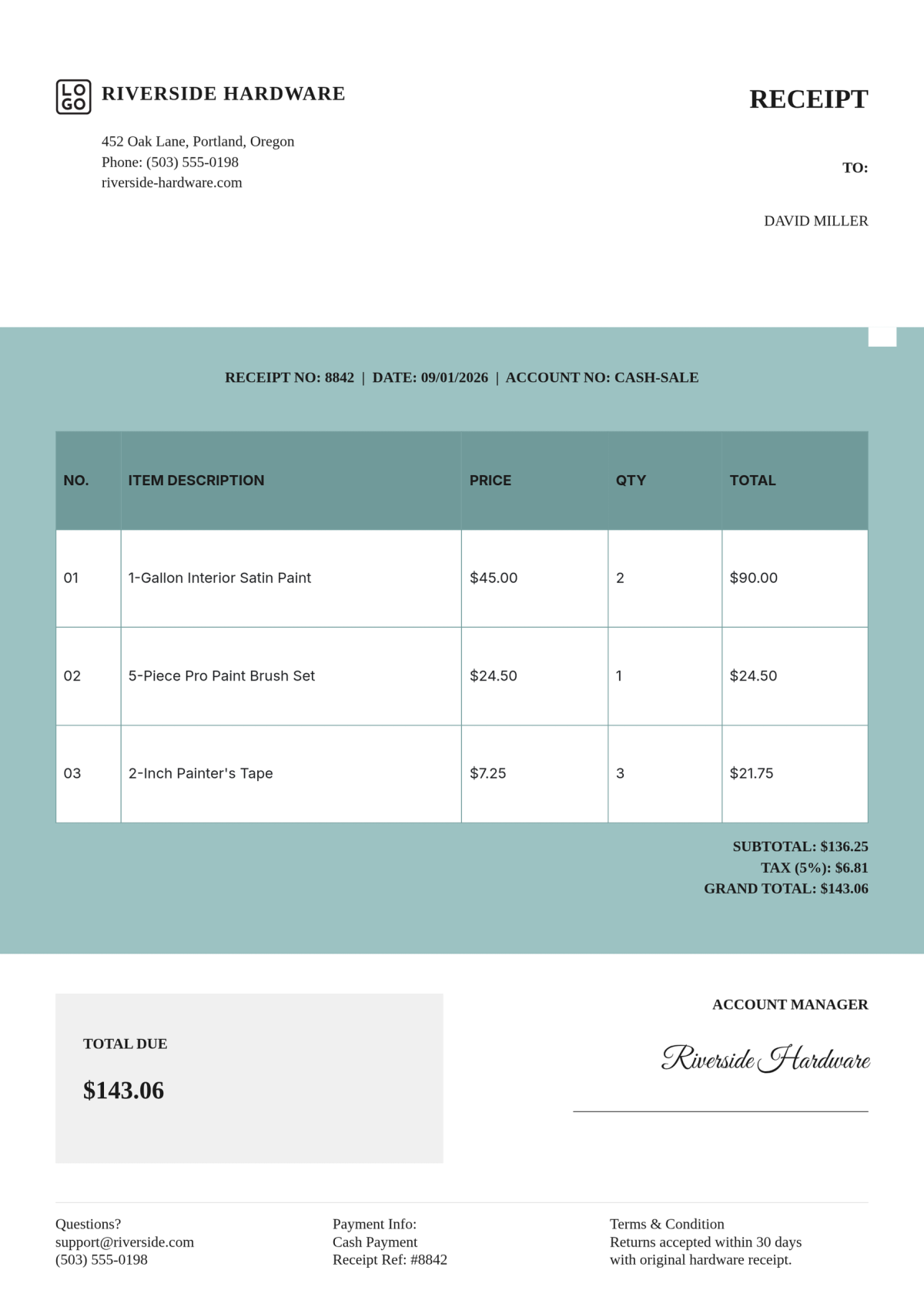
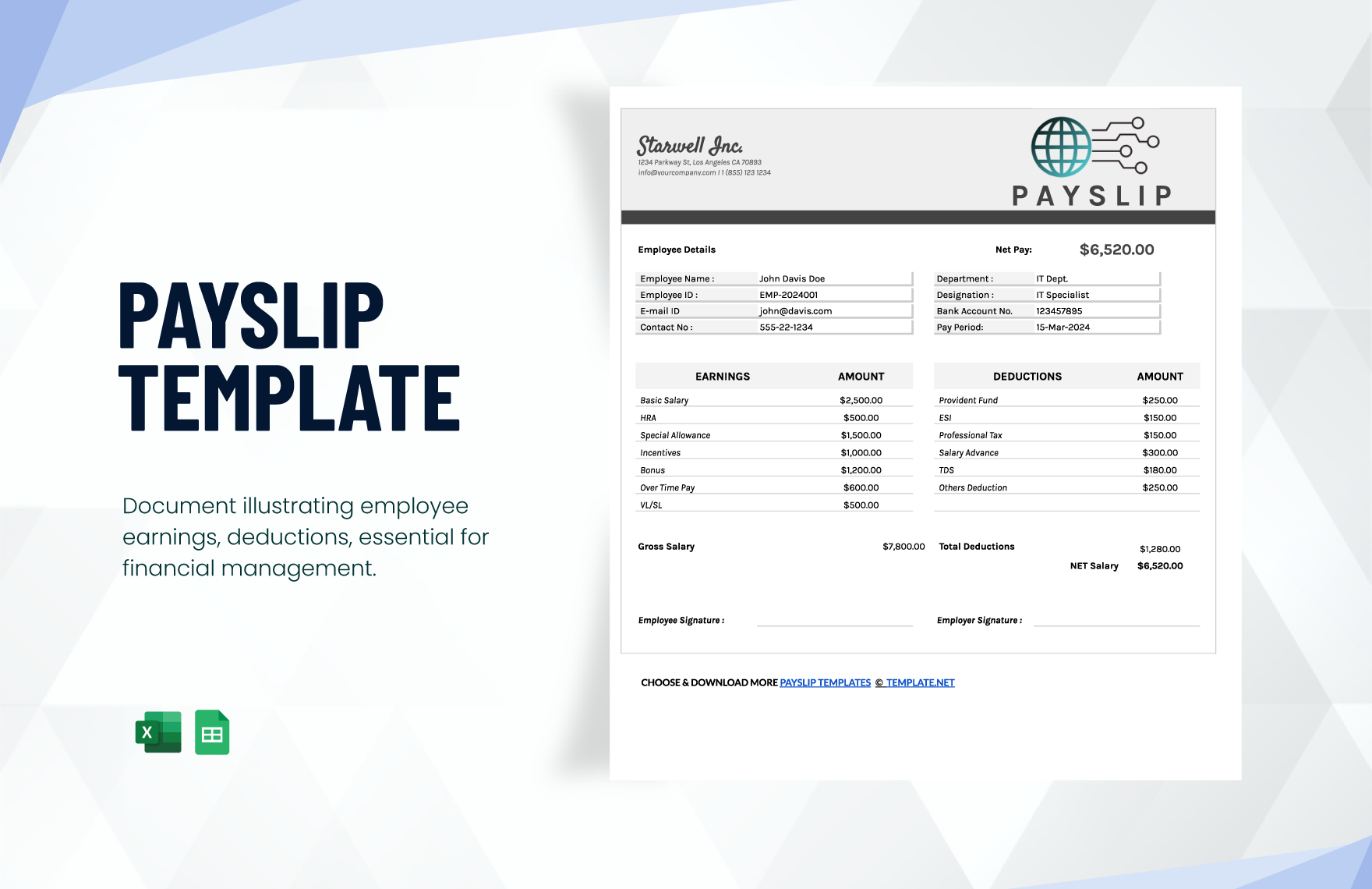
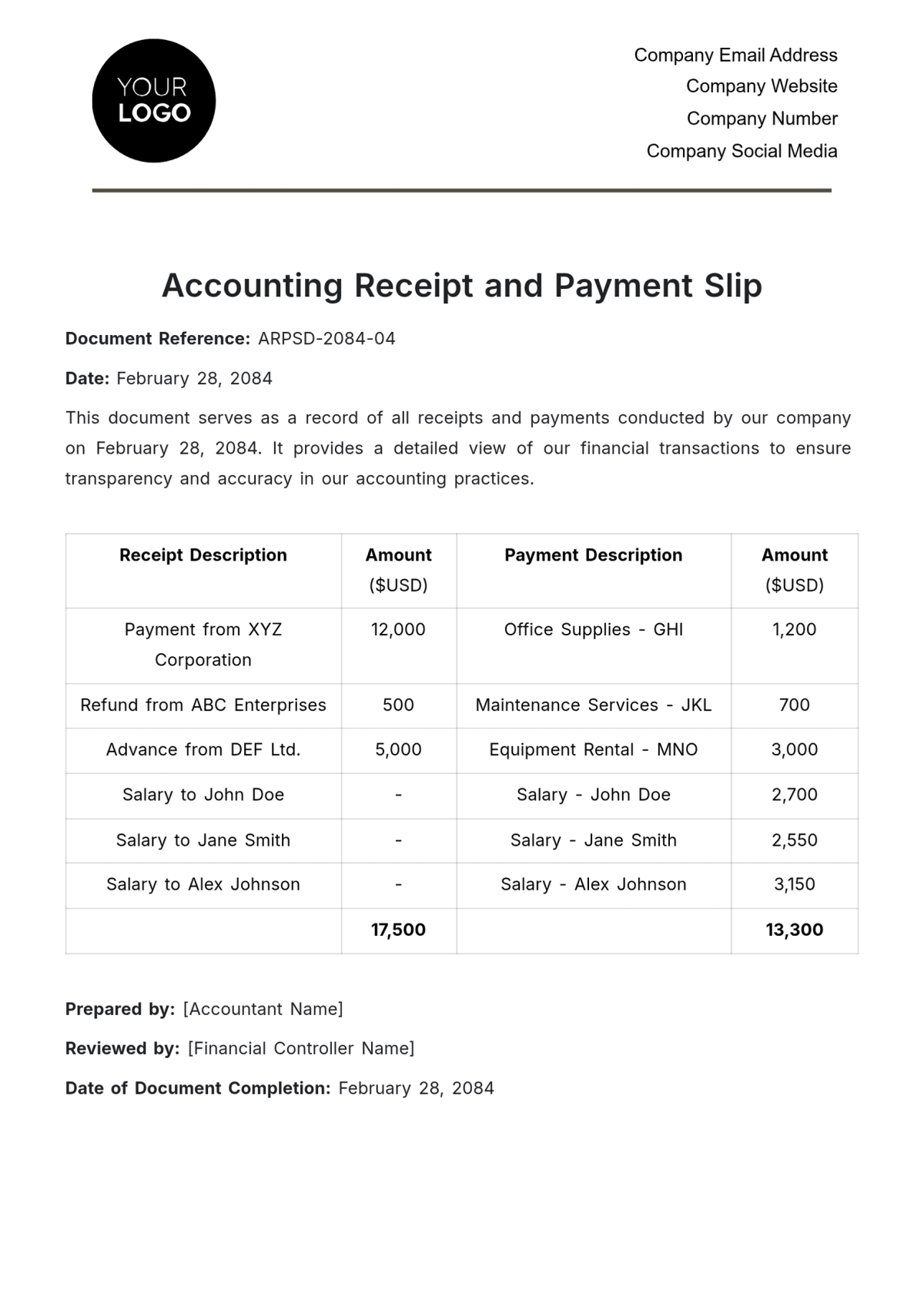
A payment slip is a document that accompanies a payment, detailing the amount due, the purpose of the payment, and the payer’s information. It serves as a receipt for the transaction and can be used for various purposes, such as invoicing or record-keeping. Using a printable template can save you time and ensure that your slips are professional-looking and consistent.
Customizing Your Payment Slip Template
Most printable templates allow for customization. Here’s how you can personalize your payment slip:
- Business Name and Logo: First, include your business name prominently at the top. Adding your logo can enhance brand recognition.
- Payment Details: Clearly outline the amount being paid, the due date, and any relevant invoice numbers. This information helps both you and your client keep track of transactions.
- Contact Information: Include your business address, phone number, and email. This ensures that clients can reach you if they have questions regarding the payment.
You can find templates in various formats, including PDF and Word. PDFs are great for maintaining layout consistency, while Word files allow for easier editing.
Downloading the Template
When you’re ready to download your Payment Slip Printable Template For Business, consider the following:
- File Format: Choose a format that suits your needs. PDFs are generally preferred for printing since they maintain formatting across devices. Word documents offer more flexibility for customization but may require adjustments when printed.
- Source Reliability: Make sure to download templates from reputable websites to avoid issues with viruses or poor-quality files.
Before downloading, check for any specific instructions provided on the site. Some templates might require specific software or settings to open correctly.
Printer Setup and Paper Choice
Printing your payment slips correctly is essential for a professional appearance. Here are some tips to consider:
- Printer Type: Inkjet printers work well for most templates, but if you have access to a laser printer, it can provide sharper text and images.
- Paper Size: Standard letter size (8.5 x 11 inches) is suitable for most payment slips. However, if you prefer a smaller format, check if your template supports A5 or other sizes.
- Paper Quality: For a more formal look, consider using heavier paper or cardstock, especially if you plan to laminate the slips. This enhances durability and professionalism.
Adjust your printer settings to ensure the best quality print. Look for options like “Best Quality” and consider printing a test page first.
Practical Uses for Payment Slips
Payment slips can be used in various business scenarios:
- Invoicing: Use them as part of your invoicing process to remind clients of outstanding payments.
- Transactions: Provide slips during transactions to give clients a physical receipt.
- Record Keeping: Keep a copy for your records to track payments received and outstanding debts.
If you are a freelancer, small business owner, or part of a larger organization, having a reliable payment slip template can streamline your processes and enhance your professional image.
Final Considerations
When using a Payment Slip Printable Template For Business, ensure that all information is accurate and up-to-date. Regularly review your template and make adjustments as needed to reflect changes in your business or policies. Also, be cautious about sharing payment slips with sensitive information; consider how you will distribute them securely.
By following these practical guidelines, you will be well-prepared to create effective payment slips that enhance your business operations and professionalism.