Proper record keeping is essential for small businesses. A Payment Slip Printable Template For Record Keeping can simplify the tracking of payments and receipts. This template not only aids in maintaining organized financial records but also ensures that your transactions are documented in a professional manner.
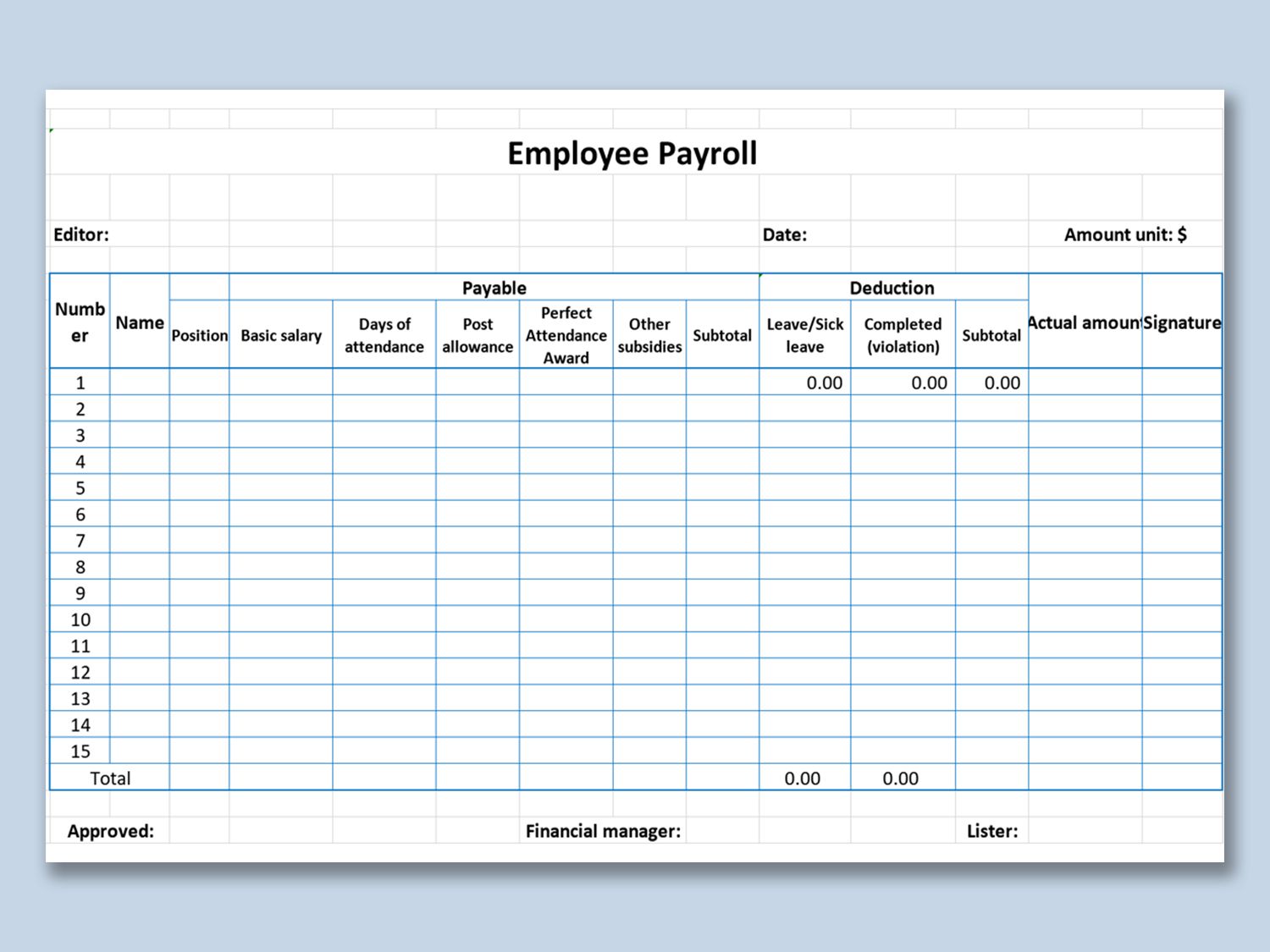
Understanding the Payment Slip Template
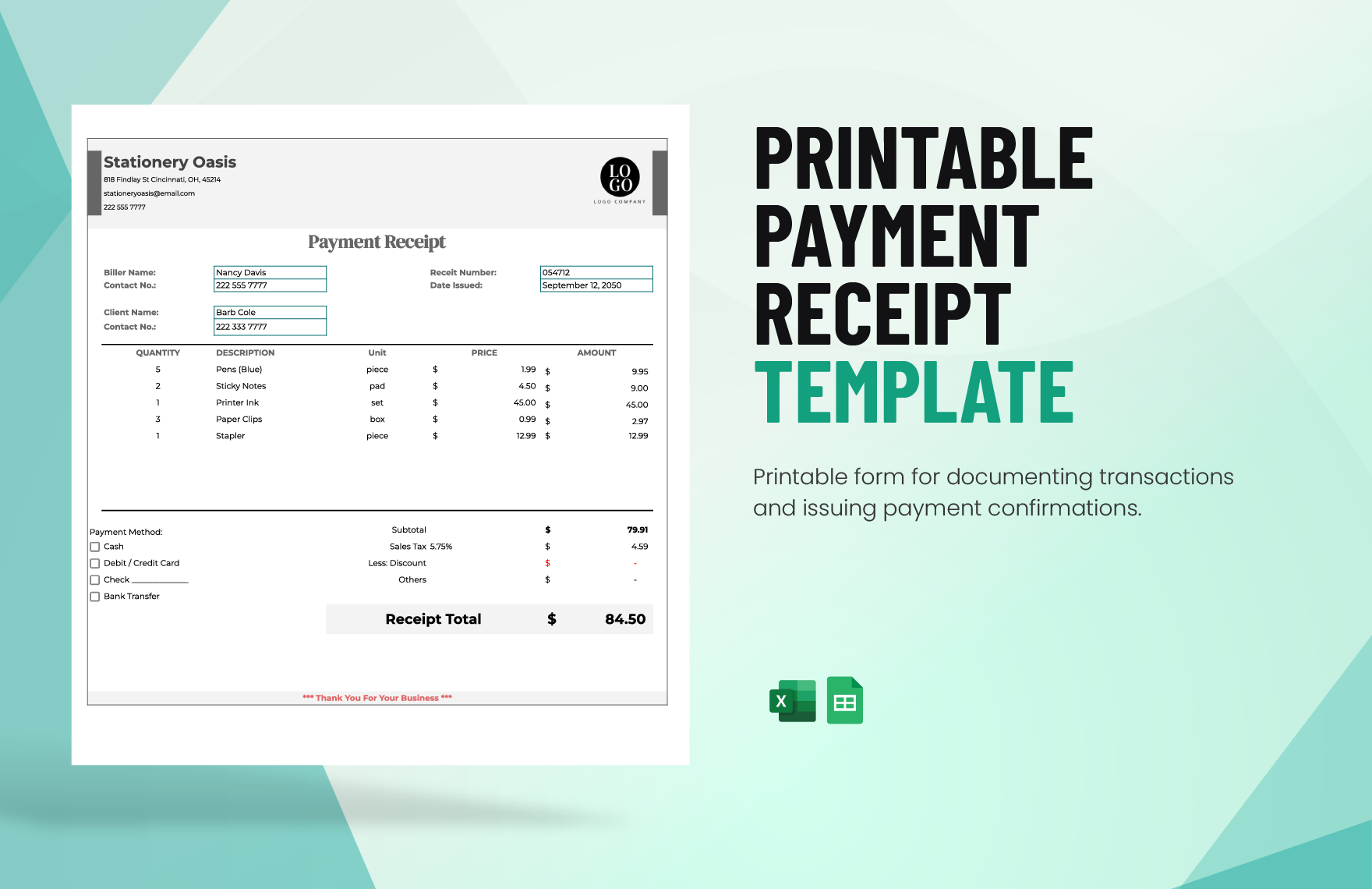
A payment slip is a document that serves as proof of payment for goods or services. It typically includes the date of the transaction, the amount paid, the method of payment, and details about the recipient. Utilizing a printable template allows for customization to fit your business needs. You can add your logo, adjust the layout, or modify the fields to include specific information relevant to your transactions.
Key Features of a Payment Slip Template
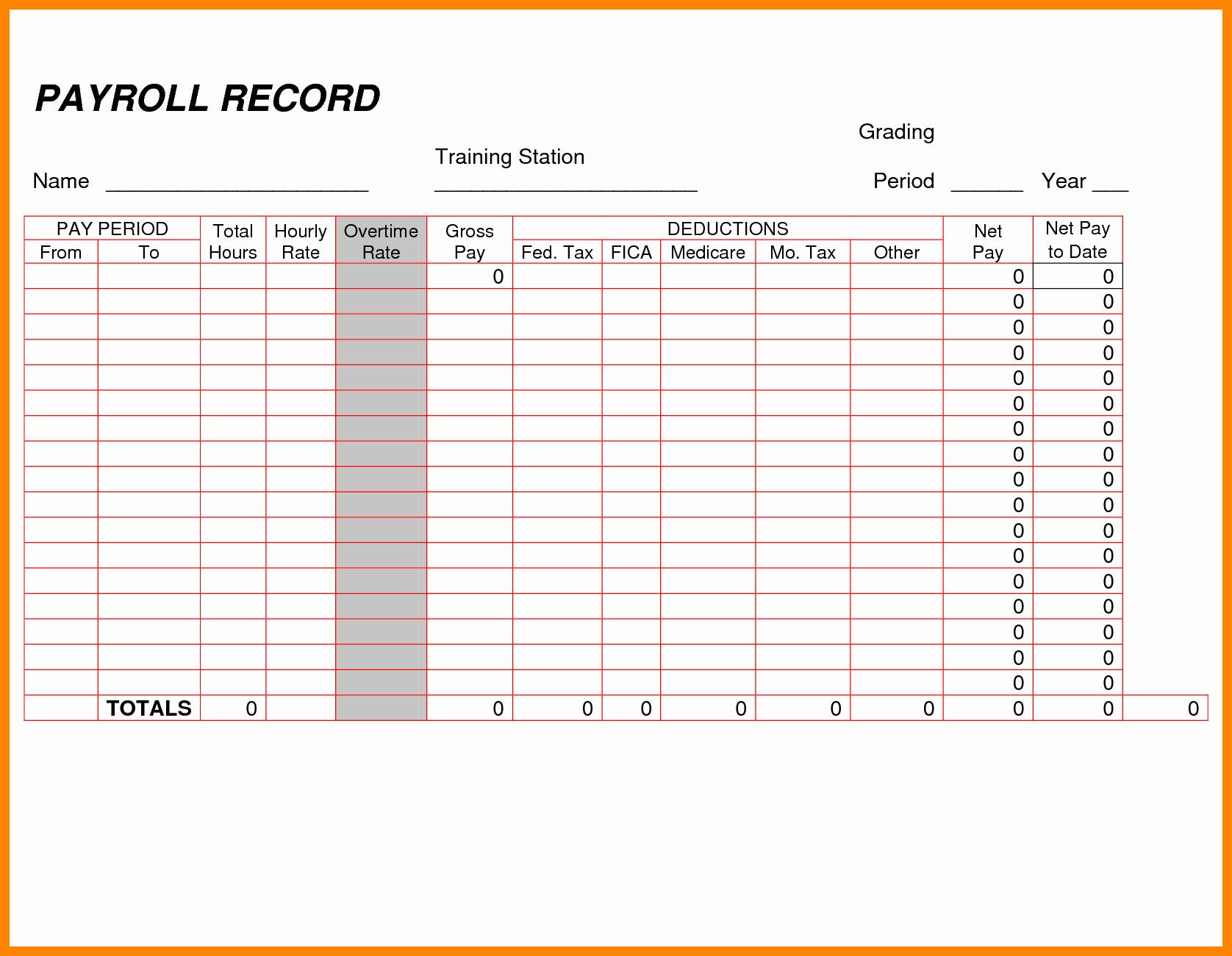
When selecting a payment slip template, consider these essential features:
- Customizable Fields: Look for templates that allow you to modify fields to include additional information such as invoice numbers or customer details.
- Professional Layout: A clean, organized design enhances readability and professionalism.
- Date and Time Stamps: Ensure the template includes spaces for recording the date and time of the transaction.
- Payment Method Options: Include options for cash, credit card, or digital payments to reflect your business practices.
How to Download and Print the Template
Downloading a payment slip template is straightforward. Most printable-resource websites offer these templates in PDF or Word format, which are compatible with most devices. Here’s how to proceed:
- Choose Your Template: Browse through available options and select one that meets your needs. Look for templates that are specifically designed for record keeping.
- Download the File: Click the download button, and the file will typically save to your device’s downloads folder.
- Open and Customize: Open the downloaded file in a suitable application (like Adobe Reader for PDFs or Microsoft Word for DOC files). You can add your business information and adjust any fields as necessary.
- Print Settings: For optimal results, set your printer to the correct paper size—usually A4 or Letter. Ensure that the print options are set to ‘Actual Size’ to avoid any scaling issues.
Tips for Printing
- Use Quality Paper: For a more professional look, print on heavier paper or cardstock, especially if you plan to hand these slips to customers.
- Check Printer Settings: Before printing, confirm that your printer settings match the document size and layout.
- Test Print: Always do a test print on regular paper to ensure that everything appears as intended before printing on your final paper stock.
Incorporating the Payment Slip Into Your Record Keeping System
Integrating the payment slip into your existing record-keeping system is crucial for maintaining organized finances. Here are some practical steps to follow:
- Create a Filing System: Designate a specific folder or binder where you can keep printed payment slips. This could be organized by month, client, or transaction type.
- Digital Backup: Consider scanning your printed slips or saving digital copies in a secure cloud storage service. This provides a backup in case physical documents are lost or damaged.
- Regular Updates: Make it a routine to update your records promptly. This ensures that all transactions are reflected in your accounting software or bookkeeping system.
Benefits of Using a Payment Slip Template
- Consistency: Using a template ensures that all payment slips maintain a uniform appearance, which can enhance your brand image.
- Efficiency: Templates save time, allowing you to focus more on your business operations rather than designing documents from scratch.
- Accuracy: By having predefined fields, you reduce the risk of forgetting essential information, leading to more accurate record keeping.
Addressing Common Concerns
Some small business owners may have hesitations about using printable templates for financial documents. Here are a few concerns and solutions:
- Concern: “Templates might not meet my specific needs.”
- Solution: Choose a flexible template that allows for customization. Look for options that let you add or remove fields as needed.
- Concern: “I’m not tech-savvy enough to edit a template.”
- Solution: Most templates are user-friendly. Basic editing tools are often sufficient for customization. Additionally, many websites provide user guides or tutorials to assist with this.
- Concern: “Will these templates look professional?”
- Solution: Select templates from reputable resources. A well-designed template will enhance your business’s professionalism, making a positive impression on clients.
By leveraging a Payment Slip Printable Template For Record Keeping, small business owners can effectively manage their financial documentation. This tool not only promotes organization but also supports efficient business operations. Having a reliable system in place for managing payments can lead to improved cash flow and better financial oversight, ultimately contributing to the overall success of your business.