A payment slip printable template with amount field can significantly simplify payment processes for small businesses. These templates are designed to provide a clear, organized way to document transactions, ensuring both the payer and payee have a record of the payment details.
Understanding the Layout of the Payment Slip Printable Template
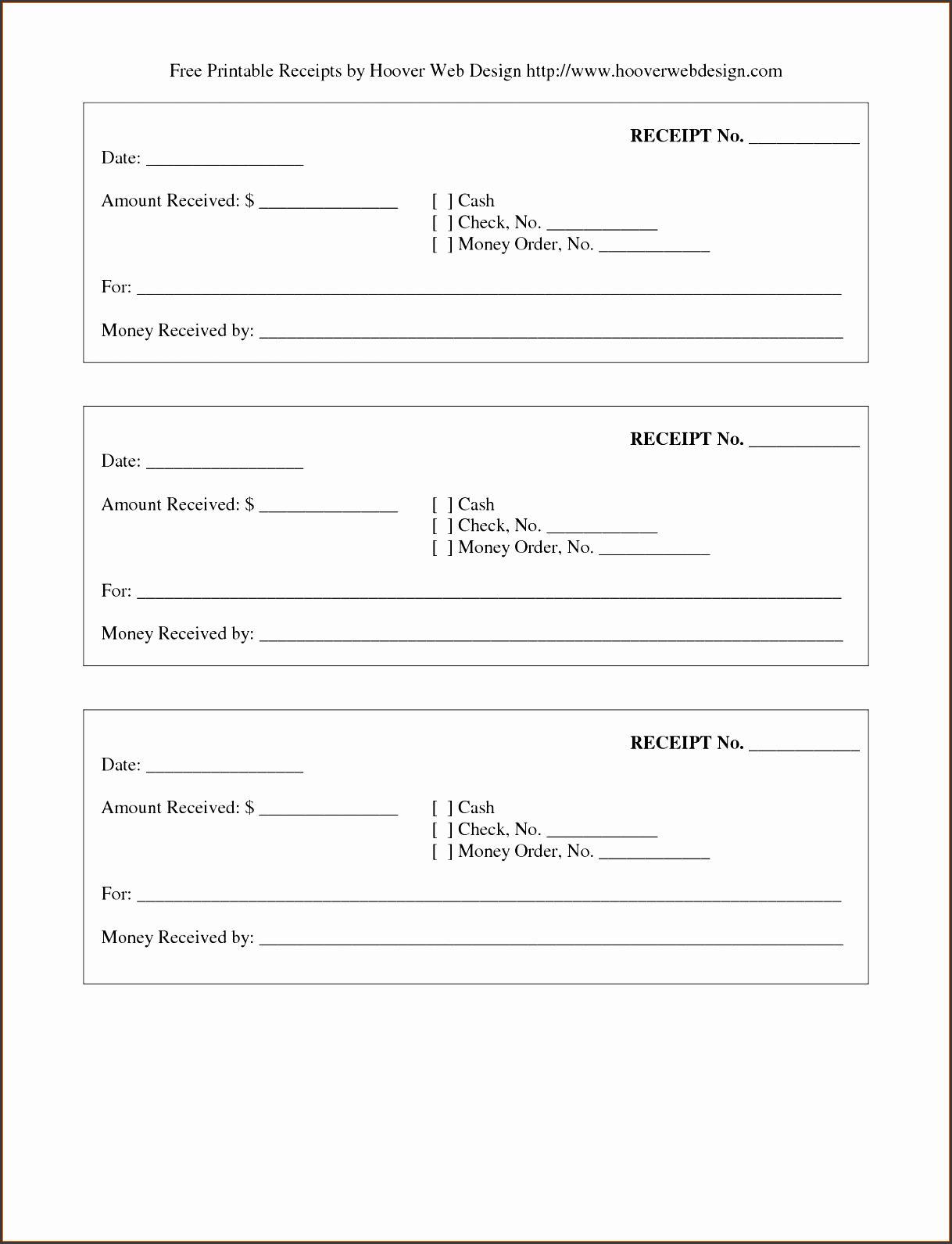
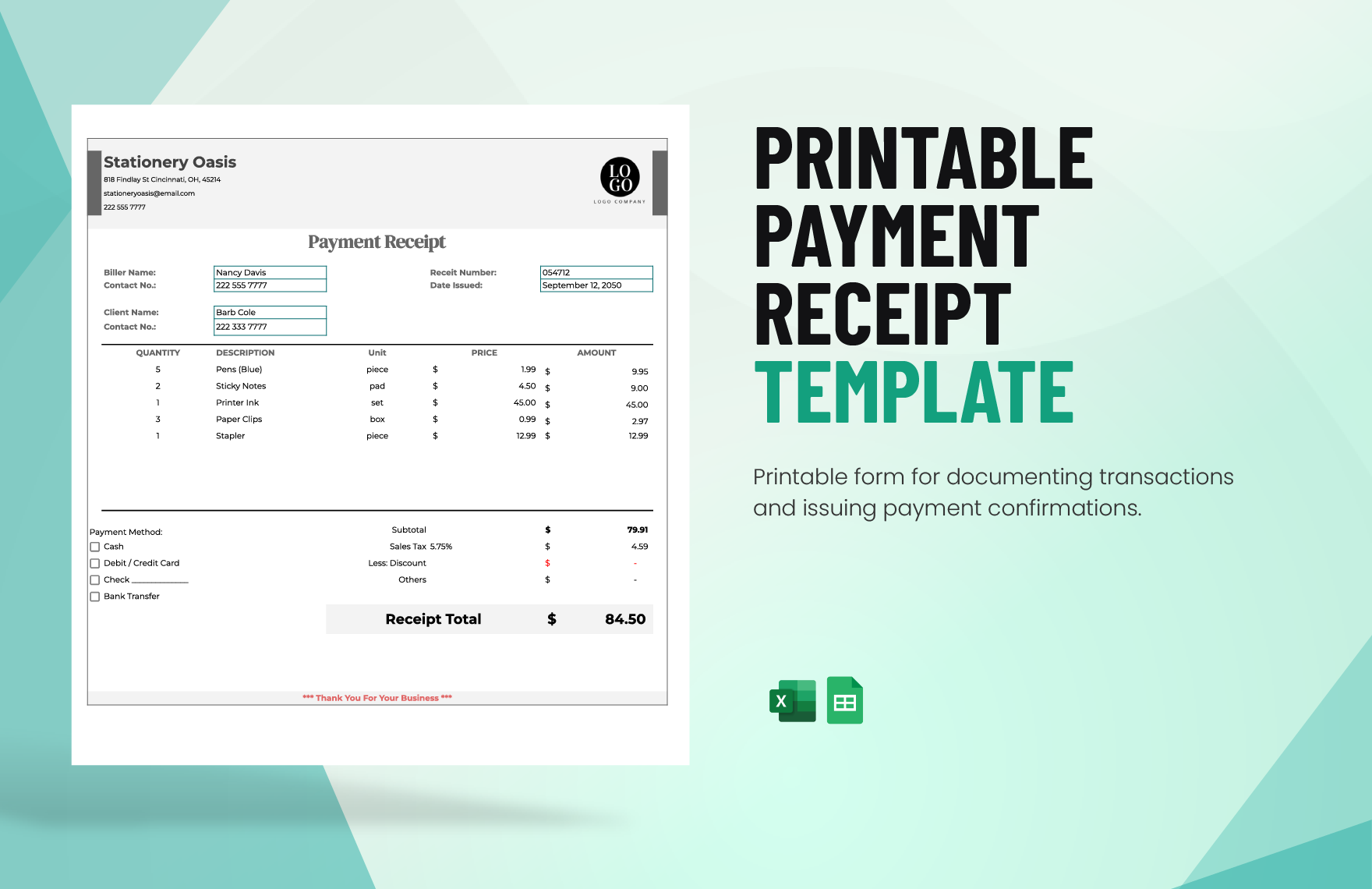
When you first look at a payment slip template, you’ll notice its structured layout. Typically, the template includes several key sections:
- Header: This often contains the business name, logo, and contact information. Including this information helps reinforce your brand and provides the recipient with important details for any future correspondence.
- Date: A dedicated space for the transaction date is crucial. This helps in record-keeping and ensures that both parties know when the payment was made.
- Payer Information: This section should include the name and contact information of the individual or entity making the payment. Clarity here ensures that there’s no confusion about who is responsible for the payment.
- Amount Field: The heart of the template, this field clearly states the amount being paid. It’s essential to make this field prominent to avoid any misunderstandings.
- Signature Line: A line for signatures can add a layer of authenticity and formality to the transaction, indicating agreement from both parties.
- Footer: Sometimes, a footer might include additional notes or terms related to the payment, which can be important for clarity.
These sections allow small-business owners to customize the template to fit their specific needs while providing all necessary information at a glance.
Customizing Your Payment Slip Printable Template
Customization is key when using a payment slip template. Here are some practical tips for tailoring it to your business:
- Branding: Incorporate your business logo and colors into the template. This not only makes it look professional but also reinforces your brand identity.
- Adjusting Fields: Depending on your needs, you might want to add additional fields, such as payment method (cash, check, credit card) or invoice number. This additional information can help in tracking payments more efficiently.
- Template Size: Most payment slips are designed to fit standard paper sizes like 8.5” x 11” (letter) or A4. Choosing the right size ensures that the slips are easy to print and store.
- Digital vs. Printed: Decide whether you plan to distribute these slips digitally or print them. If printing, ensure your printer settings are adjusted to avoid any formatting issues.
- Preview Before Printing: Always review a sample of your customized slip to ensure that all information is correctly displayed and that the layout is visually appealing.
Being able to customize these templates can save time and enhance professionalism, making it easier for clients to process payments.
Practical Uses for Payment Slip Printable Templates
Payment slips can be utilized in various scenarios, especially in small businesses. Here are several practical applications:
- Invoices: Use the payment slip as part of an invoice package, giving clients a clear understanding of what they are paying for.
- Cash Transactions: For businesses dealing frequently with cash, payment slips provide a tangible record of cash transactions, which is vital for accounting.
- Event Registrations: If your business runs events or classes, a payment slip can help streamline registration processes, making it easy for attendees to confirm their payments.
- Freelance Services: Freelancers can use payment slips to document payments received from clients, helping keep personal records organized.
- Rent Receipts: Landlords often find these templates useful for providing tenants with proof of rent payments, which is important for both parties.
These templates not only improve organization but also enhance the accountability of transactions, which is crucial in maintaining good business relationships.
Downloading and Printing Your Template
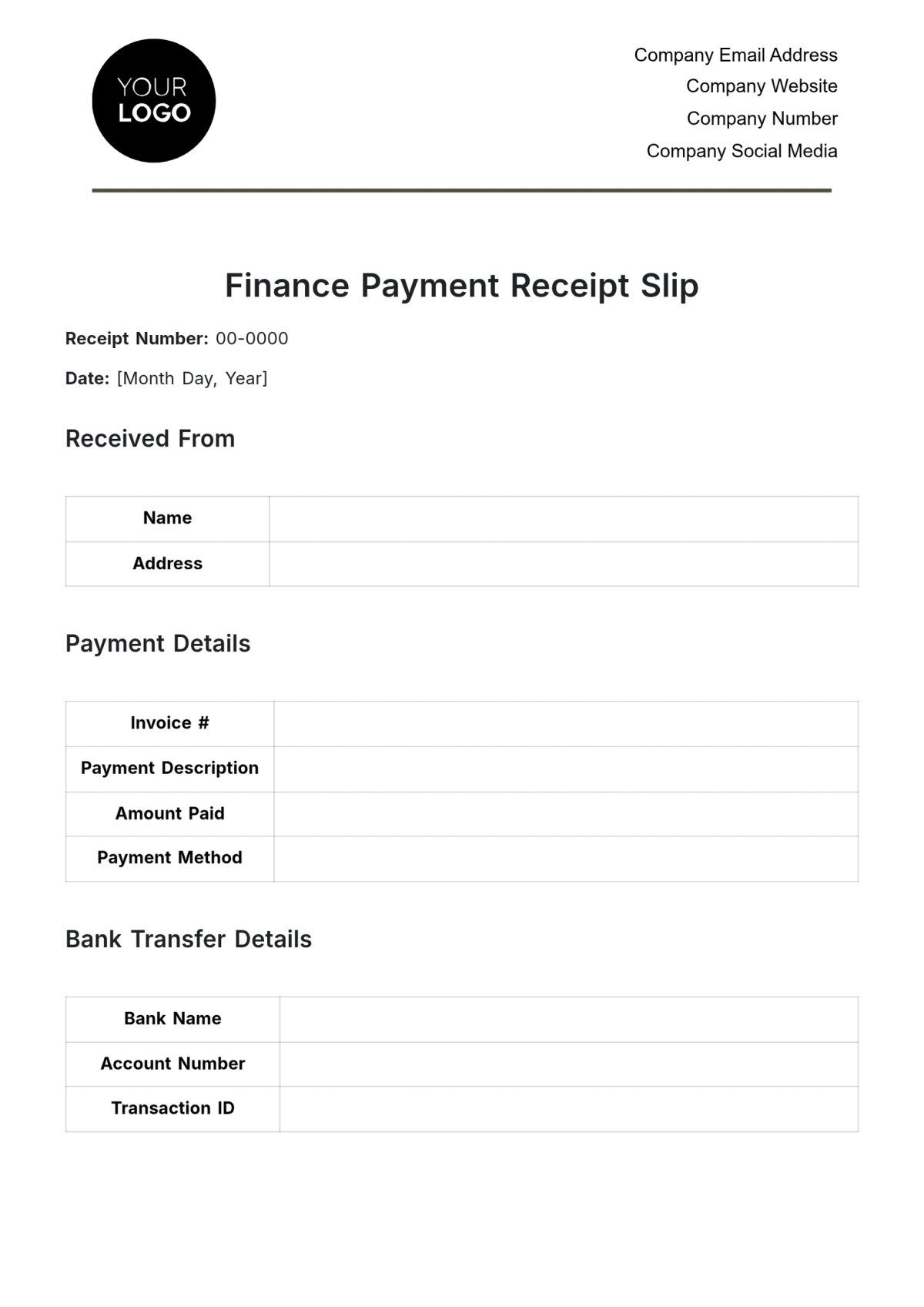
When it comes to downloading and printing your payment slip printable template with amount field, consider the following steps:
- File Format: Ensure you download the template in a format that suits your needs. PDF is often preferred as it maintains formatting across different devices.
- Quality Settings: For printing, use high-quality settings to ensure that text is clear and legible. This is particularly important for the amount field, which should stand out.
- Paper Type: Depending on how durable you want your slips to be, consider using heavier paper or cardstock, especially if they’re going to be handled frequently.
- Printer Compatibility: Check that your printer can handle the paper size and type you’ve chosen. Some printers may struggle with thicker paper or certain formats.
- Test Print: Before printing multiple copies, do a test print to catch any formatting issues or errors in the information.
By following these steps, you can ensure that your payment slips are both functional and professional-looking.
Using a payment slip printable template with amount field streamlines your financial documentation, which can make managing your small business finances significantly easier. Whether you customize it for branding, adjust fields for specific needs, or ensure it prints correctly, these templates are invaluable tools for any small business.