When managing personal finances, a Payment Slip Template Printable Form can be an invaluable tool. This resource not only helps you keep track of your payments but also ensures that all necessary information is documented clearly and accurately. Using this template can streamline your financial transactions, making it easier to maintain records for personal or business use.
Understanding the Payment Slip Template
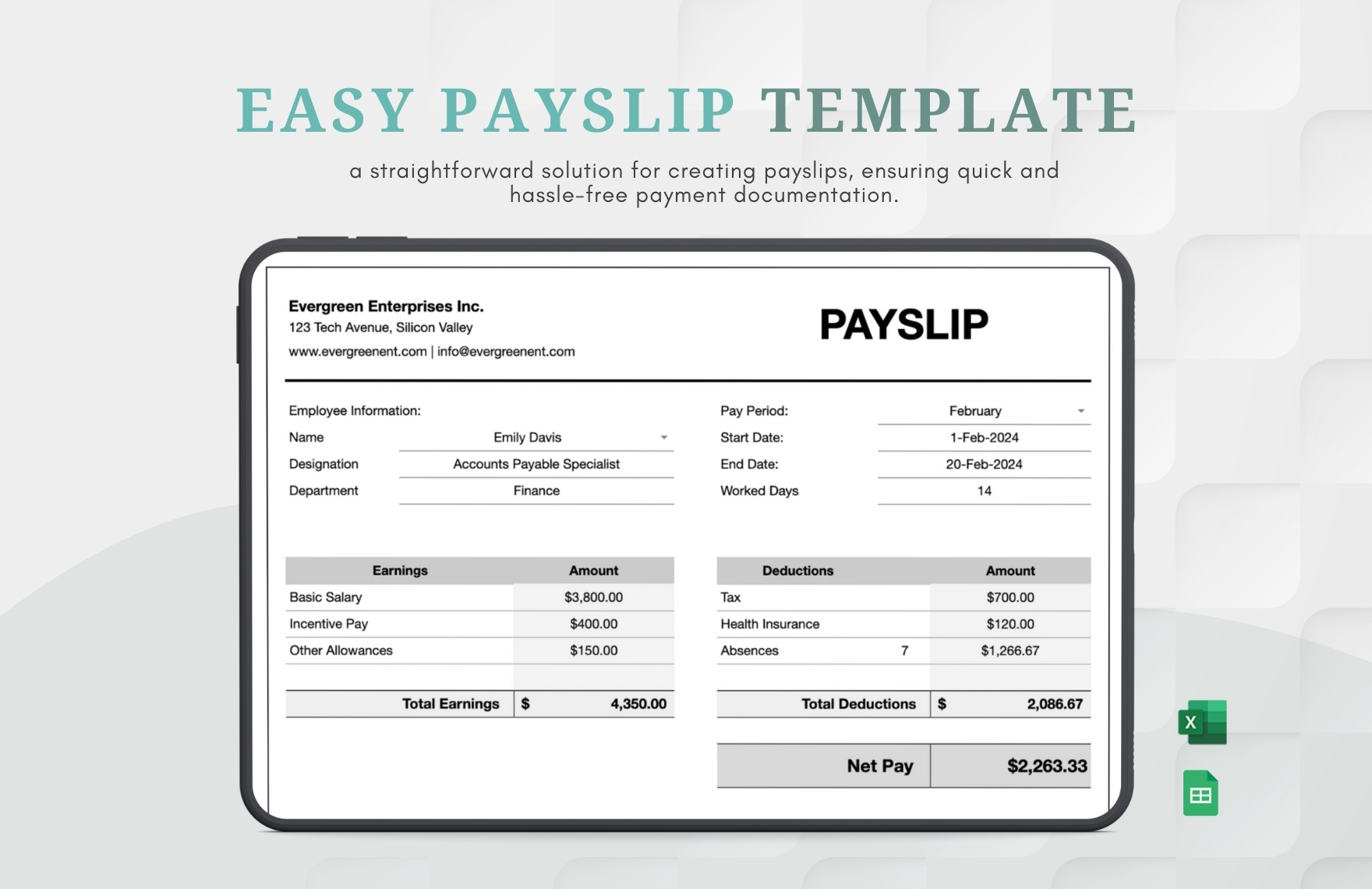
A payment slip template is a structured form used to provide details about a payment made or to be made. This template typically includes fields for the payer’s and payee’s names, the amount being paid, the date of payment, and a brief description of the payment purpose. Having a standardized form helps you keep your financial records organized and reduces the chances of errors during transactions.
Common Uses of Payment Slip Templates
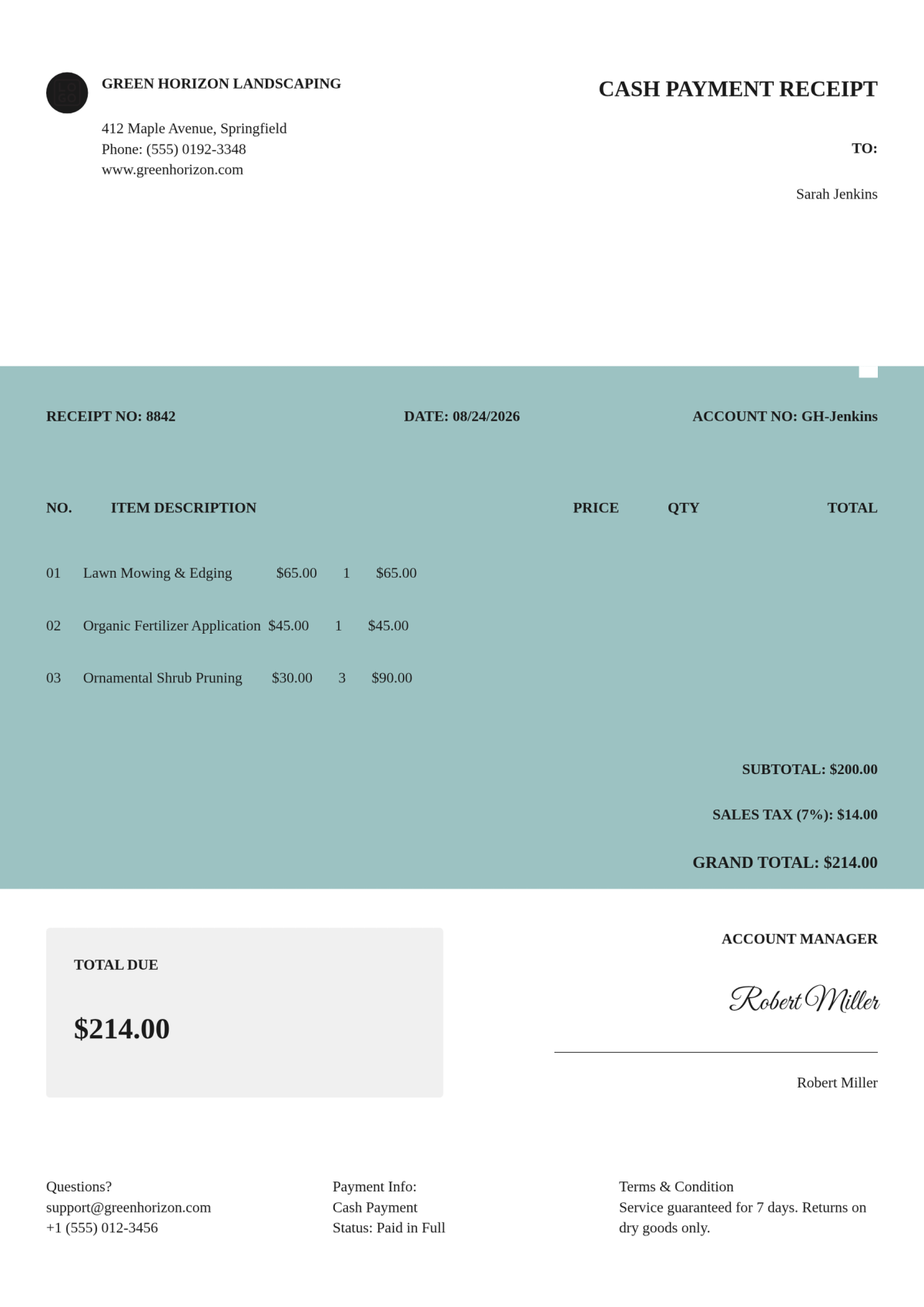
You might find payment slip templates useful in various scenarios, including:
- Personal Transactions: For tracking payments between friends or family, such as loan repayments or shared expenses.
- Business Transactions: To document payments to suppliers, contractors, or service providers.
- Event Management: For handling payments related to events, such as deposits or registration fees.
Preparing to Use the Payment Slip Template
Before you start filling out your Payment Slip Template Printable Form, it’s essential to gather all the necessary information. Here’s what you should have ready:
- Payer Information: This includes your name, address, and contact details if you’re the one making the payment.
- Payee Information: The recipient’s name and contact information, which could be an individual or a business.
- Payment Details: Be prepared with the amount being paid, the date of the transaction, and any relevant reference numbers (like invoice numbers).
- Description of Payment: A brief note explaining what the payment is for, which can be helpful for future reference.
Filling Out the Payment Slip Template
Once you have all the required information, you can proceed to fill out the payment slip. Here’s a step-by-step guide:
- Start with the Payer Information: Write your name and contact details at the top of the slip. This identifies who is making the payment.
- Enter Payee Information: Below your details, fill in the recipient’s name and contact information. Ensure that this information is accurate to avoid any confusion.
- Add Payment Amount: Clearly state the amount you are paying. Double-check this figure to ensure it matches any invoices or agreements.
- Include Payment Date: Write the date on which the payment is being made. This helps both parties keep their records aligned.
- Describe the Payment: In the designated section, provide a brief description of what the payment covers. This could be as simple as “April Rent” or “Consulting Fee for Services Rendered.”
- Signature Line: If required, sign the slip to authorize the payment. This adds a layer of legitimacy to the transaction.
Tips for Printing and Using Your Template
After filling out the Payment Slip Template Printable Form, you’ll want to print it for your records or to hand it over to the payee. Here are some practical tips:
- Choose the Right Paper Size: Most payment slips are designed for standard letter-size paper (8.5″ x 11″). Check that your template is formatted correctly before printing.
- Use Good Quality Paper: If you’re handing this slip over, consider using heavier paper or cardstock for a more professional feel.
- Print in Portrait Orientation: This is typically the best layout for forms, as it aligns with standard filing practices.
- Keep a Copy for Your Records: Always keep a printed copy of the filled slip for your own files. This can be helpful for tracking payments and resolving any disputes in the future.
Where to Find Payment Slip Templates
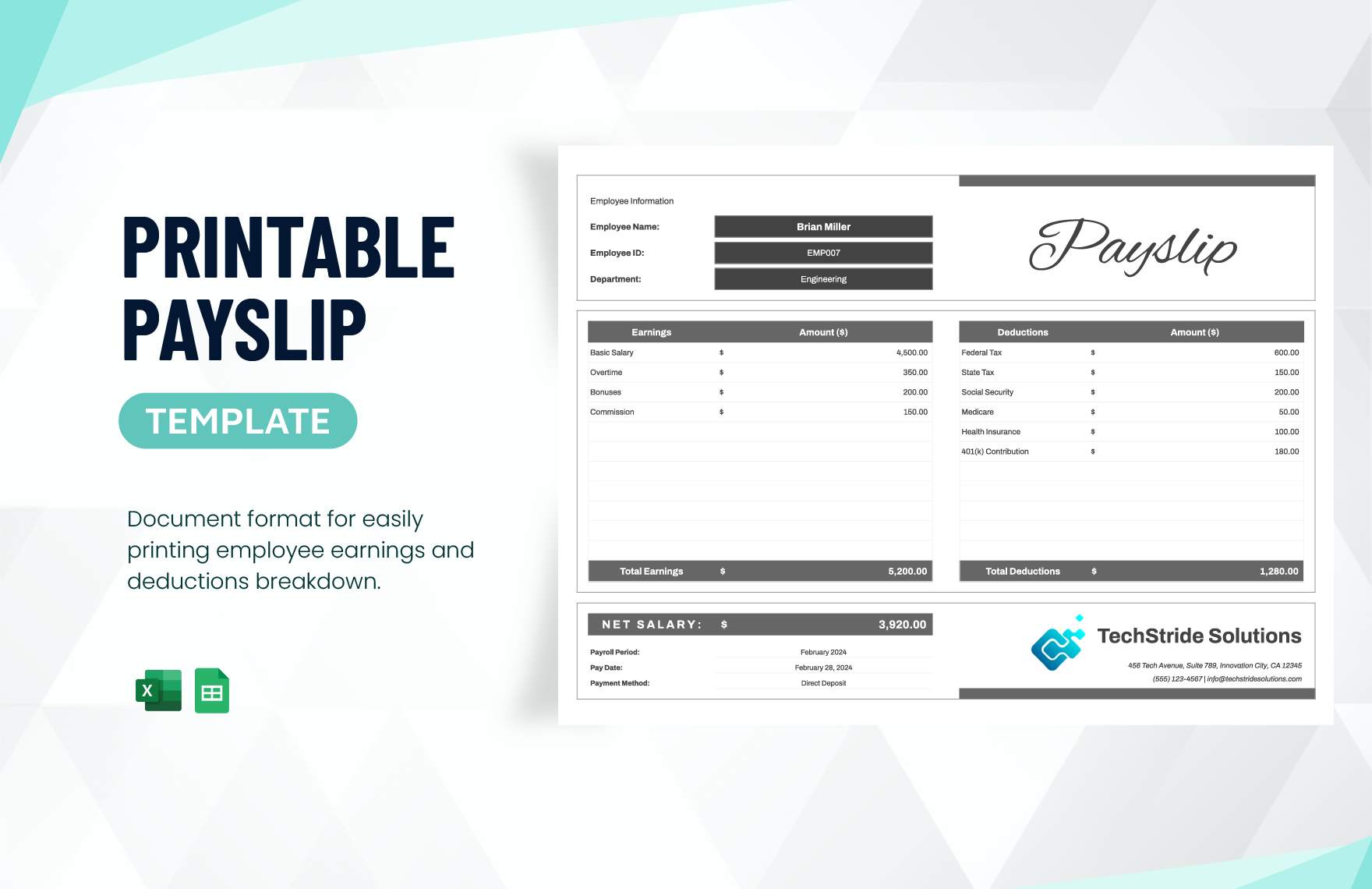
You can find printable payment slip templates in various formats online. Look for resources that offer templates in PDF or Word formats, as these are usually easy to fill out and print. Many websites provide free downloadable options, allowing you to customize the template to fit your specific needs.
Customizing Your Template
If you find a basic template but want to add specific features, many word processing programs allow you to customize the design. You might want to add your logo if you’re using it for business purposes or adjust the layout to fit your preferences. Make sure any changes you make maintain the clarity and functionality of the slip.