Creating a payslip for employees is a fundamental part of managing payroll in a small business. It provides essential information about earnings, deductions, and net pay, helping to maintain transparency and trust between employers and employees. A Payslip Printable Form For Office Use simplifies this process, making it easier for small-business owners to generate accurate payslips without extensive software. This guide walks through the steps to effectively utilize this resource.
Understanding the Payslip Printable Form
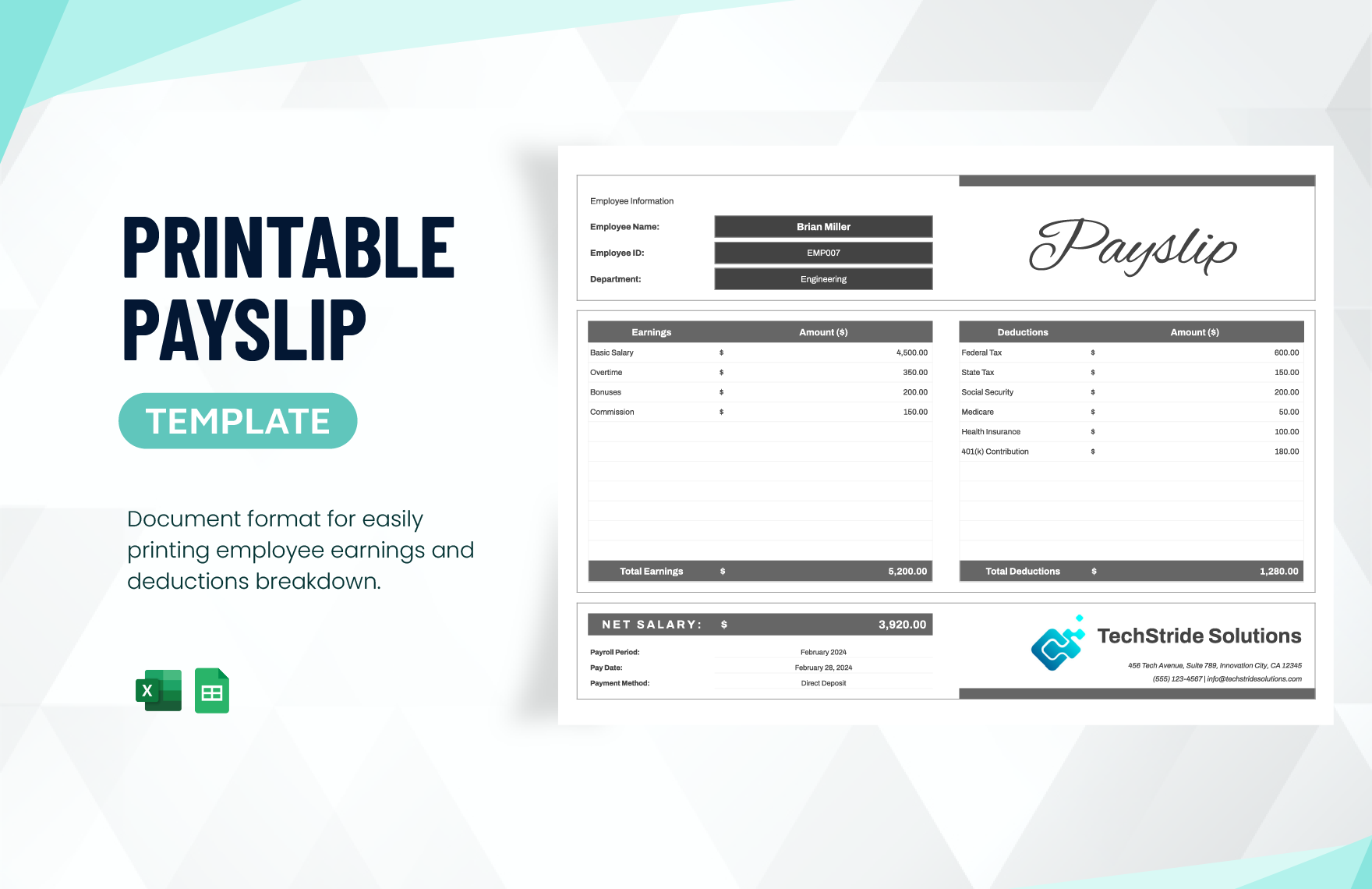
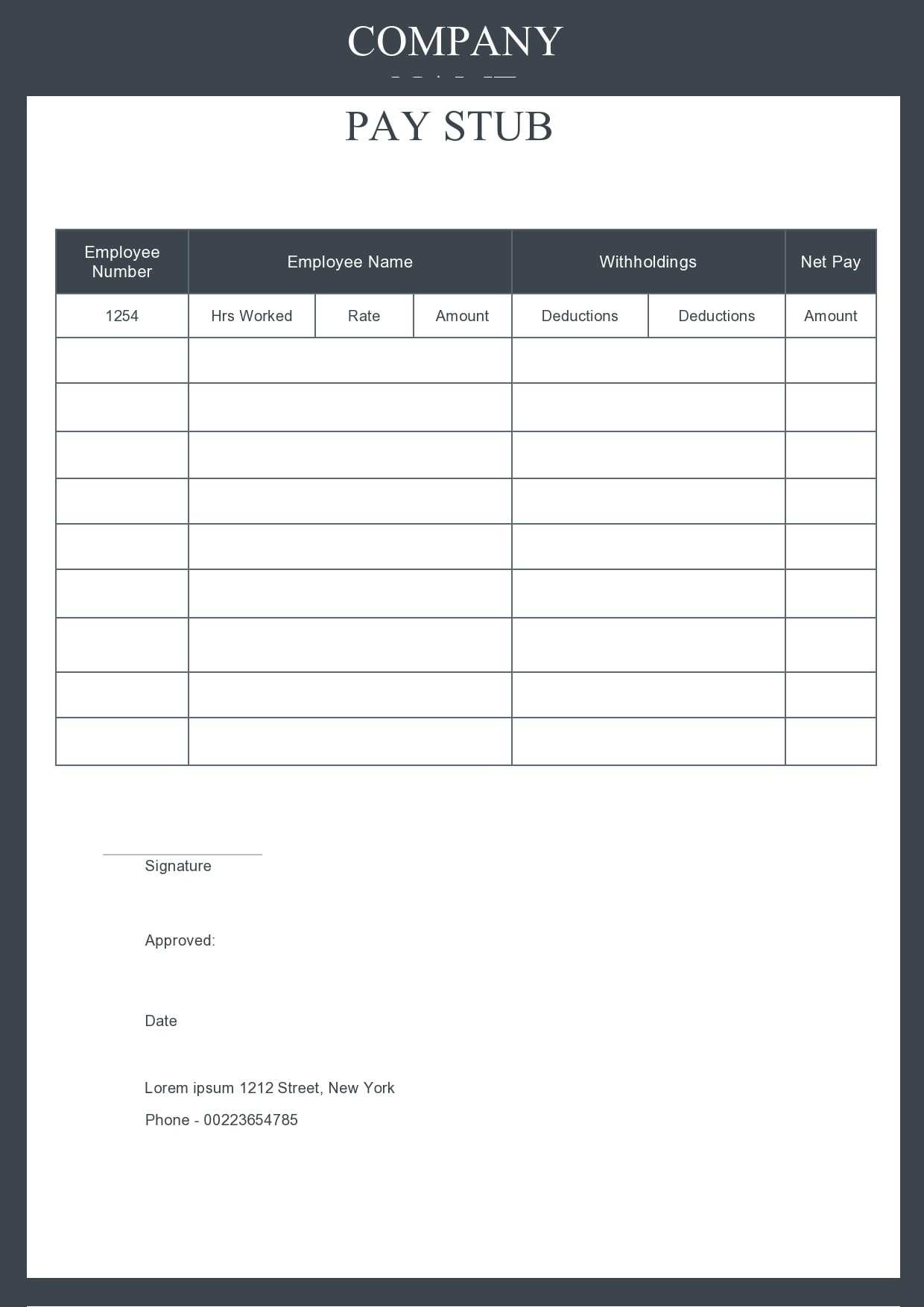
A payslip printable form is a standardized document that outlines an employee’s earnings for a specific pay period. This form typically includes key information such as:
- Employee name and ID
- Pay period dates
- Gross earnings
- Deductions (taxes, benefits, etc.)
- Net pay
Using this form not only ensures compliance with labor laws but also provides employees with a clear breakdown of their compensation. The clarity offered by a well-structured payslip can help prevent misunderstandings about pay, fostering a positive work environment.
Steps to Prepare the Payslip Printable Form
Before diving into filling out the payslip, it’s essential to prepare the form correctly. Here’s how to do it:
- Choose the Right Template: Select a payslip template that suits your business needs. Look for a format that includes all necessary fields and is easy to read. Many templates are available online for download in various formats like PDF or Word.
- Gather Employee Information: Collect the relevant details for each employee, including their full name, employee ID, and pay rate. Ensure all data is up-to-date, especially if there have been recent changes in salary or employment status.
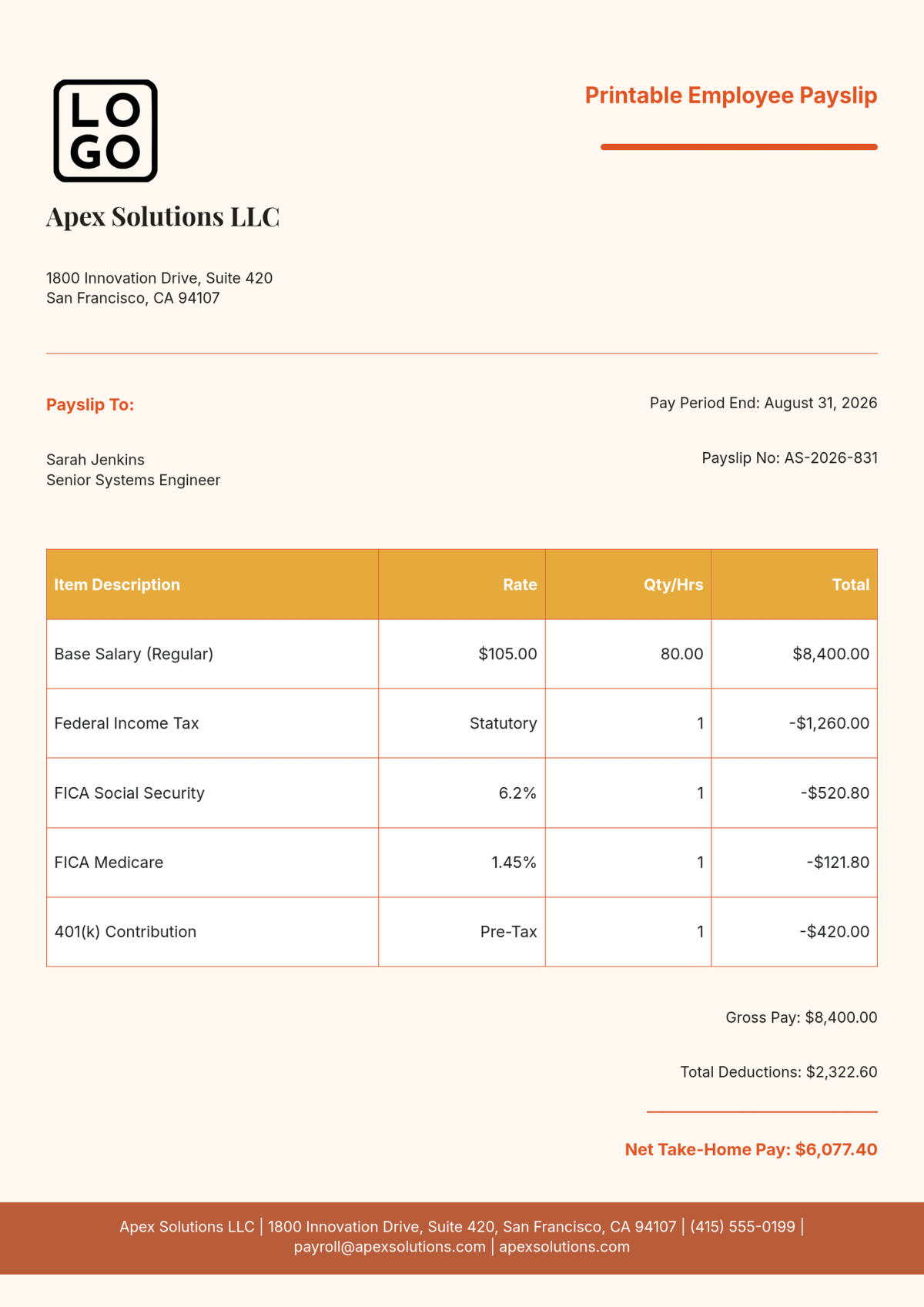
- Calculate Earnings and Deductions: Determine the gross pay for the pay period. This includes regular hours worked, overtime, bonuses, and commissions. Next, calculate any deductions such as federal and state taxes, insurance premiums, and retirement contributions.
- Fill Out the Payslip: Enter all gathered information into the template. Be meticulous to avoid errors, as mistakes can lead to confusion and dissatisfaction among employees.
- Review for Accuracy: Double-check all entries on the payslip. Verifying calculations ensures that the information is correct before distribution, reducing the chances of disputes.
Printing and Distributing the Payslip
After completing the payslip, it’s time to print and distribute it to your employees. Here’s how to do this efficiently:
- Select the Right Paper: Use high-quality paper for printing. Standard letter-sized paper (8.5 x 11 inches) works well for most templates. If you plan to laminate or file the payslips, consider using heavier cardstock for durability.
- Printer Settings: Set your printer to the correct settings, ensuring it is configured for the paper size you are using. If your printer has a duplex option, consider printing on both sides if the template allows for it.
- Distribute Securely: Hand out payslips directly to employees, or place them in sealed envelopes to maintain confidentiality. Ensure that each employee receives their payslip promptly, ideally on payday or shortly thereafter.
- Keep Copies for Your Records: Maintain a copy of each payslip for your records. This is important not just for payroll management but also for tax filing and compliance needs.
Common Mistakes to Avoid
Filling out and distributing payslips can be straightforward, but there are common pitfalls to avoid:
- Inaccurate Calculations: Always double-check your calculations for gross pay and deductions. Small errors can lead to significant issues, such as underpayment or overpayment of wages.
- Missing Information: Ensure that each payslip contains all necessary information. Missing elements can lead to confusion and may violate labor laws.
- Delayed Distribution: Distributing payslips late can lead to employee dissatisfaction. Ensure your payroll process is streamlined to avoid delays.
- Neglecting Updates: If there are changes in tax rates or employee benefits, ensure that your payslip reflects these updates promptly. Staying current helps maintain trust and compliance.
By effectively utilizing a Payslip Printable Form For Office Use, small-business owners can streamline their payroll processes, enhance employee communication, and maintain compliance with labor regulations.
As a final tip, consider setting a reminder each payroll cycle to review and update your payslip template. This can help keep your process efficient and accurate, ensuring that your employees receive the information they need on time.