A Payslip Printable Form With Signature Line is an essential tool for small business owners looking to maintain transparency and professionalism in payroll management. This printable resource not only provides a structured layout for detailing employee earnings but also includes a designated area for signatures, adding an extra layer of authenticity and accountability. Understanding how to effectively use this form can streamline payroll processes and ensure compliance with standard practices.
Understanding the Payslip Printable Form
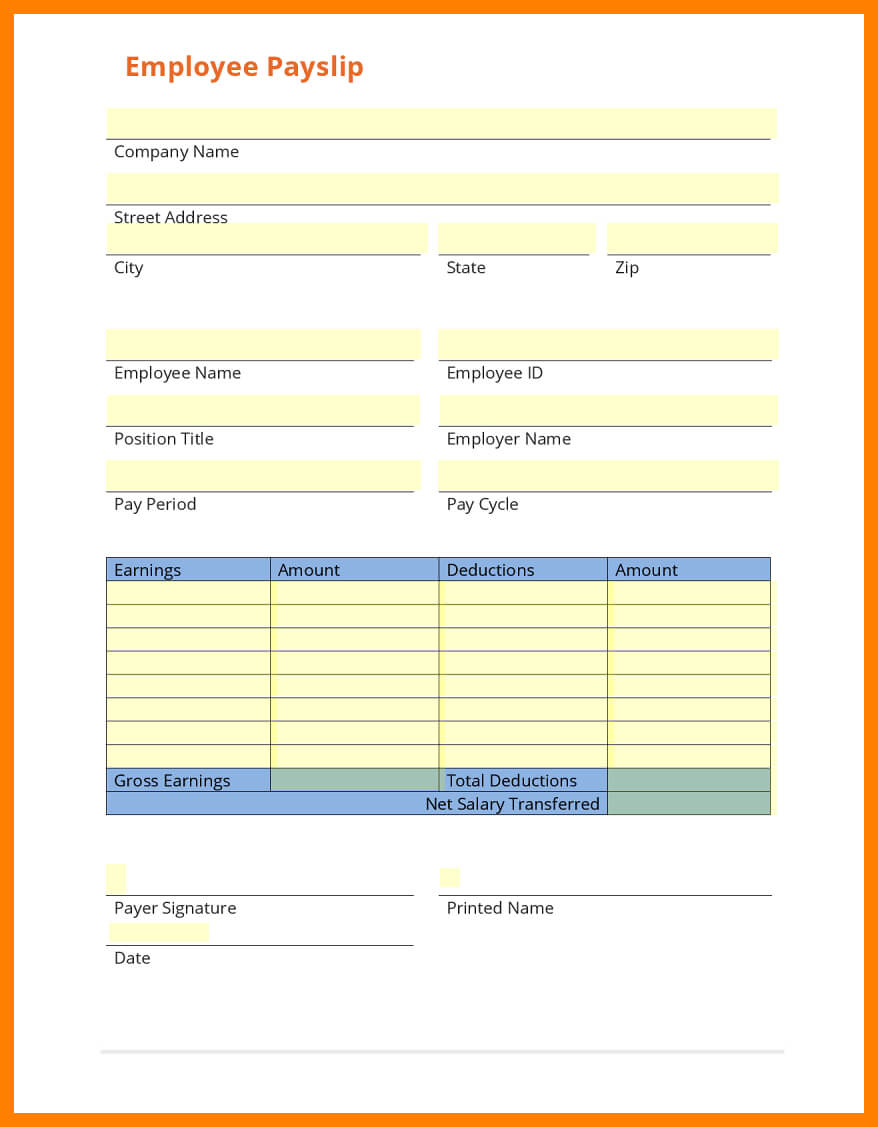
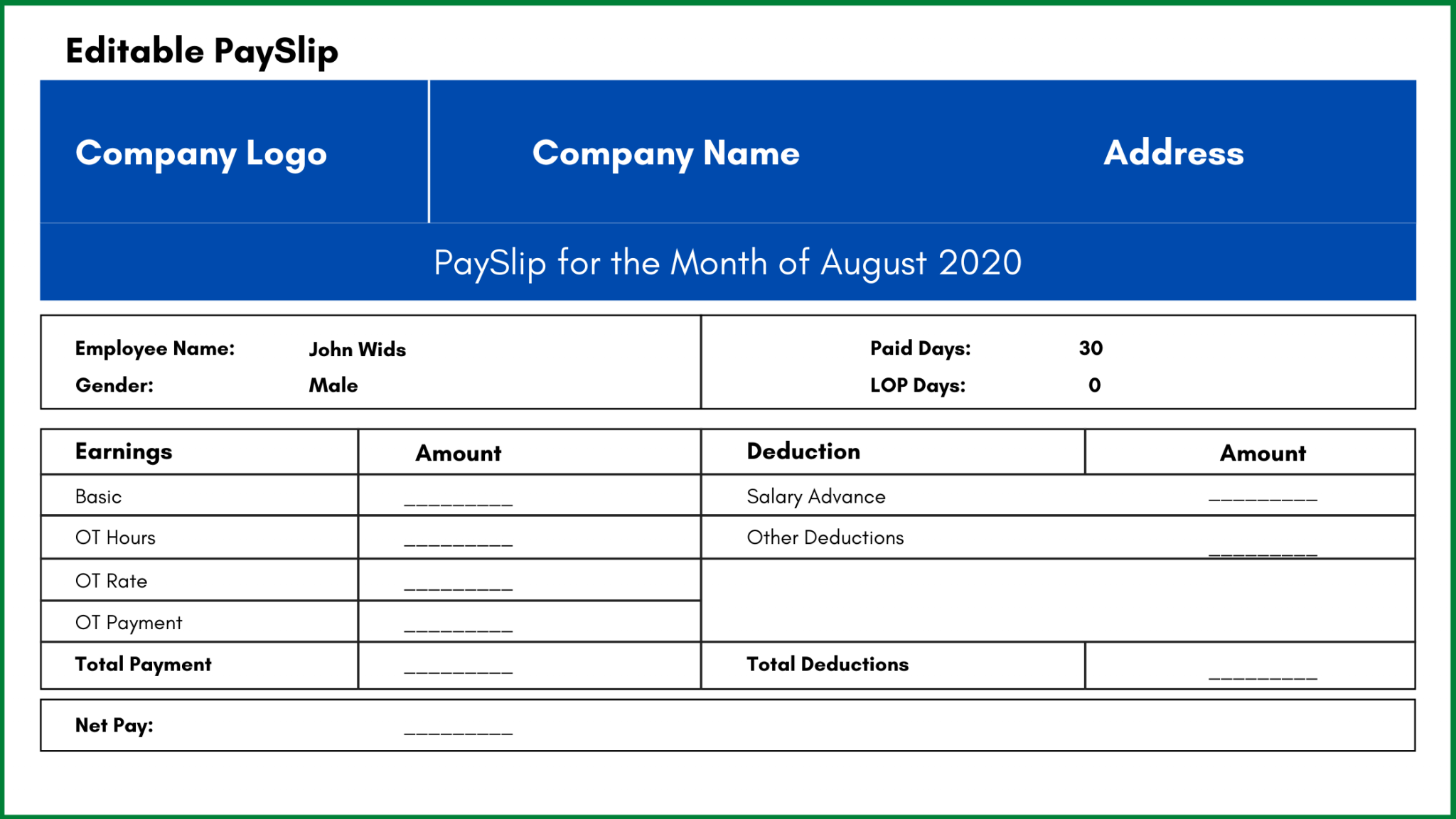
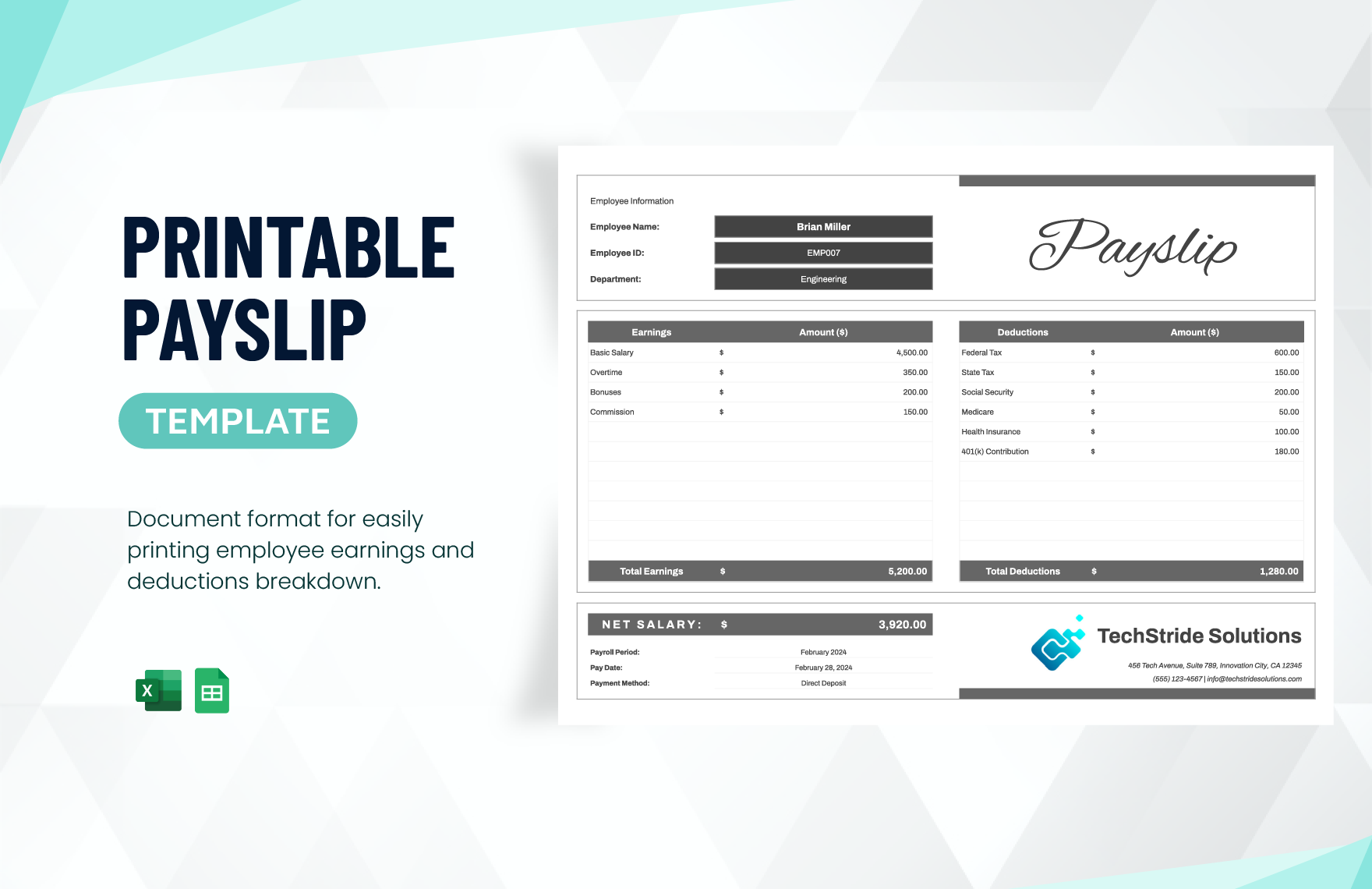
A payslip, often referred to as a paycheck stub, serves as a record of an employee’s earnings during a specific pay period. It typically includes crucial information such as gross pay, deductions, and net pay. The inclusion of a signature line is particularly beneficial, as it allows for verification and acknowledgment of the payment received.
When selecting a payslip printable form, consider the following essential elements:
- Layout: Ensure the form is organized logically, making it easy for employees to read.
- Fields: Standard fields should include employee name, identification number, dates, gross pay, deductions, and net pay.
- Signature Line: This line indicates that the employee has received and acknowledged the payment, which can be important for record-keeping.
Preparing to Use the Printable Payslip Form
Before utilizing a Payslip Printable Form With Signature Line, prepare the necessary information to fill out the form accurately. Having the following details at hand will ensure a smooth process:
- Employee Information: Gather the name, address, and ID number of the employee.
- Pay Period Dates: Clearly define the start and end dates for the payroll period.
- Earnings Calculation: Calculate gross pay, which may include hourly wages, overtime, bonuses, and commissions.
- Deductions: Include items such as taxes, retirement contributions, and health insurance premiums.
- Net Pay: This is the amount the employee will take home after all deductions have been made.
With this information ready, filling out the form becomes a straightforward task.
Common Mistakes and How to Avoid Them
Despite its straightforward nature, errors are common when filling out payslip forms. Here are some frequent pitfalls and tips for avoiding them:
- Incorrect Employee Information: Double-check names and identification numbers. Mistakes can lead to confusion and payment issues.
- Miscalculated Pay: Ensure all calculations are accurate. Even minor errors can lead to significant discrepancies over time. Using payroll software can help minimize these mistakes.
- Missing Deductions: Always include all applicable deductions. Leaving out even one can affect the net pay and cause employee dissatisfaction.
- Signature Issues: Ensure the signature line is signed before distributing the payslip. This confirms that the employee has received their payment and acknowledges the amounts listed.
Submitting and Storing Payslips
Once completed, payslips should be distributed to employees in a timely manner, ideally on or before payday. Here are some practical steps for submission and storage:
- Distribution Method: Decide whether to hand out physical copies or send them digitally. If opting for digital, ensure the format is secure, such as PDF, to prevent unauthorized alterations.
- Record Keeping: Maintain copies of all issued payslips for your records. This is essential for tax purposes and can help resolve any disputes that may arise.
- Filing Systems: Organize payslips either digitally or in a filing cabinet. A good filing system ensures that you can quickly access any payslip when needed.
Additional Tips for Business Owners
Using a Payslip Printable Form With Signature Line can simplify payroll management, but there are additional considerations to keep in mind:
- Regular Updates: Keep the form updated with any changes in tax laws or company policies that affect payroll.
- Employee Communication: Make sure employees understand the information on their payslips. This can help reduce confusion and foster trust.
- Legal Compliance: Familiarize yourself with any legal requirements regarding payslips in your state or industry, as these can vary.
To ensure the best outcomes, always prioritize accuracy and transparency in payroll processes. This not only helps maintain compliance but also builds a positive relationship with employees.
By following these guidelines, small business owners can effectively utilize the Payslip Printable Form With Signature Line to enhance their payroll operations. For immediate use, download a template that suits your needs and ensure all necessary details are included for a smooth payroll experience.