Creating a professional atmosphere in your small business includes providing employees with clear, organized pay slips. A Professional Printable Pay Slip Template can simplify this process, ensuring that payroll details are accurately communicated. This guide will help you understand the features to look for, how to customize the template, and practical considerations for printing and distribution.
Key Features of a Professional Printable Pay Slip Template
When selecting a pay slip template, there are several essential features to consider. Look for a template that includes:
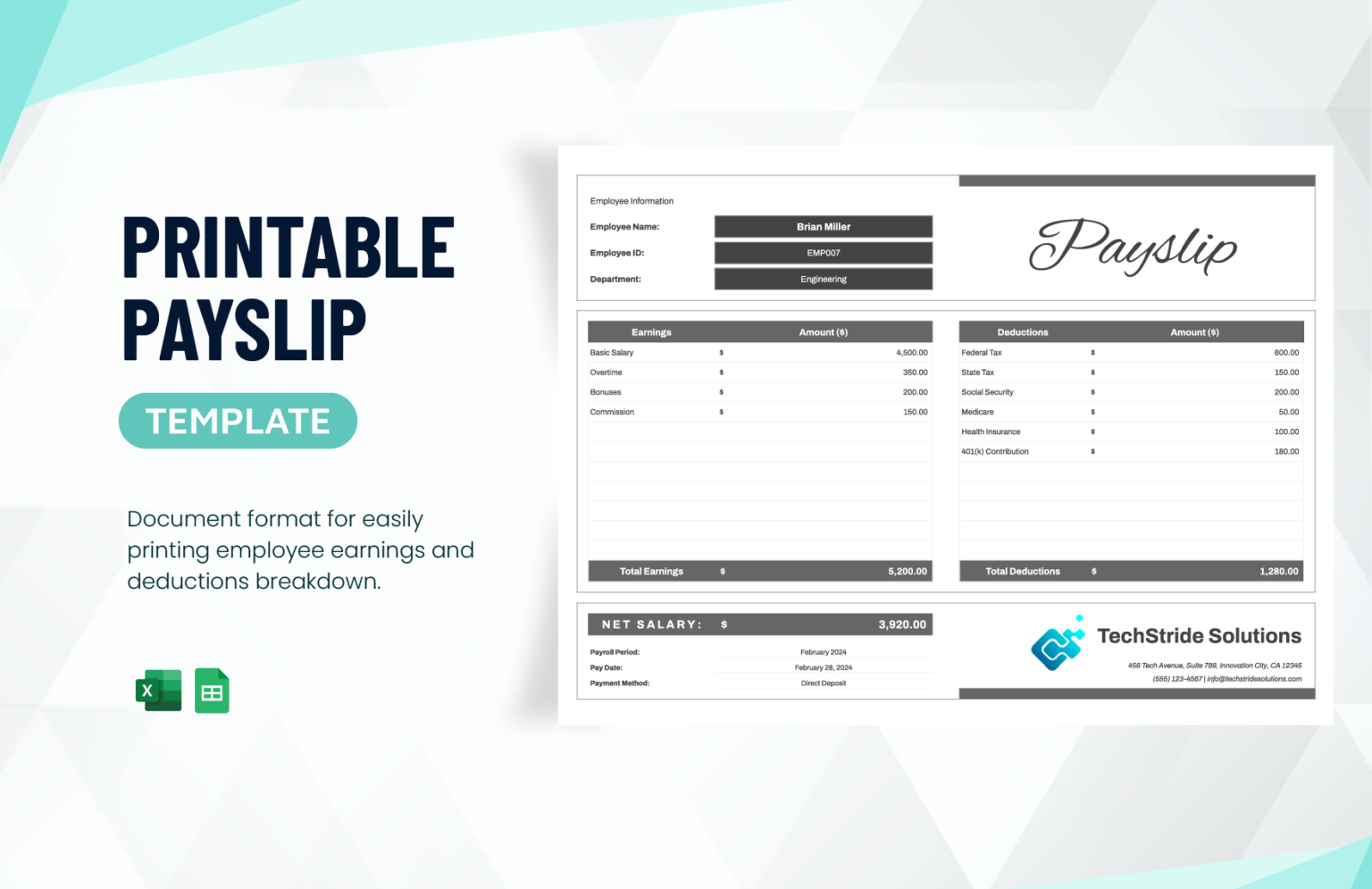
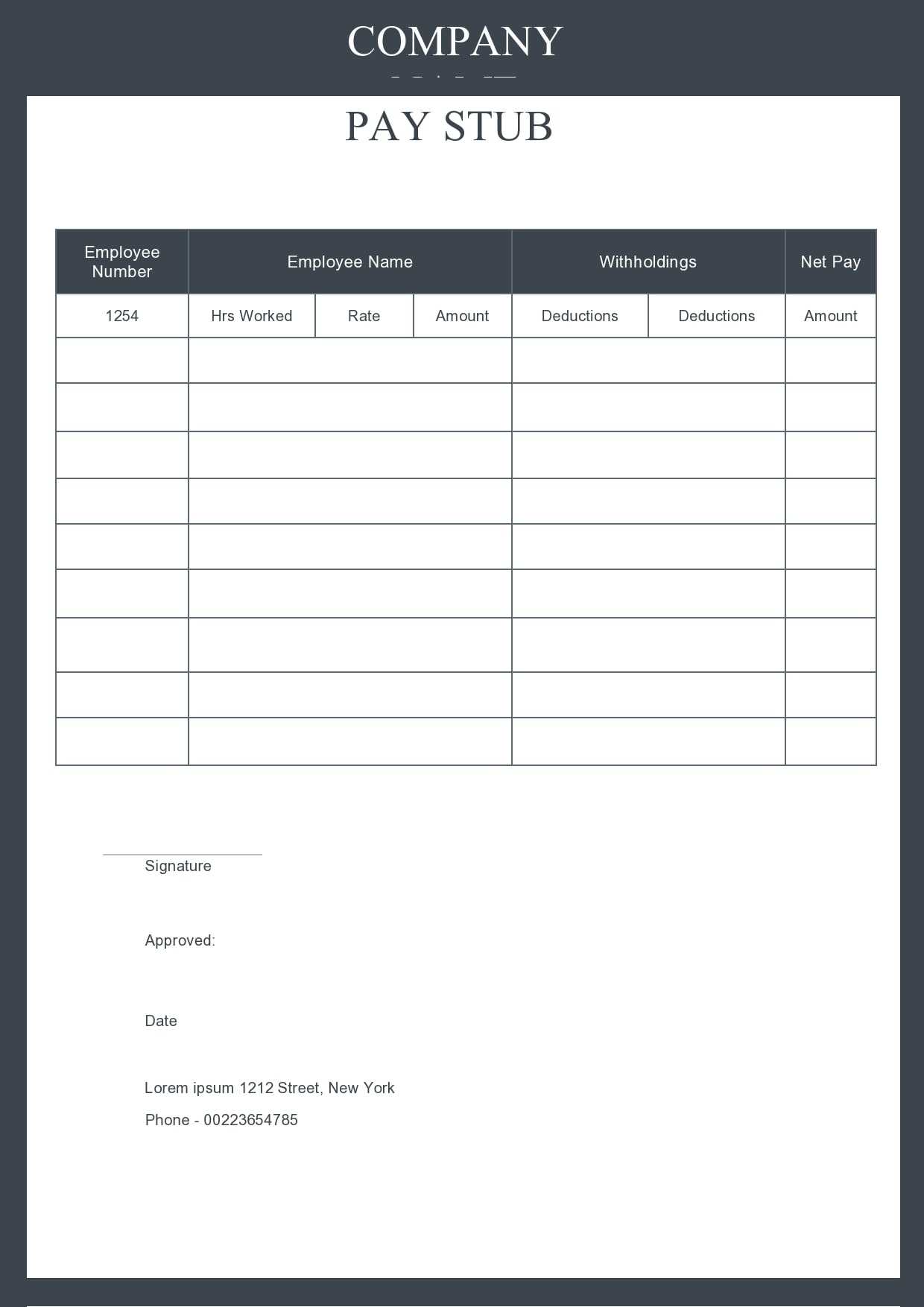
- Employee Information: Name, position, and employee ID should be clearly displayed.
- Company Details: Include the company name, address, and contact information for transparency.
- Payment Period: Specify the pay period for which the slip is issued, making it clear for employees.
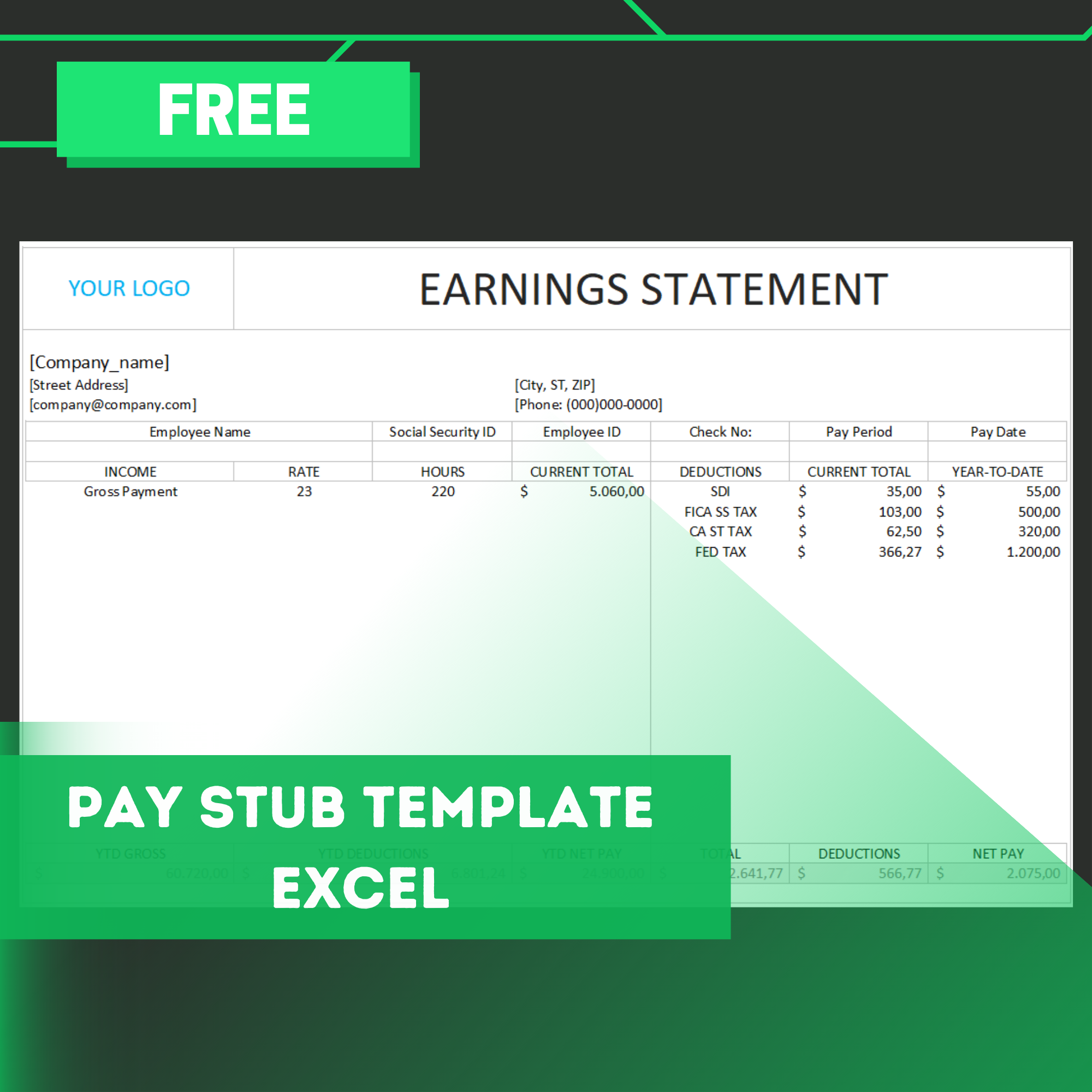
- Earnings Breakdown: Clearly itemize gross pay, overtime, bonuses, and any deductions. This transparency fosters trust and clarity.
- Net Pay: The final amount should be highlighted, allowing employees to see their take-home pay at a glance.
- Tax Information: Include relevant tax deductions, such as federal and state taxes, to comply with legal requirements.
Choosing a template that encompasses these features will streamline your payroll process and enhance professionalism.
Customizing Your Pay Slip Template
Customization is a crucial step in making the pay slip template your own. Most templates will allow you to personalize various elements:
- Branding: Add your company logo at the top of the slip. This not only reinforces brand identity but also adds a professional touch.
- Color Scheme: Adjust the colors to match your company’s branding. This visual consistency can make your materials feel cohesive.
- Font Style and Size: Choose fonts that are easy to read. While it’s tempting to use stylized fonts, clarity should be your priority.
- Additional Information: Consider adding sections for employee benefits or notes. This can include information on health insurance deductions or retirement plan contributions.
When making these customizations, ensure that the template remains easy to understand. An overly complicated design can confuse employees rather than inform them.
Practical Considerations for Downloading and Printing
Once you’ve chosen and customized your Professional Printable Pay Slip Template, consider the following practical aspects of downloading and printing:
- File Format: Ensure that the template is available in a format that suits your needs. PDF files are a popular choice because they preserve formatting across different devices.
- Paper Size: Standard letter-size paper (8.5 x 11 inches) works well, but ensure your printer settings match the template dimensions.
- Printer Type: A standard inkjet or laser printer typically handles this task well. If you have a high volume of pay slips to print, consider using a commercial printer for efficiency.
- Quality of Paper: Using thicker paper, such as cardstock, can provide a more professional feel. If you plan to distribute the slips physically, this is an excellent option.
- Digital Distribution: For remote workers, consider sending pay slips via email. Ensure that the PDF is password-protected for added security.
By addressing these considerations, you can ensure a smooth printing process and maintain a professional standard for your pay slips.
Distributing Pay Slips Effectively
The final step after printing or digitally creating your pay slips is distribution. Here are effective strategies for both physical and digital distribution:
- Physical Distribution: Handing out pay slips in person can be more personal, fostering a connection between management and employees. If this is your chosen method, consider setting aside time during a team meeting for distribution.
- Email Distribution: For remote employees, sending pay slips via email is efficient. Make sure to use secure methods, such as encryption or password protection, to keep sensitive information safe.
- Employee Portal: If your business has an employee management system, consider uploading pay slips to a secure portal. This allows employees to access their payslips anytime, fostering independence and transparency.
Regardless of the method, ensure that employees know when to expect their pay slips and how to access them.
Final Tips for Using Your Pay Slip Template
To maximize the effectiveness of your Professional Printable Pay Slip Template, keep these final tips in mind:
- Regular Updates: Ensure that you update the template regularly to reflect any changes in tax laws or company policies. Keeping the information current is essential for compliance.
- Feedback: Ask employees for feedback about the pay slips. This can provide insights into whether the information is clear and meets their needs.
- Backup: Keep a digital copy of all pay slips for your records. This is crucial for bookkeeping and tax purposes.
By following these guidelines, you can create a streamlined, professional approach to payroll that meets the needs of both your business and your employees.