Creating a smooth payment process can be a challenge for small business owners. Whether you’re collecting payments for services rendered or products sold, having a reliable system in place is crucial. A Professional Printable Payment Slip Design can help streamline your payment collection while maintaining professionalism. This guide will walk you through the steps of selecting, downloading, printing, and using this essential resource effectively.
Understanding the Importance of Payment Slips
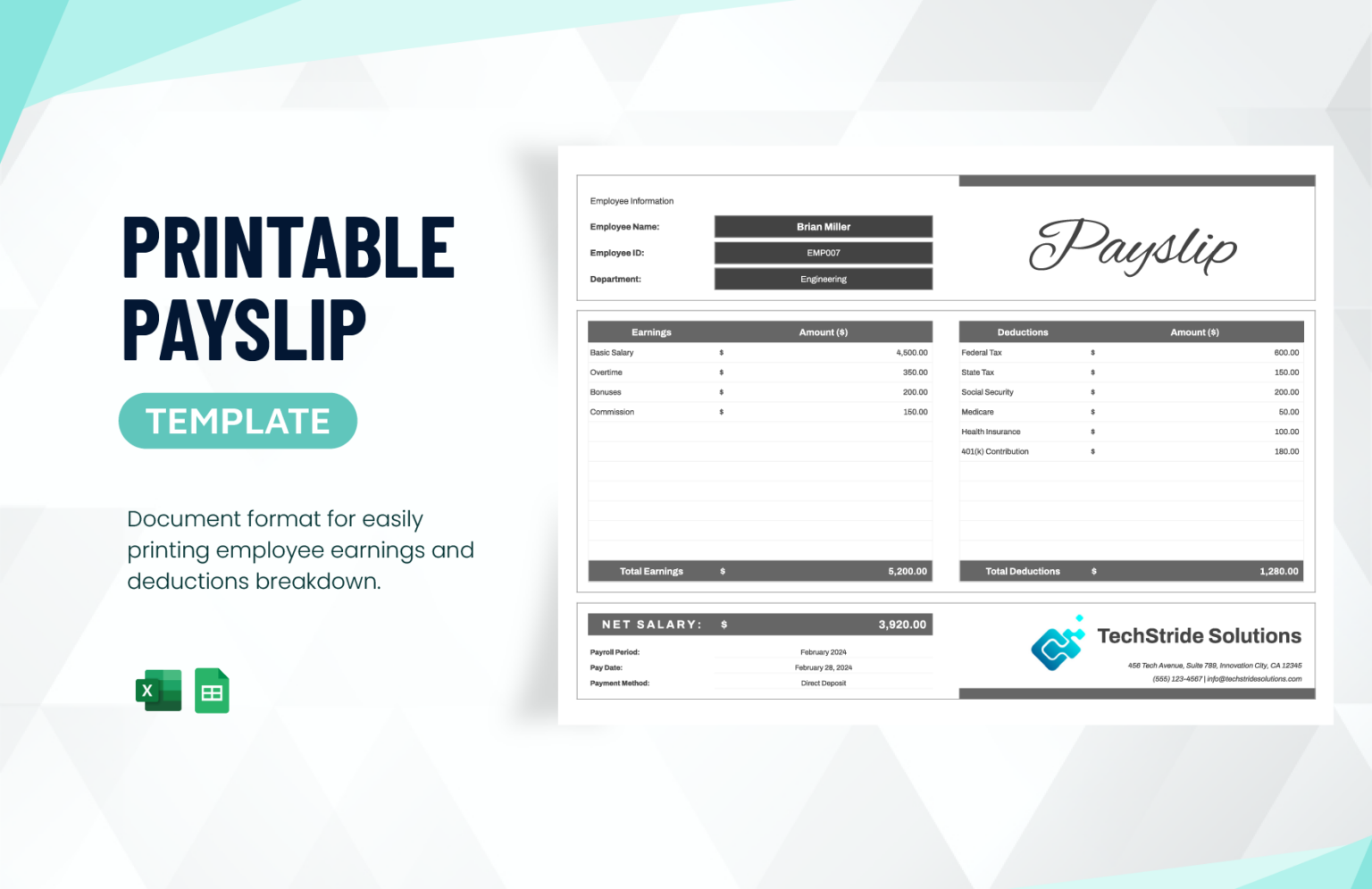
Payment slips serve as a record for both you and your clients. They document the transaction, providing proof of payment that can be referred to in future correspondence. A well-designed slip not only helps keep your records organized but also enhances your business’s credibility.
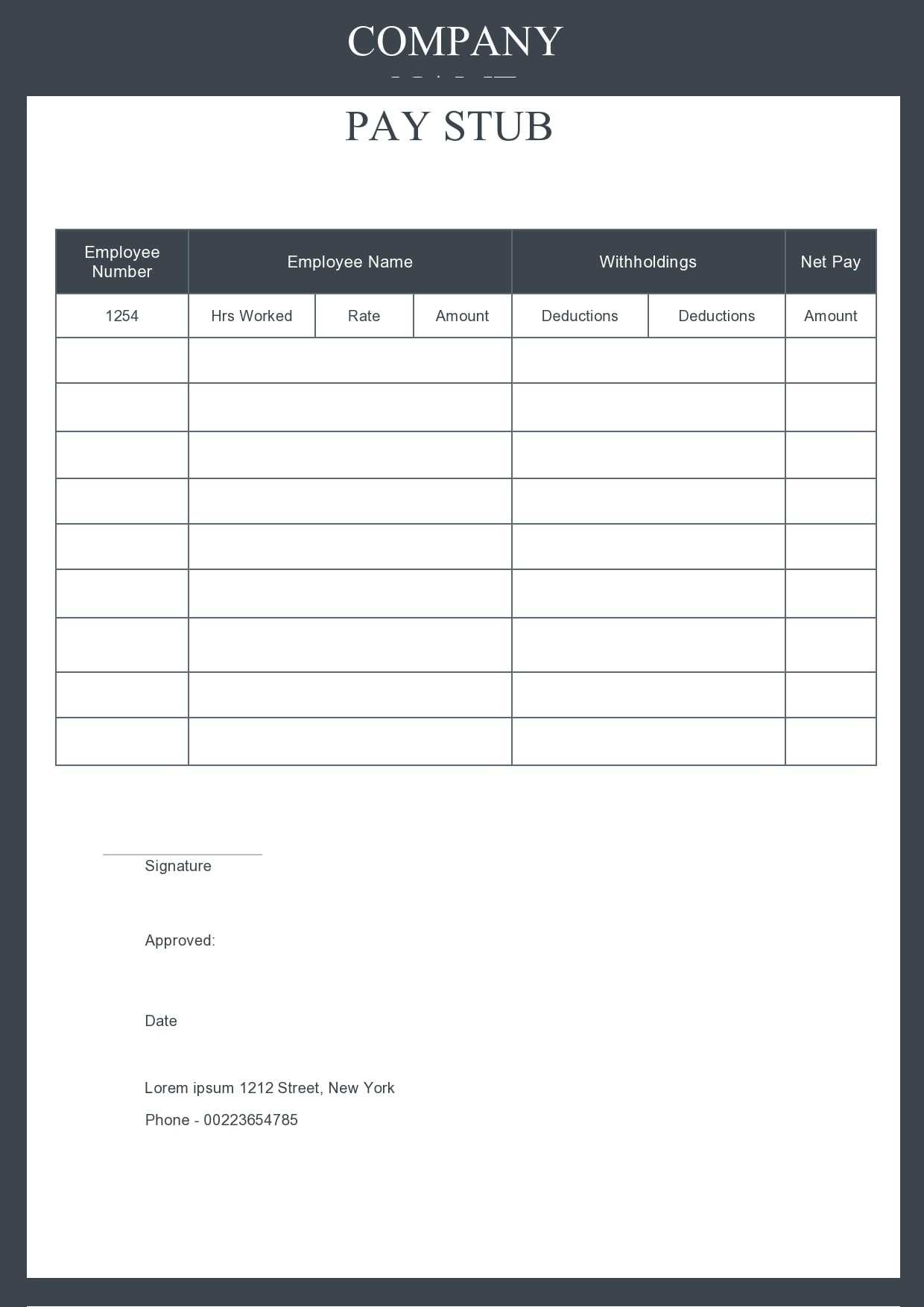
Using a professional template ensures that all necessary information is included, such as the date, amount, payment method, and space for signatures. This clarity reduces disputes and misunderstandings, making it easier for both parties to keep track of payments.
Choosing the Right Template
When selecting a Professional Printable Payment Slip Design, consider your specific needs. Different templates may offer various features, so it’s essential to choose one that aligns with your business type. Look for designs that include:
- Clear and concise layout: The format should be easy to read and understand.
- Customizable fields: This allows you to add your business name, logo, and other relevant information.
- Contact information: Including your business address, phone number, and email can enhance professionalism.
Make sure to check if the template is available in a format that suits your printing capabilities. PDF files are often preferred as they maintain formatting across different devices, whereas Word files may require adjustments.
Downloading and Printing Your Payment Slip
Once you’ve selected a suitable template, downloading it is usually straightforward. Most printable resources are available for download in various formats. Here’s a quick guide on how to proceed:
- Select the template: Click on the download button associated with your chosen payment slip design.
- Choose the format: Opt for PDF for best results, as this format preserves the layout and design.
- Download the file: Save it to a location on your computer where you can easily find it.
After downloading the file, the next step is printing. Here are some tips for optimal results:
- Paper choice: Use white or light-colored cardstock for a professional look. This type of paper holds up better than standard printer paper, especially if slips will be handled frequently.
- Printer settings: Set your printer to “Best Quality” for a clear print. Make sure you select the correct paper size, typically A4 or Letter, depending on your region.
- Test print: Always print a test slip to check for formatting issues before printing multiple copies.
Filling Out and Using the Payment Slip
After printing, the payment slip is ready for use. When filling it out, ensure that all details are accurate. Here’s what to include:
- Date of transaction: Always note when the payment was made.
- Amount received: Clearly state the total amount and, if applicable, any taxes or fees.
- Payment method: Specify whether the payment was made in cash, check, or electronically.
- Signature field: Include space for both the payer’s and your signature for validation.
Distributing these slips to clients not only provides them with proof of payment but also reinforces your professionalism. Encourage clients to keep their copies for their records.
Tips for Efficient Use
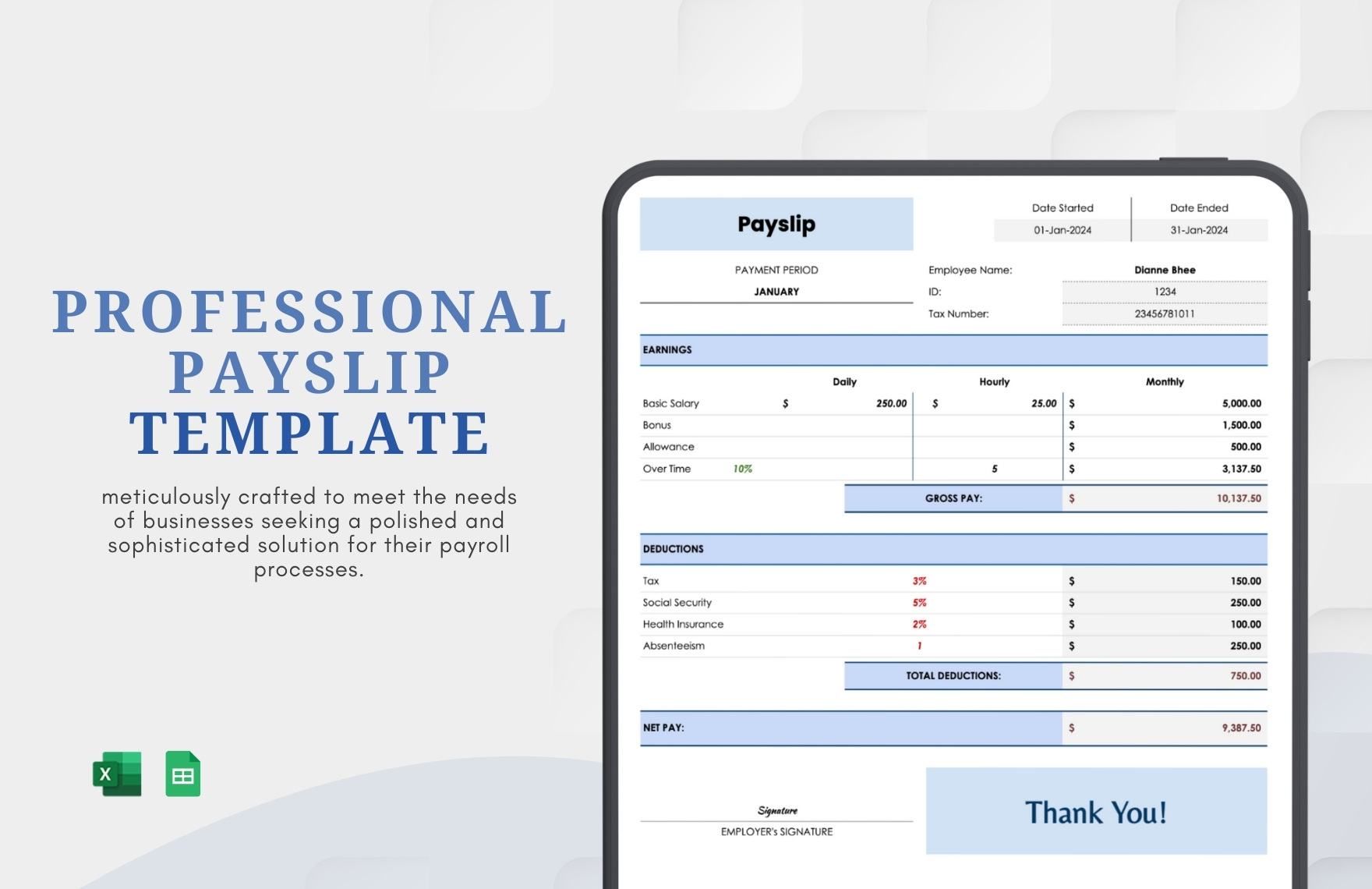
To maximize the utility of your Professional Printable Payment Slip Design, consider these practical tips:
- Create a filing system: Organize completed payment slips in a dedicated folder, either digitally or physically, for easy access.
- Keep a digital backup: Scan or take pictures of completed slips to ensure you have a record in case of loss.
- Regularly update your template: As your business evolves, you may need to adjust the payment slip to reflect changes in branding or payment methods.
By implementing these strategies, small business owners can enhance their payment processes and ensure smoother transactions.
To get started, download a payment slip template today and take the first step in streamlining your business operations.