Creating a salary slip printable form for customers addresses a key need in managing payroll for small businesses. This form simplifies the process of documenting employee compensation, deductions, and other necessary details that ensure transparency and accuracy. A well-structured salary slip not only serves as an official record for employees but also enhances your business’s professionalism. This guide will explain the layout, sections, and practical considerations involved in using a salary slip printable form effectively.
Understanding the Layout of a Salary Slip Printable Form
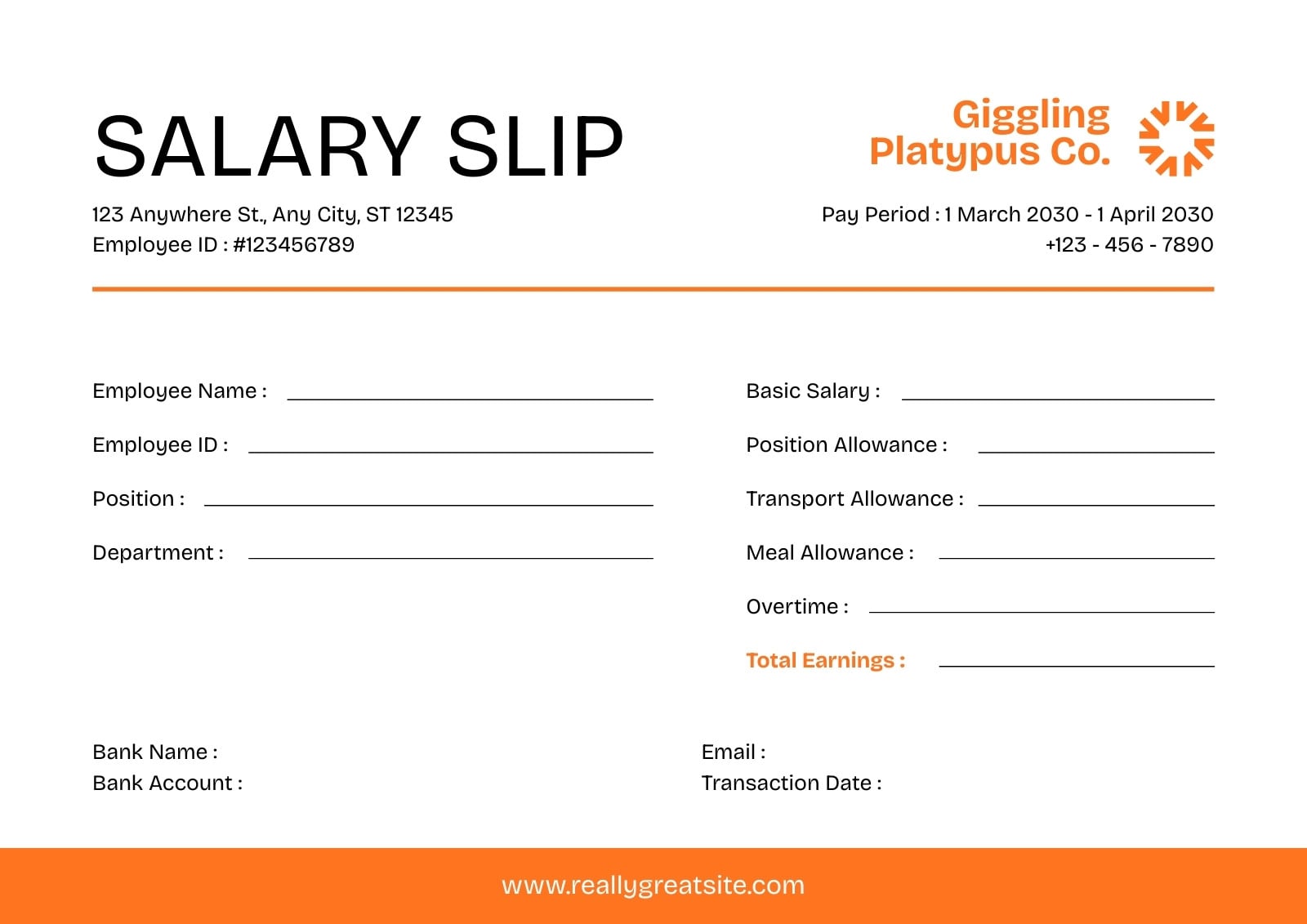
A salary slip typically includes several key sections that provide a comprehensive overview of an employee’s earnings and deductions. The layout usually consists of:
- Header Section: This includes your company name, logo, and contact information. It sets a formal tone and reinforces brand identity.
- Employee Details: Here you’ll find fields for the employee’s name, ID number, designation, and department. This section personalizes the slip and makes it easy to identify the recipient.
- Salary Breakdown: This is the core of the slip, detailing various components of the salary, including basic pay, allowances, bonuses, and overtime. Each of these should be clearly labeled to avoid any confusion.
- Deductions: A section that lists all deductions made from the gross salary, such as taxes, insurance, and retirement contributions. Transparency in this area is crucial for maintaining trust with employees.
- Net Pay: This final figure represents the amount the employee takes home after all deductions. It should be prominently displayed to catch the reader’s attention.
Using a clean, organized layout helps ensure that all necessary information is easily accessible.
Preparing the Salary Slip Form for Use
When preparing the salary slip printable form for customers, there are a couple of options to consider: digital completion versus printed copies.
Digital Completion
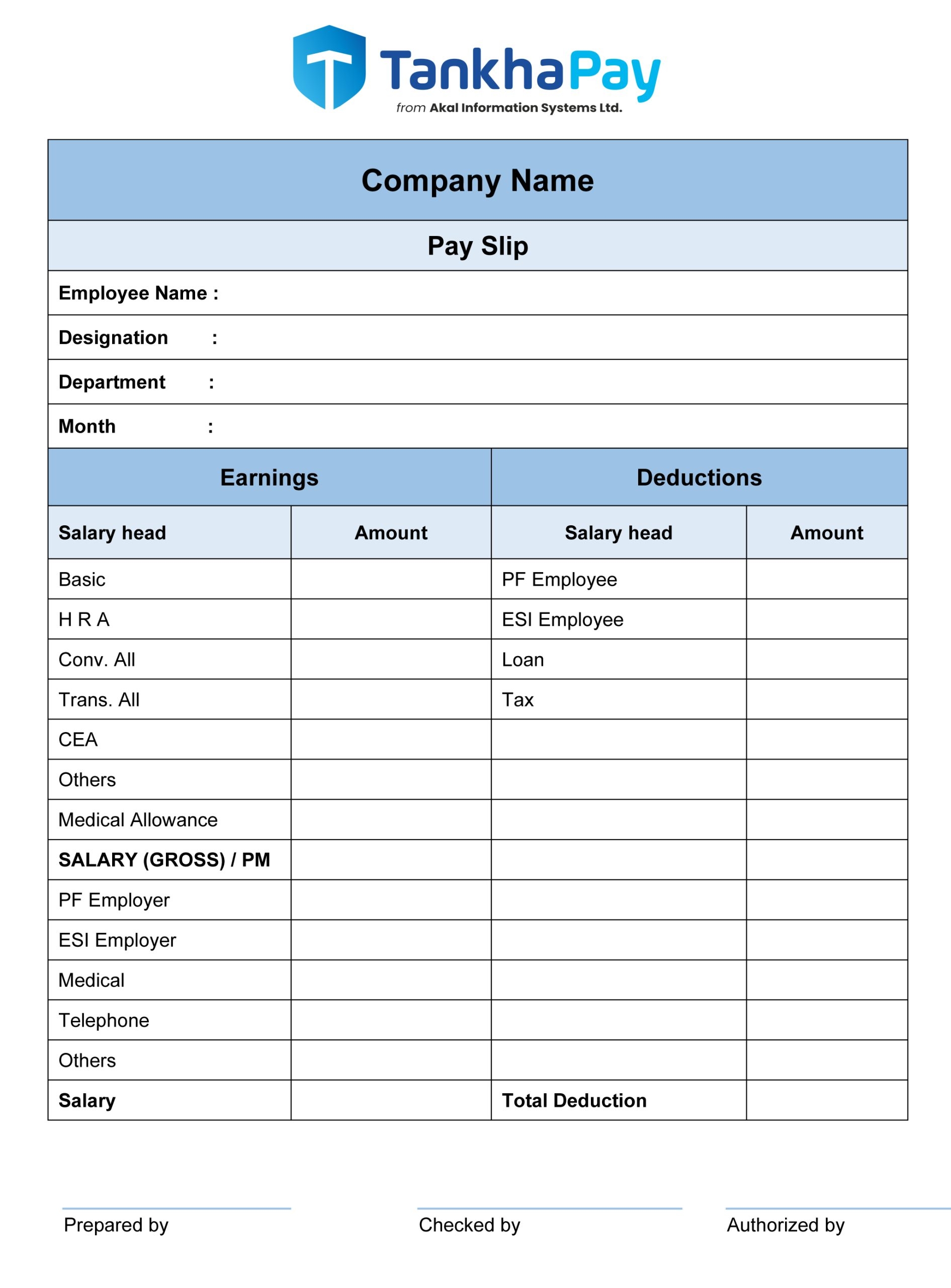
Using a fillable PDF version allows for easy data entry directly on a computer. This method is particularly useful for businesses that process payroll electronically. Here’s how to prepare it for digital use:
- Ensure the fields are clearly labeled and easy to fill. Use consistent font sizes and styles.
- Test the fillable form to confirm that all fields are functioning correctly and that the document retains its format after saving.
- Save the file in a widely used format like PDF to avoid compatibility issues across different devices.
Printed Copies
For those who prefer a traditional approach, printing the salary slip is straightforward. Consider these tips:
- Paper Size: Standard letter size (8.5 x 11 inches) works best for most printers. If you’re using a printer that supports different sizes, ensure your settings match the document specifications.
- Cardstock: If durability is a concern, consider printing on cardstock. This will create a more substantial document that employees can keep for their records.
- Layout Orientation: Portrait orientation is typically preferred for salary slips as it aligns with most business document standards.
Each method has its advantages, depending on your business’s workflow and employee preferences.
Completing the Salary Slip: Fields and Process
Completing the salary slip involves filling in essential fields accurately. Here’s a breakdown of the completion process:
- Employee Information: Start by entering the employee’s details accurately. This includes their full name and identification number, ensuring there are no typos.
- Salary Components: Next, fill in the salary components. Calculate the basic pay, allowances, and any bonuses or overtime accurately. Double-check these figures against your payroll records.
- Deductions: Carefully input all deductions. This may include federal and state taxes, health insurance, and other relevant deductions. Ensure that the calculations are correct to avoid discrepancies later on.
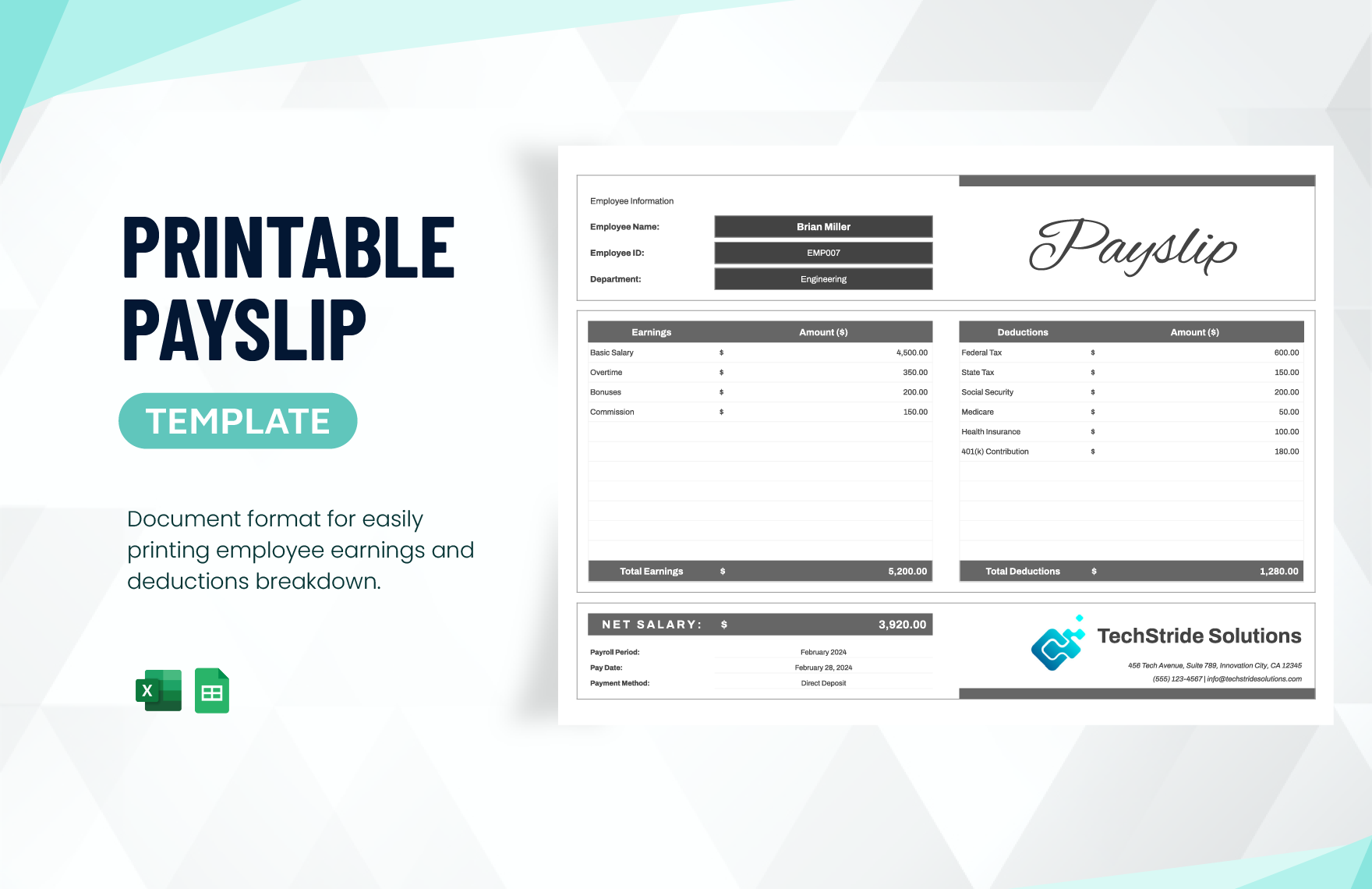
- Net Pay Calculation: Finally, subtract the total deductions from the gross pay to arrive at the net pay. This figure should be clear and easy to read.
Using a consistent method for filling out these forms can help prevent errors and streamline the payroll process.
Common Mistakes to Avoid
When using a salary slip printable form for customers, there are several common pitfalls that small business owners should avoid:
- Inaccurate Information: Always double-check employee details and numbers. Mistakes can lead to confusion and mistrust.
- Lack of Clarity: Ensure that all figures are easy to read. Using small font sizes or overly complicated layouts can make the slip difficult to understand.
- Neglecting to Update: Regularly review and update the form to reflect any changes in tax laws or company policies regarding payroll.
A little attention to detail can go a long way in maintaining professionalism and accuracy in payroll documentation.
Using a salary slip printable form for customers is an effective way to enhance payroll management. By understanding the layout, preparing the form for digital or print completion, and avoiding common mistakes, small business owners can create a reliable and professional tool for documenting employee compensation. One useful detail to remember is to always keep a digital backup of each completed salary slip for easy reference in the future.