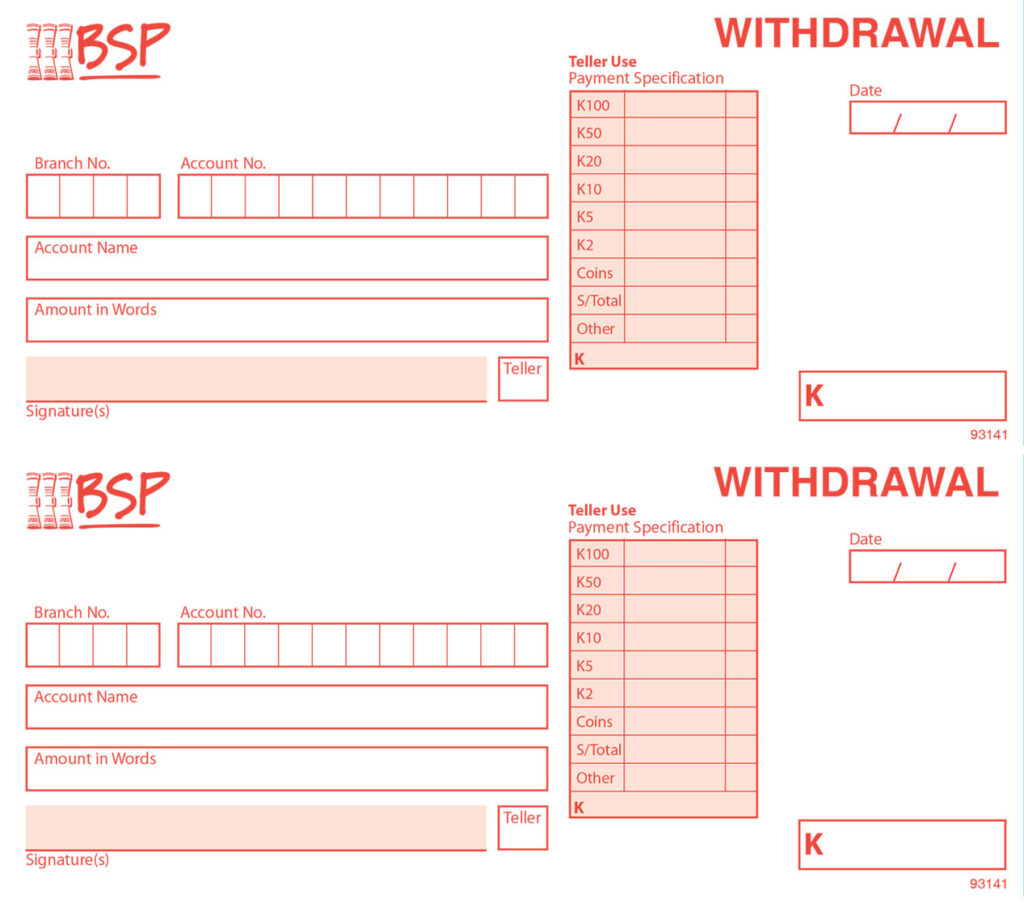
Managing your finances often requires specific forms, and a Withdrawal Slip Printable Form With Signature Line is an essential tool for anyone needing to withdraw funds from their bank account. This form is straightforward and designed to streamline the process of accessing your money, making it especially useful for individuals who prefer handling transactions in person. Here’s how to effectively use this printable resource.
Understanding the Withdrawal Slip Printable Form
A withdrawal slip is a document that allows you to request cash or transfer funds from your bank account. The printable version with a signature line adds a layer of security, ensuring that only authorized individuals can access the funds. This form is typically used in bank branches, but having a printed version on hand can save time and reduce errors during transactions.
When to Use a Withdrawal Slip
You might need a withdrawal slip when:
- You’re withdrawing cash from your savings or checking account.
- You want to transfer funds between accounts.
- You prefer not to use an ATM for cash withdrawals.
- You need to authorize someone else to withdraw funds on your behalf.
Having a withdrawal slip ready can enhance your banking experience, making transactions more efficient.
Features of the Withdrawal Slip Printable Form
The key elements of a typical Withdrawal Slip Printable Form include:
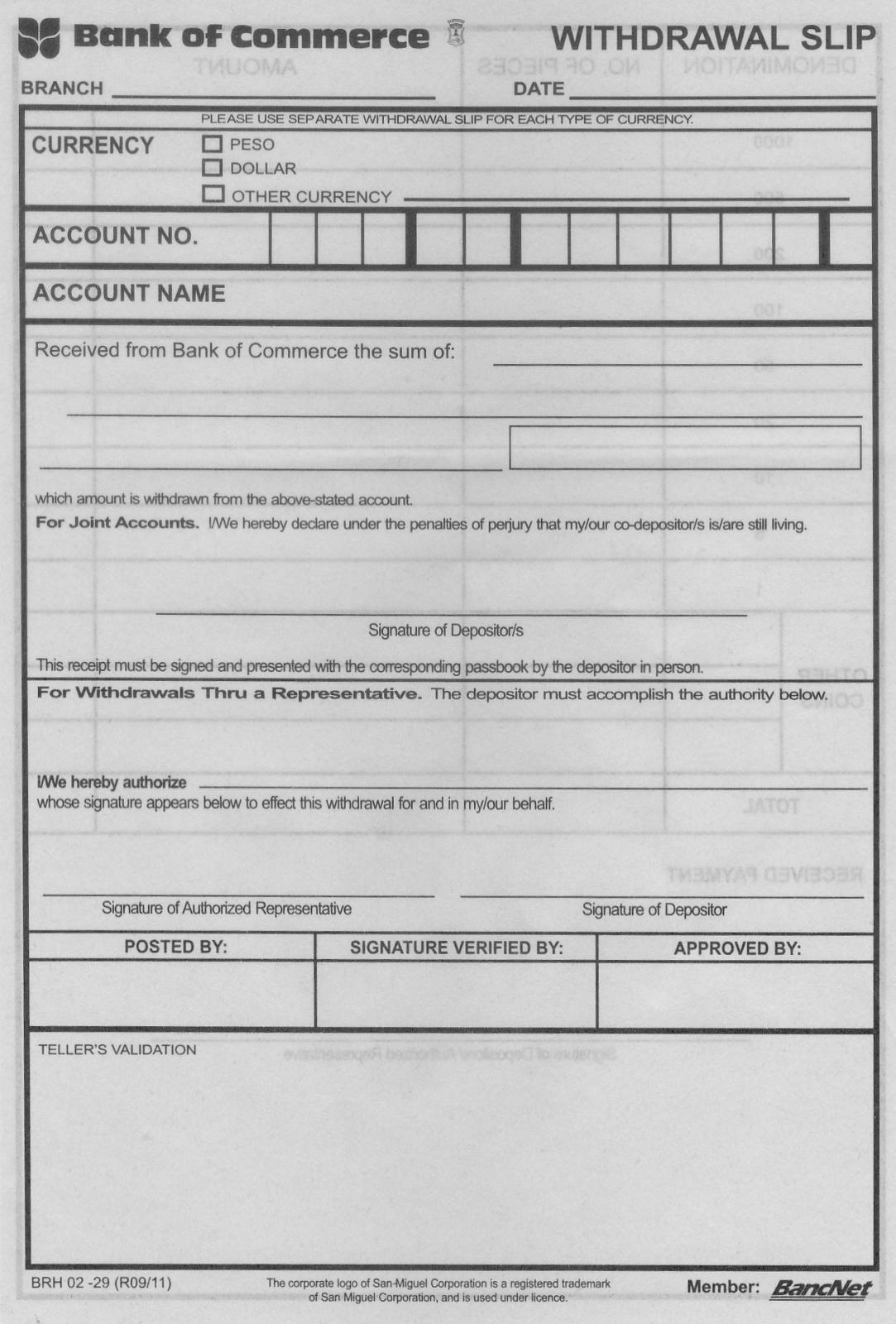
- Account Holder Information: This section typically requires your name, account number, and contact details.
- Withdrawal Amount: Clearly state how much money you wish to withdraw.
- Signature Line: This is where you sign, authorizing the transaction. This signature is crucial as it verifies your identity and consent.
- Date: Always include the date to ensure the transaction is processed correctly.
Customizing Your Form
When downloading your withdrawal slip, you may find options to customize it. Depending on your needs, consider these aspects:
- Paper Size: Most forms are designed for standard letter size (8.5 x 11 inches). Ensure your printer settings match this size to avoid formatting issues.
- Printable Format: PDF is the most common format that preserves the layout. If you choose an image file, be wary of potential reformatting issues.
- Design: Depending on the template you choose, you might have the ability to add a logo or modify the color scheme for personal branding.
How to Fill Out the Withdrawal Slip
Filling out the Withdrawal Slip Printable Form is straightforward. Here’s a step-by-step guide:
- Write Your Information: Start with your name and account number at the top of the form. Ensure that the details match what your bank has on file.
- Specify the Amount: Clearly write the amount you wish to withdraw. Be precise to avoid any confusion at the bank.
- Add the Date: Use the current date to indicate when the transaction should take place. This helps maintain accurate records.
- Sign the Form: Your signature is essential. It confirms that you authorize the bank to process the withdrawal. Make sure your signature matches what the bank has on file.
- Double-Check Your Information: Before handing over the slip at the bank, review all details for accuracy. Mistakes can delay your transaction.
Printing Tips for Your Withdrawal Slip
When preparing to print your Withdrawal Slip Printable Form, consider the following tips for best results:
- Use High-Quality Paper: For a professional look, use heavier paper or cardstock. This is especially important if you plan to laminate the form for durability.
- Check Printer Settings: Make sure your printer is set to the correct paper size and that the print quality is set to high. This ensures that all text is clear and legible.
- Test Print: If you’re unsure about the layout, do a test print on plain paper. This helps you catch any formatting issues before printing on your final paper.