Creating a Customizable Printable Payment Slip Design can streamline your payment processes, making it easier to manage your finances. This resource is perfect for individuals or small businesses looking to maintain clear records of transactions. With a few clicks, you can download a template that fits your needs, allowing for quick customization and printing. Let’s explore how you can get the most out of this valuable tool.
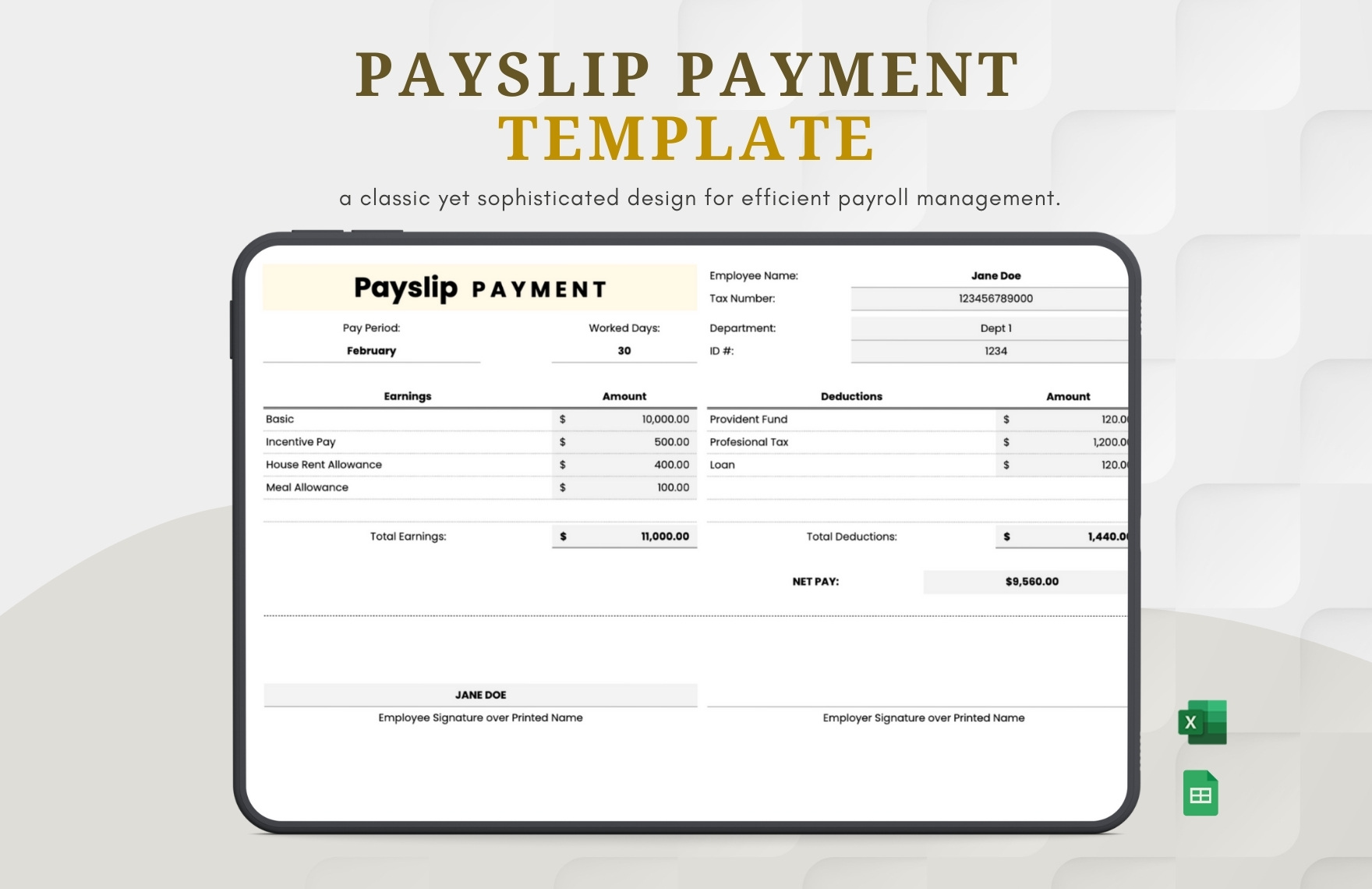
Understanding the Customizable Printable Payment Slip Design
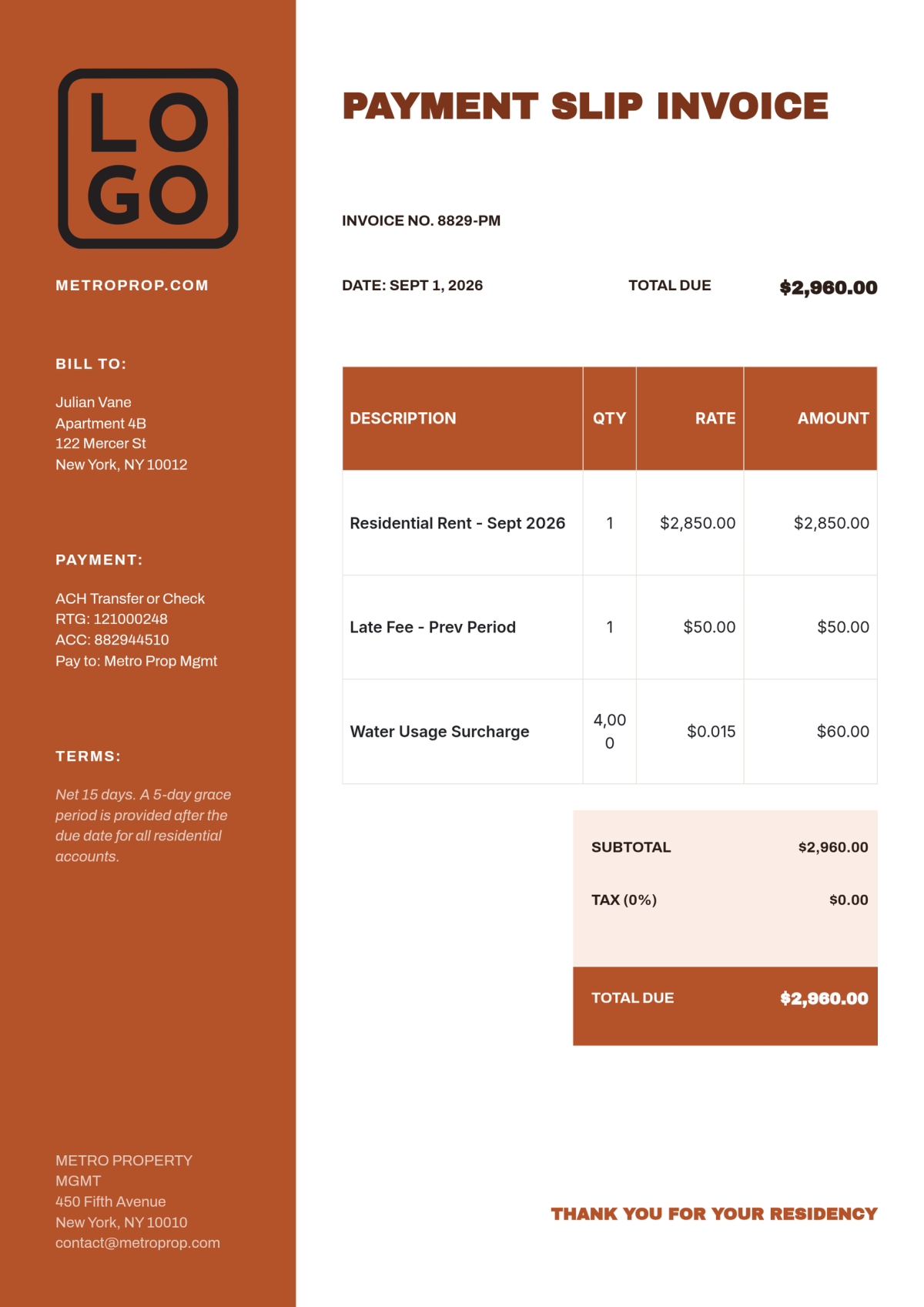
A customizable printable payment slip design serves as a formal document that records payments made or received. It typically includes essential information such as the date, amount, payee, and purpose of the payment. This format not only helps in keeping track of your transactions but also provides a professional appearance, which is beneficial for small business owners or freelancers.
When you download a payment slip template, you usually get it in a PDF or editable format. This allows you to personalize it with your business name, logo, and any specific details relevant to your transactions. The primary goal is to create a clear and concise record that can be easily referenced later.
Benefits of Using a Customizable Payment Slip
Using a customizable payment slip design comes with several benefits:
- Professionalism: A well-designed slip gives a professional touch to your transactions, whether for personal or business purposes.
- Organization: It helps you keep track of payments and receipts in an orderly manner, which is crucial for budgeting and financial planning.
- Customization: You can adjust the design to fit your specific needs, making it versatile for various payments, from rent to freelance services.
- Time-Saving: Instead of creating a payment slip from scratch each time, having a template ready saves you time and effort.
How to Use Your Payment Slip Template
Once you have downloaded your customizable printable payment slip design, using it is straightforward. Here’s how to make the most out of it:
- Open the Template: If it’s a PDF, you can use a PDF editor. For Word or Excel formats, open them in their respective applications.
- Personalize It: Add your name, business name, or logo where applicable. Adjust the fields to include relevant details like payment method (cash, check, etc.).
- Fill in the Details: When making a payment or receiving money, fill in the date, amount, and reason for the transaction. Ensure all information is accurate.
- Print: Use standard letter-sized paper (8.5” x 11”) for printing. If you want a more durable slip, consider printing on cardstock. Make sure your printer is set to the correct settings for the best quality.
- Distribute: Hand out the slip to the payee or keep it for your records. It’s a good practice to keep copies for both parties to maintain transparency.
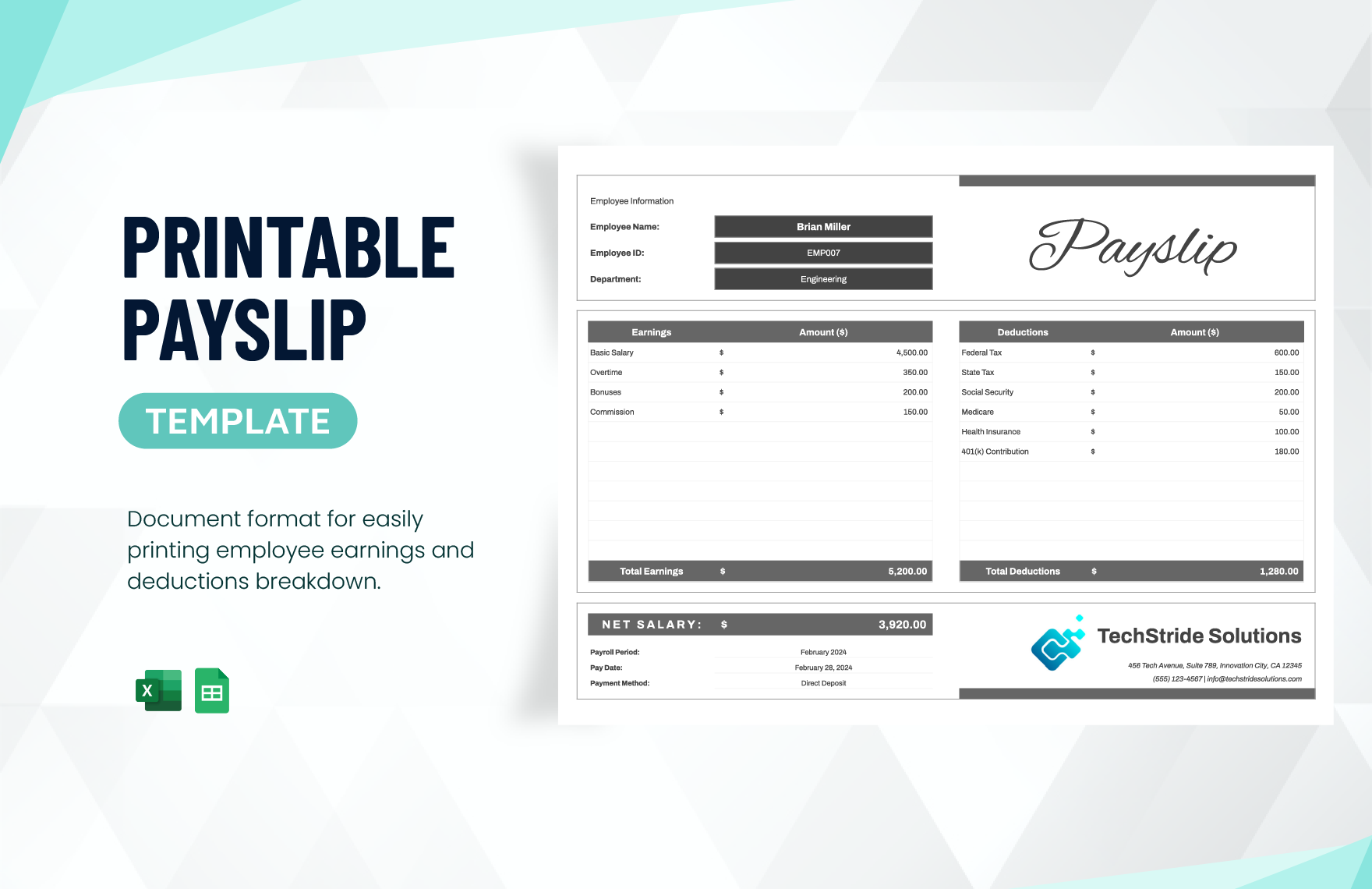
Tips for Effective Management of Payment Slips
To maximize the efficiency of your payment slip designs, consider these practical tips:
- Keep Digital Copies: After printing, scan or save a digital copy of the completed slips. This creates a backup for your records.
- Use a Filing System: Organize your slips either physically or digitally. Create folders by month or type of transaction for easy access.
- Review Regularly: Set aside time each month to review your payment slips. This helps in tracking your spending, ensuring you stay within budget.
- Stay Updated: As your needs change, update the design of your payment slip template. This ensures it always meets your requirements and reflects your current branding.
A Customizable Printable Payment Slip Design is more than just a template; it’s a practical tool that aids in financial management. By downloading and personalizing this resource, you take a significant step toward organizing your financial transactions. With just a few adjustments, you can enhance your professionalism and efficiency in managing payments. Start using your payment slip template today and see how it simplifies your financial tracking!