Creating an organized and efficient payment system is crucial for small businesses. A customizable printable payment slip with signature line serves as an essential tool for managing transactions smoothly while maintaining a professional appearance. This resource can streamline your payment process, ensuring clarity and accountability for both you and your clients.
Understanding the Payment Slip’s Purpose
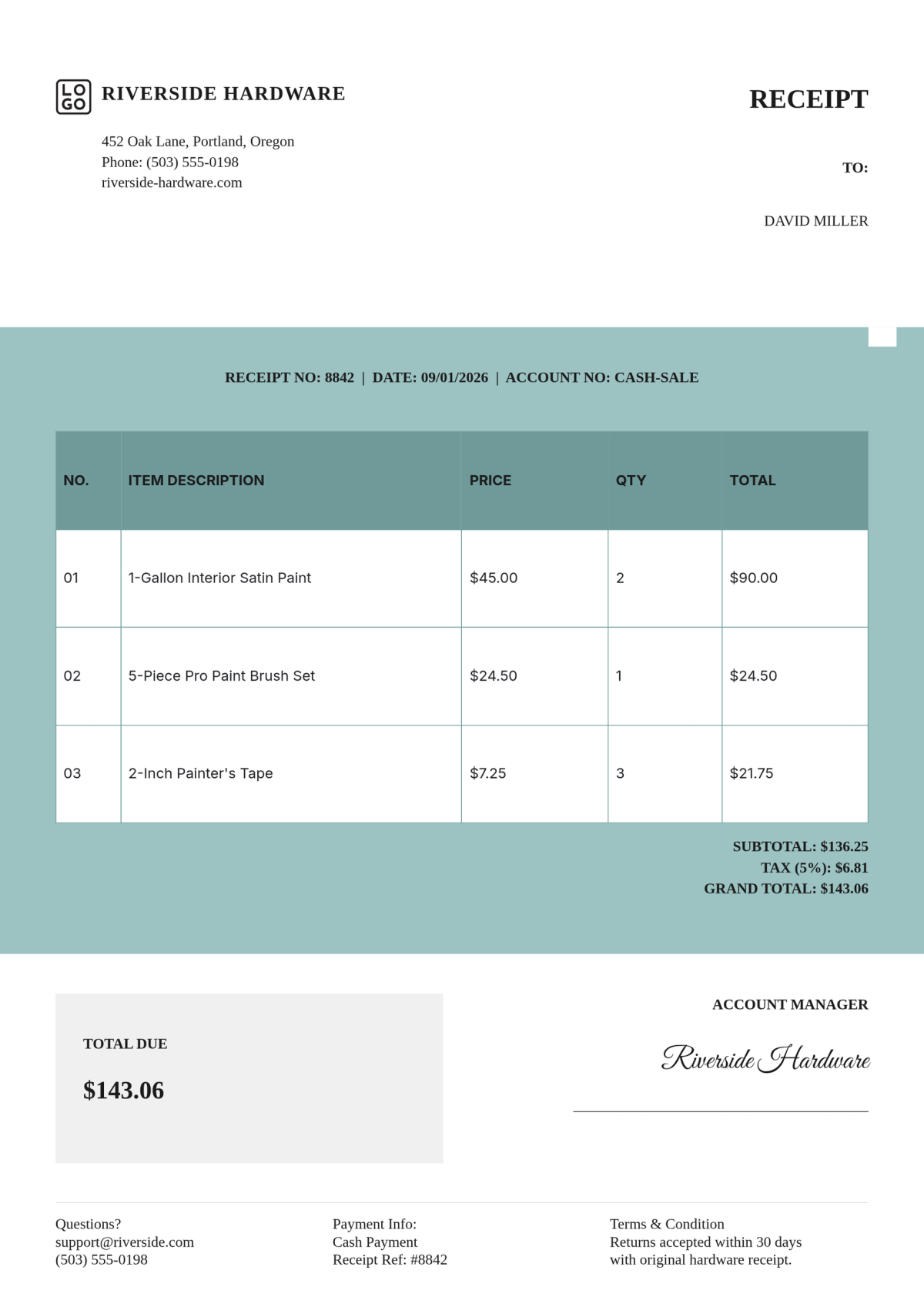
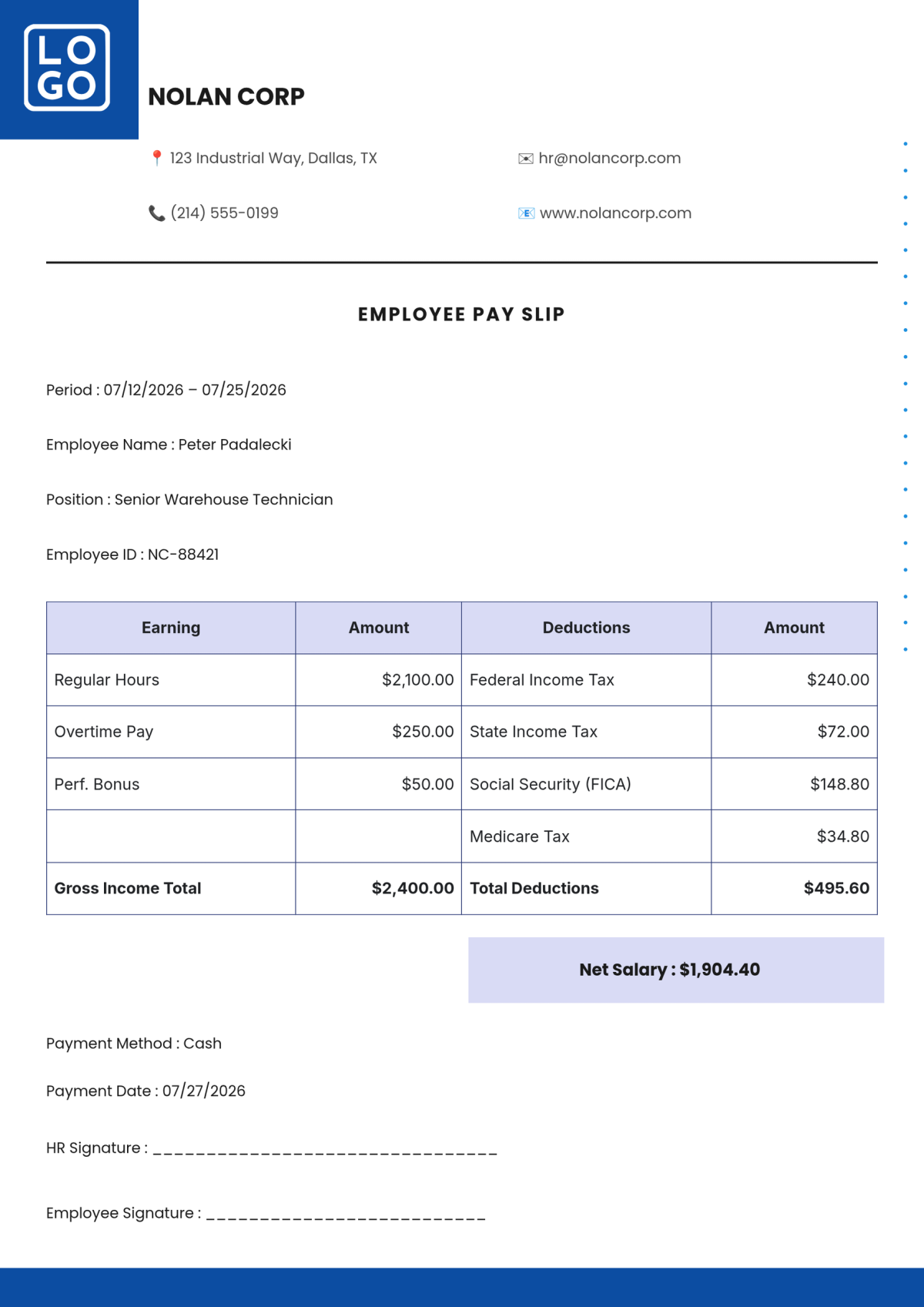
A payment slip is a simple yet effective document that provides a record of payments made. It typically includes crucial information such as the payer’s name, the amount paid, the date of payment, and a signature line for verification. Using a customizable version allows you to tailor the slip to your business’s specific needs, adding your logo, branding, or any additional details that may enhance its effectiveness.
Key Features of Customizable Printable Payment Slips
When searching for a customizable printable payment slip with signature line, consider the following features that can enhance usability:
- Editable Fields: Look for templates that allow you to modify text fields, making it easy to input customer names, payment amounts, and other relevant details.
- Signature Line: A dedicated signature line is essential for validating the transaction, providing a clear acknowledgment from the payer.
- Branding Options: Including your business logo and colors can make the payment slip more professional and recognizable.
- Print-Friendly Format: Ensure the template is optimized for printing, typically in PDF format, to prevent any formatting issues that may arise with different printers.
Downloading and Printing Your Payment Slip
Once you’ve selected a suitable template, downloading and printing it is a straightforward process. Here’s how to proceed:
- Choose Your Template: Browse various options to find a design that aligns with your business style. Confirm that it includes a signature line and editable fields.
- Download the File: Most templates are available in PDF format, which is preferred for printing due to its compatibility with various printers and consistent formatting.
- Modify the Template: Open the downloaded file using a PDF editor or compatible software to fill in the necessary information. Consider saving a blank template for future use.
- Print Settings: Use standard letter-size paper (8.5″ x 11″) for the best results. Adjust your printer settings to ensure high-quality output, particularly if you’re using color ink for branding.
- Cut and Store: After printing, cut the slips to size if necessary and store them in a designated area for easy access during transactions.
Best Practices for Using Payment Slips
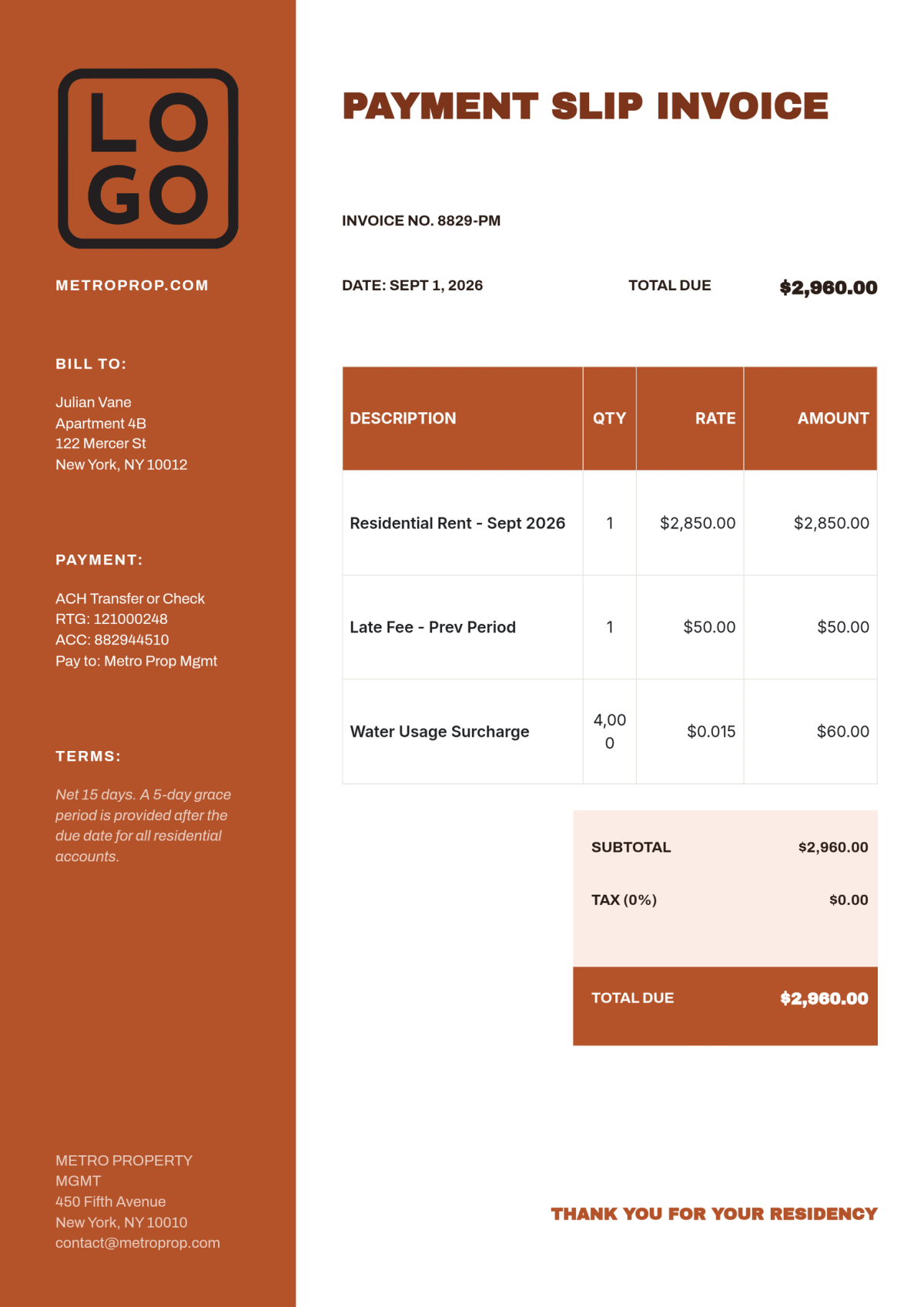
To maximize the effectiveness of your customizable printable payment slip, consider implementing the following best practices:
- Consistency: Use the payment slip for all transactions to maintain a uniform record-keeping system. This consistency helps in tracking payments and managing finances more efficiently.
- Secure Storage: Store completed payment slips in a safe location, either physically or digitally. This ensures you have a reliable record for future reference, which is essential for accounting and tax purposes.
- Follow-Up: If a payment slip is not returned with a signature, follow up with the client to ensure the transaction is acknowledged. This practice fosters good communication and accountability.
Using a customizable printable payment slip with signature line enhances professionalism in your business transactions. It provides clarity and assurance for both parties involved, creating a smoother payment process. By following the outlined steps for downloading, printing, and using the payment slip effectively, you can streamline your financial operations and maintain accurate records.