Creating and managing financial transactions is crucial for small business owners. An Editable Printable Cash Receipt Slip Form serves as a practical tool for documenting sales and payments smoothly. This guide will help you understand what this form is, how to use it effectively, and the benefits it brings to your business.
What is an Editable Printable Cash Receipt Slip Form?
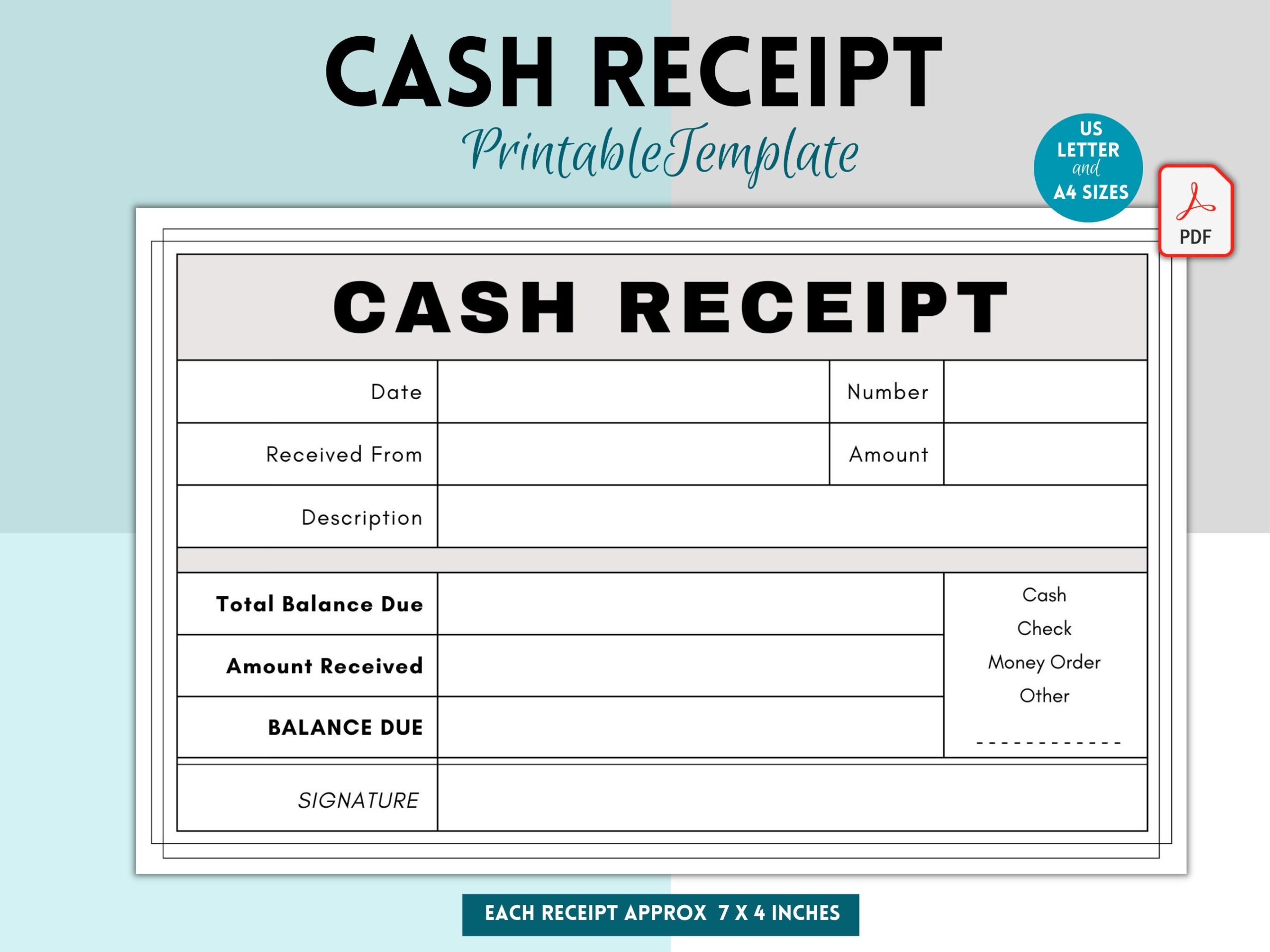
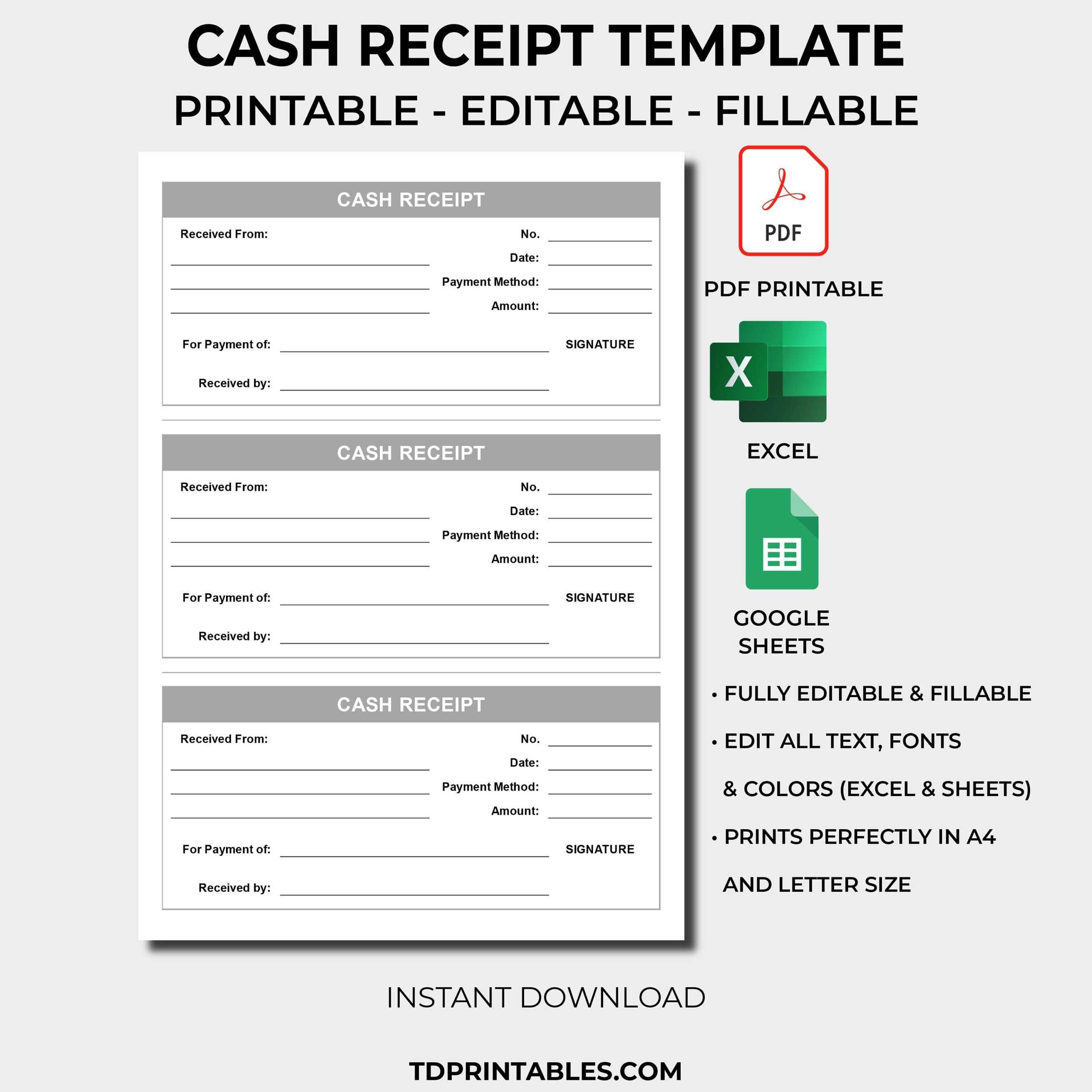
An Editable Printable Cash Receipt Slip Form is a document used to provide proof of payment for goods or services. It includes essential information such as the date of the transaction, the amount paid, the method of payment, and details about the buyer and seller. This form is especially useful for small businesses that may not have a sophisticated point-of-sale system.
This form can be customized to fit your business needs. Many templates are available for download in PDF or Word format, ensuring you can fill them out digitally or print them for hand-written records. The flexibility of being editable allows you to personalize the form with your business logo and specific details.
Who Can Benefit From This Form?
This form is ideal for various businesses, including:
- Retail shops
- Freelancers and consultants
- Service providers (e.g., plumbers, electricians)
- Online sellers and e-commerce platforms
Business owners looking for a straightforward way to manage cash transactions will find this form particularly beneficial. It helps maintain accurate records, which is essential for bookkeeping and tax purposes.
How to Use the Cash Receipt Slip Form
Using the Editable Printable Cash Receipt Slip Form is straightforward. Here’s a step-by-step process to ensure you fill it out correctly:
- Download the Template: Choose a format that suits you, whether PDF for digital completion or Word for easy editing.
- Fill in the Details: Include the following information:
- Date of the transaction
- Name and contact details of the buyer
- Name and contact details of your business
- Description of the goods or services provided
- Total amount paid
- Payment method (cash, credit card, check, etc.)
- Provide a Copy to the Buyer: After completing the form, give a copy to the buyer as proof of payment. This not only builds trust but also helps avoid potential disputes.
- Keep a Record: Store a copy of the receipt for your own records. This will assist with bookkeeping and can be invaluable during tax season.
Digital Vs. Print Completion
When deciding between digital or printed completion of the Editable Printable Cash Receipt Slip Form, consider the following:
- Digital Completion: Filling out the form digitally using a PDF editor or Word processor can save time and ensure clarity. This method minimizes the risk of illegible handwriting and allows for easy adjustments. It’s particularly useful if you need to issue receipts frequently.
- Print Completion: If you prefer a personal touch or need to issue receipts on the spot, printing the form and filling it out by hand may be ideal. This method is beneficial for businesses with limited access to technology during transactions.
Both methods have their advantages, so choose the one that fits your workflow best.
Tips for Customizing Your Cash Receipt Slip Form
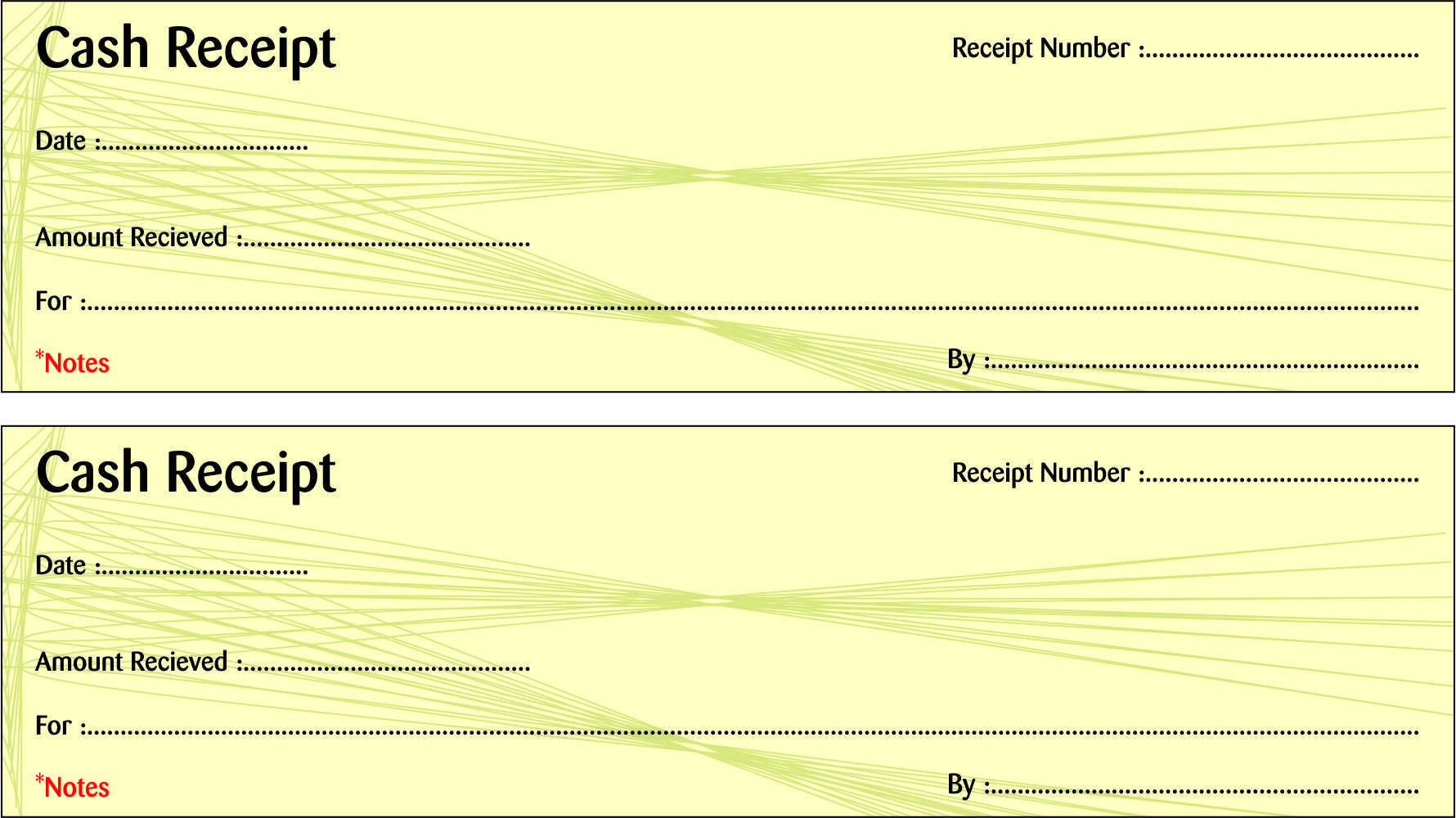
Customizing the Editable Printable Cash Receipt Slip Form can enhance your brand’s professionalism. Here are some tips:
- Add Your Logo: Including your business logo at the top of the form helps reinforce your brand identity.
- Choose Appropriate Colors: Use colors that align with your brand for a cohesive look. This can make your receipts more visually appealing.
- Select the Right Paper Type: If printing, consider using cardstock for durability, especially if the receipts will be handled frequently.
- Include Terms and Conditions: Consider adding a section for terms of service or return policies at the bottom of the form. This can protect your business and clarify expectations for your customers.