Creating a well-organized payment slip is essential for any small business owner looking to maintain clear financial records. A customizable printable payment slip for Microsoft Word can simplify this process, offering a straightforward solution that can be tailored to meet specific business needs. This resource allows for quick adjustments, ensuring that important details are captured accurately every time.
Key Components of a Payment Slip
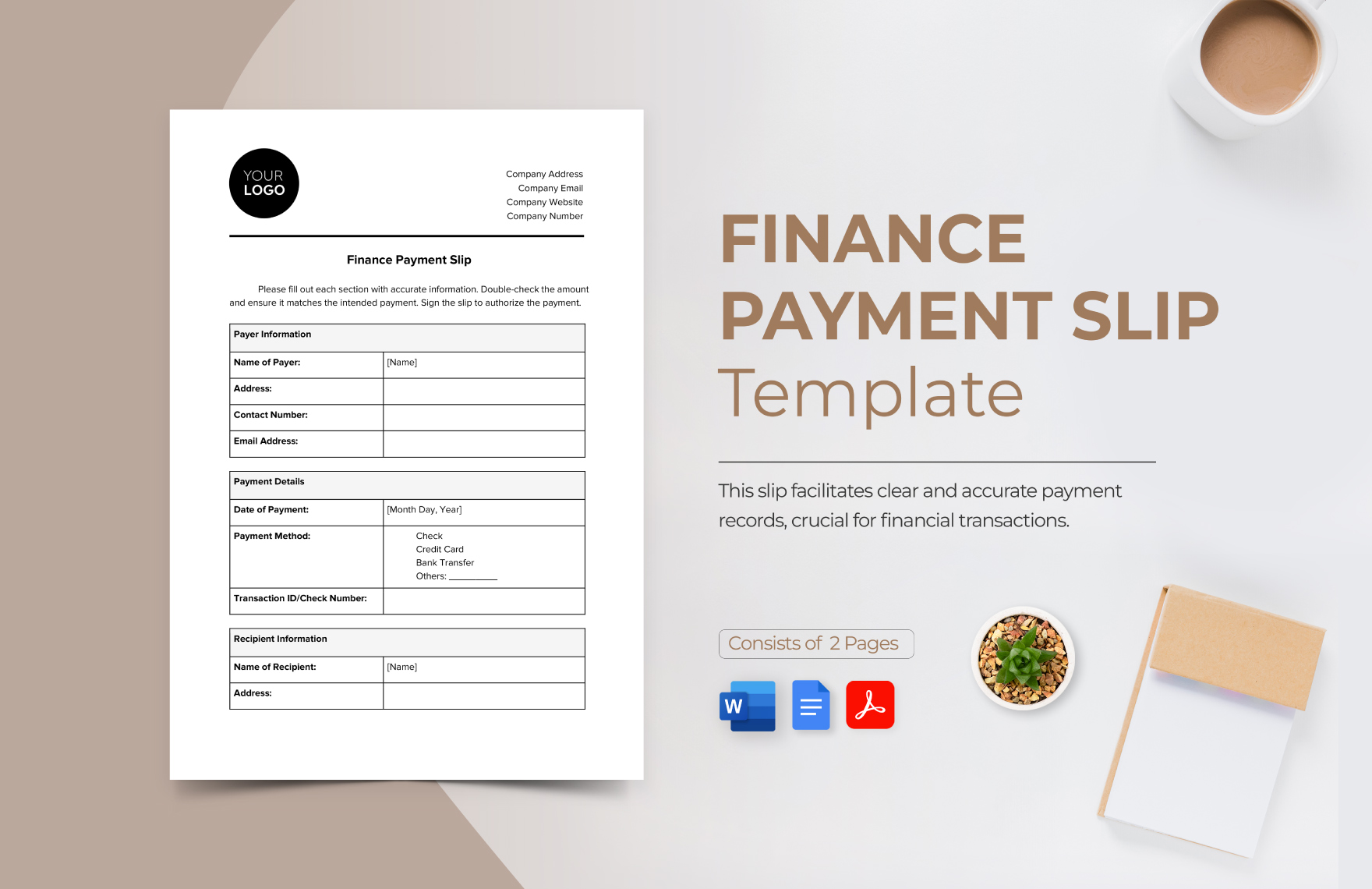
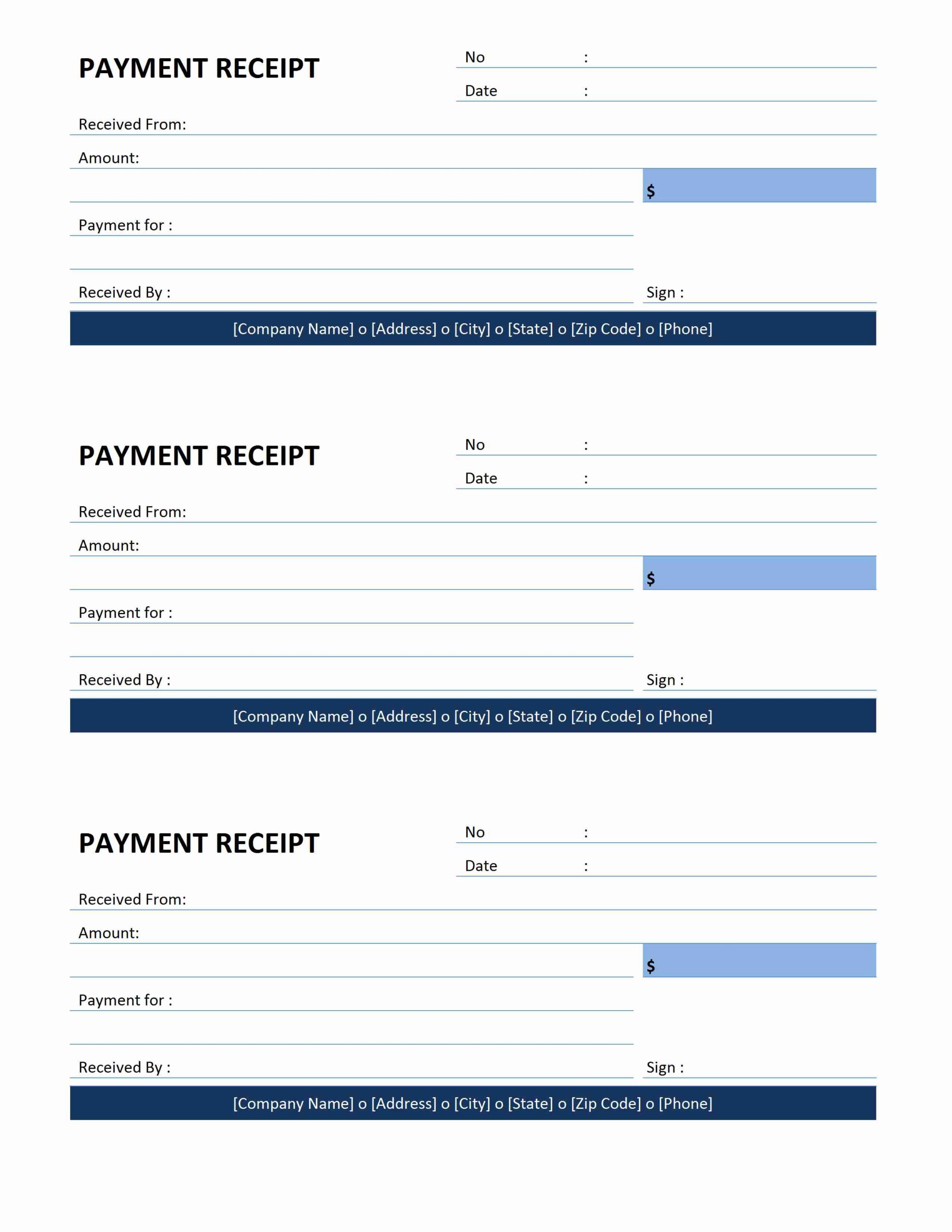
Understanding the layout and essential fields of a payment slip is crucial for effective use. A typical payment slip will include the following sections:
- Business Information: This typically includes the business name, address, and contact information. It’s important to present this clearly at the top of the slip, as it identifies your business for the recipient.
- Payment Details: This section outlines the amount received, the payment method (cash, check, credit card), and any relevant transaction numbers. It’s vital to include this information to provide a clear record of the payment.
- Date: A payment slip should always include the date of the transaction. This helps in tracking payments over time and is critical for record-keeping.
- Recipient Information: If applicable, include the name and address of the individual or company making the payment. This adds a layer of professionalism and clarity.
- Notes or Comments: A section for additional notes can be beneficial for specifying what the payment is for or any other relevant information.
Customizable templates allow you to modify these components easily, ensuring that you can adapt the slip to different transactions or client needs.
How to Customize Your Payment Slip
Using Microsoft Word to customize your printable payment slip is straightforward. Here’s how to make the most of this resource:
- Download the Template: Start by downloading a payment slip template designed for Microsoft Word. Many resources offer free or low-cost templates that can be easily edited.
- Open in Microsoft Word: Once downloaded, open the template in Microsoft Word. This software is user-friendly and widely accessible, making it an ideal choice for small business owners.
- Edit Fields: Replace placeholder text with your business information and any other relevant details. You can easily adjust the font, size, and color to match your brand’s identity.
- Save and Print: After customizing, save your document. It’s best to save it in both the Word format for future edits and as a PDF for printing. PDFs ensure that your formatting remains intact when printed.
The ability to adjust the payment slip to your needs means that it can grow with your business, accommodating different payment types or changing business information.
Tips for Effective Use
To ensure that your customizable printable payment slip for Microsoft Word serves its purpose effectively, consider the following tips:
- Use High-Quality Paper: When printing your payment slips, opt for a heavier paper stock. This not only enhances the professionalism of the slip but also ensures durability, especially if the slips are being handled frequently.
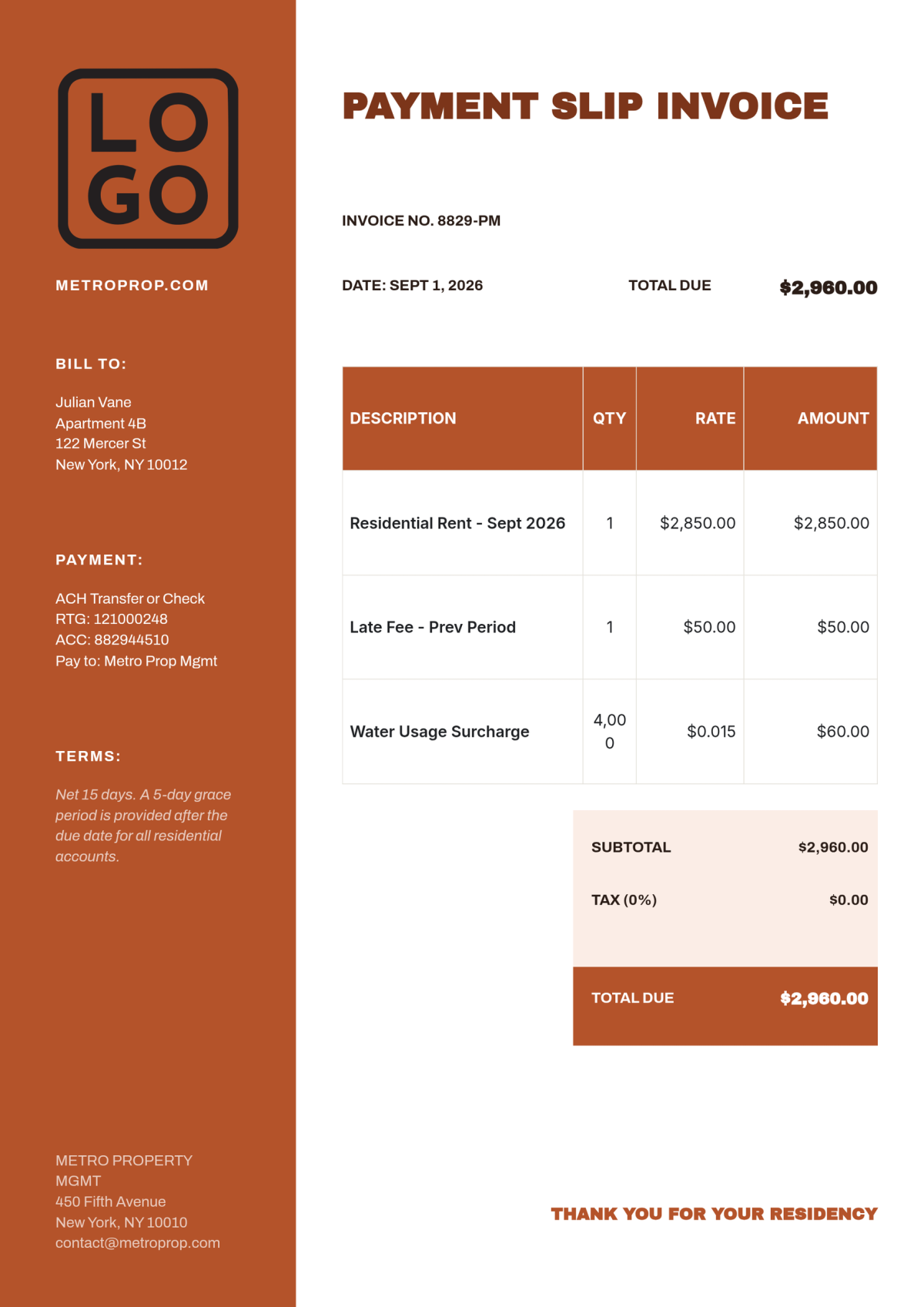
- Maintain Consistency: Ensure that the design of your payment slips is consistent with other branding materials. This includes using the same colors, fonts, and layout styles that represent your business.
- Keep Records: After issuing a payment slip, file a copy for your records. This helps in tracking payments and reconciling accounts, which is crucial for small business financial management.
By following these tips, you can maximize the effectiveness of your payment slips and ensure that they are an integral part of your financial processes.