Creating a payment slip can simplify transactions for small business owners. A Downloadable Printable Payment Slip Example allows for easy customization and immediate use, making it an essential tool for managing payments efficiently. By having a ready-to-use template, you can enhance the professionalism of your financial dealings while saving time and effort.
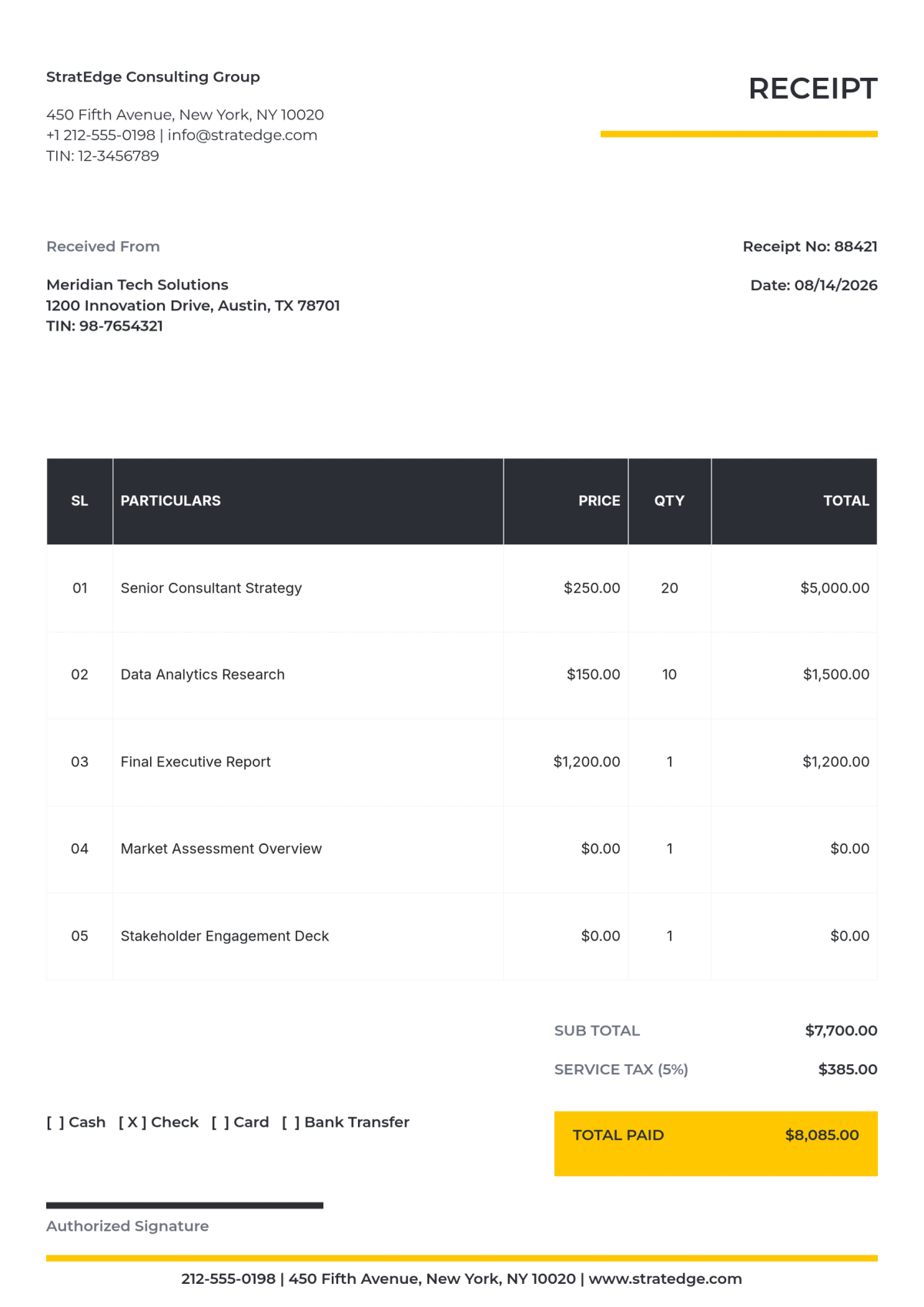
Choosing the Right Payment Slip Template
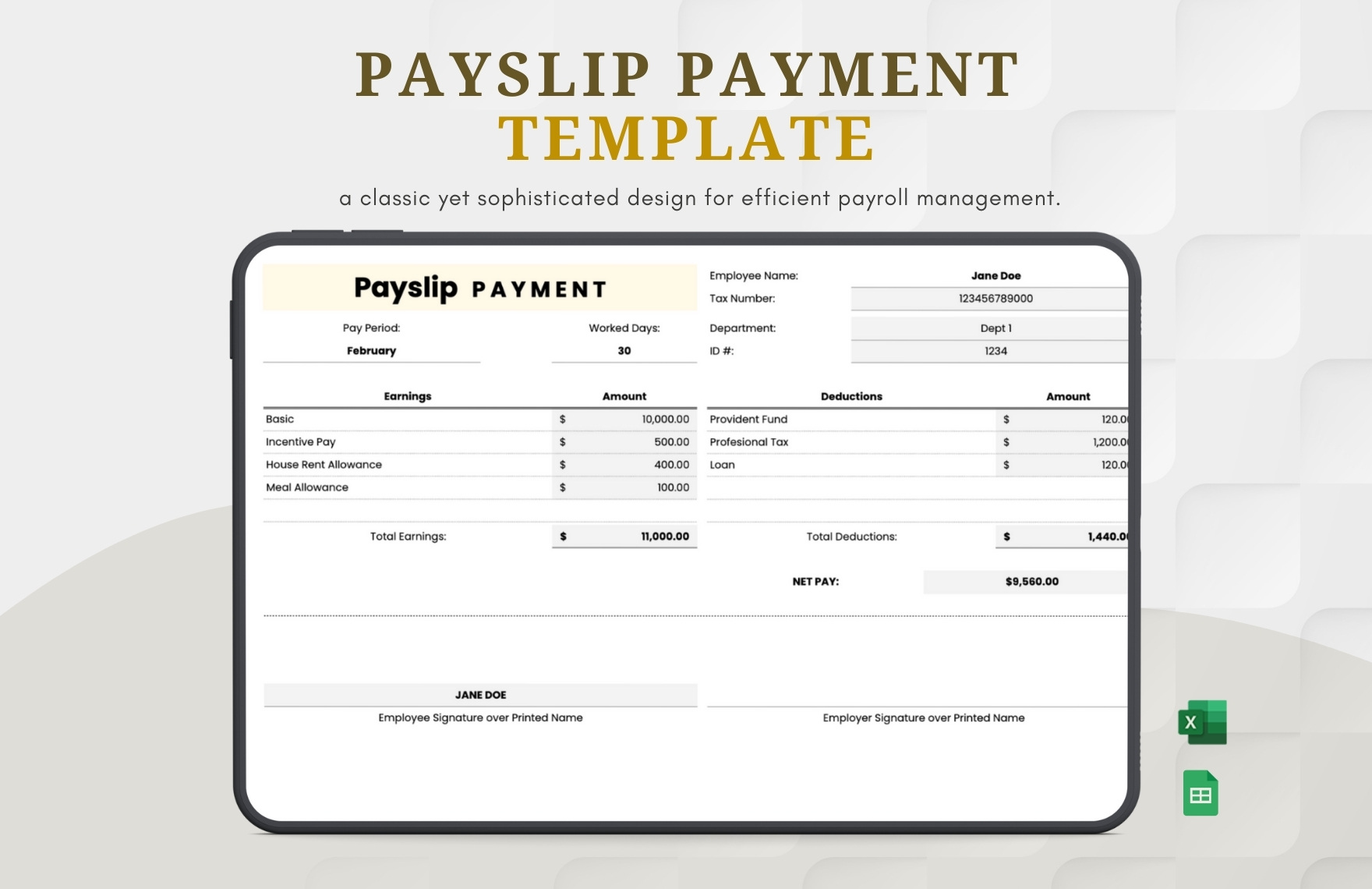
When selecting a payment slip template, consider the specific needs of your business. Look for a layout that includes essential fields like the payer’s name, payment amount, date, and payment method. A good template will also have space for any notes or additional information, which can be helpful for record-keeping.
You can find various formats, but a PDF is often the best choice. PDFs maintain their formatting across different devices and are easy to print. Ensure the template you choose is compatible with your printer settings, typically using standard paper sizes like A4 or letter size.
Downloading Your Payment Slip Example
After selecting the right template, the next step is to download it. Many websites offer free or paid downloadable printable payment slip examples. Make sure to download from a reputable source to avoid any issues with formatting or quality.
Once the file is downloaded, check the format. If it’s in PDF, it should open seamlessly in most PDF readers. For editable formats like Microsoft Word or Google Docs, ensure you have the required software to make modifications.
Printing Your Payment Slip
Printing the payment slip is the next crucial step. Here are some tips to ensure the best results:
- Use Quality Paper: For a professional look, use heavier paper or cardstock. This type of paper holds up better, especially if the payment slips are going to be handed out or filed for records.
- Check Printer Settings: Always check your printer settings before printing. Select the correct paper size and orientation (portrait or landscape) based on the design of your slip.
- Print a Test Slip: It’s wise to print a test slip first. This allows you to check that everything appears as intended, including margins and alignment.
Setting Up Your Payment Slip for Use
Once printed, it’s time to set up your payment slip for immediate use. Here are some practical steps to consider:
- Fill in Your Business Information: Include your business name, address, and contact details. This not only adds professionalism but also makes it easier for clients to reach out if needed.
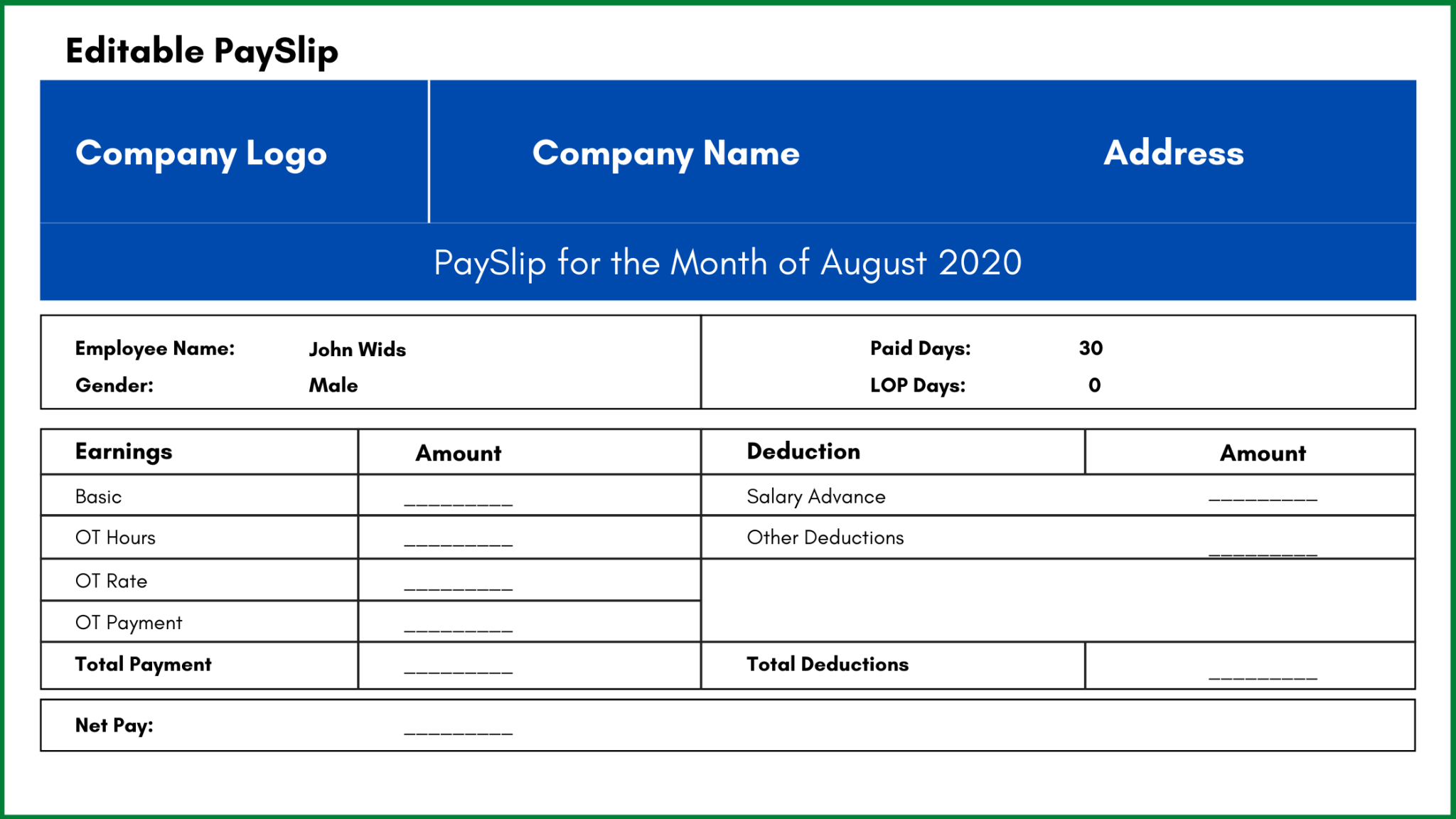
- Customize the Slip: If you need to make adjustments, such as changing the fields or adding your logo, do so now. Editable templates can be customized easily.
- Organize for Distribution: Keep your payment slips organized. Consider using a binder or folder to keep them accessible. This way, you can quickly find and hand them out as needed.
Tips for Effective Use of Payment Slips
To maximize the effectiveness of your payment slips, here are a few additional tips:
- Keep a Record: After issuing a payment slip, make a copy for your records. This will help you track payments and manage your accounts more effectively.
- Follow Up: If you don’t receive payment within a specified time, use the payment slip details to follow up with clients. This can help maintain cash flow and improve communication.
- Consider a Digital Option: If your business model allows, consider using digital payment slips. These can be sent via email and can enable faster payment processing.
By using a Downloadable Printable Payment Slip Example, small business owners can streamline their payment processes and enhance their professionalism. The ease of customization, coupled with practical usability, makes this resource invaluable. Remember, an organized approach to payment slips can lead to smoother transactions and better financial management.
One useful detail to remember is that including a unique reference number on each payment slip can help in tracking payments more effectively.