Creating a streamlined payment process is essential for small business owners. A Downloadable Printable Payment Slip To Download And Print can help maintain organization and ensure clear communication regarding transactions. This resource is typically formatted as a PDF, allowing for easy access and printing. Here’s how to effectively use this payment slip to enhance your payment management.
Understanding the Payment Slip
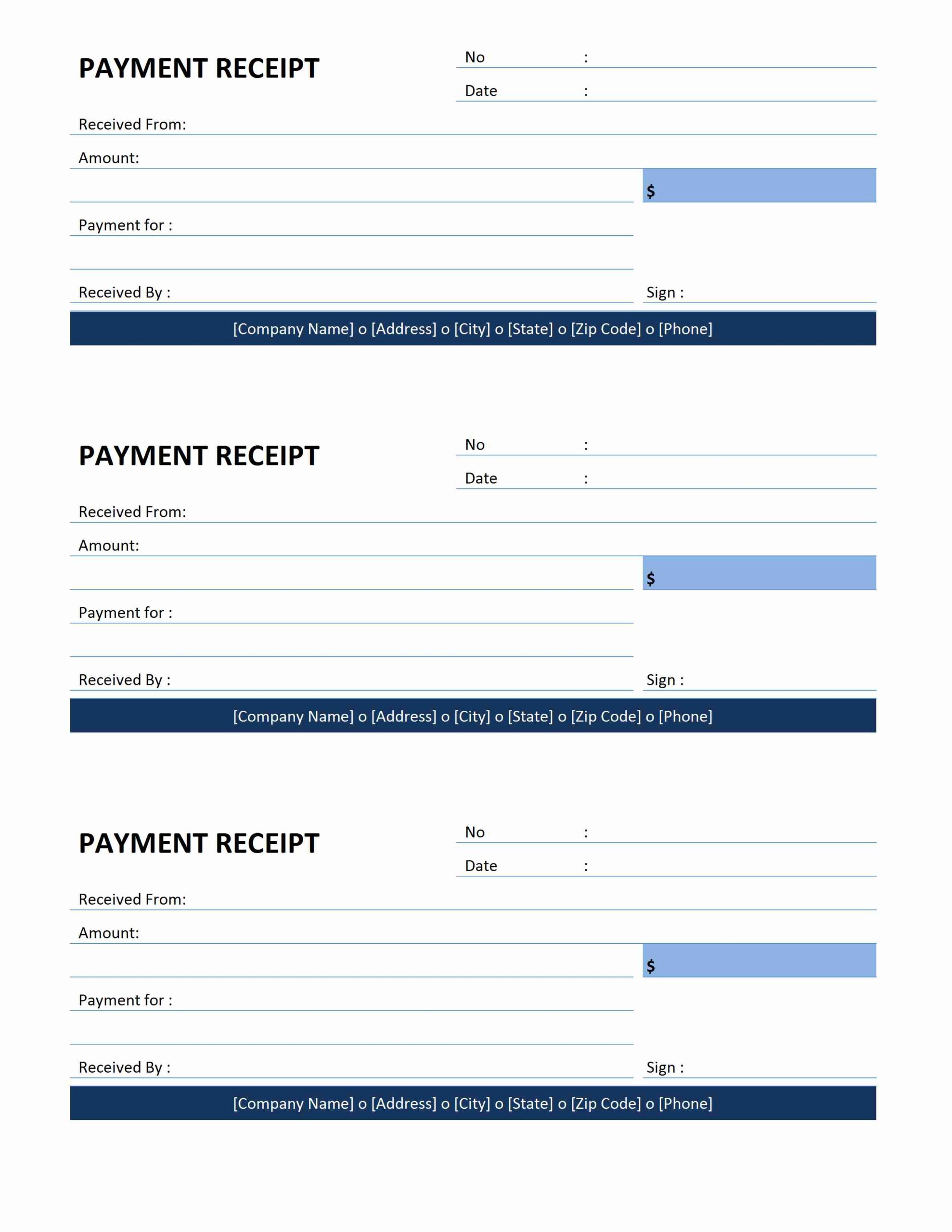
A payment slip serves as a record of transactions between a payer and a payee. It typically includes details such as the payer’s name, payment amount, date, and purpose of the payment. Using a downloadable printable payment slip helps maintain professionalism and clarity in business dealings. This is particularly important for small business owners who may not have a dedicated accounting team.
How to Download and Print Your Payment Slip
Step 1: Locate the Resource
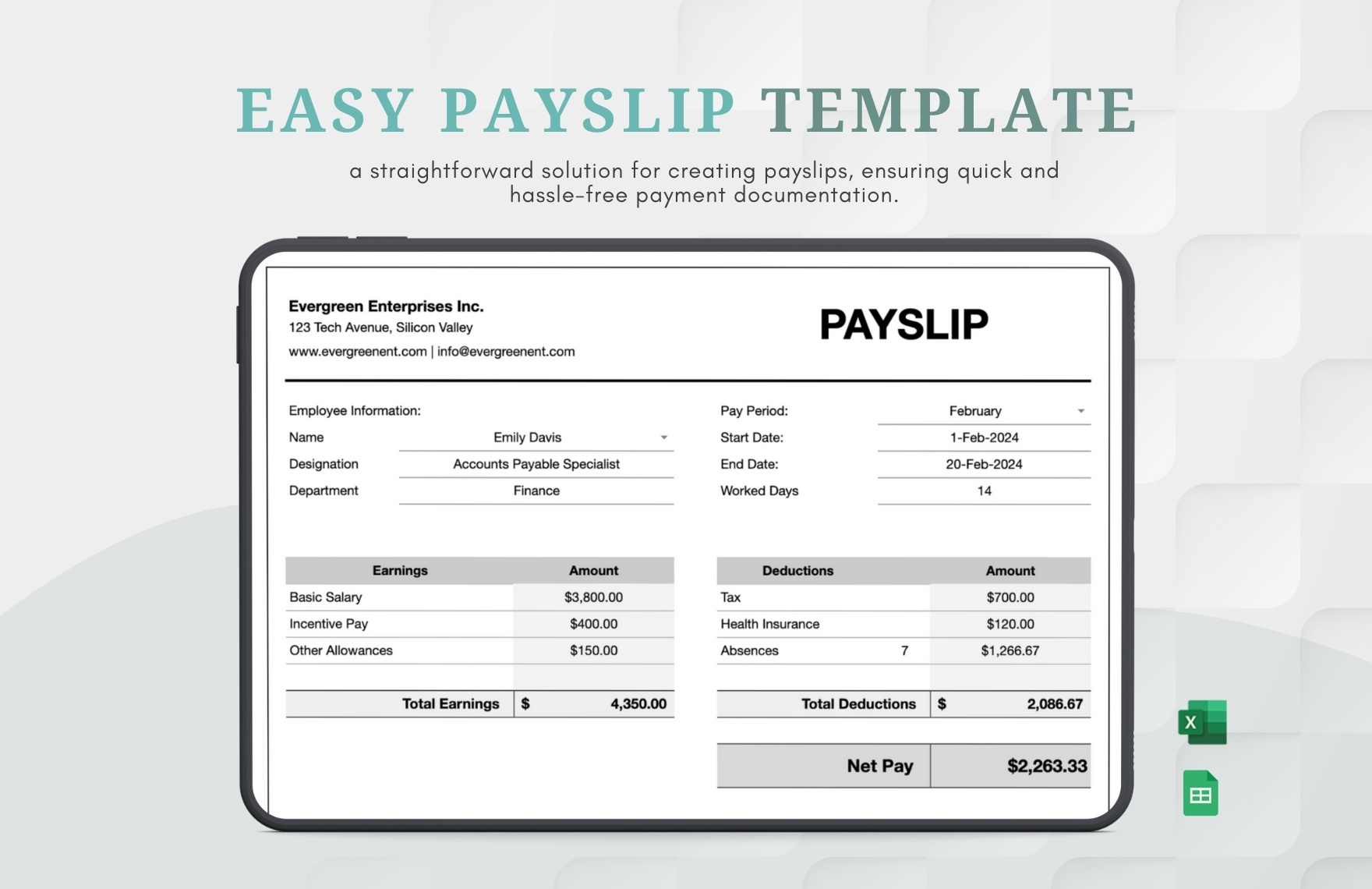
Start by searching for the specific downloadable printable payment slip. Look for a reputable website that offers high-quality templates. Many sites provide a variety of styles and formats, so you can choose one that aligns with your business branding. Ensure that the resource is in a PDF format for the best printing results.
Step 2: Download the Slip
Once you find the desired payment slip, click the download button. The file should save directly to your device, typically in your Downloads folder. It’s advisable to check that the file is intact and opens correctly. If you encounter any issues, try downloading from a different browser or clearing your browser cache.
Step 3: Print the Slip
Now that you have the payment slip downloaded, it’s time to print it. Make sure your printer settings are optimized for the best quality. Here are some tips for printing:
- Paper Size: Most payment slips are formatted for standard A4 or letter-sized paper.
- Printer Type: An inkjet printer usually produces high-quality prints, but a laser printer can also work well.
- Print Quality Settings: Select a high-quality print option to ensure that all text is clear and legible.
After checking these settings, print a test page to ensure everything appears as expected. Adjust any settings as necessary before printing multiple copies.
Filling Out the Payment Slip
Essential Information to Include
When filling out the payment slip, accuracy is crucial. Here’s what to include:
- Payer’s Information: Name and contact details of the individual or business making the payment.
- Payment Amount: Clearly state the amount being paid. It’s helpful to include both numbers and written amounts.
- Payment Purpose: Specify what the payment is for, such as a service rendered or product purchased.
- Date: Always include the date of the transaction for record-keeping purposes.
Tips for Effective Use
- Keep Copies: After filling out the slip, make copies for your records. This helps in tracking payments and provides a backup in case of disputes.
- Use Clear Writing: If you’re filling out the slip by hand, ensure your writing is legible. Alternatively, consider typing directly into a fillable PDF version if available.
Organizing Your Payment Records
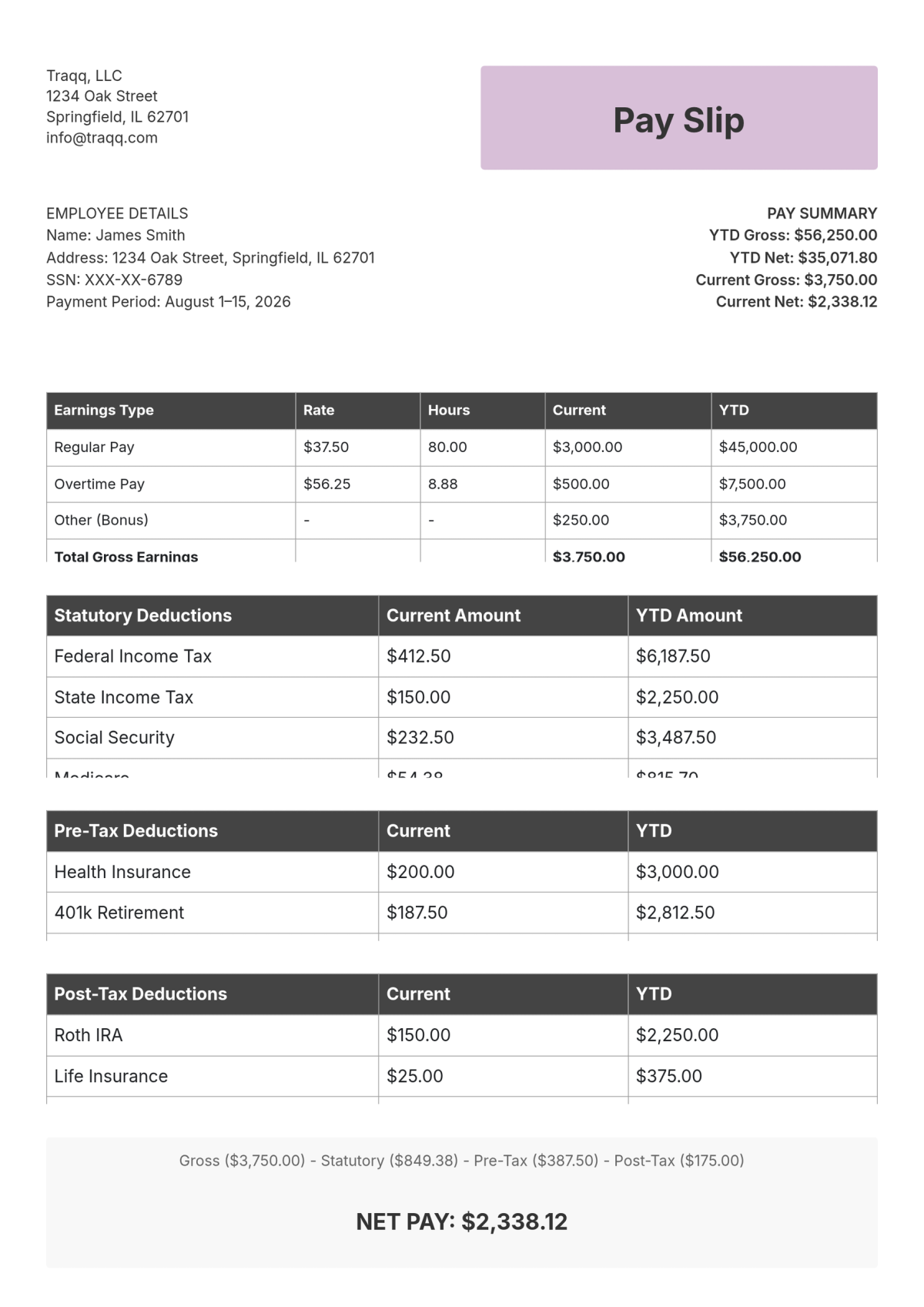
Using a downloadable printable payment slip is a step toward better financial management. However, it’s vital to keep these slips organized. Here are some strategies:
- Create a Filing System: Use folders or binders to categorize payment slips by month or client. This makes it easier to reference them later.
- Digital Backup: Consider scanning completed payment slips and saving them digitally. This adds an additional layer of security and can help with long-term record-keeping.