Managing personal finances can be a challenge, especially when it comes to documenting income. A well-structured salary slip can simplify this process. The Salary Slip Printable Template With Writing Lines provides an easy way to create clear, detailed records of your earnings. This specific template not only includes designated spaces for essential information but also features writing lines that enhance readability and organization.
Understanding the Layout of the Salary Slip Template
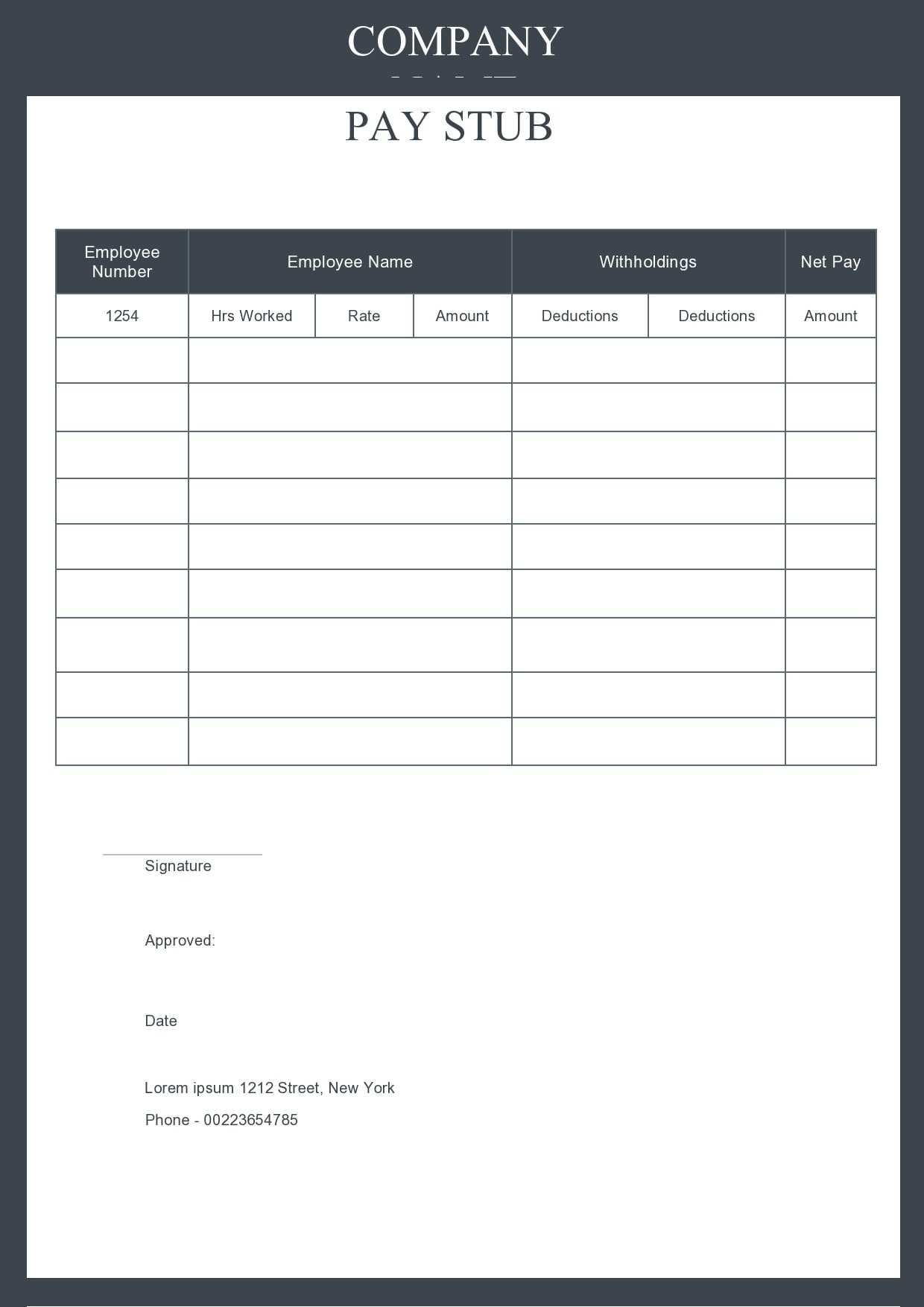
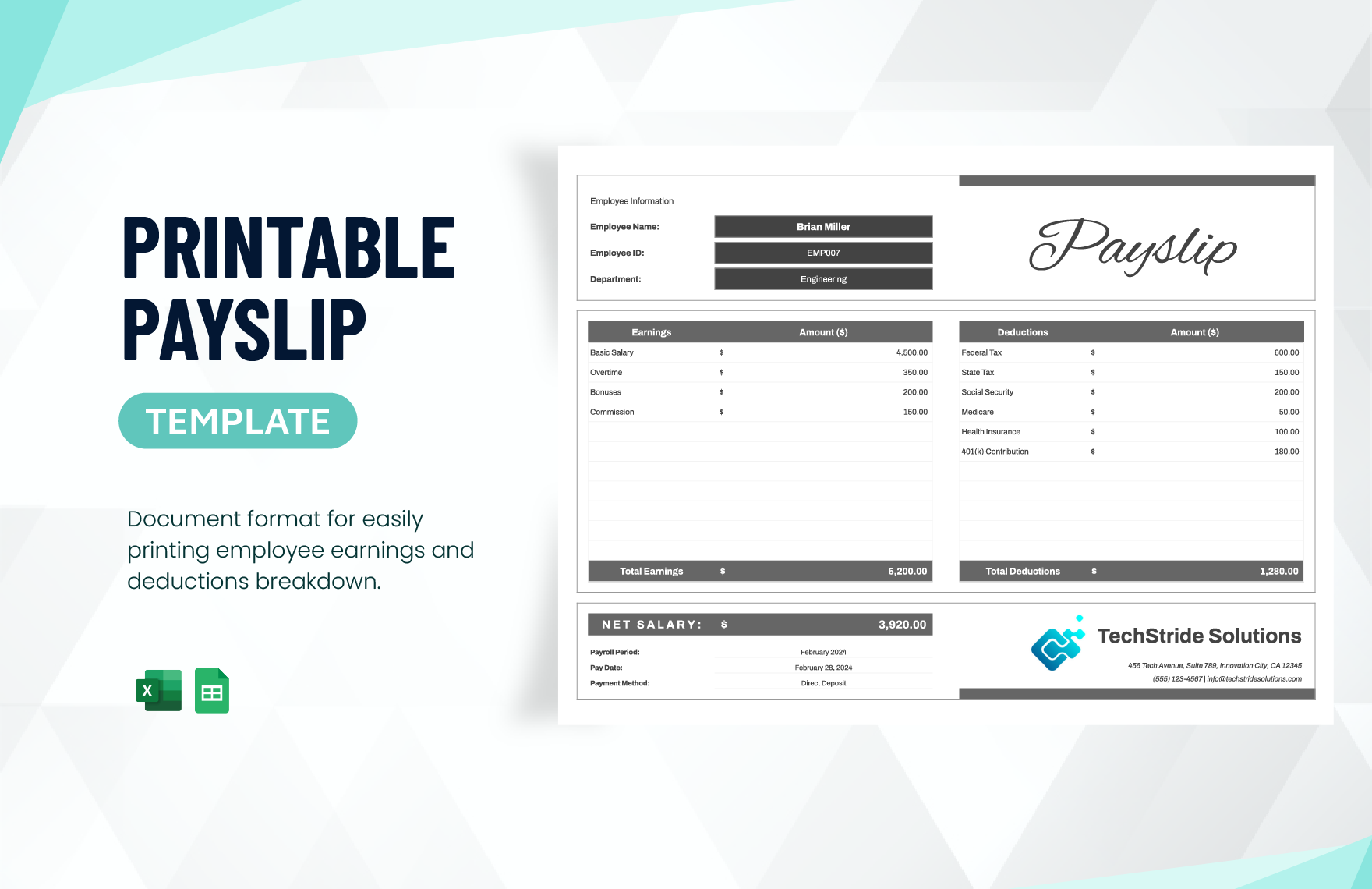
Before diving into how to use the template, let’s explore its layout. Generally, a salary slip consists of various sections, each designed for different types of information. Here’s what you can expect to find:
- Header Section: Typically includes your company’s name, logo, and contact information. This section establishes authenticity and professionalism.
- Employee Details: This area is for the employee’s name, ID number, and designation. It personalizes the slip and ensures that the information pertains to the correct individual.
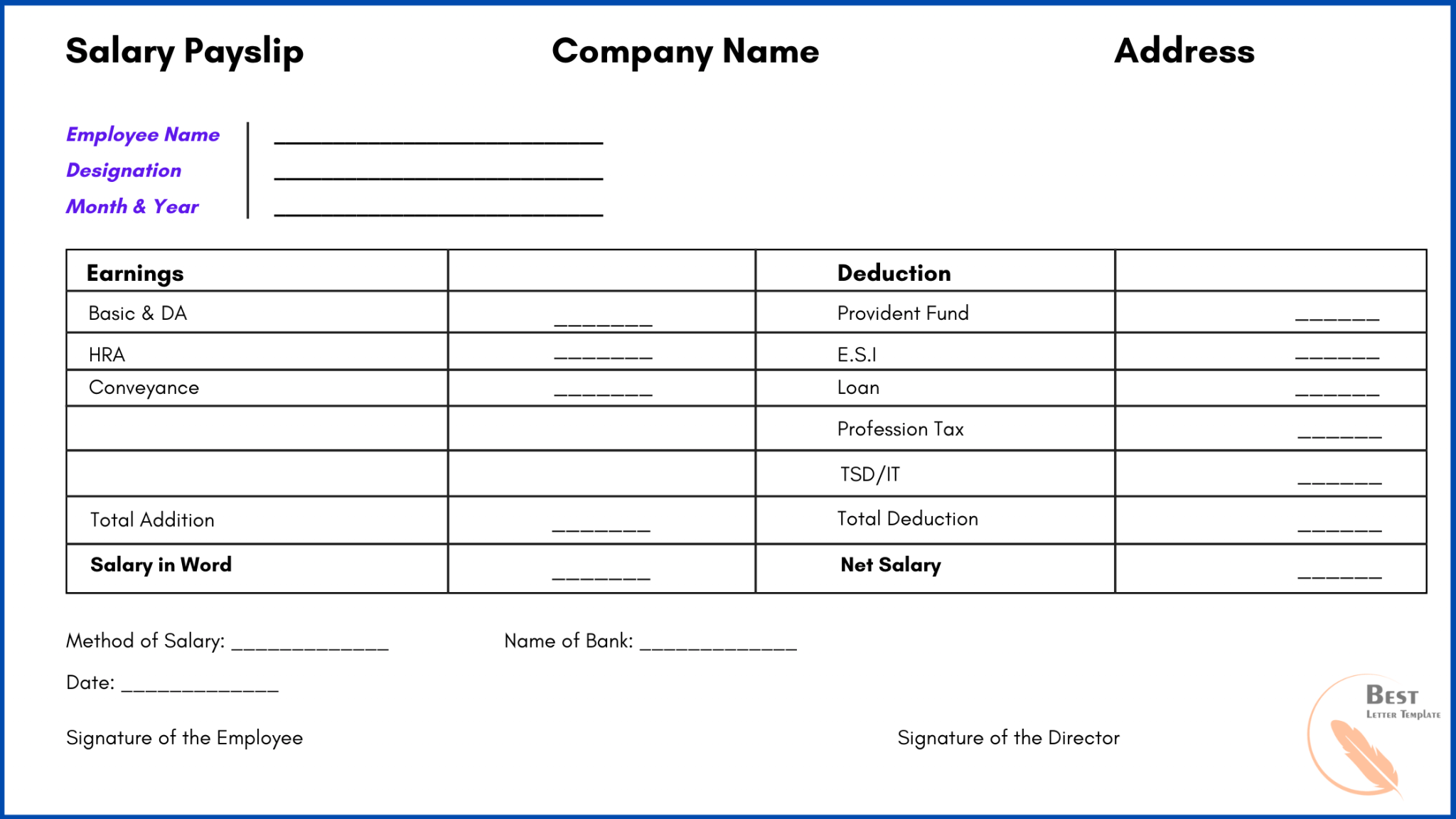
- Salary Breakdown: Here, you’ll find fields for basic salary, allowances, deductions, and net pay, clearly separated for easy understanding. The writing lines in this section help in neatly organizing figures and descriptions.
- Date and Month: This section indicates the period for which the salary is being issued, making it easier to track payments over time.
The inclusion of writing lines allows you to fill in details without the worry of misalignment or messy handwriting. This feature is especially useful when you need to present these slips to others, such as for loan applications or tax purposes.
Customizing Your Salary Slip Printable Template
One of the main advantages of using a salary slip template is the ability to customize it according to your needs. You can modify several aspects:
- Company Information: Update the header with your company’s name and logo. This not only personalizes the slip but also helps maintain a professional appearance.
- Salary Components: Depending on your payment structure, you can add or remove fields for bonuses, overtime pay, or other allowances.
- Deductions: Include relevant deductions such as taxes, insurance, or retirement contributions. This transparency helps employees understand their net salary better.
- Design Elements: While the template will have a basic design, feel free to change colors or fonts to match your branding.
The flexibility of this template means you can adapt it for different employees or even for different periods. For instance, if an employee receives a one-time bonus, you can easily add that line without disrupting the overall format.
Practical Uses for the Salary Slip Template
The Salary Slip Printable Template With Writing Lines serves various purposes beyond just documenting monthly payments. Here are some practical applications:
- Loan Applications: Many financial institutions require salary slips as proof of income when applying for loans. A well-organized slip can facilitate this process.
- Tax Documentation: Having a clear record of your salary slips can aid in tax filing and help you keep track of your earnings throughout the year.
- Personal Finance Management: Regularly maintaining salary slips can help you analyze your income sources, plan budgets, and set financial goals.
- Employee Records: For employers, keeping a record of salary slips for each employee aids in performance reviews and salary adjustments.
Using this template can significantly streamline your financial documentation, saving you time and stress.
Downloading and Printing Your Salary Slip Template
Once you’ve customized your Salary Slip Printable Template With Writing Lines, the next step is to download and print it. Here are some tips to ensure a smooth process:
- File Format: Ensure you download the template in PDF format. This helps preserve the layout and ensures that nothing shifts during printing.
- Paper Size: The standard paper size for printing salary slips is A4. However, if you plan to distribute them via email, a letter size might also work well.
- Printer Settings: Set your printer to high-quality print settings. This is particularly important if you’re using a colored template, as it enhances the professional appearance of your slips.
- Cardstock vs. Regular Paper: If you’re printing these slips to hand out, consider using cardstock. It’s more durable and gives a more professional feel.
Printing multiple copies at once can save you time, especially if you manage payroll for several employees.
Final Touches and Best Practices
Before distributing your salary slips, ensure everything is in order. Double-check for accuracy in personal details and salary calculations.
- Proofread: Mistakes can happen, so take a moment to review each slip for any typos or errors in figures.
- Secure Storage: Keep both digital and physical copies of the salary slips for your records. This is especially useful for audits or future reference.
- Privacy Considerations: If you’re handling slips for multiple employees, ensure that you respect their privacy by storing documents securely and disposing of any sensitive information properly.
The most useful detail to remember is that maintaining organized and accurate salary slips not only simplifies your financial management but also builds trust and transparency between employers and employees.