The Pay Slip Printable Form With Blank Fields is a practical tool designed for small business owners to manage payroll effectively. This form allows you to provide employees with a clear and concise summary of their earnings, deductions, and net pay for each pay period. By utilizing this resource, you can ensure that your employees have a professional-looking pay slip that meets their needs while also simplifying your payroll process.
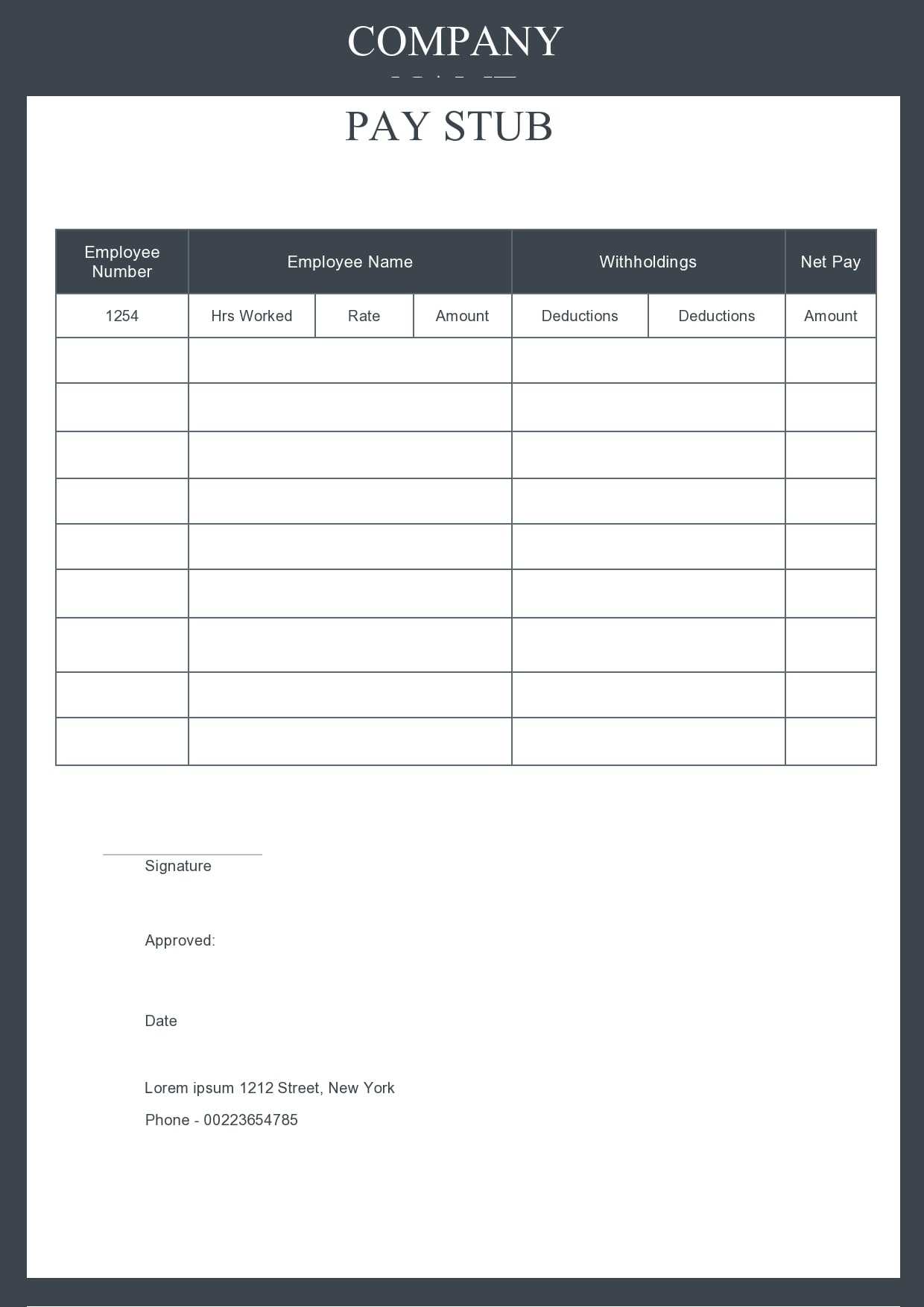
Understanding the Components of a Pay Slip
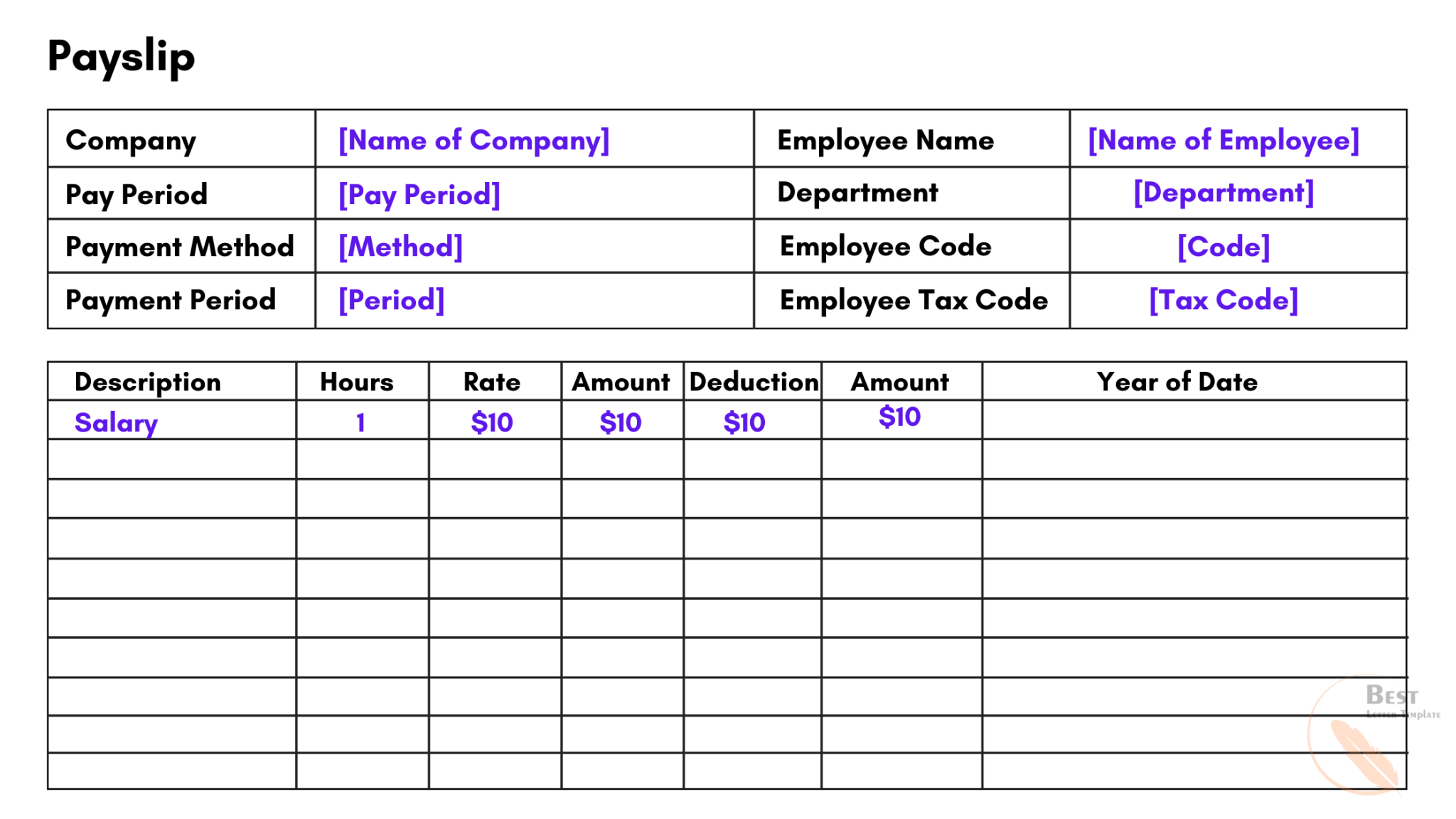
To effectively use the Pay Slip Printable Form With Blank Fields, it’s essential to understand its key components. A typical pay slip includes:
- Employee Information: Name, employee ID, and position.
- Pay Period: The start and end dates for which the pay is being calculated.
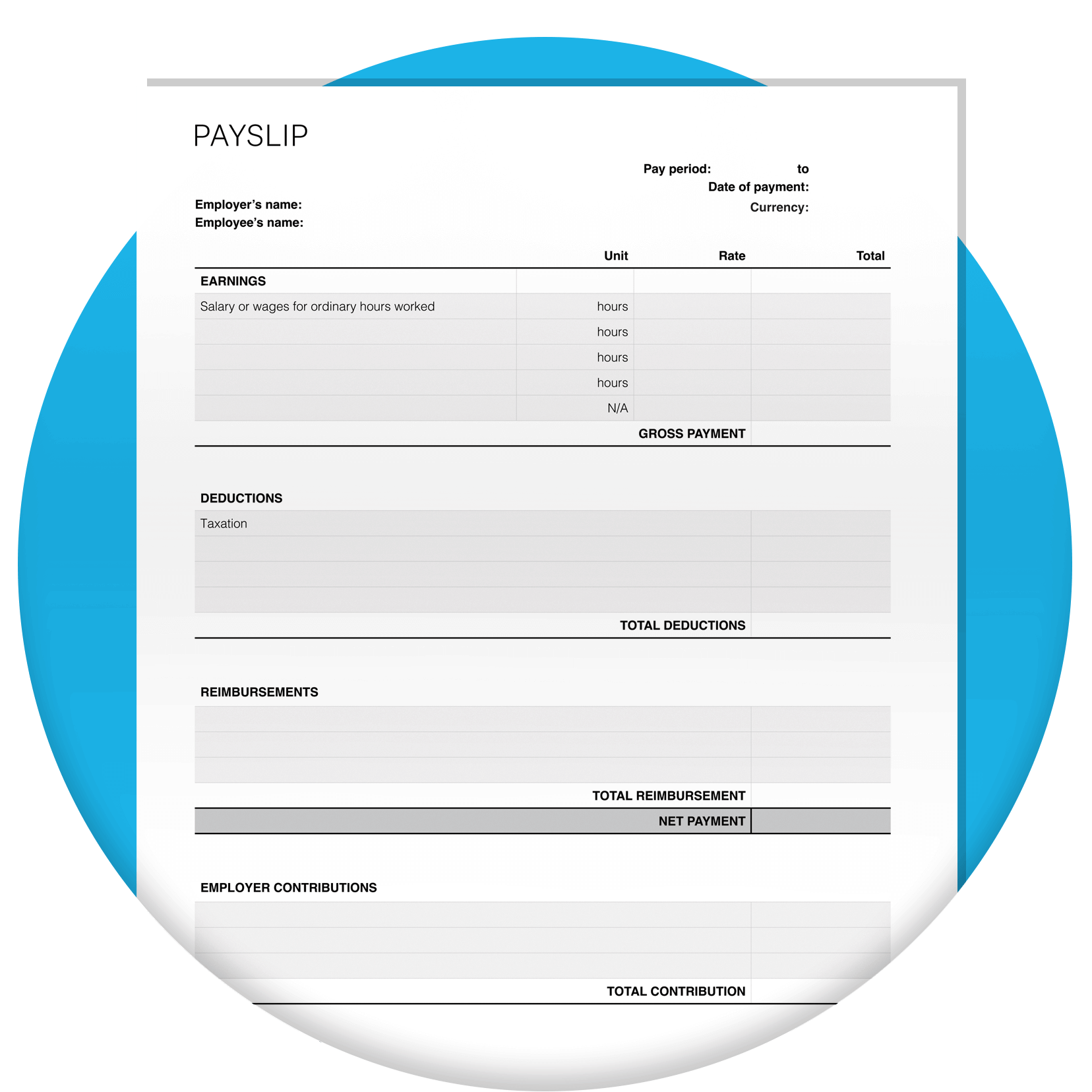
- Earnings: Breakdown of regular hours, overtime, bonuses, and any commissions.
- Deductions: Items such as taxes, insurance, retirement contributions, and other withholdings.
- Net Pay: The total amount the employee takes home after all deductions.
Each of these sections is crucial for transparency and helps employees understand their compensation.
Preparing the Pay Slip Printable Form
Before using the Pay Slip Printable Form, you need to prepare it for your specific business needs. Here’s how to do that:
- Download the Template: Locate a reliable source for the Pay Slip Printable Form With Blank Fields. Ensure it’s in a format that suits your needs, such as PDF or Word.
- Customize the Fields: Open the template and fill in the necessary fields. If using a fillable PDF, you can enter the information directly on your computer. If you prefer a printed version, leave the fields blank for writing in by hand.
- Set Up Your Payroll Information: Gather all relevant payroll data, including employee hours worked, wages, and any deductions. This will help in accurately filling out the form.
- Choose a Printing Method: Decide whether to print the form for hand completion or fill it out digitally. For most small businesses, printing the form on high-quality paper is recommended for a more professional appearance.
Filling Out the Pay Slip
Once you have prepared the Pay Slip Printable Form, it’s time to fill it out. Here’s a step-by-step guide:
- Enter Employee Details: Start by filling in the employee’s name, identification number, and position. This ensures that the pay slip is correctly attributed.
- Input Pay Period Dates: Clearly indicate the pay period for which you are issuing the pay slip. This could be weekly, bi-weekly, or monthly, depending on your payroll schedule.
- Calculate Earnings: Detail the earnings for the period, breaking them down into regular hours worked, overtime, and any bonuses. Ensure to double-check calculations to avoid errors.
- List Deductions: Clearly outline all deductions from the gross pay, including taxes and other withholdings. This provides transparency to the employee regarding their take-home pay.
- Calculate Net Pay: Subtract total deductions from total earnings to arrive at the net pay. This figure is crucial as it represents the amount the employee will receive.
- Review for Accuracy: Before finalizing the pay slip, review all entries for accuracy. An error in calculations can lead to misunderstandings and trust issues with employees.
Printing and Distributing the Pay Slip
After completing the pay slip, the next step is to print and distribute it to your employees.
- Print Settings: If you’re printing the form, ensure your printer settings are optimized for the best quality. Portrait layout typically works best for most home printers.
- Use Quality Paper: For a professional look, consider using heavier paper or cardstock. This not only enhances the appearance but also ensures durability.
- Distribute Promptly: Provide the pay slips to your employees as soon as possible after the pay period ends. Timely distribution helps maintain employee satisfaction and trust.
- Consider Digital Options: If your employees prefer digital communication, consider sending the completed pay slips via email in a PDF format. This can streamline the process and reduce paper usage.
Best Practices for Using Pay Slip Printable Forms
To maximize the effectiveness of the Pay Slip Printable Form With Blank Fields, consider the following best practices:
- Keep Records: Maintain copies of all issued pay slips for your records. This can help in resolving any disputes that may arise.
- Stay Updated on Payroll Laws: Familiarize yourself with local payroll regulations to ensure compliance. Changes in tax laws can impact how you fill out pay slips.
- Seek Feedback: Encourage employees to provide feedback on the clarity of the pay slip. This can help you improve the format and content over time.
- Use Consistent Formatting: Ensure consistency in how pay slips are formatted and presented. This builds a professional image and helps employees know what to expect.
By following these steps and guidelines, small business owners can effectively utilize the Pay Slip Printable Form With Blank Fields to enhance their payroll processes. This not only simplifies administrative tasks but also fosters trust and transparency with employees.