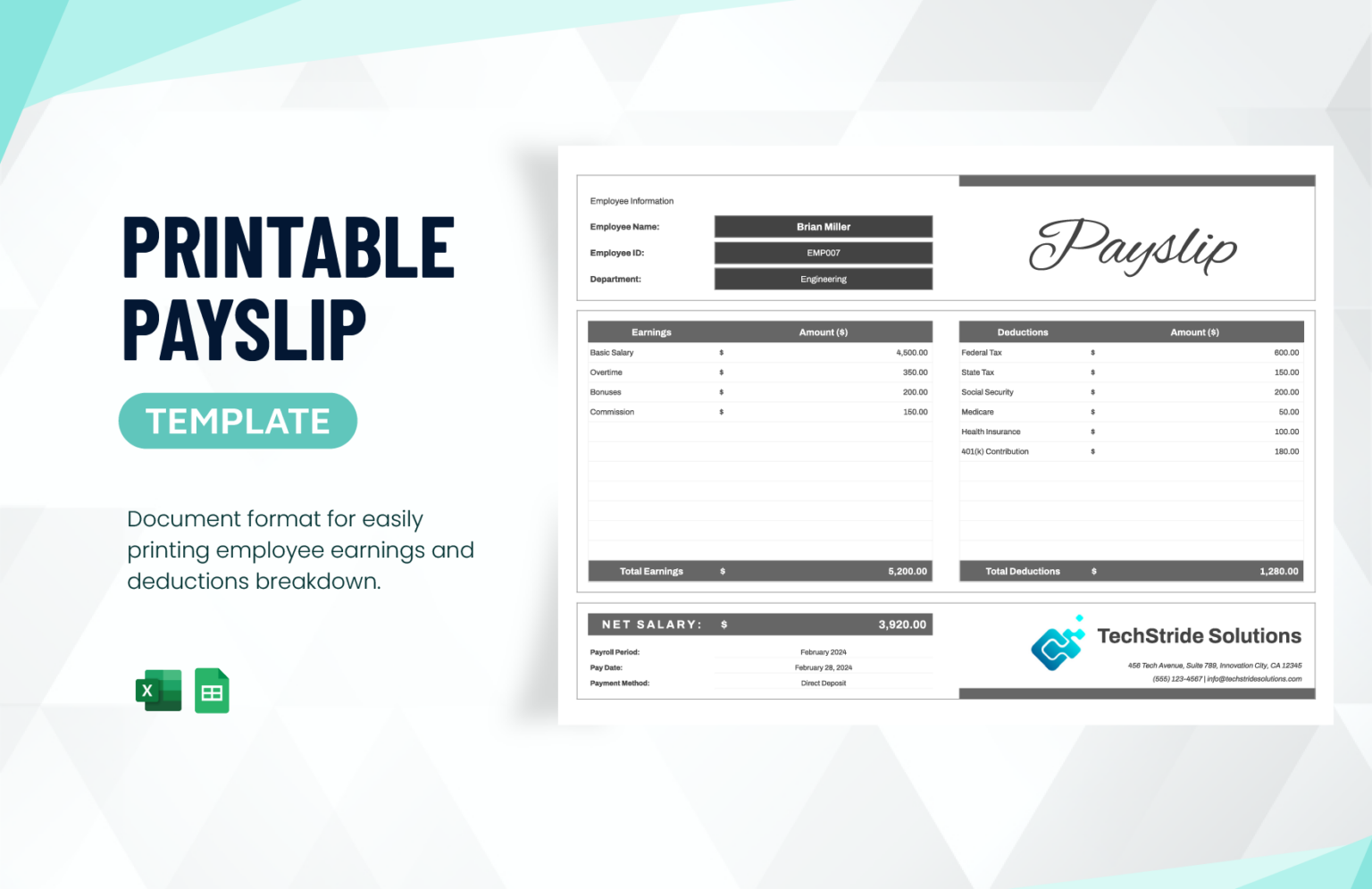
Creating an organized and professional way to handle payments is essential for any small business. A well-structured payment slip can help track transactions and provide customers with a clear record of their payments. The Business Printable Payment Slip With Customer Details serves this exact purpose, allowing you to maintain professionalism while simplifying your billing process.
Understanding the Importance of a Payment Slip
A payment slip is more than just a piece of paper; it’s a vital tool for managing your business’s financial transactions. It provides both you and your customers with a record of payment, which is crucial for bookkeeping and customer service. Including customer details on the slip ensures clarity and helps avoid any confusion regarding the transaction. This resource is especially beneficial for small business owners who want to maintain accurate financial records.
Choosing the Right Template
When selecting a Business Printable Payment Slip With Customer Details, consider the layout and design that best suits your business. Look for templates that are visually appealing and easy to read. A clean design will make it easier for customers to understand their payment details at a glance.
Common features to look for in a payment slip template include:
- Business Name and Logo: Personalize the slip with your branding.
- Customer Information: Space for the customer’s name, address, and contact details.
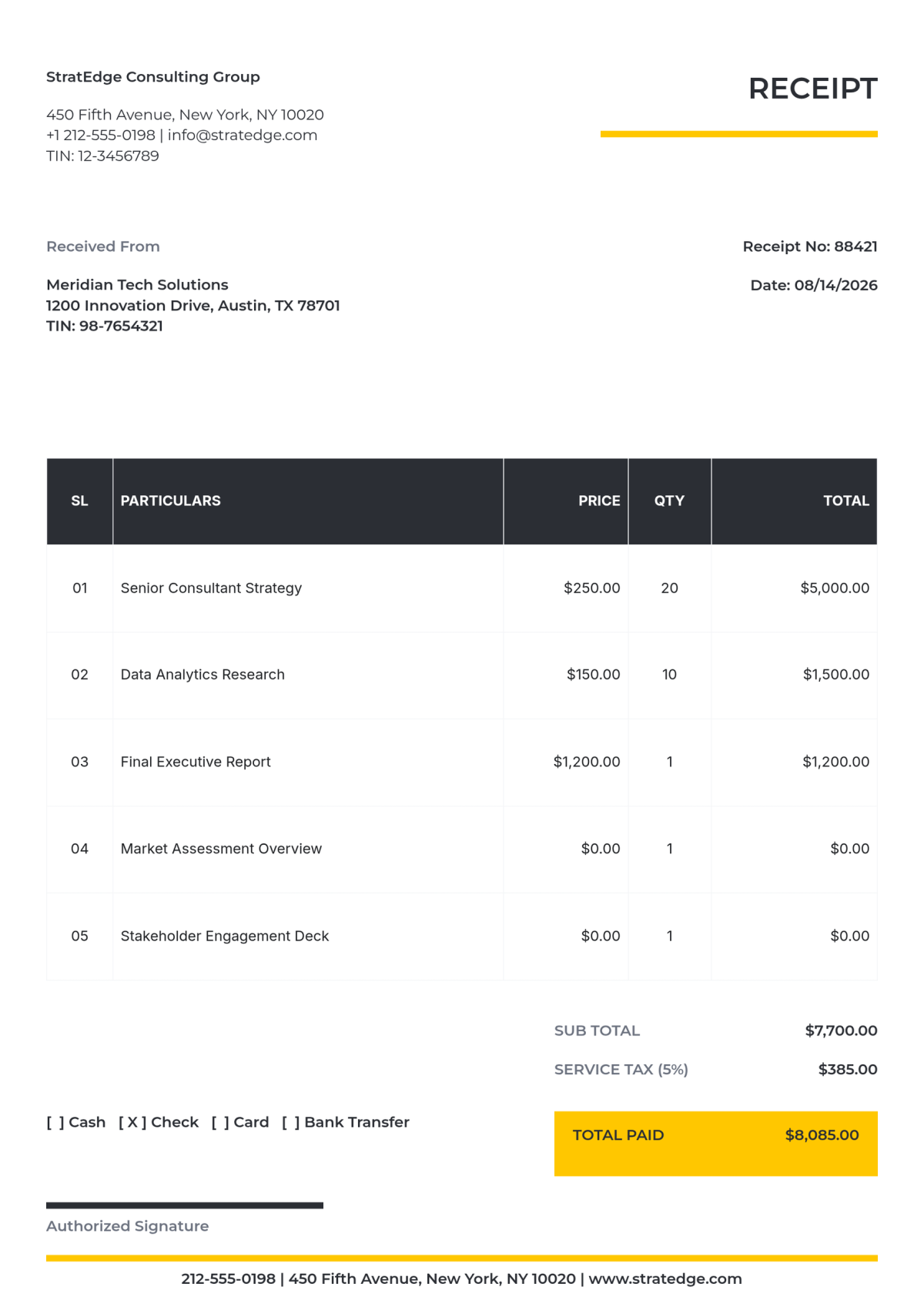
- Payment Details: Sections for item descriptions, amounts, and payment methods.
- Total Amount Due: Clearly indicate the total payment required.
- Date of Transaction: Include the date for accurate record-keeping.
Formats and Customization Options
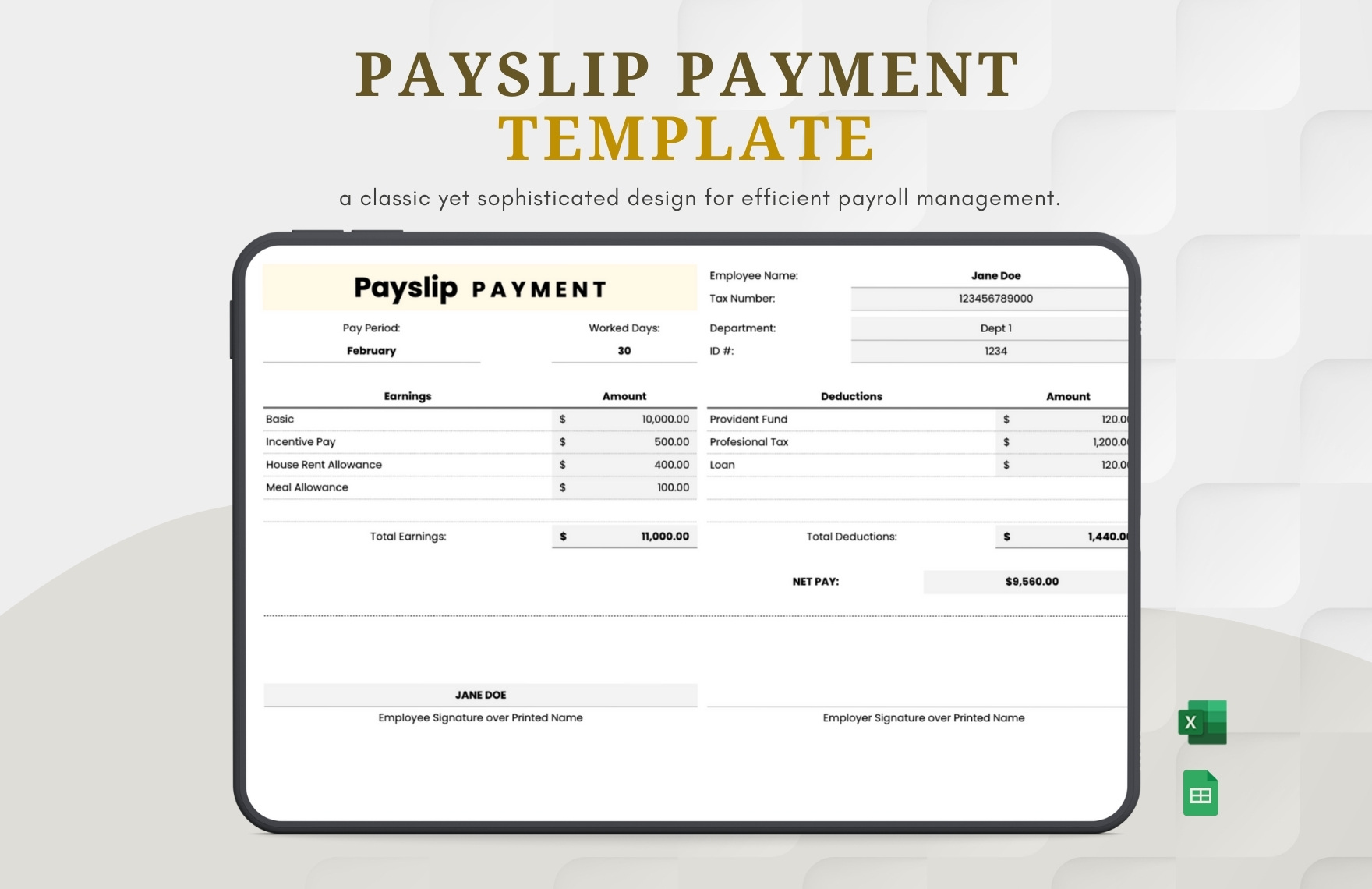
Most printable payment slips come in PDF or Word formats, allowing for easy customization. PDF files are preferred for their consistent formatting across devices, while Word files offer more flexibility for editing. Be sure to choose a format that aligns with your printing capabilities and software preferences.
Downloading and Printing Your Payment Slip
Once you’ve found the right Business Printable Payment Slip With Customer Details template, the next step is to download it. Here’s how to do it effectively:
- Select the Template: Choose a template that fits your business style and needs.
- Download the File: Click the download button and save it to your computer.
- Open the File: Use a compatible program (like Adobe Reader for PDFs or Microsoft Word for Word files) to open the document.
- Customize the Slip: Fill in your business details and any customer information as needed.
For printing, it’s advisable to use high-quality paper. Cardstock is a great choice because it’s durable and gives a professional feel. Ensure that your printer settings are adjusted for the paper size and type you are using, typically A4 or letter size.
Using the Payment Slip Effectively
After printing your Business Printable Payment Slip With Customer Details, it’s time to use it in your transactions. Here’s how to integrate it into your payment process:
- Present It at Checkout: Hand the slip to customers during the payment process. This not only provides them with a receipt but also reinforces your professionalism.
- Email Copies: For online transactions, consider sending a digital version of the payment slip via email, ensuring customers have a record of their payment.
- File for Records: Keep a copy of each payment slip for your records. This will assist with accounting and tax purposes, ensuring you have everything documented.
Tips for Maintaining Payment Records
Keeping track of payments is crucial for the health of your business. Here are a few tips to ensure you maintain accurate records:
- Organize by Date: File payment slips chronologically for easy access.
- Use Digital Tools: Consider scanning payment slips and storing them digitally for backup.
- Review Regularly: Regularly check your payment records against bank statements to ensure accuracy.
Having a reliable system in place will save time and reduce stress during tax season or audits.
To enhance your transaction process, consider using a Business Printable Payment Slip With Customer Details as an integral part of your operations. It not only streamlines financial management but also improves customer satisfaction by providing clarity and professionalism in your dealings.