Creating a streamlined payment process is essential for any small business. A Business Printable Payment Slip With Multiple Copies simplifies tracking transactions and ensures that your payment records are organized. This resource allows for easy distribution and accurate record-keeping, making it an invaluable tool for small business owners.
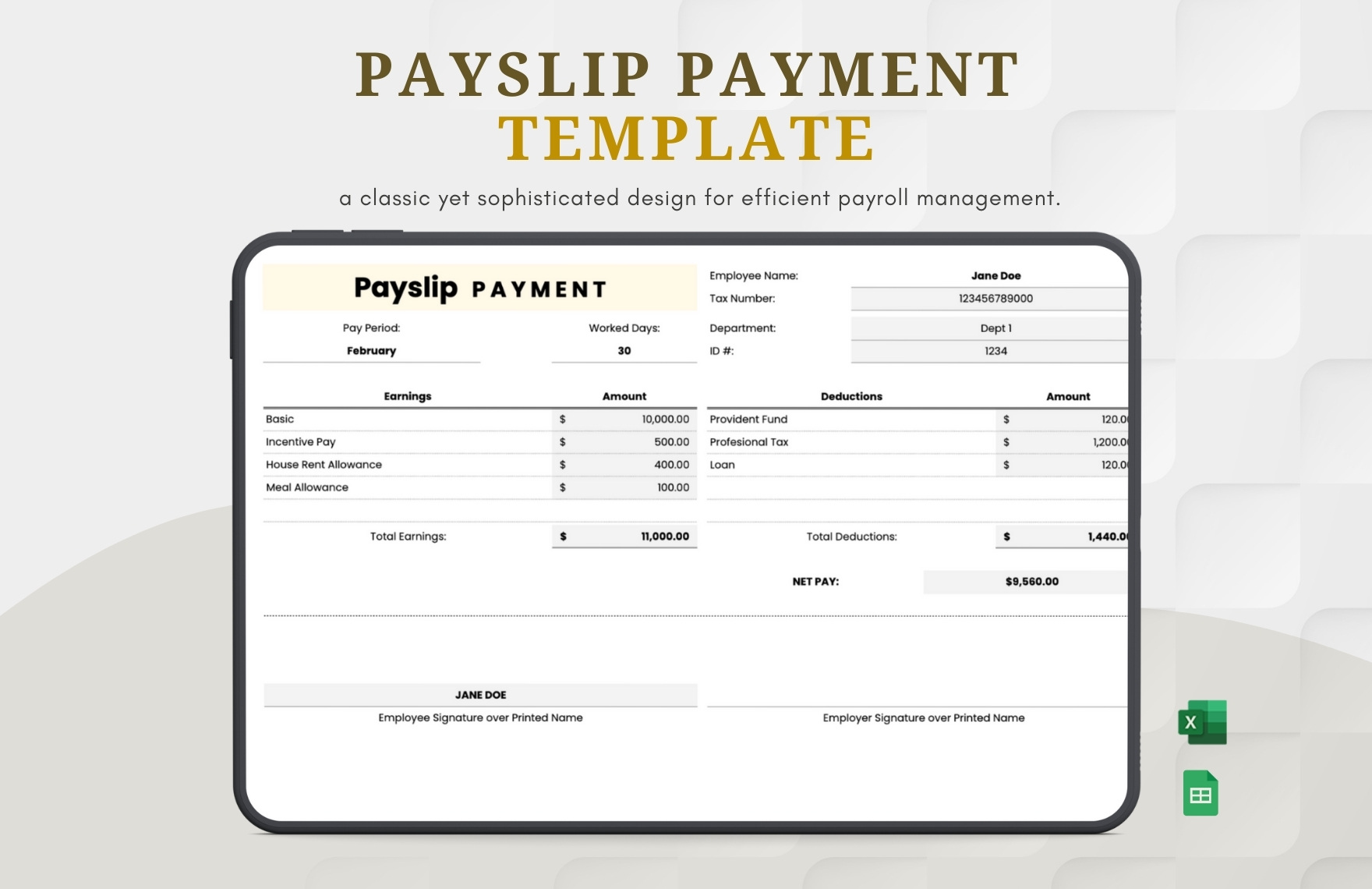
Understanding the Business Printable Payment Slip
A payment slip is more than just a piece of paper. It’s a critical document that helps maintain financial organization and clarity. The Business Printable Payment Slip With Multiple Copies typically includes sections for the payer’s details, payment amount, date, and a space for signatures. This format allows you to keep one copy for your records while providing the other to your clients or customers.
Utilizing a payment slip not only standardizes your payment processes but also enhances professionalism in your business dealings. Having clearly defined sections on the slip reduces confusion and mistakes, fostering better relationships with clients who appreciate clear documentation.
Downloading Your Payment Slip
To get started, find a reliable printable-resource website that offers the Business Printable Payment Slip With Multiple Copies. Look for formats that suit your needs, such as PDF or Word documents, which are easy to fill out digitally or by hand.
Once located, downloading is typically straightforward. Click on the download link, and save the file to your device. Ensure that the download is compatible with your printer settings, as some formats may require specific adjustments for optimal printing.
Recommended File Formats
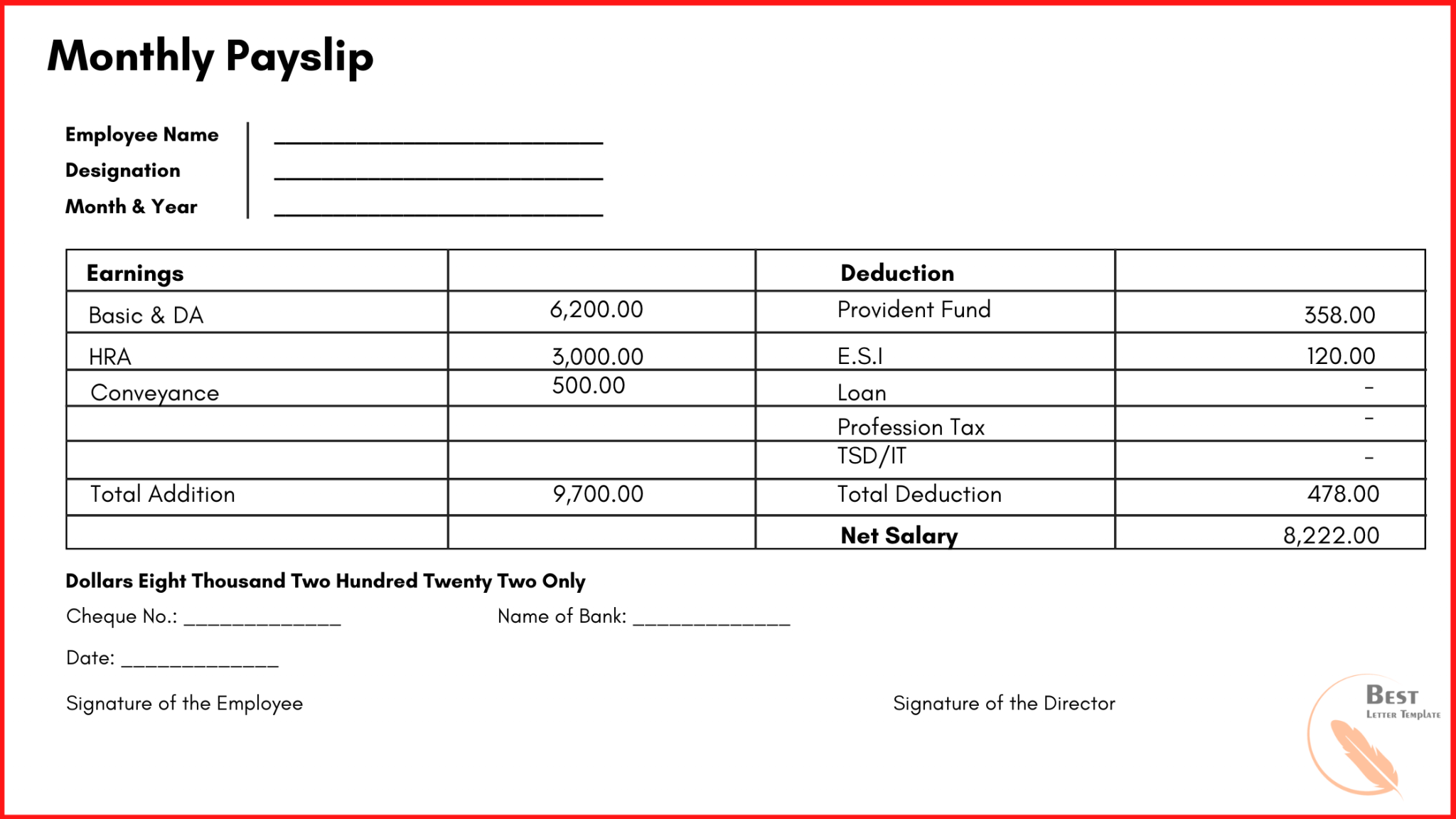
- PDF: This is often the best choice for maintaining formatting and ensuring that your payment slip looks the same across all devices.
- Word Document: Ideal for those who prefer to customize the slip before printing.
Printing Your Payment Slip
After downloading, the next step is printing the payment slip. Here are some tips to ensure a successful print job:
- Select the Right Paper: Standard letter size (8.5″ x 11″) is common for business documents. Consider using heavier paper or cardstock if you want the slips to feel more substantial.
- Printer Settings: Set your printer to high-quality print settings to ensure that the text is clear and professional. Portrait orientation usually works best for payment slips.
- Check Copies: Since this resource includes multiple copies, ensure that your printer is set to print the desired number of slips at once. This saves time and avoids the hassle of printing each one separately.
Using the Payment Slip Effectively
Once printed, the Business Printable Payment Slip With Multiple Copies can be used in various ways:
- Client Transactions: Hand over a copy to clients when receiving payments, ensuring they have a record of their transaction.
- Internal Bookkeeping: Keep a copy for your records to easily track income and manage your financial statements.
- Invoicing: Attach a payment slip to invoices, allowing clients to understand payment terms clearly.
Using these slips consistently can help in monitoring cash flow and ensuring that all transactions are accounted for.
Customizing Your Payment Slip
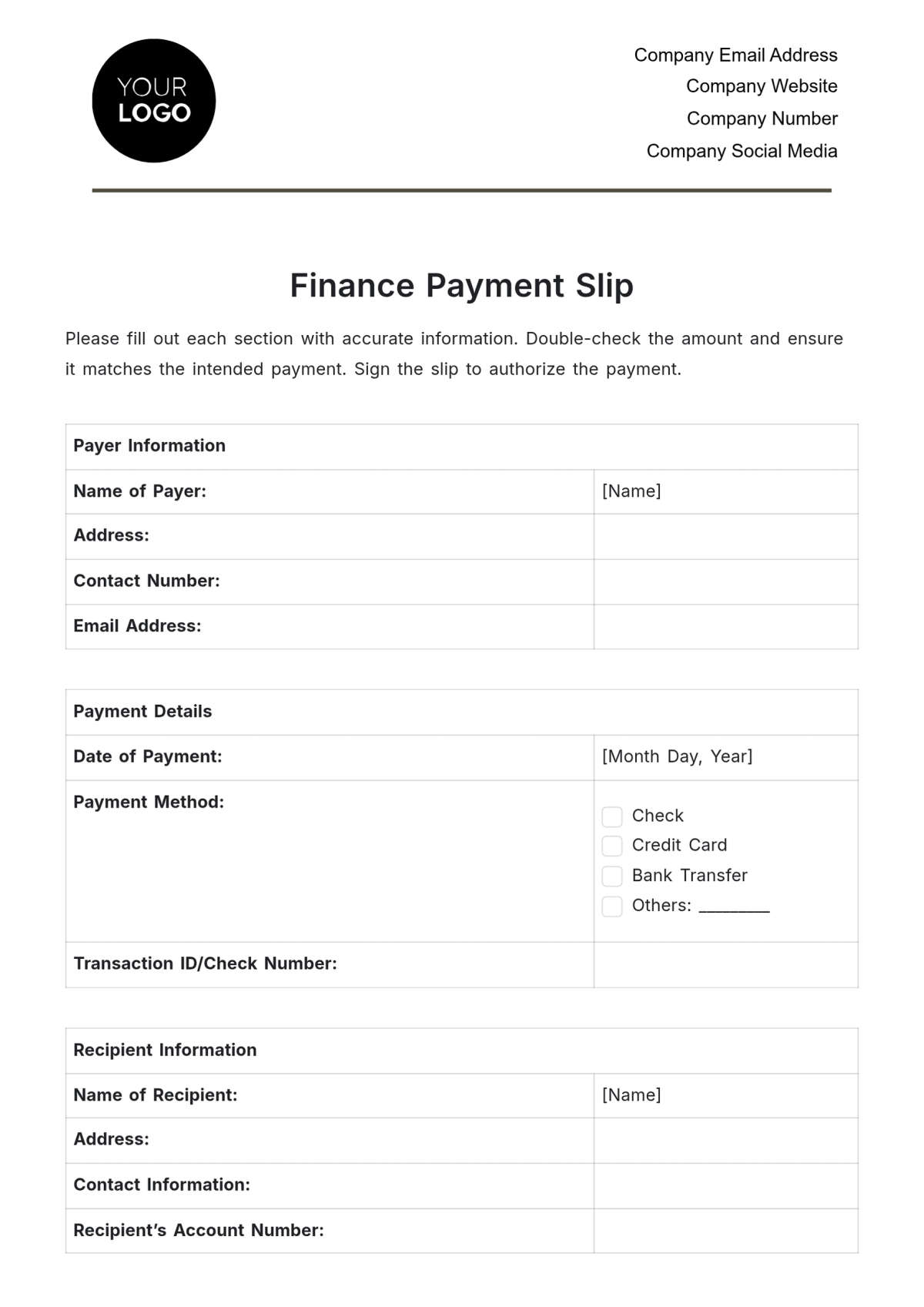
While the standard format is effective, customizing the payment slip can add a personal touch to your business. Consider including:
- Your Business Logo: This enhances brand recognition and professionalism.
- Additional Payment Information: Specify payment methods accepted (credit card, cash, etc.) to guide clients.
Customization can be easily done in a Word document before printing, allowing you to tailor the slips to fit your business’s identity.
In summary, a Business Printable Payment Slip With Multiple Copies is an essential tool for maintaining financial order in your small business. It provides a straightforward way to handle transactions, ensuring both you and your clients have a clear record. By following these steps to download, print, and utilize the payment slips effectively, you can enhance your business operations and improve customer satisfaction.