A Payslip Printable Template For Business can be a useful option in how you manage your employee payroll. Unlike standard templates, this particular version offers customizable fields that allow you to tailor each payslip to reflect your business’s unique requirements. If you are a small business owner or part of a larger organization, having a professional-looking payslip can enhance your credibility and streamline your payroll process.
Understanding the Layout of a Payslip Printable Template
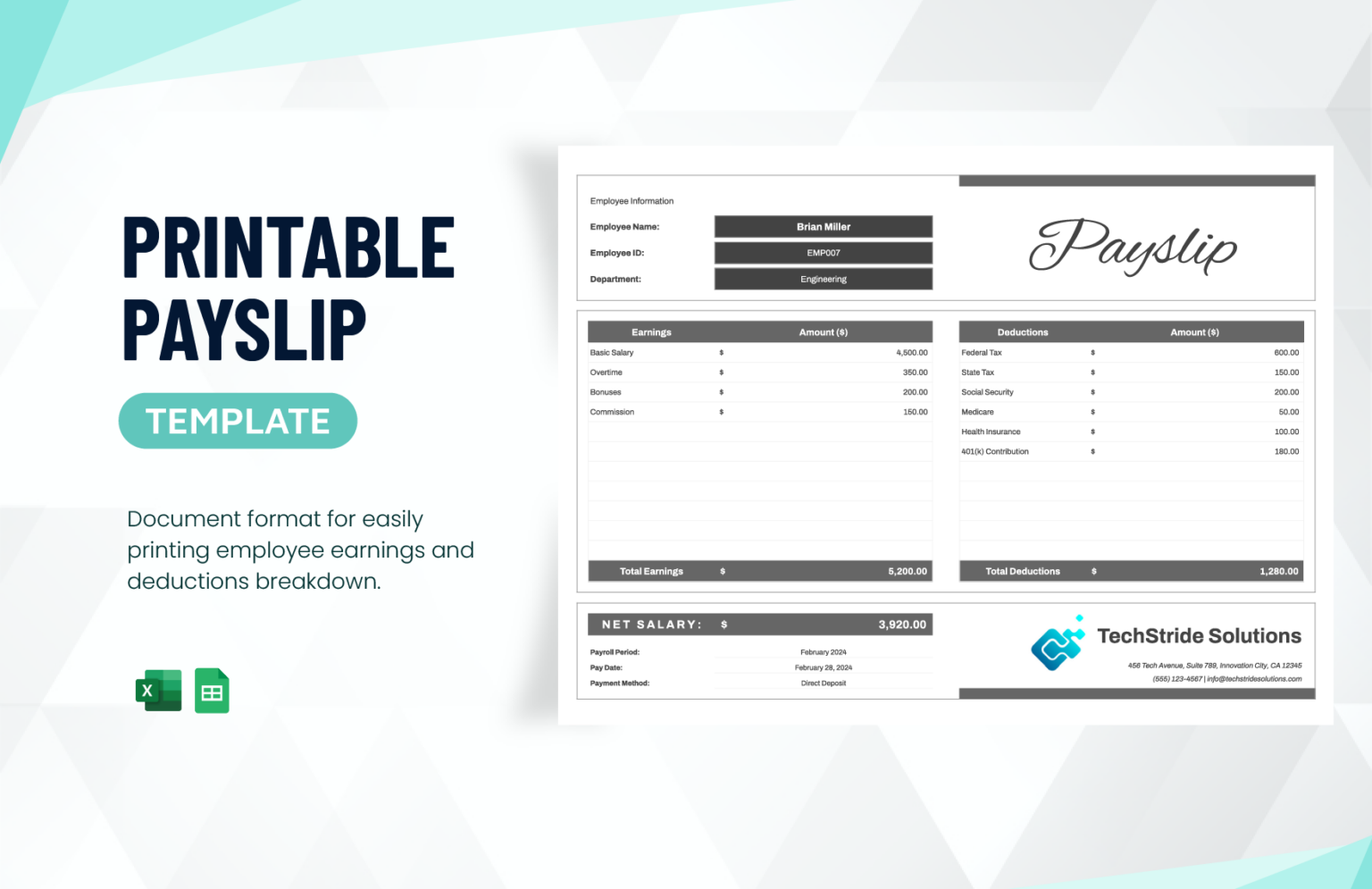
The layout of a payslip is crucial for clarity and professionalism. Generally, a well-designed payslip will include sections such as employee details, pay period, earnings, deductions, and net pay. Each section serves a distinct purpose and helps both the employer and employee understand the financial details at a glance.
For instance, the employee details section typically includes the employee’s name, ID number, and job title. This ensures that the payslip is easily identifiable. The pay period section indicates the timeframe for which the wages are being calculated, making it clear when the payment is due.
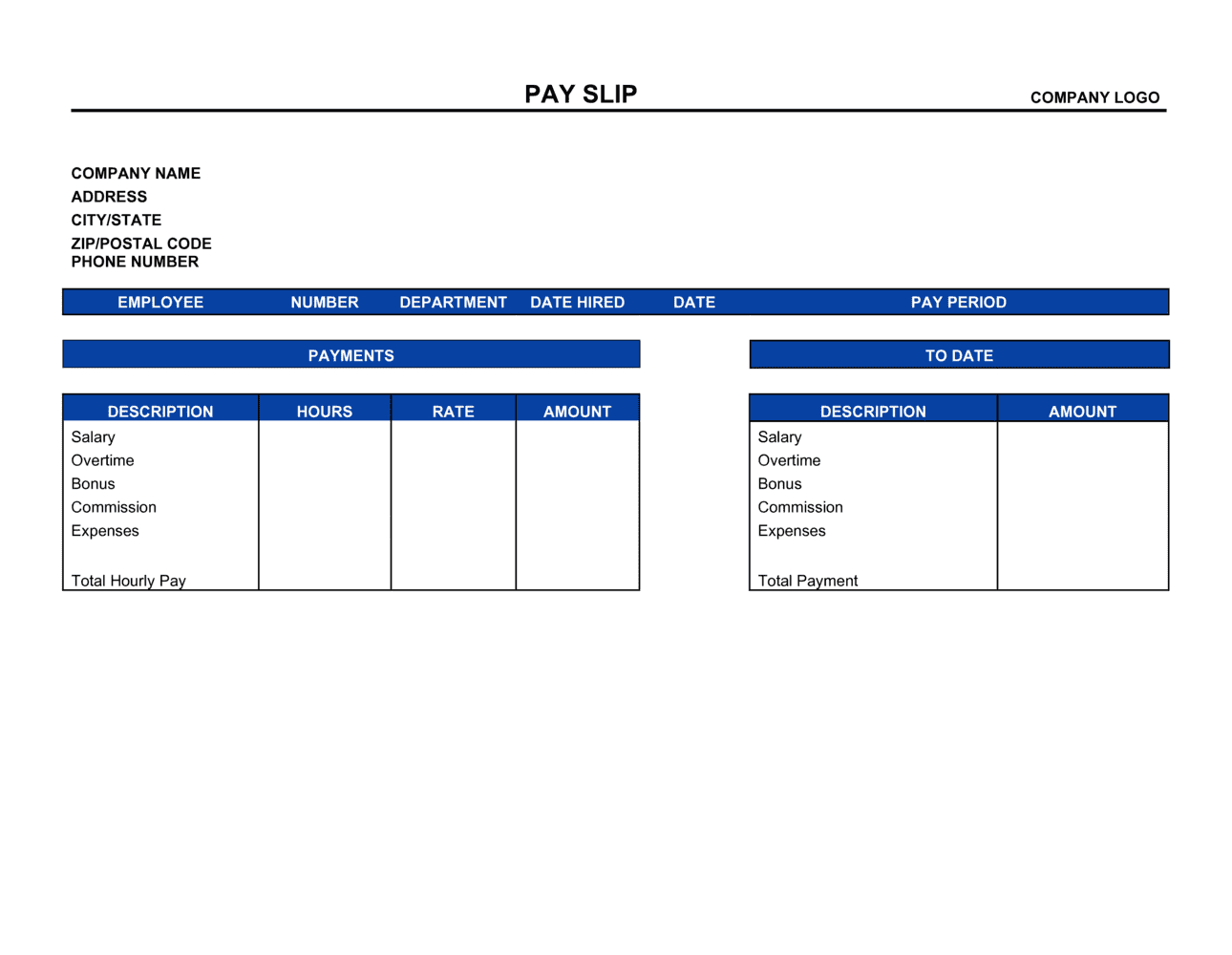
The earnings section should break down different types of earnings, such as hourly wages, bonuses, and overtime pay. This transparency helps employees understand how their total pay is calculated. Meanwhile, the deductions section shows any withholdings, such as taxes and retirement contributions, which is crucial for compliance and record-keeping.
Customizing Your Payslip Template
One of the best features of a Payslip Printable Template For Business is its customizability. Most templates allow you to fill in specific fields to match your business’s branding. You can add your company logo, change colors, and even adjust fonts to align with your brand identity.
When downloading the template, ensure it’s in a format that suits your needs. PDF files are often preferred because they maintain formatting, but Word or Excel files can be easier to edit. Look for templates that allow for easy input of data without compromising the layout.
Specific Fields to Consider
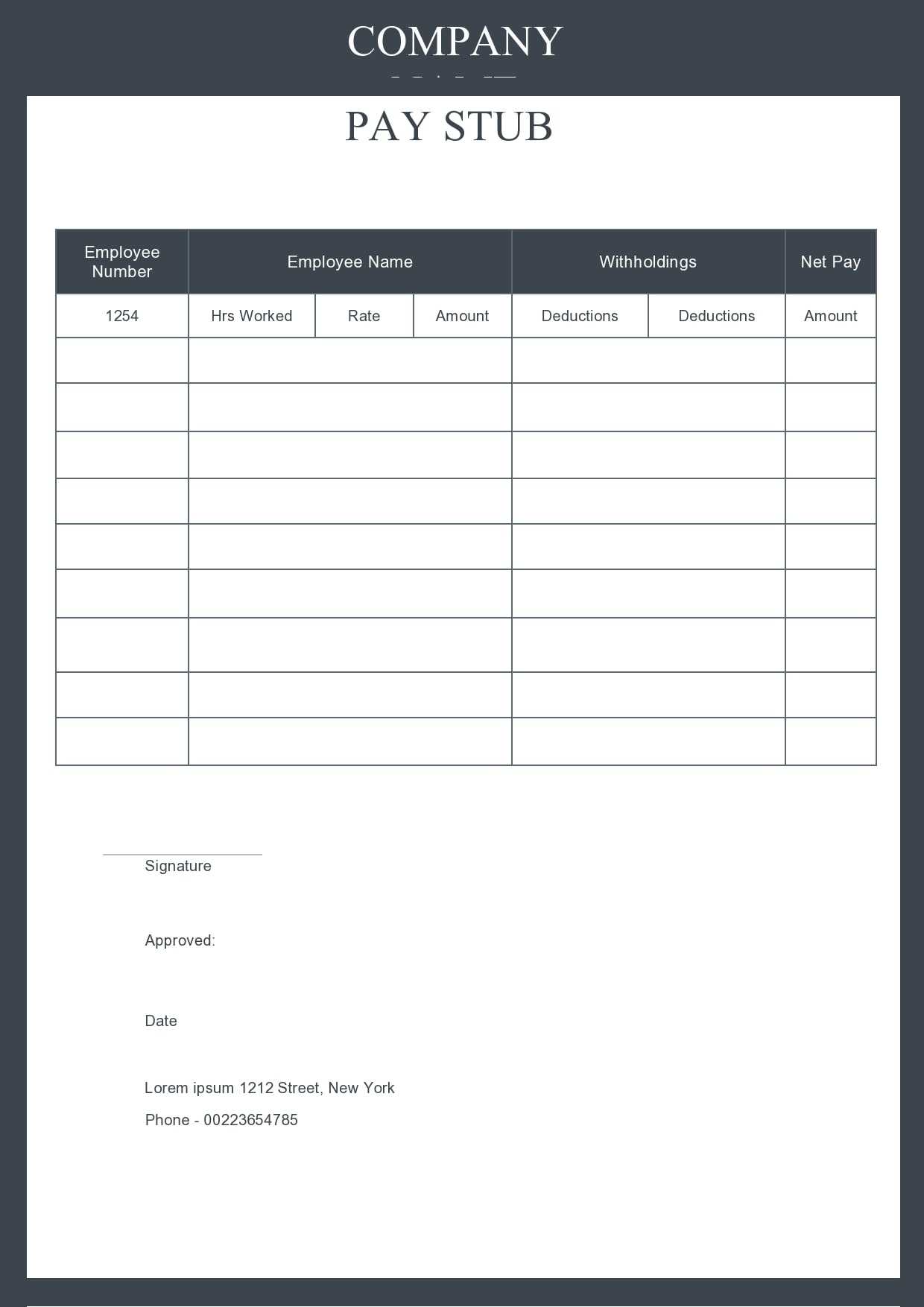
Here are some key fields you might want to customize:
- Company Name and Logo: Personalizing the payslip with your brand helps reinforce your business identity.
- Employee Information: This includes the employee’s name, address, and job title. Ensure these fields are editable for ease of use.
- Pay Period Dates: Clearly indicate the start and end dates for the pay period. This helps employees know exactly what time frame their pay covers.
- Earnings Breakdown: Include specific earnings categories like regular hours, overtime, and bonuses, along with their respective amounts.
- Deductions: Customize the deduction categories to fit your payroll structure, including taxes, health insurance, and retirement contributions.
Downloading and Printing Your Payslip Template
Once you’ve customized your Payslip Printable Template For Business, the next step is downloading and printing it. Make sure to choose the right paper size—most templates are designed for standard A4 or letter-sized paper.
When printing, consider using high-quality paper to give the payslip a more professional feel. Cardstock might be a good choice if you want something sturdier, especially if you plan to hand these out physically. Also, ensure your printer settings are adjusted for the best print quality; a higher DPI (dots per inch) will yield clearer text and graphics.
Best Practices for Distribution
When it comes to distributing payslips, you have a few options:
- Physical Copies: Handing out printed payslips can add a personal touch, but ensure they are securely stored until distribution.
- Emailing: Send PDF versions to employees’ email addresses for quick and easy access. This method also provides a digital record.
- Employee Portals: If you have an employee management system, consider uploading the payslips there for employees to download at their convenience.
Keeping Records and Compliance
Maintaining accurate records of payslips is essential for both legal compliance and financial management. As a best practice, keep copies of all issued payslips for a specified period, usually seven years. This not only helps in case of audits but also assists in resolving any payroll disputes that may arise.
Additionally, consider implementing a system for tracking which payslips have been distributed and which are outstanding. This can be as simple as a checklist or an electronic record-keeping system.
The most useful detail to remember is that a Payslip Printable Template For Business not only serves as a financial document but also as a tool for enhancing communication and transparency with your employees.