When it comes to managing your office transactions, a Business Printable Payment Slip For Office Printing is an essential tool. This resource allows you to create a professional and organized way to handle payments, receipts, and invoices with ease. Whether you’re running a small business or managing a department, having a standardized payment slip can save you time and reduce errors.
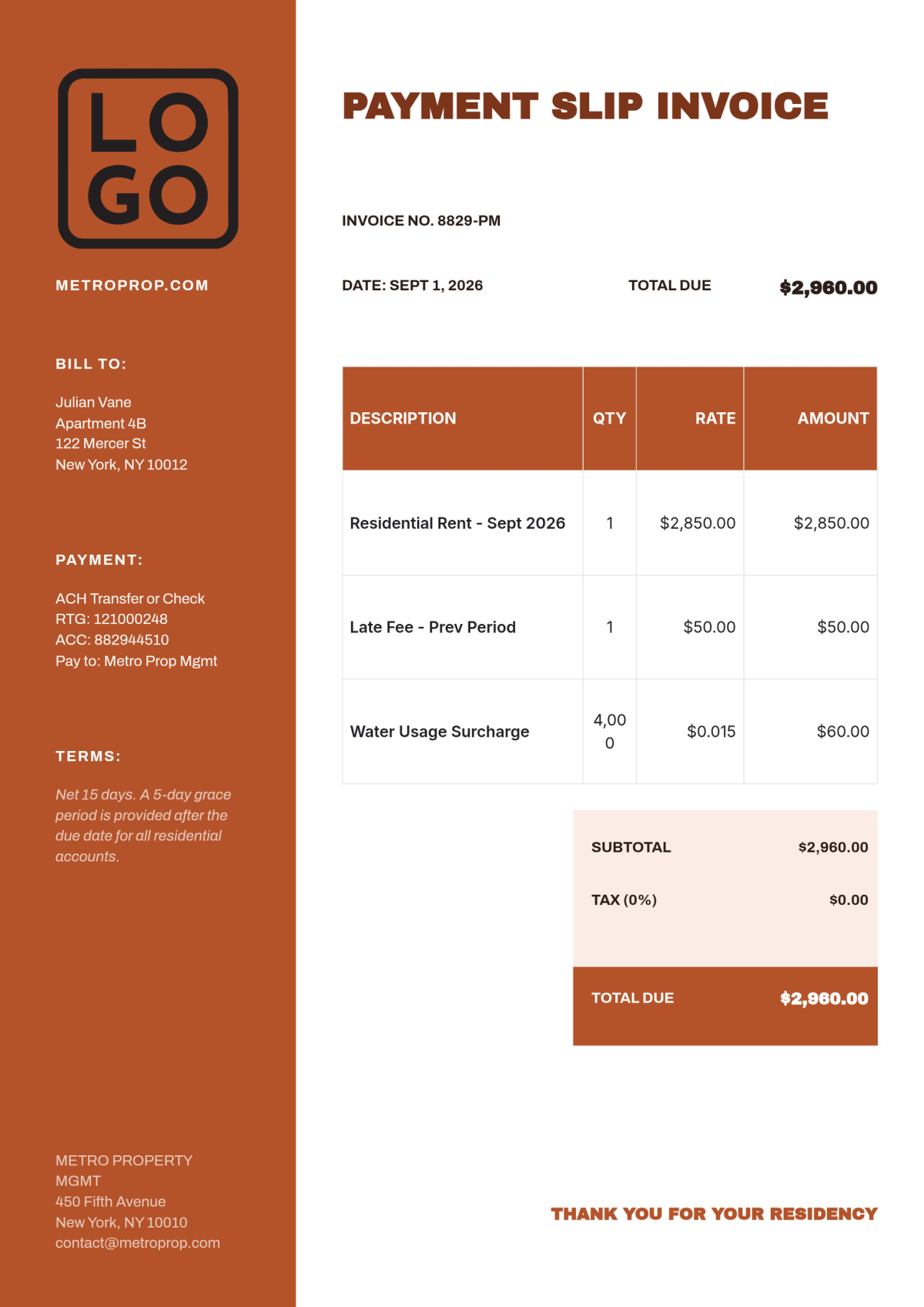
What is a Business Printable Payment Slip?
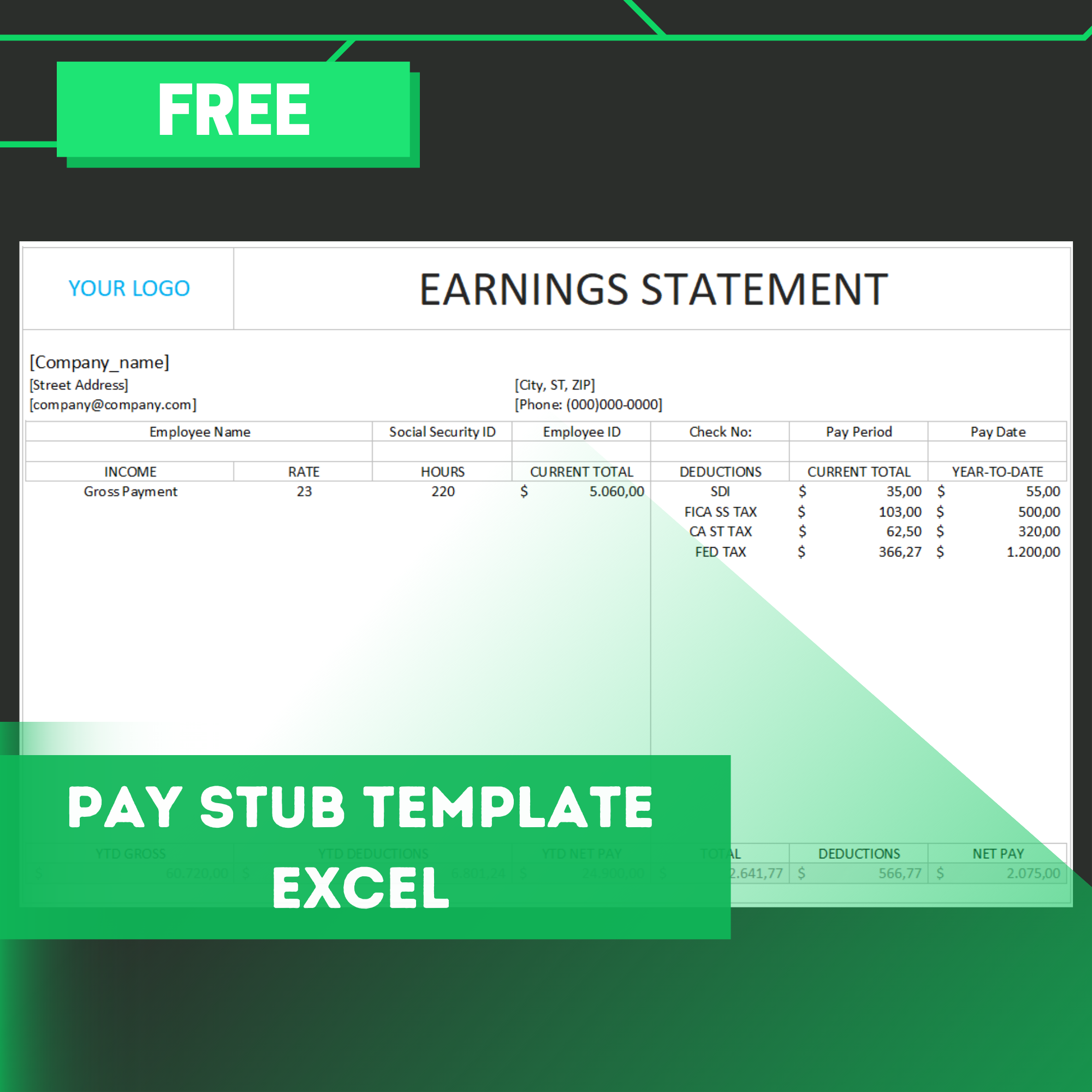
A Business Printable Payment Slip is a customizable document designed to facilitate the recording and processing of payments. Typically, it includes sections for the payer’s information, the amount paid, the purpose of the payment, and a signature line for verification. This format not only provides clarity in transactions but also serves as a formal acknowledgment of payments made.
Why You Need a Payment Slip in Your Office
Using a payment slip in your office offers several practical benefits:
- Professionalism: Presenting a well-formatted payment slip enhances your business’s credibility. It shows clients and vendors that you take your financial processes seriously.
- Record Keeping: Payment slips help in maintaining accurate records of transactions. This can be particularly useful during audits or financial reviews.
- Time-Saving: By having a ready-to-print slip, you can streamline the payment process, reducing the time spent on paperwork.
- Customizable: You can easily adapt a printable payment slip to meet your specific needs, whether you require additional spaces for notes or want to include your company logo.
How to Use a Business Printable Payment Slip
Using a Business Printable Payment Slip is straightforward. Here’s a step-by-step guide to help you get started:
- Download the Template: Look for a suitable template online that fits your office’s needs. Ensure it’s in a printable format like PDF or Word.
- Customize the Slip: Before printing, fill in your business information, including your logo, address, and contact details. You can also adjust the fields to include any specific information required for your transactions.
- Print the Slips: Use a standard printer to print your slips. For best results, consider using high-quality paper or cardstock. This not only ensures durability but also gives a professional finish.
- Distribute as Needed: Once printed, keep a stack of payment slips handy in your office. Hand them out to clients or use them during meetings when discussing payments.
- Maintain Copies: After issuing a payment slip, keep a copy for your records. You can either file it physically or scan it for digital storage.
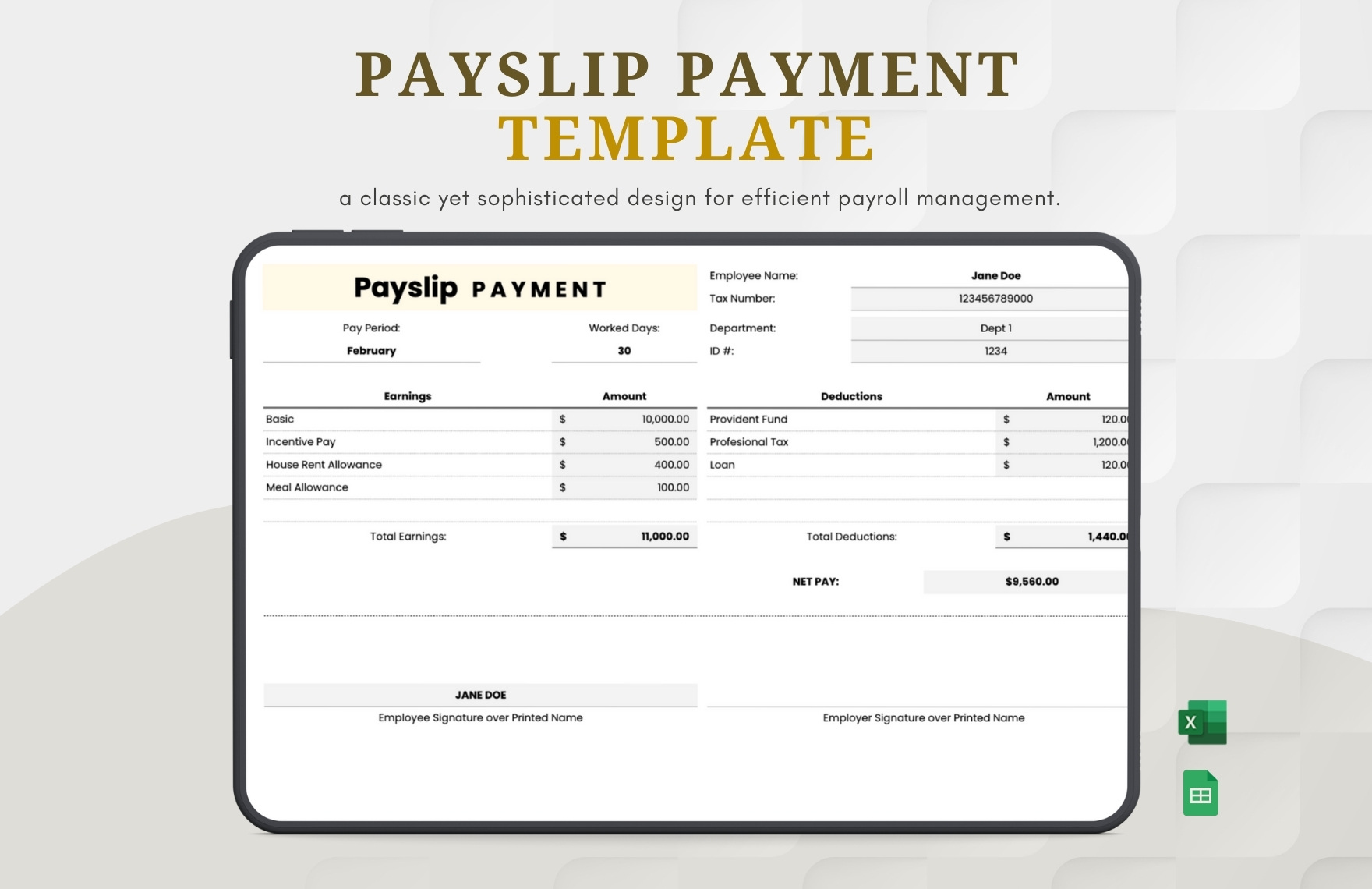
Tips for Effective Use
- Choose the Right Paper Size: Standard letter size (8.5 x 11 inches) works well for most offices, but you might opt for smaller sizes depending on your needs.
- Laminating: If you often reuse payment slips or want to avoid wear and tear, consider laminating them. This makes them more durable and allows for easy writing and erasing.
- Use Portrait Layout: Most home printers handle portrait layouts better. This orientation typically allows for easier filling out of the slip.
- Digital Alternatives: If you’re looking to reduce paper usage, consider using digital versions of payment slips. They can be filled out and sent electronically, maintaining the same level of professionalism.
Incorporating a Business Printable Payment Slip For Office Printing into your financial processes can significantly enhance your operational efficiency. By providing a clear, professional method for handling payments, you not only simplify transactions but also foster trust and reliability with your clients. Now that you have the tools and knowledge, consider downloading a template today to get started!