A payslip is more than just a formality; it serves as an important document that outlines an employee’s earnings and deductions, providing both clarity and transparency. The Payslip Printable Template With Date Fields is specifically designed to streamline this crucial aspect of payroll management for small business owners. This template can be easily customized to fit your business needs, ensuring you have an efficient system in place for distributing payslips.
Understanding the Payslip Layout
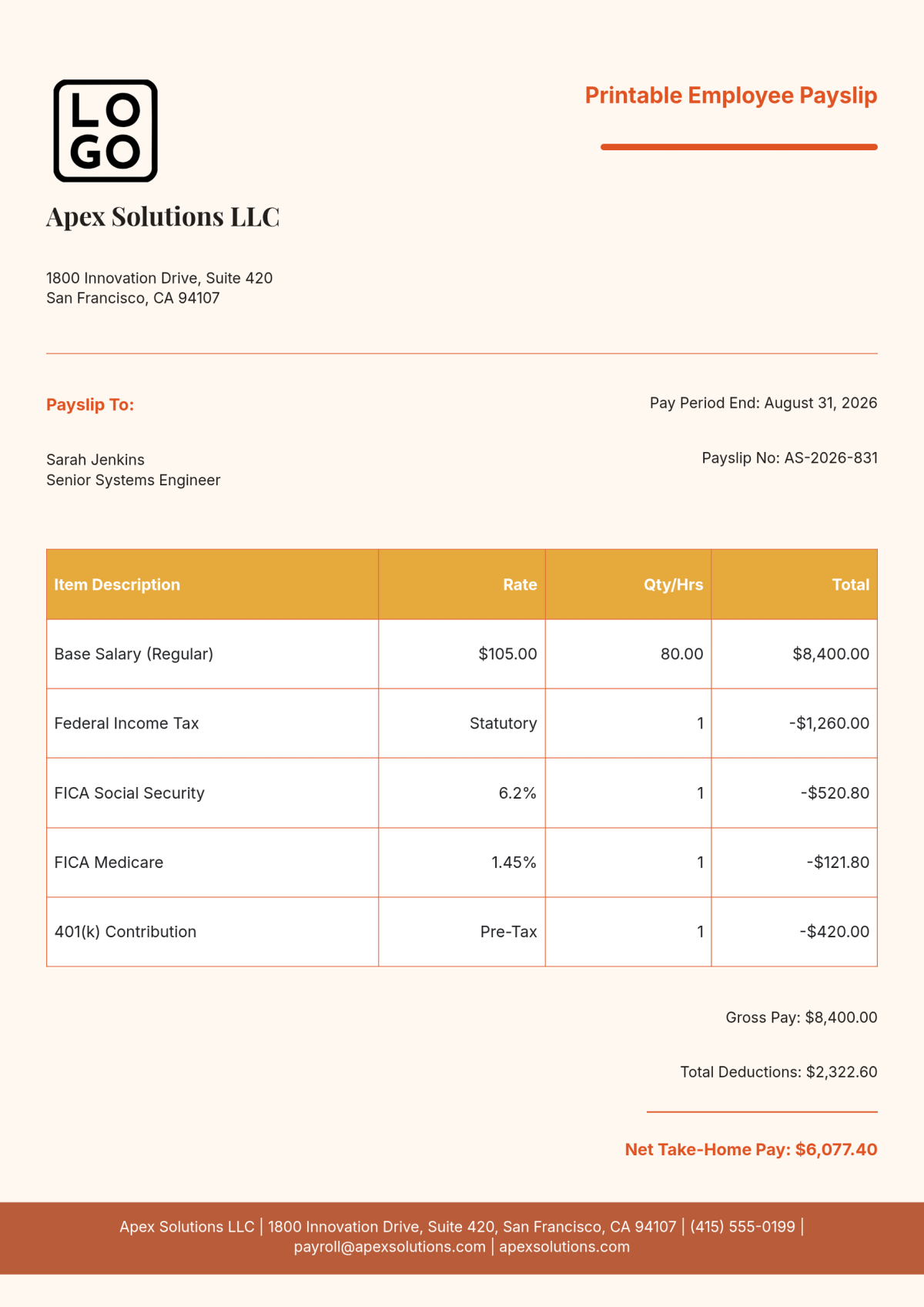
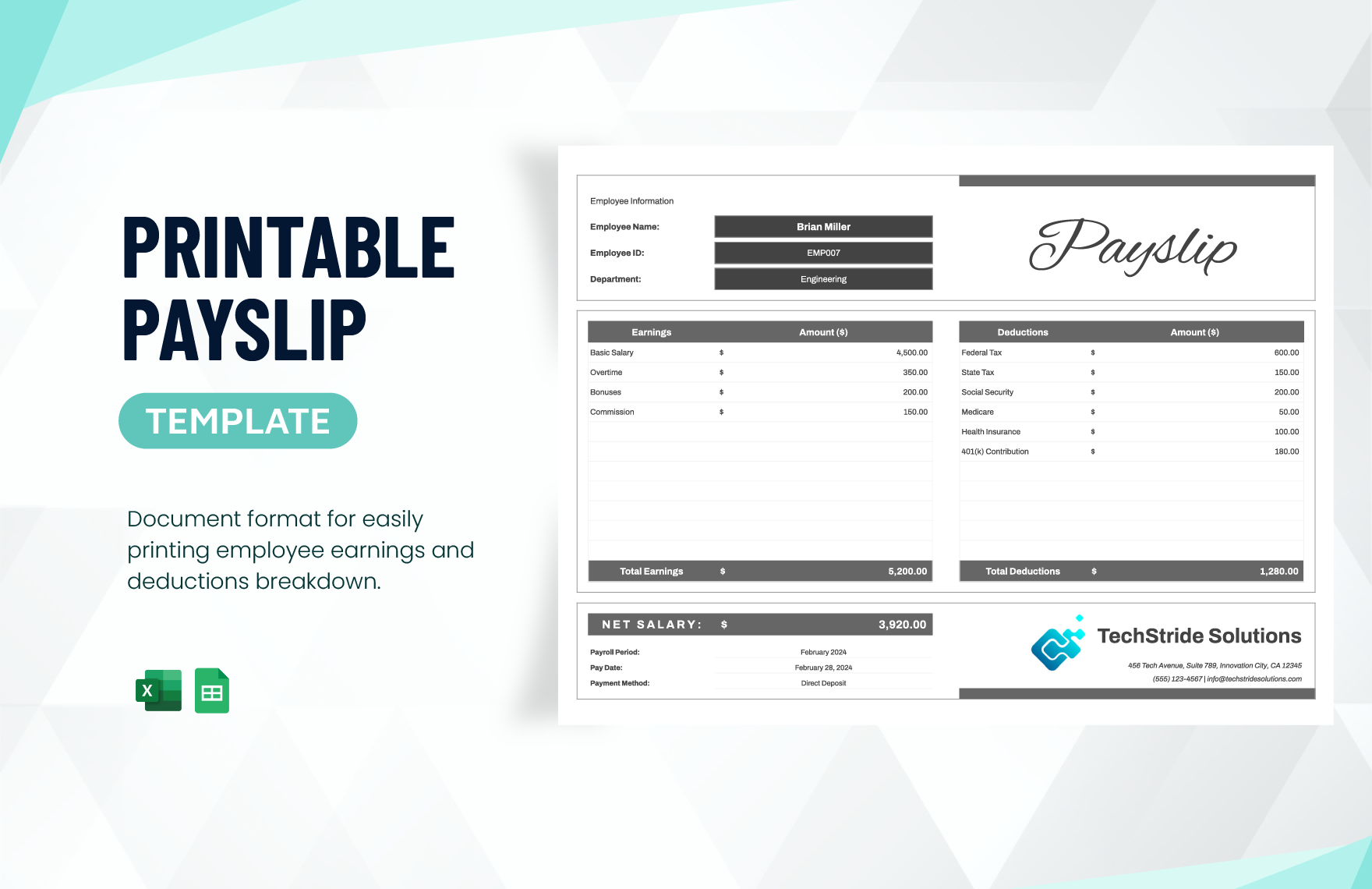
The layout of the payslip is paramount. A well-structured payslip template typically includes several key sections: employee information, pay period dates, earnings, deductions, and net pay. Each of these sections plays a significant role in communicating essential information to employees.
- Employee Information: This section includes the employee’s name, ID number, and position. Having this information readily available helps to personalize the payslip and ensures clarity on who the payslip belongs to.
- Pay Period Dates: The inclusion of date fields for the pay period is crucial. It allows you to specify the start and end dates for which the employee is being paid. This feature not only helps in maintaining accurate records but also aids employees in understanding their payment cycle.
- Earnings and Deductions: Clearly labeled sections for gross earnings, various deductions (such as tax, insurance, and retirement contributions), and net pay provide transparency. When employees can see a breakdown of their earnings and deductions, it fosters trust and reduces inquiries about payroll discrepancies.
- Design Choices: The template’s design can also influence clarity. Opting for a clean, professional layout with distinct sections for each category will enhance readability and usability.
Customization Options for Your Business
One of the key benefits of the Payslip Printable Template With Date Fields is its adaptability. Small business owners can customize the template to suit their unique needs. Here are some ways to tailor the template:
- Company Branding: Incorporate your company logo and color scheme to reinforce branding. This not only makes the payslip look professional but also instills a sense of belonging among employees.
- Additional Information: You might want to include fields for additional information such as bonuses, overtime pay, or leave balances. Customizing your template to reflect all components of compensation ensures employees have a complete understanding of their remuneration.
- Language Options: If your workforce is diverse, consider offering the payslip in multiple languages. This can help all employees clearly understand their payslip details.
Practical Considerations for Downloading and Printing
When it comes to utilizing the Payslip Printable Template With Date Fields, small business owners should consider several practical aspects regarding downloading and printing:
- File Format: Ensure that the template is available in a user-friendly format, such as PDF or Word. PDFs are often preferred because they maintain formatting, avoiding issues that sometimes arise with Word files.
- Paper Size: Most payslips are designed to fit standard paper sizes, such as A4 or letter size (8.5″ x 11″). Understanding your printer’s capabilities can help you choose the right paper size for printing.
- Printer Settings: Adjust your printer settings to optimize quality. Using a high-quality print setting will ensure that text is sharp and legible, which is especially important for official documents like payslips.
Ensuring Compliance and Record Keeping
Using a payslip template not only simplifies payroll but also helps ensure compliance with labor laws. In the United States, employers are legally required to provide employees with a detailed record of their earnings and deductions. Here’s how the template aids in compliance:
- Documenting Employment Records: Maintaining accurate payslips can help protect your business during audits and disputes. They serve as proof of payment and can be crucial during tax season.
- Retention of Records: Keep copies of payslips for a minimum of three years, as required by the Fair Labor Standards Act (FLSA). Using a digital template can facilitate easier and more organized record-keeping.
Two Ways to Use the Payslip Template
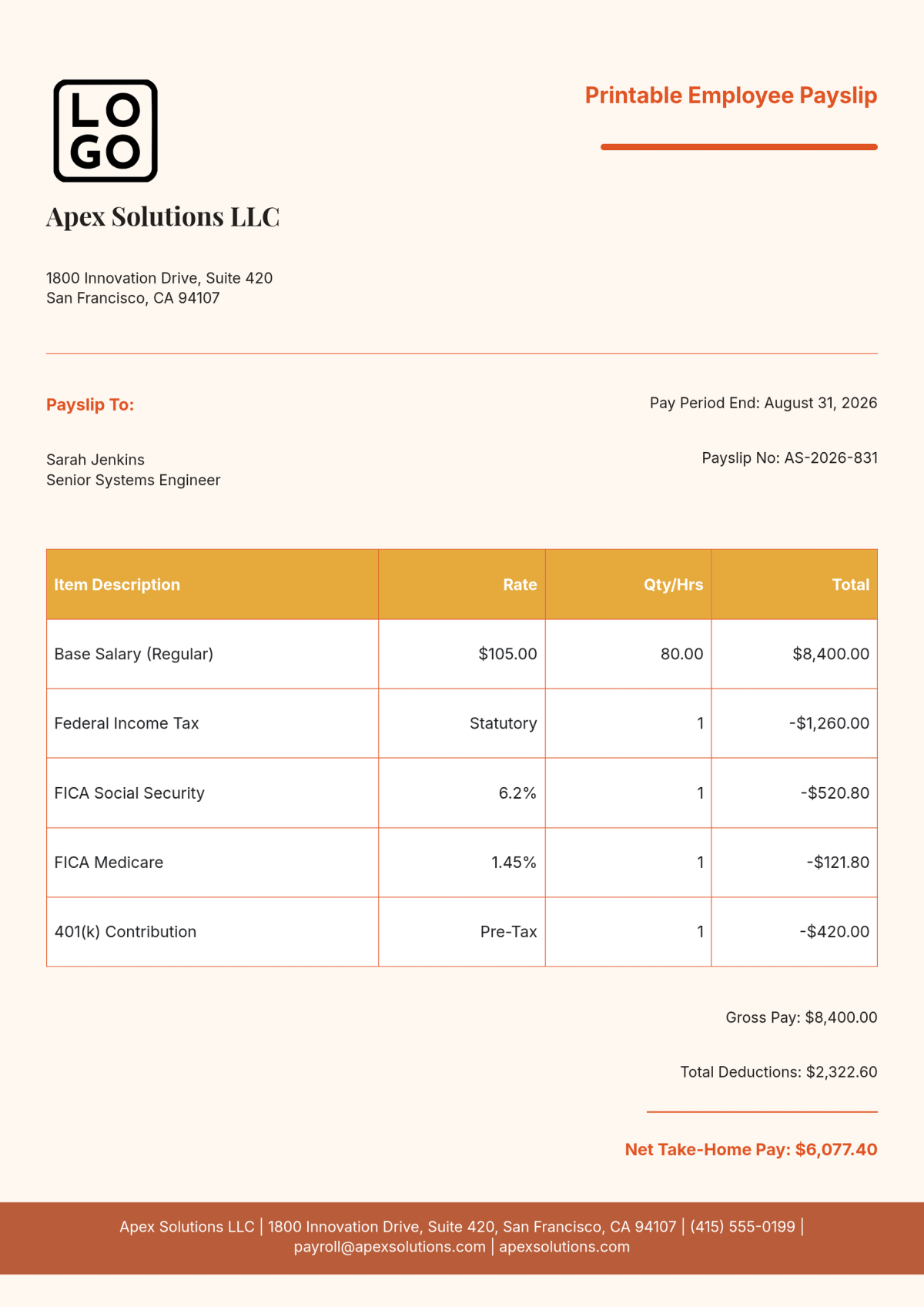
The versatility of the Payslip Printable Template With Date Fields allows for multiple uses:
- Monthly Payroll: Utilize it for regular monthly payroll processing, ensuring that every employee receives a clear and concise payslip detailing their earnings and deductions for the month.
- Special Payments: You can also adapt the template for one-off payments or bonuses. Simply adjust the date fields and amounts as necessary to accurately reflect the special payment scenario.
By implementing a well-structured payslip system using the Payslip Printable Template With Date Fields, small business owners can enhance payroll accuracy and employee satisfaction. Whether you opt for a straightforward monthly payroll or need to accommodate unique payment situations, having a reliable template at your disposal is essential for effective financial management.