When managing finances, having a reliable record-keeping system is crucial, and a Business Printable Payment Slip To Print At Home can be an invaluable tool. This resource not only helps you keep track of your transactions but also adds a professional touch to your business dealings. Let’s explore how to effectively utilize this payment slip.
Understanding the Payment Slip Format
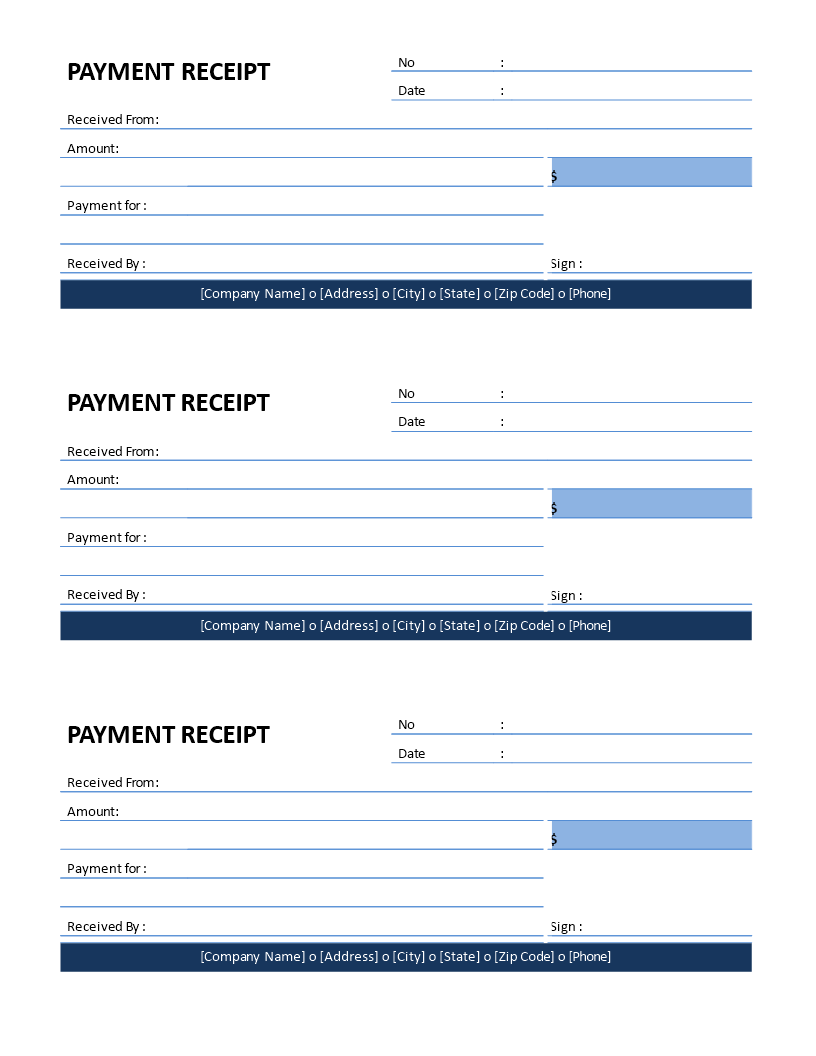
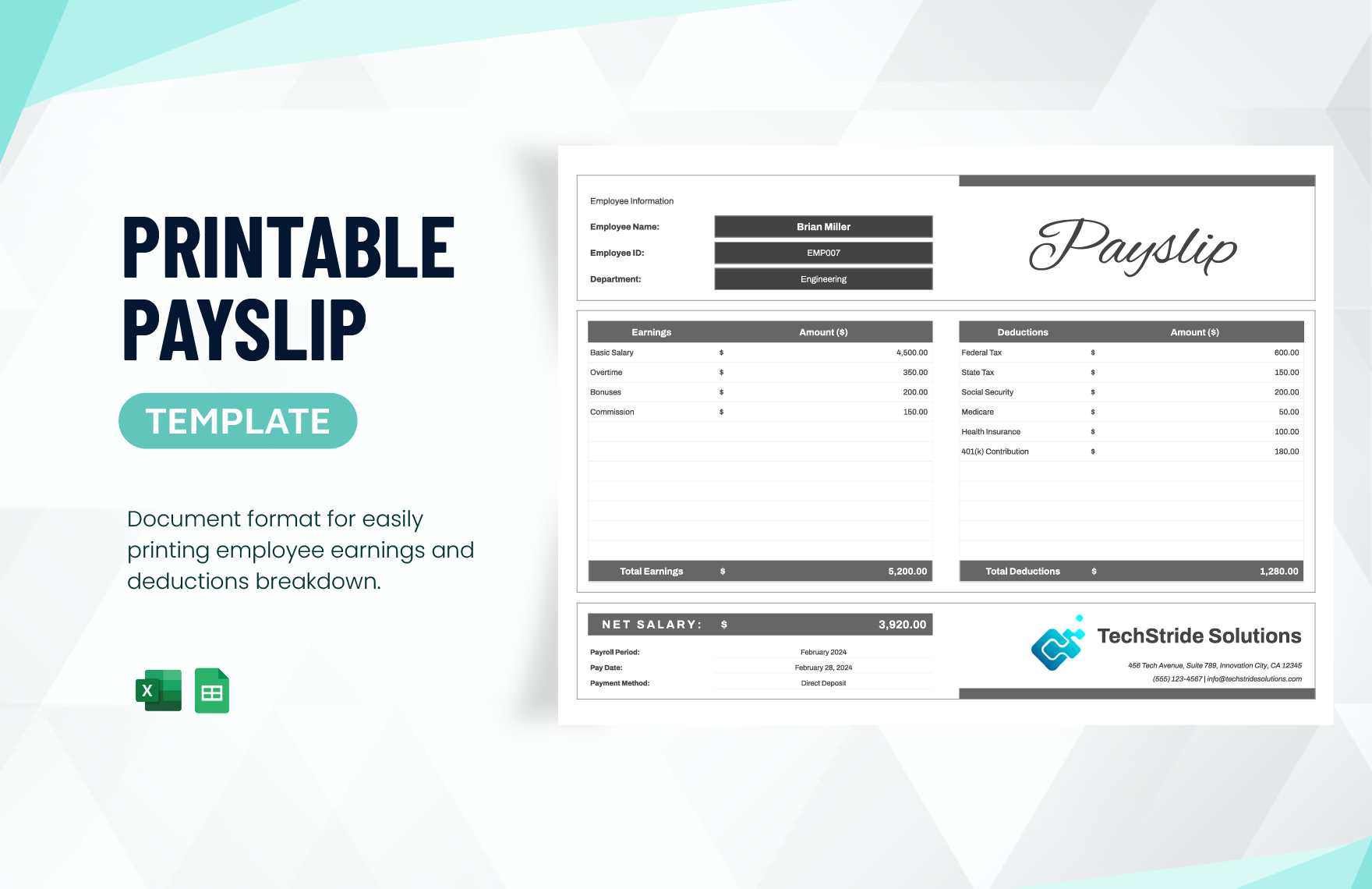
A payment slip typically includes essential information such as the date, payer’s name, amount paid, and the purpose of the payment. The standard size for most payment slips is A4 (8.27 x 11.69 inches), which fits comfortably into a standard file and can be printed easily at home. When you select a template to download, ensure it is designed specifically for business use, as this will reflect professionalism.
Steps to Download and Print Your Payment Slip
- Choose Your Template: Start by browsing a resource website that offers a variety of printable payment slips. Look for one that suits your business needs, If you are a freelancer, small business owner, or part of a larger organization.
- Download the File: Most templates are available in PDF format, which is ideal as it maintains formatting across different devices. Click on the download link and save the file to your computer.
- Set Up Your Printer: Before printing, check that your printer settings are correct. Use portrait orientation for a standard payment slip layout. If you’re using a color printer, ensure your ink levels are sufficient for clear prints.
- Print a Test Page: It’s always a good idea to print a test page on plain paper first to check alignment and clarity. Adjust the print settings if necessary to avoid wasting ink or paper.
- Print the Payment Slips: Once you are satisfied with the test print, load your preferred paper (cardstock works well for durability) into the printer and print the payment slips.
Filling Out the Payment Slip
Now that you have your printed payment slips ready, it’s time to fill them out correctly.
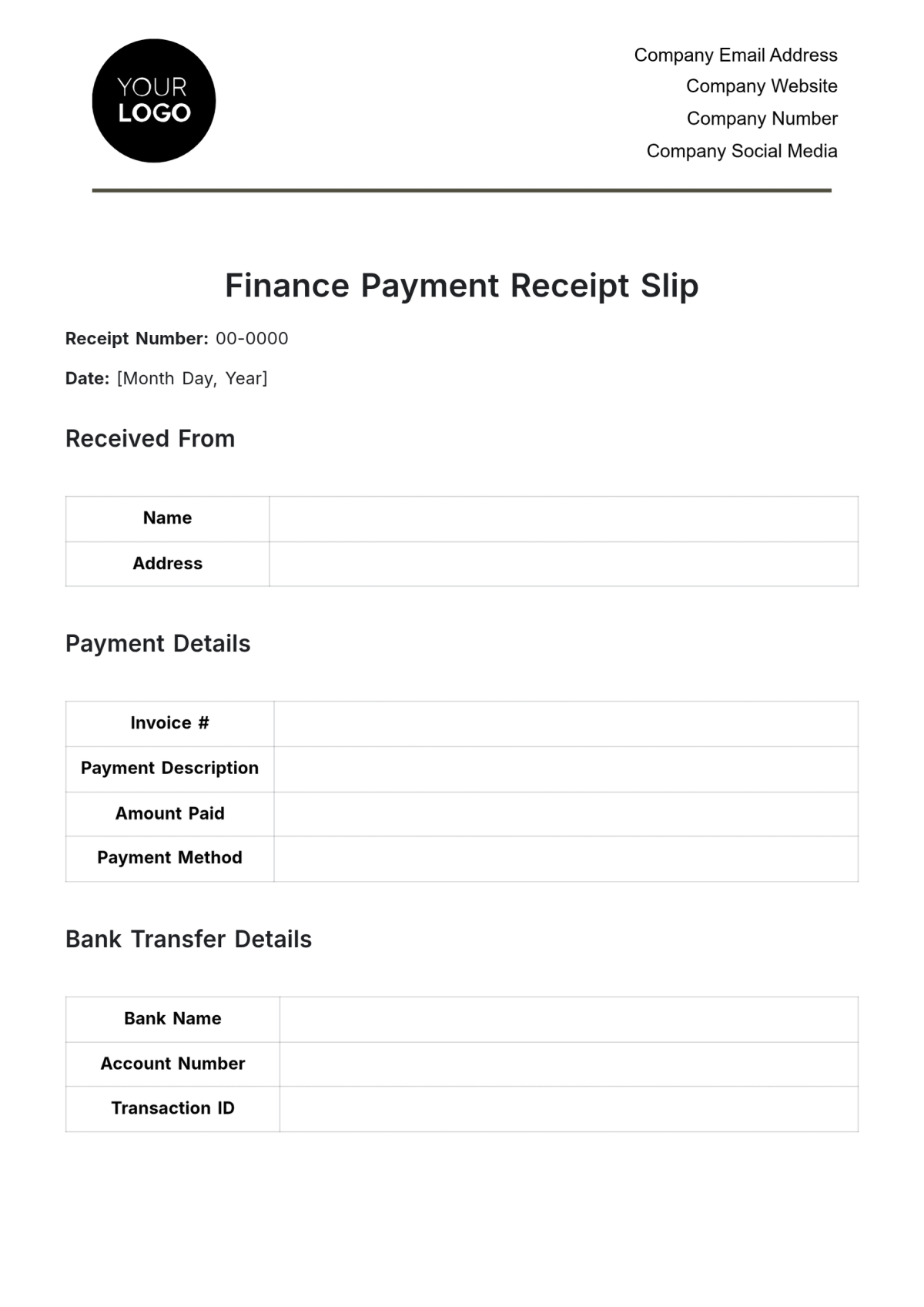
- Date: Always start with the date of the transaction at the top of the slip. This helps in keeping an accurate financial record.
- Payer’s Information: Include the name and contact details of the person or business making the payment. This ensures clarity in case of any future inquiries.
- Amount: Clearly state the amount paid, and if applicable, include any payment method (cash, check, or credit).
- Purpose: It’s important to specify what the payment is for. This can be a service rendered, goods sold, or any other reason pertinent to your business.
Being consistent with how you fill out the slips will not only help in your bookkeeping but also provide a professional appearance to your clients.
Organizing Your Payment Records
After using your payment slips, it’s essential to keep them organized for future reference. Here are some tips:
- Create a Folder: Use a dedicated folder or binder to store your payment slips. This will make it easier to locate them when needed.
- Digital Backup: Consider scanning your filled-out payment slips and keeping a digital copy. This adds an extra layer of security and makes it easier to retrieve information if the physical copies are lost or damaged.
- Regular Review: Set a regular interval to review your payment records. This will help you stay on top of your finances and identify any discrepancies early.
Using a Business Printable Payment Slip To Print At Home not only streamlines your payment process but also contributes to better financial management overall. With a little diligence in maintaining these records, you can ensure that your business transactions are clear and professional.
One specific detail to remember is that using cardstock paper for your payment slips not only increases their durability but also offers a more polished look when presenting them to clients.