Managing payments can be a tedious task for small business owners, especially when it comes to keeping everything organized. A customizable printable payment slip for Microsoft Excel can simplify this process. This resource allows you to create a professional-looking payment slip tailored to your specific needs, ensuring you maintain accurate records while saving time.
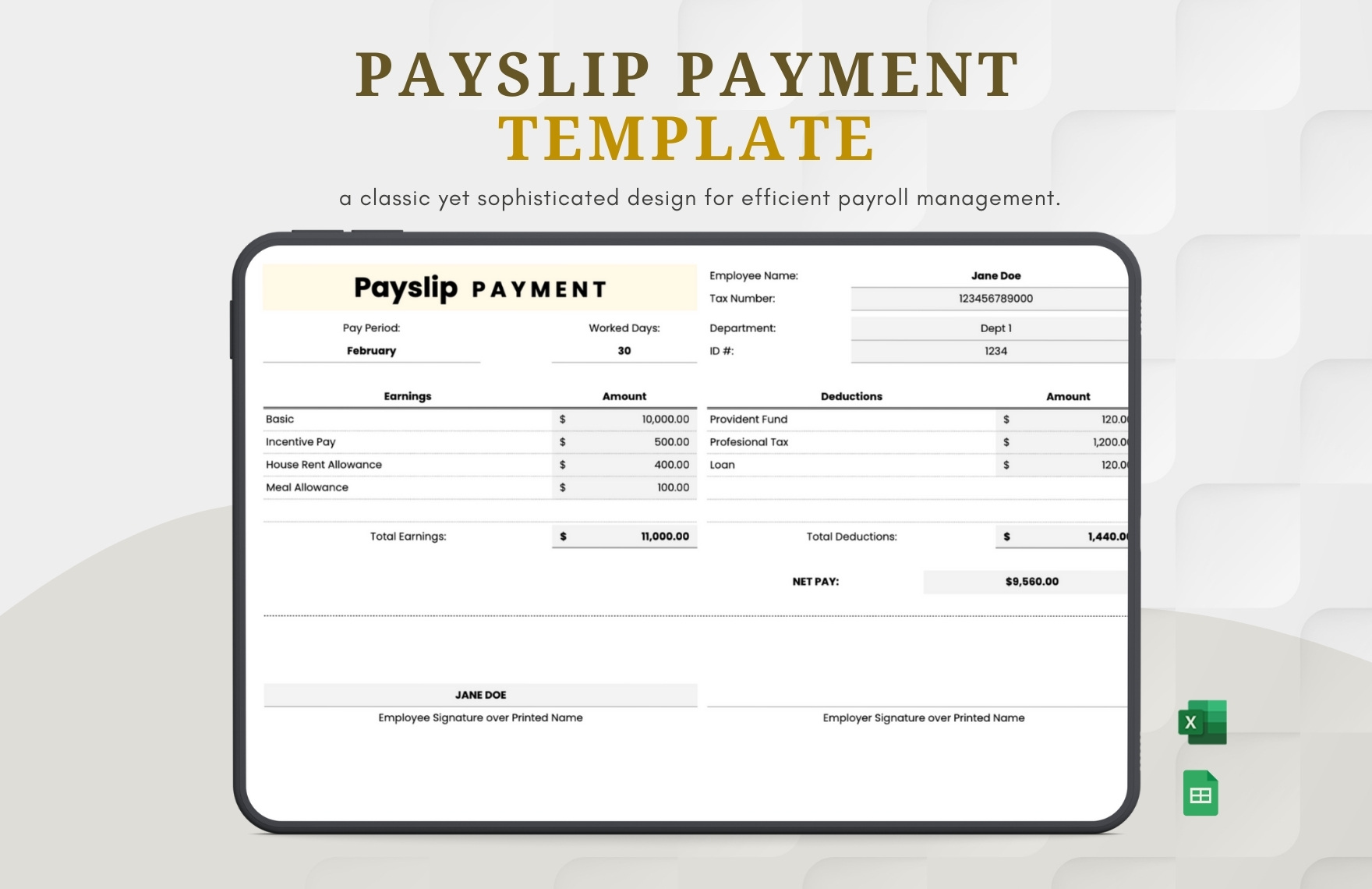
Why Use a Customizable Payment Slip?
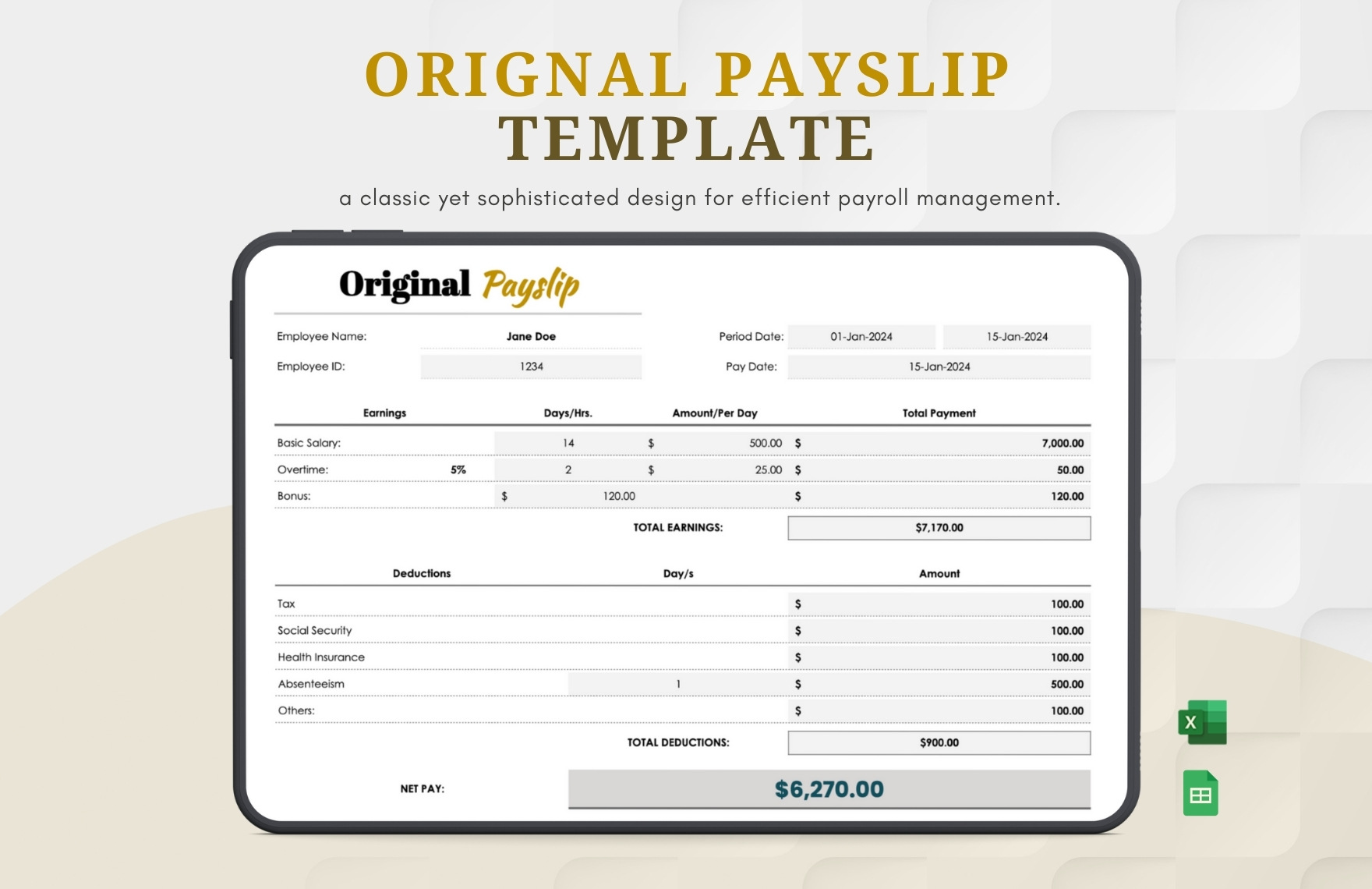
Using a customizable payment slip not only helps in maintaining clarity in transactions but also enhances professionalism. With a well-structured payment slip, you can easily track payments made, outstanding balances, and customer details. This is particularly useful when dealing with multiple clients or vendors.
Moreover, Excel provides flexibility in design and functionality. You can adjust the layout, add logos, and modify fields to suit your business’s unique requirements. This customization ensures that the payment slip reflects your brand while providing all necessary information.
How to Download the Payment Slip Template
To get started with your customizable printable payment slip, follow these steps:
- Find a Reliable Source: Search for a reputable printable-resource website that offers customizable payment slip templates for Microsoft Excel.
- Select the Template: Choose a template that fits your needs. Look for one that allows for easy customization.
- Download the File: Click on the download link. Ensure that the file format is compatible with your version of Excel, typically in .xls or .xlsx format.
It’s crucial to choose a template that offers both aesthetic appeal and functional features. Some templates may include built-in formulas for automatic calculations, which can save time and reduce errors.
Setting Up Your Payment Slip in Excel
Once you have downloaded the customizable printable payment slip template, setting it up is straightforward. Here’s how to do it:
- Open the Template: Launch Microsoft Excel and open the downloaded payment slip template.
- Customize Fields: Modify the template by entering your business name, logo, and contact information. Adjust any existing fields to match your requirements, such as payment amount, date, and recipient details.
- Format for Clarity: Use Excel’s formatting tools to ensure everything is legible. Adjust font sizes, colors, and cell borders to enhance the visual appeal of the payment slip.
- Add Formulas if Necessary: If your template allows, incorporate formulas to automatically calculate totals or taxes. This feature is especially useful for ensuring accuracy in financial records.
Taking the time to customize and format your payment slip can make a significant difference in how professional your documents appear.
Printing Your Payment Slip
After finalizing your payment slip, it’s time to print it. Here’s how to ensure the best results:
- Select the Right Paper: For a professional touch, use high-quality paper or cardstock. This adds durability and a polished look to your payment slips.
- Set Print Preferences: In the print settings, choose the correct page layout, typically portrait orientation works best. Ensure the paper size matches what you selected in your Excel setup.
- Print a Test Page: Before printing in bulk, print a test page to check alignment and clarity. This step helps avoid wasting resources on misprints.
You may also want to consider laminating the slips if you plan to reuse them or keep them in circulation for a long time.
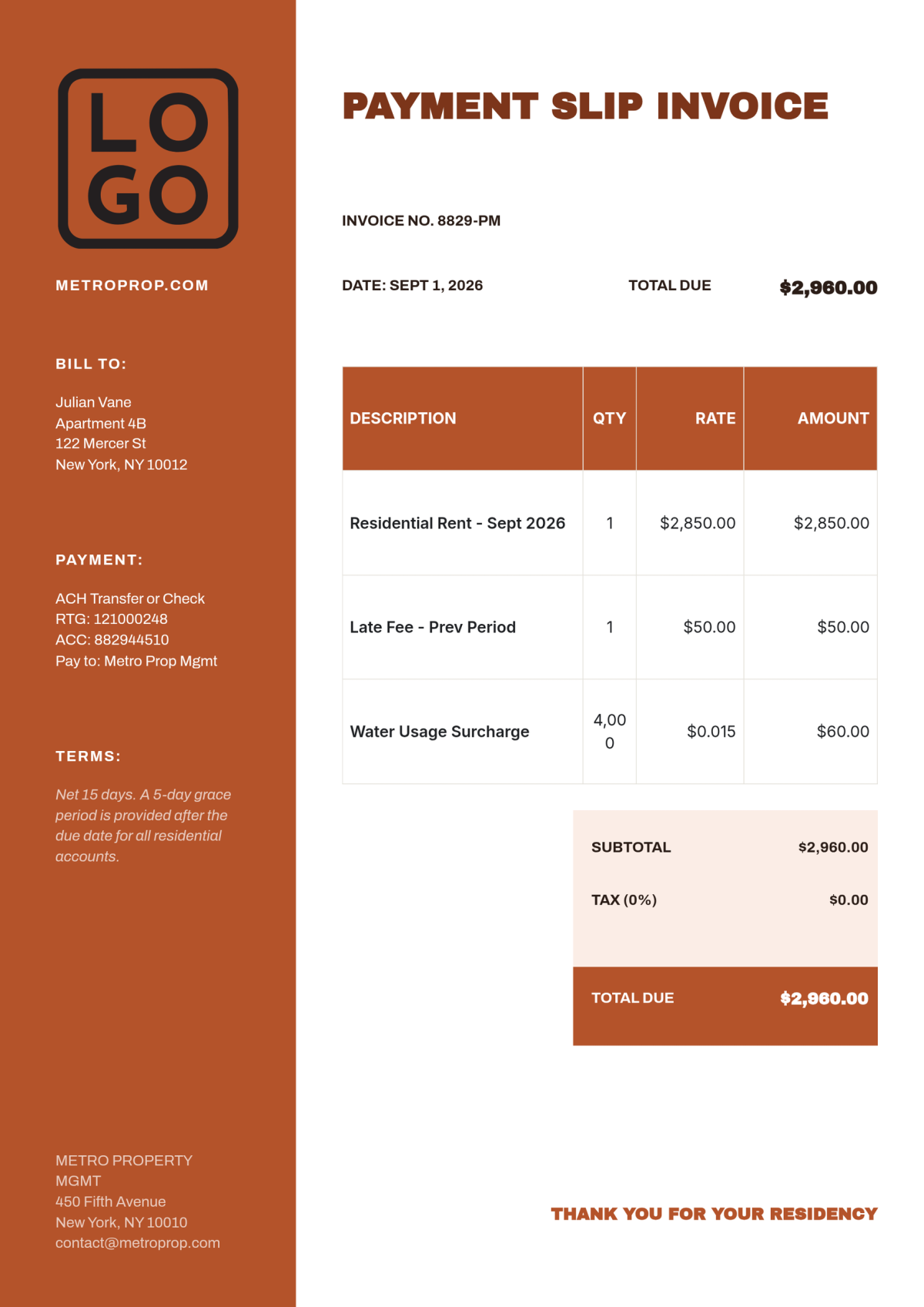
Using Your Payment Slip Effectively
Once the payment slip is printed, it’s time to put it to use. Here are some practical tips:
- Distribute to Clients: Hand out the slips with invoices or send them via email as digital copies. This ensures that clients have a clear record of their payments.
- Maintain Records: Keep a copy of each payment slip for your records. This is crucial for bookkeeping and tax purposes.
- Adjust as Needed: As your business evolves, revisit the payment slip template. Adjust fields or layouts to better align with your changing needs.
Taking these steps not only enhances your business’s professionalism but also ensures smooth financial operations.
For immediate action, download a customizable printable payment slip for Microsoft Excel today and streamline your payment processes!