Keeping accurate customer records is essential for any business, If you are a freelancer, a small business owner, or managing personal finances. A Downloadable Printable Payment Slip For Customer Records is a practical tool that allows you to track payments and maintain organized records. This guide will walk you through the benefits of using payment slips, how to download and print them, and tips on effective usage.
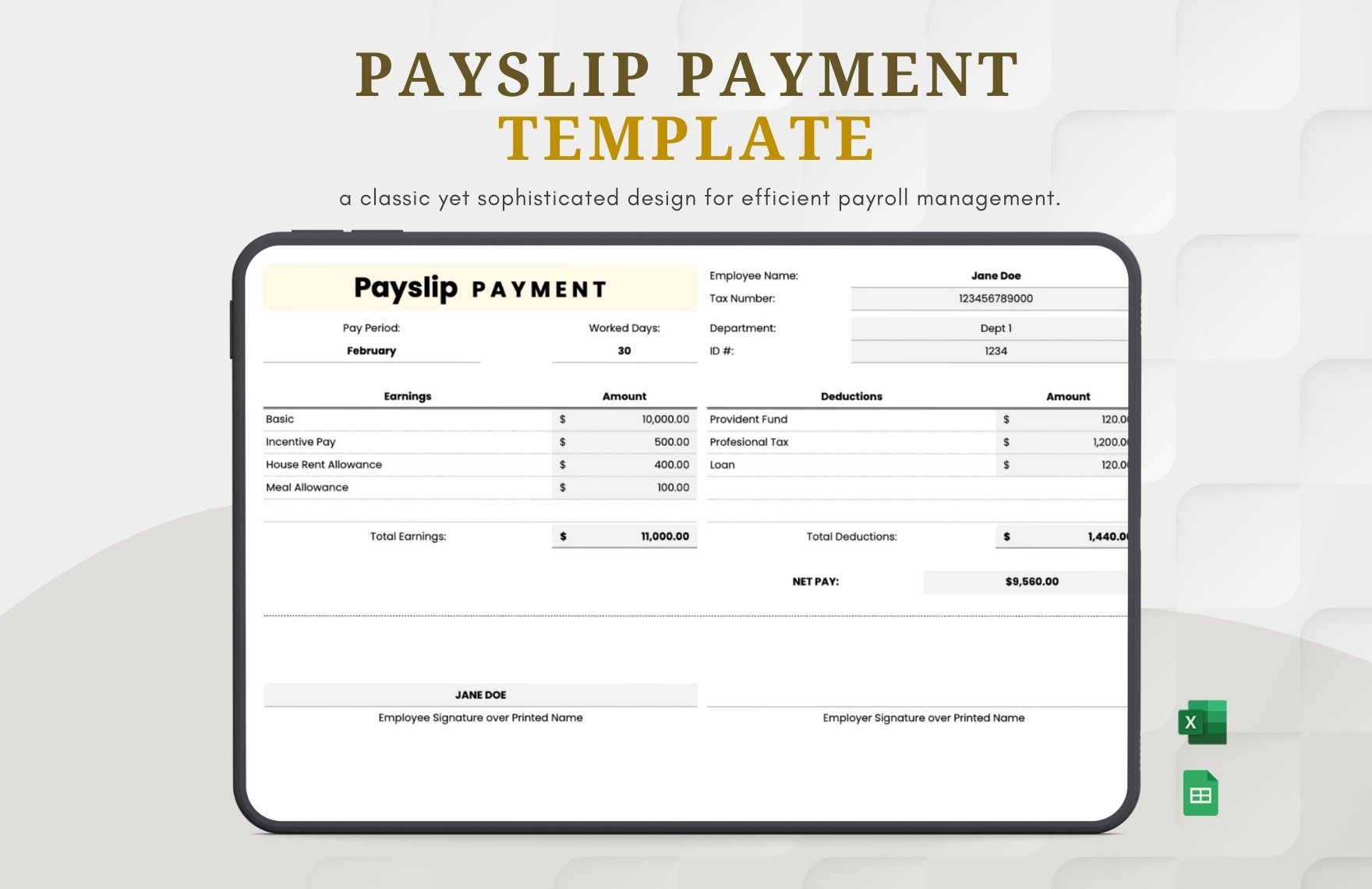
Why Use a Payment Slip?
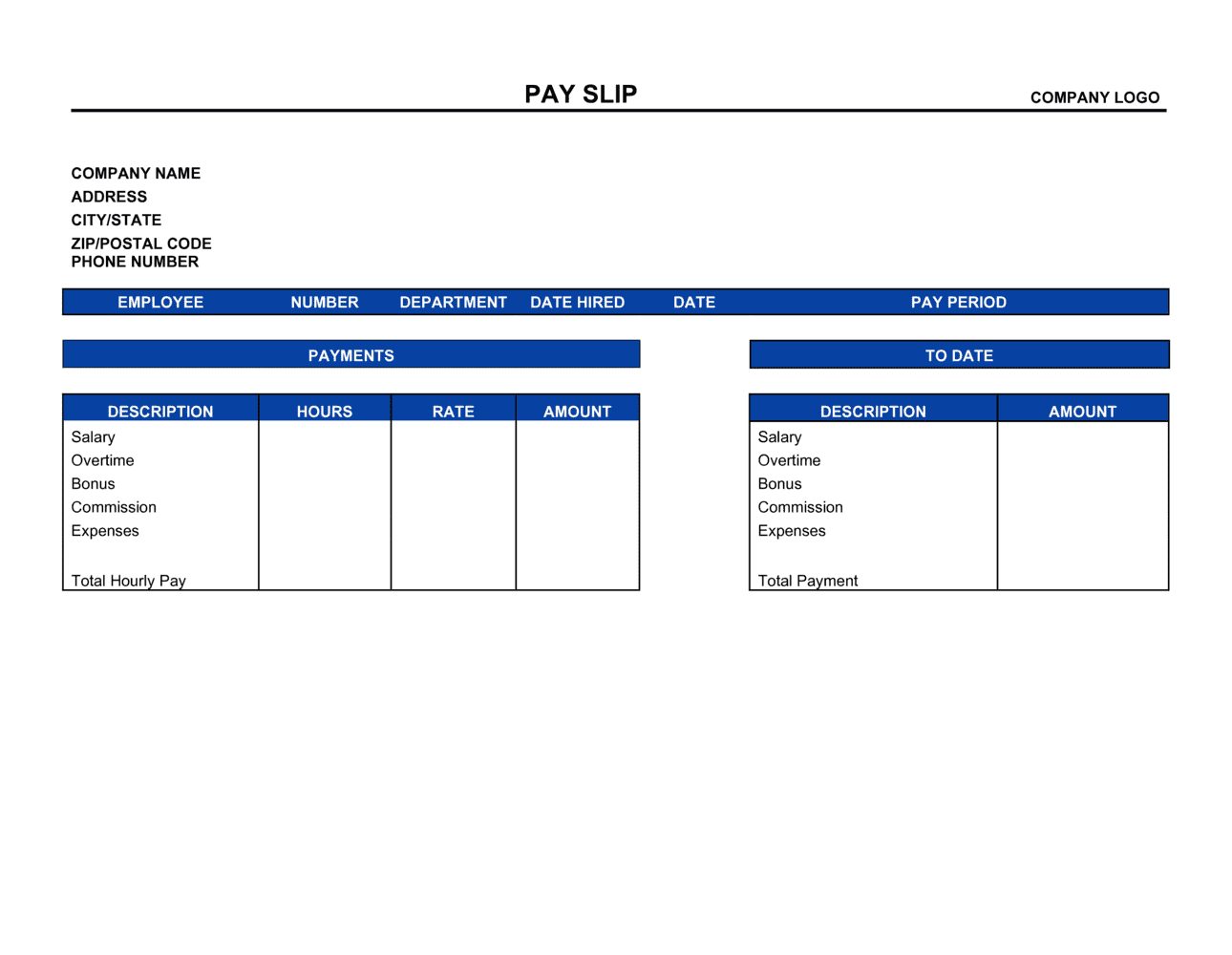
A payment slip serves as a tangible record of the transactions you conduct with customers. It includes vital information such as the date, amount paid, method of payment, and the service or product provided. Using a payment slip helps ensure transparency and accountability in your financial dealings. You’ll find that having a documented proof of payment can also be useful for both you and your customers, especially in cases of disputes or refunds.
How to Download the Payment Slip
Downloading a payment slip is straightforward. Here’s how to do it:
- Locate a Reliable Source: Choose a trusted website that offers downloadable printable payment slips. Look for sites that specialize in templates and forms, as they often provide high-quality resources.
- Select the Format: Most payment slips come in PDF format, which is ideal for printing. PDFs maintain their formatting, ensuring that the slip appears as intended on paper. Some websites may offer Word or Excel formats if you prefer to customize the slip before printing.
- Download the File: Once you’ve selected the payment slip, click the download button. Ensure that your browser settings allow for file downloads. Save the file to a location on your computer where you can easily find it later.
Printing Your Payment Slip
Printing your payment slip correctly is crucial for its usability. Here are some tips to ensure the best results:
- Paper Type: Use standard printer paper or lightweight cardstock for durability. If you plan to laminate the slips, cardstock is a great choice as it holds up better over time.
- Print Settings: Set your printer to “Actual Size” to avoid any scaling issues. This ensures that all fields are clearly visible and the slip fits standard filing systems.
- Check for Quality: Before printing multiple copies, print a test slip to check for clarity and layout. Adjust your printer settings if necessary to ensure the text is sharp and legible.
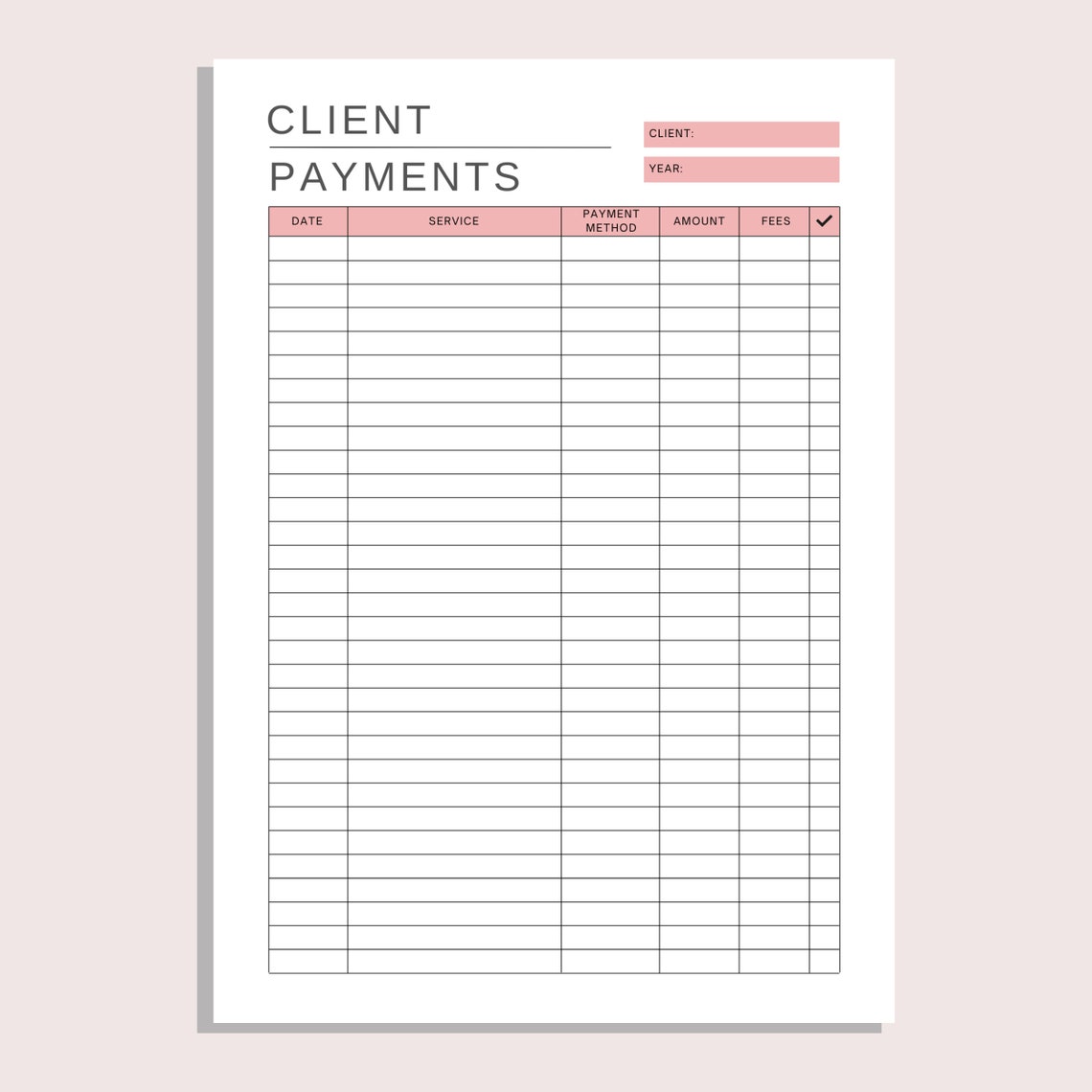
Using the Payment Slip Effectively
Once you’ve printed your payment slips, it’s time to put them to use. Here are some practical tips for using these slips effectively:
- Fill in All Required Information: Always complete each section of the payment slip, including the customer’s name, payment amount, and the date. This not only provides clarity but also protects both you and your customer.
- Keep Copies for Your Records: After handing over the slip to your customer, keep a duplicate for your records. This can be done by making photocopies or using a carbon copy slip if available.
- Organize Your Records: Store your payment slips in a dedicated folder or binder. Organizing them chronologically or by customer can make it easier to reference past transactions when needed.
- Digital Backup: Consider scanning your completed payment slips and storing them digitally. This adds another layer of security, ensuring you have access to records even if physical copies are lost or damaged.