A Downloadable Printable Payment Slip For Google Docs can simplify payment processing for small business owners. This resource typically comes in a standard size, such as 8.5 x 11 inches, making it easy to print on most home or office printers. With a well-designed payment slip, you can efficiently track transactions, manage records, and provide clear payment information to clients or customers.
Choosing the Right Payment Slip Template
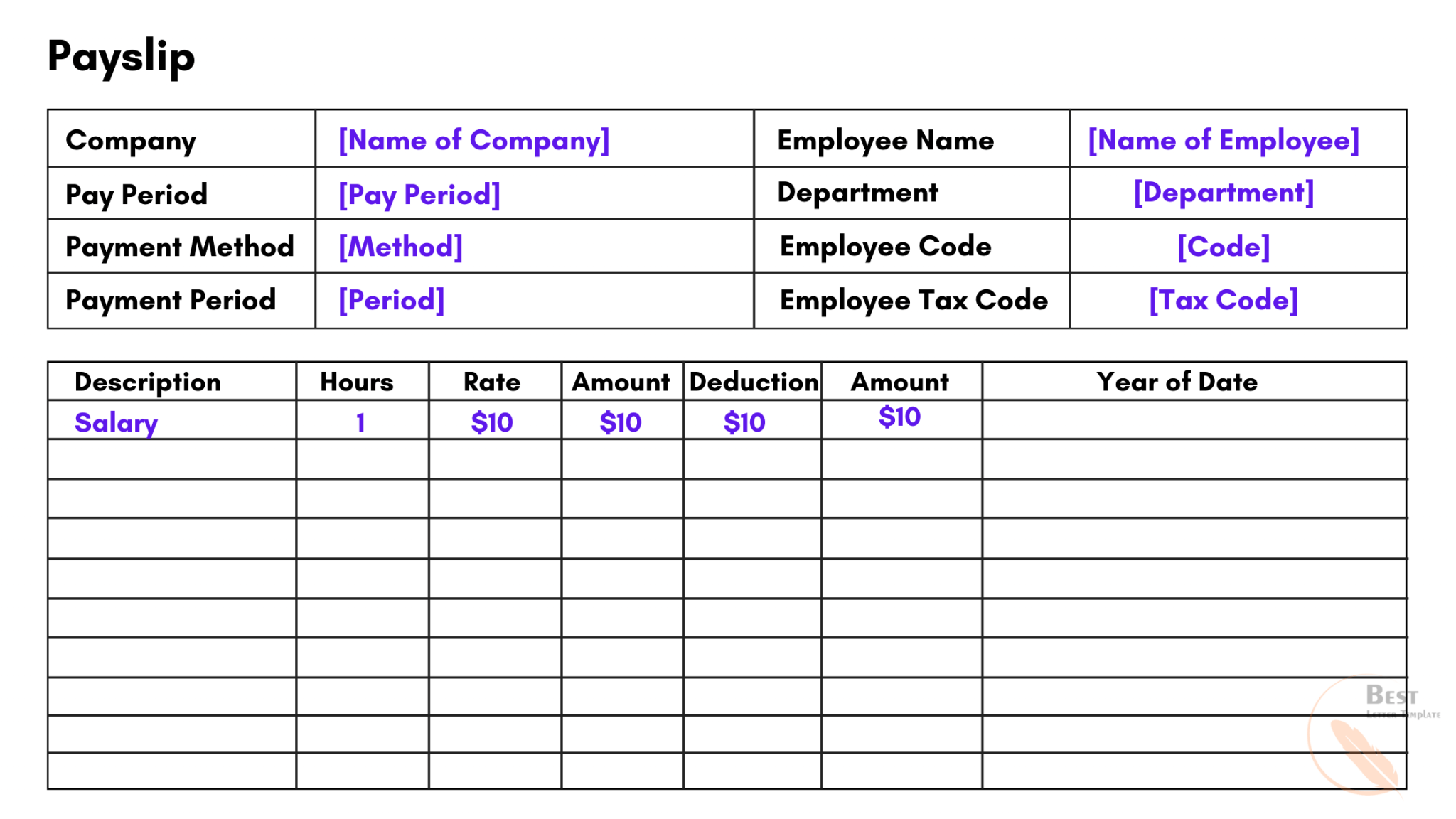
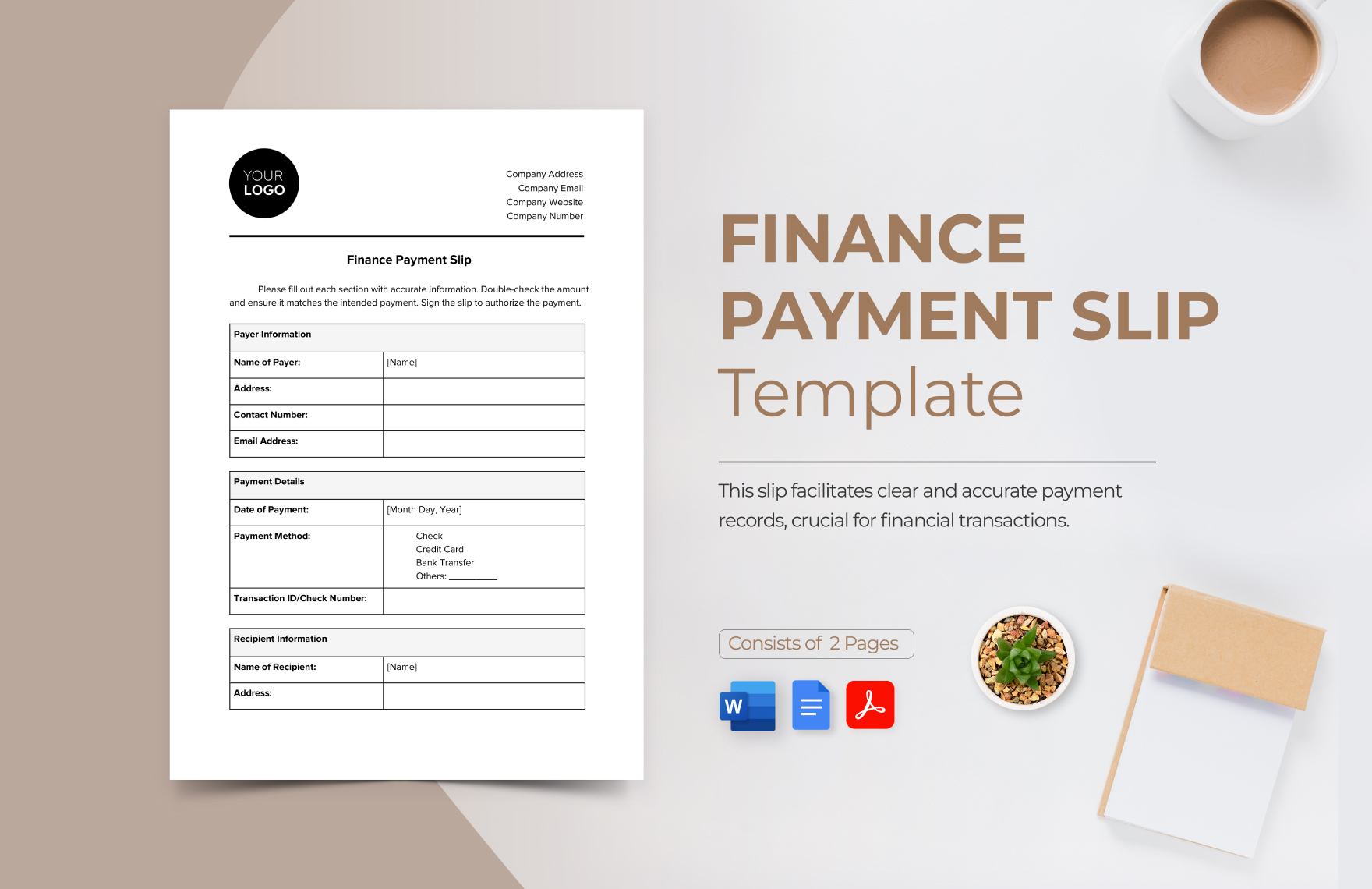
Selecting the right payment slip template is crucial for ensuring it meets your business needs. Look for a template that includes essential fields such as:
- Date
- Payee name
- Payment amount
- Payment method (cash, check, or credit)
- Signature line
A good template will also have a clean layout that enhances readability. You may find options that offer color coding or sections for notes, which can be helpful for categorizing payments. Ensure that the template you choose is compatible with Google Docs for easy editing and customization.
Downloading the Payment Slip
Once you’ve found the ideal payment slip template, the next step is downloading it. Most downloadable resources will be available in PDF or Google Docs format. Here’s how to download it:
- Locate the Template: Use a reliable printable-resource website to find the payment slip template.
- Select the Format: Choose the Google Docs format if you wish to edit it directly in your Google Drive. Alternatively, a PDF may work better for straightforward printing.
- Click Download: Follow the prompts to save the file to your device or directly to your Google Drive.
Having the file in Google Docs allows for easy access from any device, making it convenient for on-the-go management.
Printing Your Payment Slip
Once the payment slip is downloaded and customized, it’s time to print. Here are some tips for optimal results:
- Printer Settings: Set your printer to the correct paper size (8.5 x 11 inches) and select the portrait layout for best results.
- Paper Type: For a sturdier payment slip, consider using heavier paper or cardstock. This not only enhances the professional look but also ensures durability if the slip is kept for records.
- Test Print: Always do a test print first to ensure everything aligns properly and looks as expected.
After confirming the print quality, you can print multiple copies for use.
Setting Up Payment Procedures
With your printed payment slips ready, it’s time to establish a clear procedure for using them. This process can help streamline your transactions:
- Record Keeping: Each time a payment is received, fill out the payment slip completely. This serves as a receipt for both you and the payer.
- Filing System: Create a filing system for your payment slips. You can organize them by date, client, or payment type. Digital copies can be scanned and stored in a dedicated folder in Google Drive for easy retrieval.
- Review Regularly: Periodically review your payment slips to ensure that all transactions are accounted for. This can help in preparing for tax season as well as managing cash flow effectively.
Additional Features to Consider
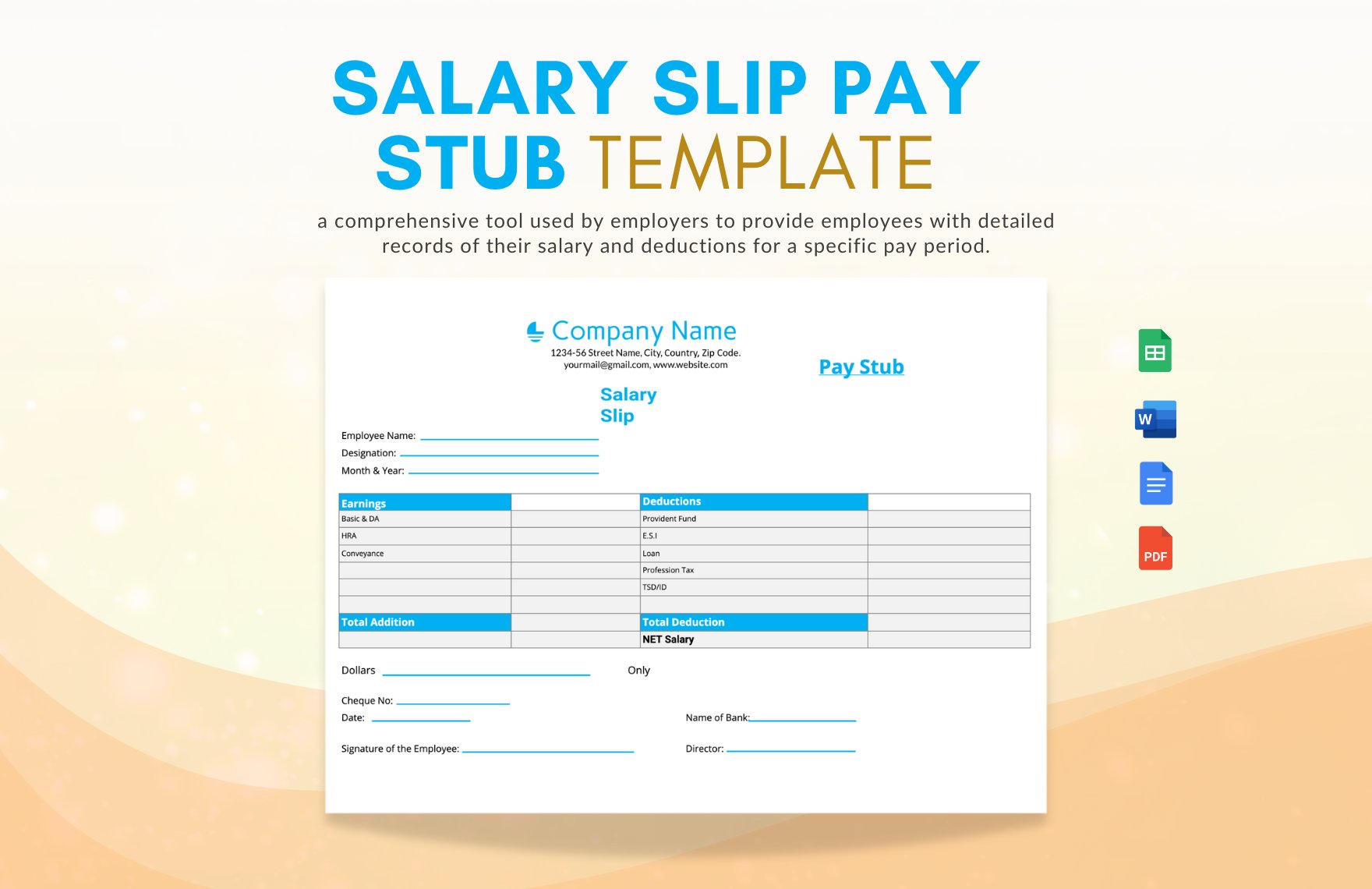
While using a Downloadable Printable Payment Slip For Google Docs, consider incorporating additional features that may enhance its utility:
- QR Codes: Some modern templates allow for the inclusion of QR codes that link directly to payment methods or your business website.
- Custom Branding: Personalize the payment slip with your business logo and colors. This not only reinforces your brand identity but also adds a professional touch.
- Multi-Language Options: If you serve a diverse clientele, consider templates that offer multilingual support for better communication.
By taking these extra steps, the payment slip becomes more than a simple form; it evolves into an effective tool for customer engagement and professional presentation.
Using a Downloadable Printable Payment Slip For Google Docs can significantly enhance your small business operations. Not only does it simplify the payment process, but it also aids in record management and communication with clients.