Creating an efficient payment system is crucial for small business owners, and a downloadable printable payment slip can significantly streamline that process. Unlike generic templates, the Downloadable Printable Payment Slip For Google Sheets is specifically designed to integrate seamlessly with Google Sheets, making it a valuable resource for managing payments with ease and accuracy.
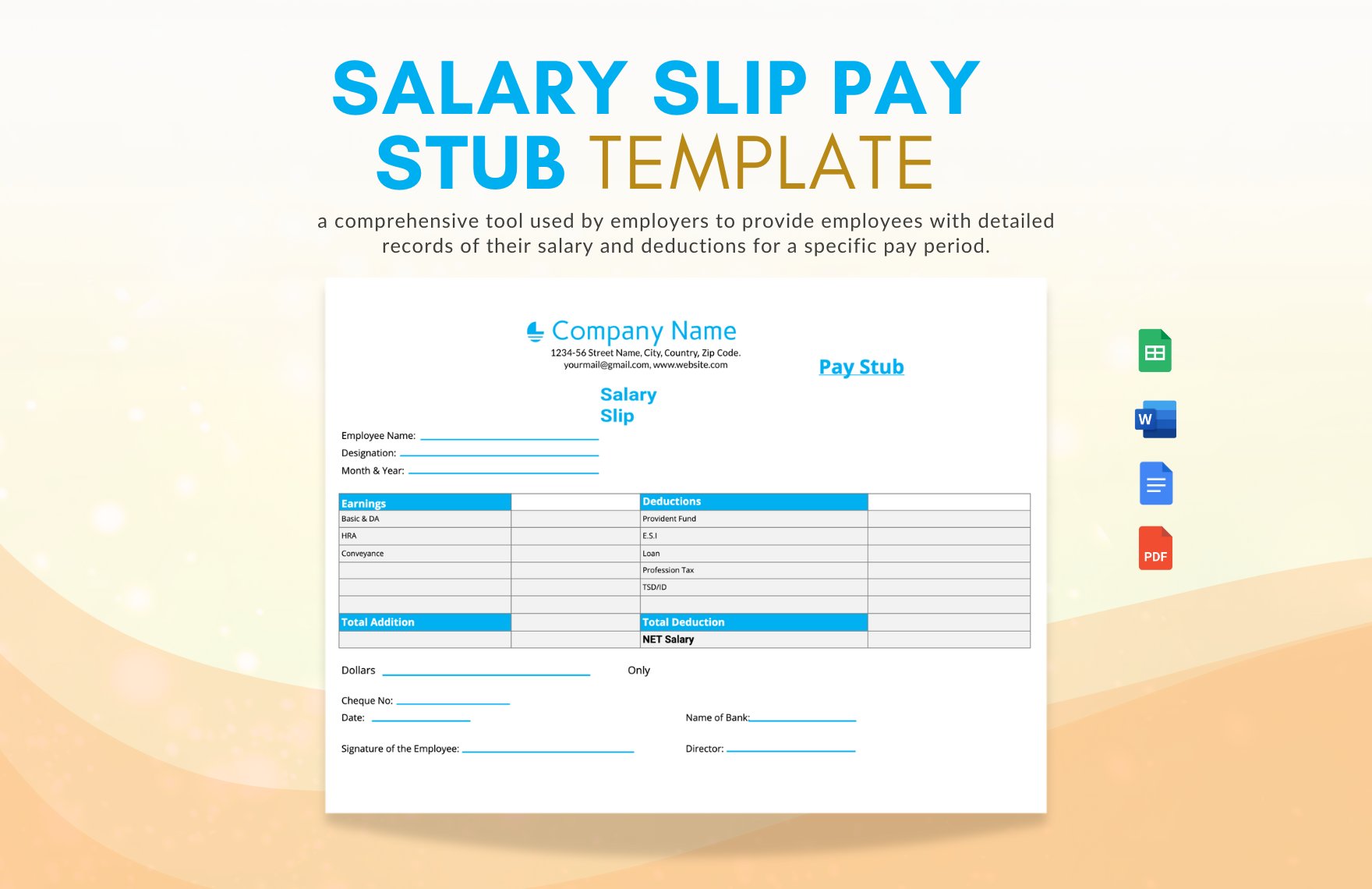
Understanding the Layout of the Payment Slip
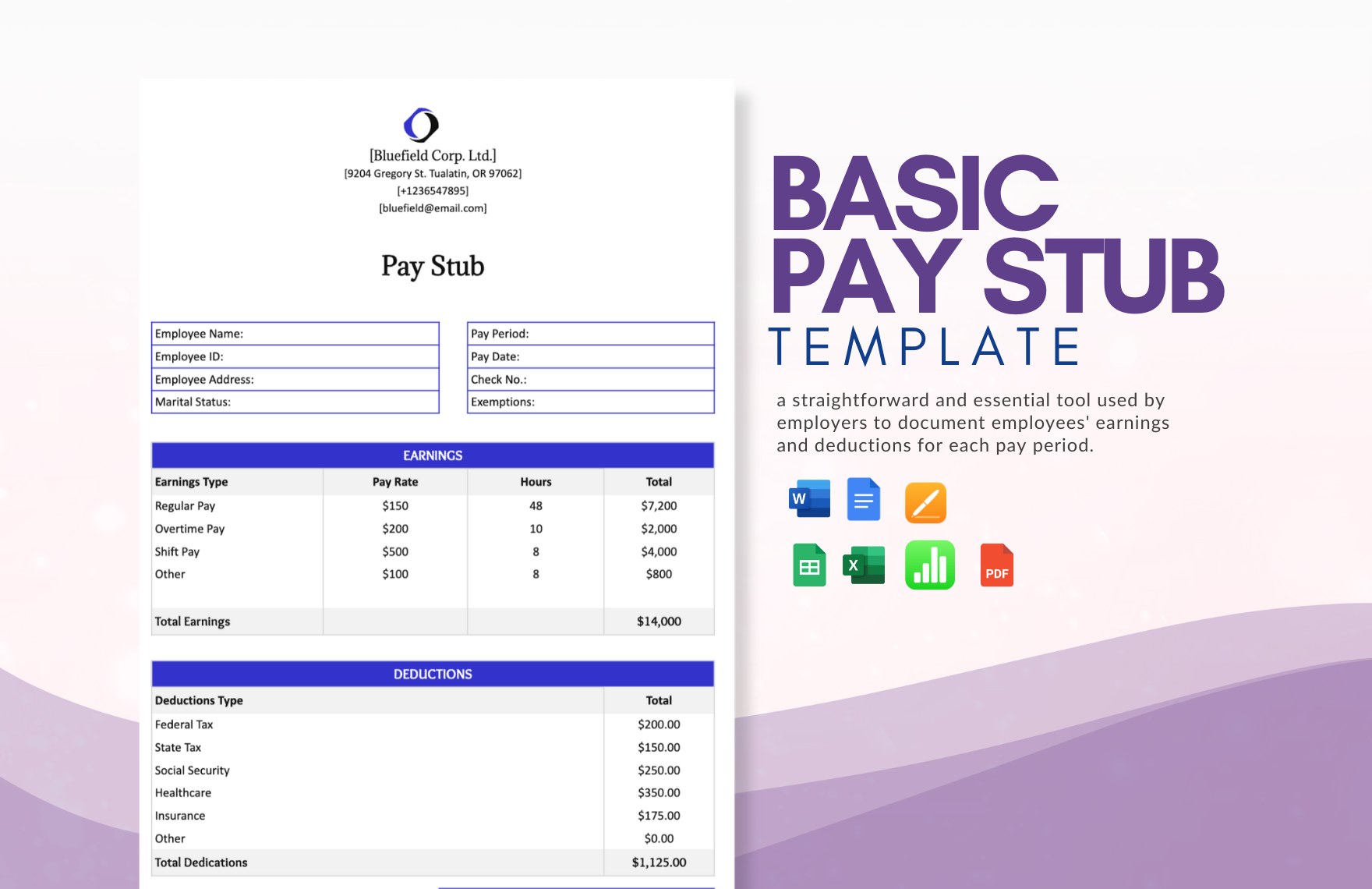
The payment slip typically consists of several key sections that allow for clear and organized input of payment information. You will find fields for the date, payment amount, recipient name, and payment method, among others. This structured layout not only ensures that all necessary information is captured but also enhances readability for both the payer and the recipient.
- Date: Clearly mark the date of the payment. This helps in tracking financial records accurately.
- Amount: Designate a large, bold section to write the payment amount. This ensures clarity and prevents any misunderstandings.
- Recipient Information: Include a dedicated area for the recipient’s name and contact details to maintain professionalism.
- Payment Method: Sections for cash, check, or electronic transfers should be included, allowing for flexible payment options.
This structured approach is designed with the user in mind, ensuring that every aspect of the payment process is covered.
How to Use the Printable Payment Slip
To effectively utilize the Downloadable Printable Payment Slip For Google Sheets, follow these straightforward steps:
- Download and Open: First, download the template from a reliable source. Open it in Google Sheets to access all features.
- Input Information: Fill out the slip with the relevant payment details. Ensure that you double-check the recipient’s information and payment amount for accuracy.
- Print or Share: Once completed, you can either print the slip for physical records or share it digitally. Google Sheets allows for easy sharing options, making it convenient for both parties involved.
- Save for Future Use: After filling out the slip, consider saving a copy for your records. This not only helps in keeping track of payments but also aids in future references.
Using this payment slip can simplify your payment process significantly, allowing for quick transactions and organized record-keeping.
Benefits of Using Google Sheets for Payment Slips
Utilizing Google Sheets for your payment slips offers several advantages that enhance efficiency and accuracy:
- Cloud-Based Access: Google Sheets is accessible from any device with internet connectivity, ensuring that you can access your payment slips anytime, anywhere.
- Real-Time Collaboration: If you have team members assisting with payments, Google Sheets allows for real-time collaboration, meaning changes can be made instantly and shared with everyone involved.
- Automatic Calculations: With built-in formulas, Google Sheets can automatically calculate totals or keep track of payments made, reducing the risk of manual entry errors.
These features make Google Sheets an ideal platform for managing your payment slips, contributing to a more organized financial workflow.
Tips for Customizing Your Payment Slip
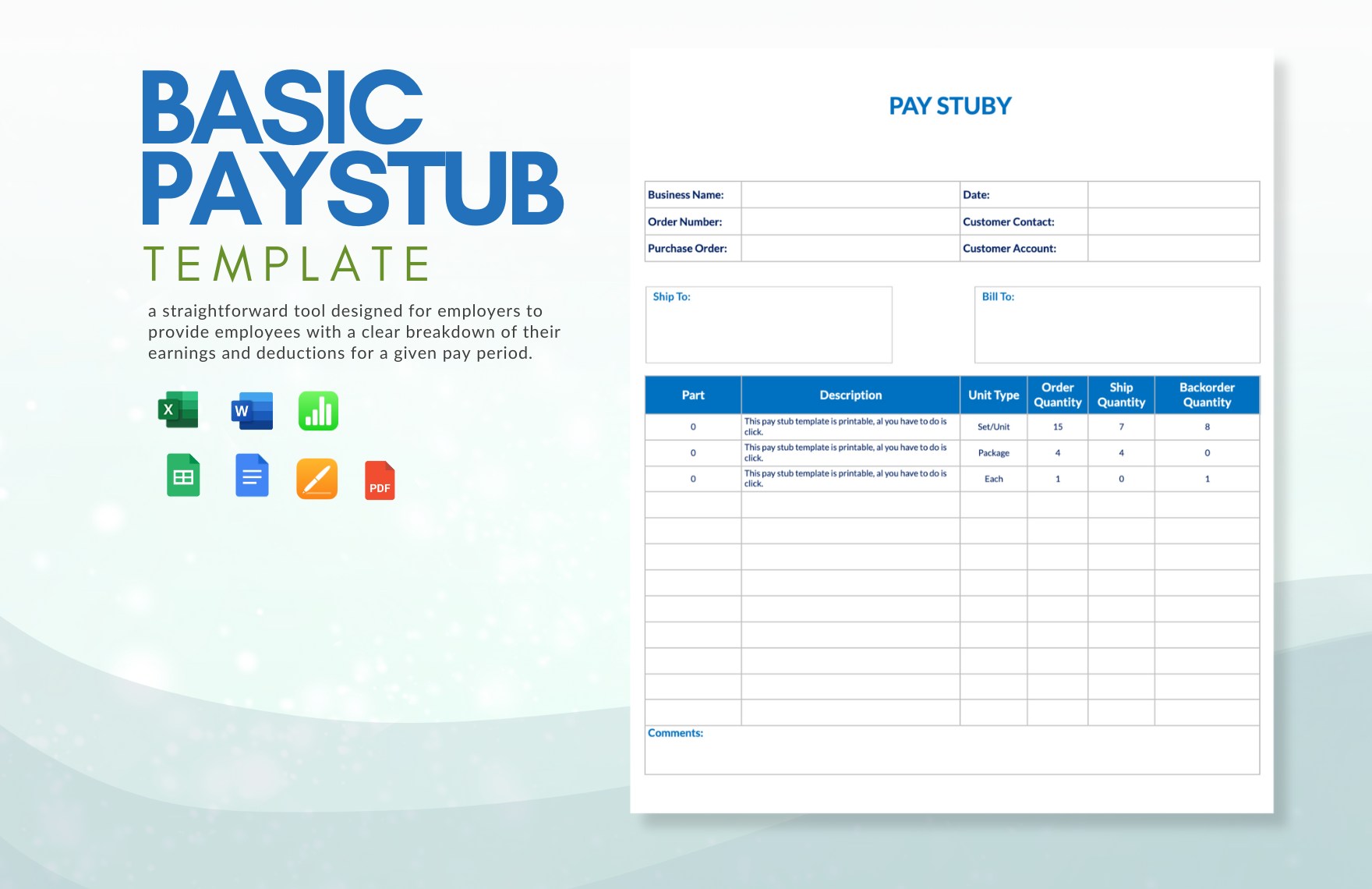
While the Downloadable Printable Payment Slip For Google Sheets comes with a standard layout, customization can enhance its utility. Here are some practical tips:
- Add Your Logo: Personalizing the payment slip with your business logo can enhance professionalism and brand recognition.
- Adjust Color Schemes: Modify the color scheme to match your brand’s colors, making the slip more visually appealing.
- Include Additional Fields: Depending on your business needs, consider adding fields for notes or invoice numbers to keep track of specific transactions.
Customization not only personalizes the payment slip but also aligns it with your business practices, making it more effective for your specific needs.