For small business owners, managing payments efficiently is crucial. A Downloadable Printable Payment Slip To Print At Home offers a straightforward solution for tracking and documenting transactions. Whether you’re accepting payments for products or services, having a clear, organized slip can help streamline your processes and maintain accurate records.
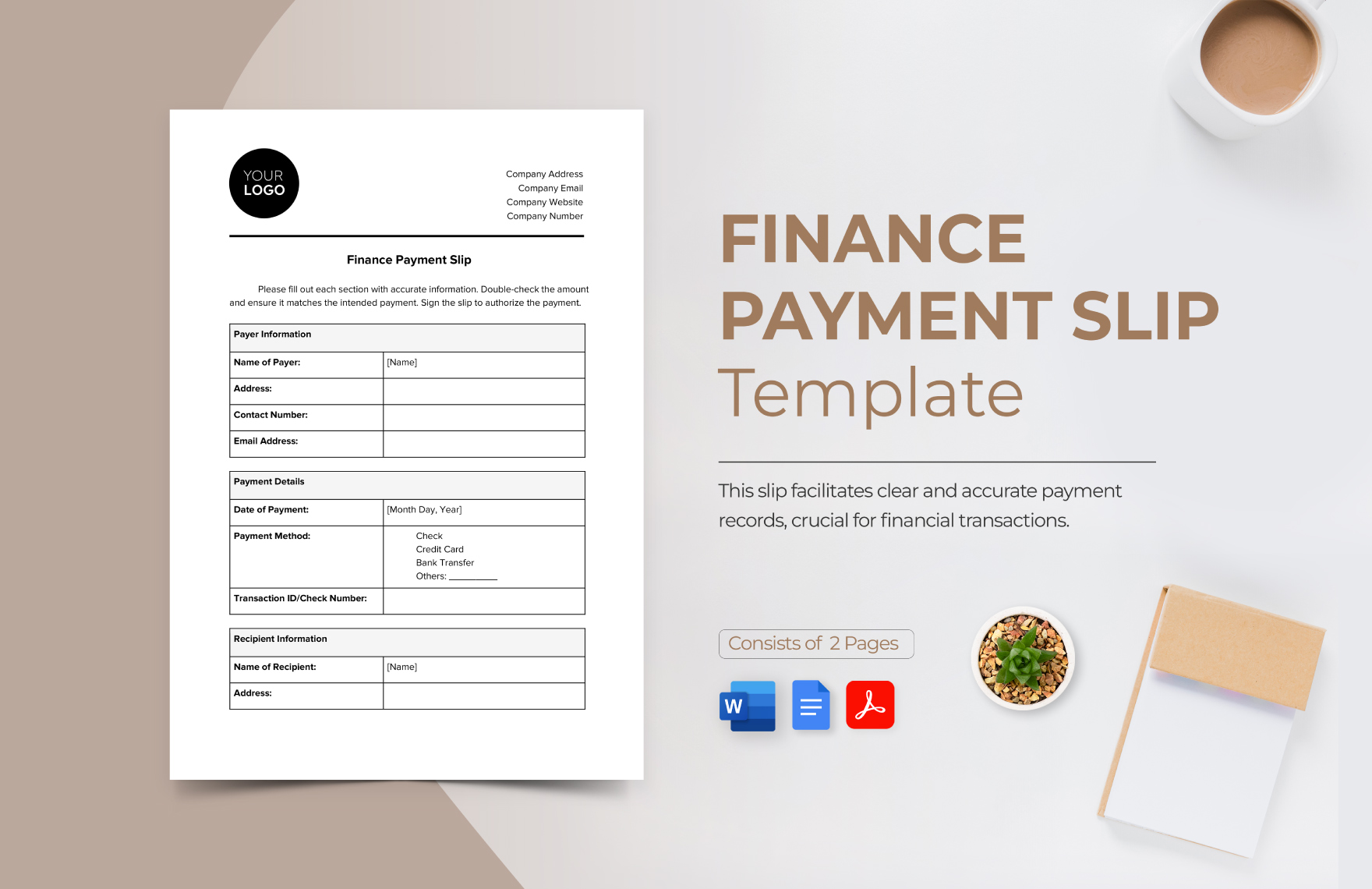
Understanding Payment Slips
A payment slip serves as a receipt for transactions, providing essential details such as the amount paid, the date of payment, and the purpose of the transaction. It’s more than just a record; it enhances professionalism and accountability in business dealings. By utilizing a downloadable printable payment slip, you ensure that every transaction is documented properly, which is essential for both bookkeeping and customer satisfaction.
Key Features of a Payment Slip
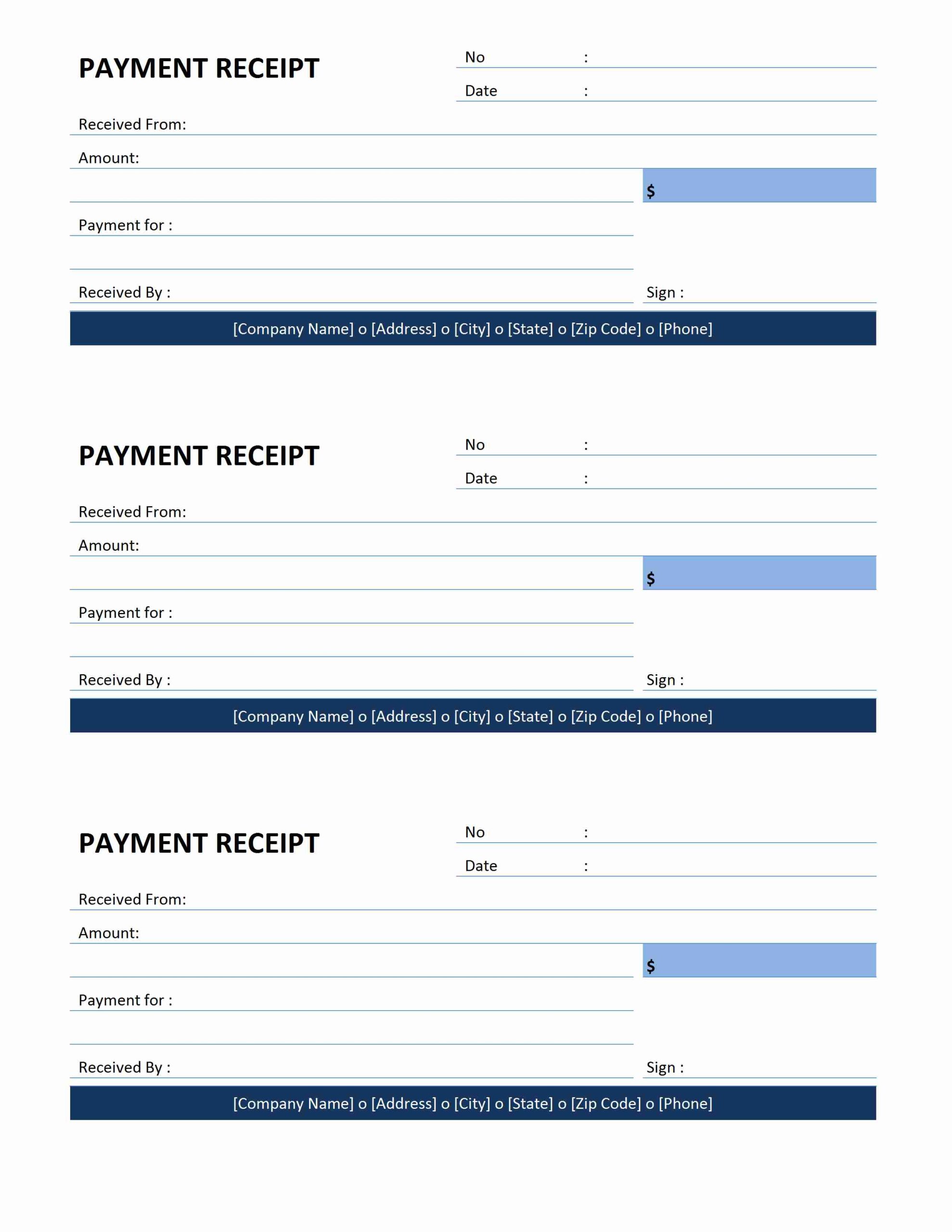
When selecting a payment slip template to download, consider these important features:
- Clear Layout: A well-structured design that is easy to read will help avoid confusion. Look for templates that clearly separate different sections, such as recipient name, payment amount, and transaction details.
- Customizable Fields: Ensure the template allows for customization, so you can add your business name, logo, and specific payment details.
- Date and Signature Lines: Including space for a date and a signature can add authenticity to the slip, which is especially important for larger transactions.
- Format Options: Most downloadable templates come in PDF or Word formats. PDFs are ideal for printing as they maintain their formatting, whereas Word documents are easier to edit.
How to Download and Print Your Payment Slip
Downloading and printing a payment slip is a straightforward process, but keeping a few practical tips in mind can enhance the experience:
- Choose the Right Template: Visit a reputable website that offers downloadable printable resources. Look for a payment slip template that meets your needs in terms of design and functionality.
- Download the File: Once you’ve found the template, click the download link. Ensure that the file is compatible with your software (PDFs require a PDF reader, while Word documents can be opened in Microsoft Word or Google Docs).
- Customize the Template: Open the file and fill in the necessary details. Customize it with your business name and logo to maintain brand consistency.
- Select Paper Size: Most payment slips are designed for standard paper sizes, such as A4 or Letter. Make sure your printer settings match the paper size for optimal printing.
- Print Settings: Set your printer to high quality for clear text. It’s advisable to use white or lightly colored paper to ensure legibility.
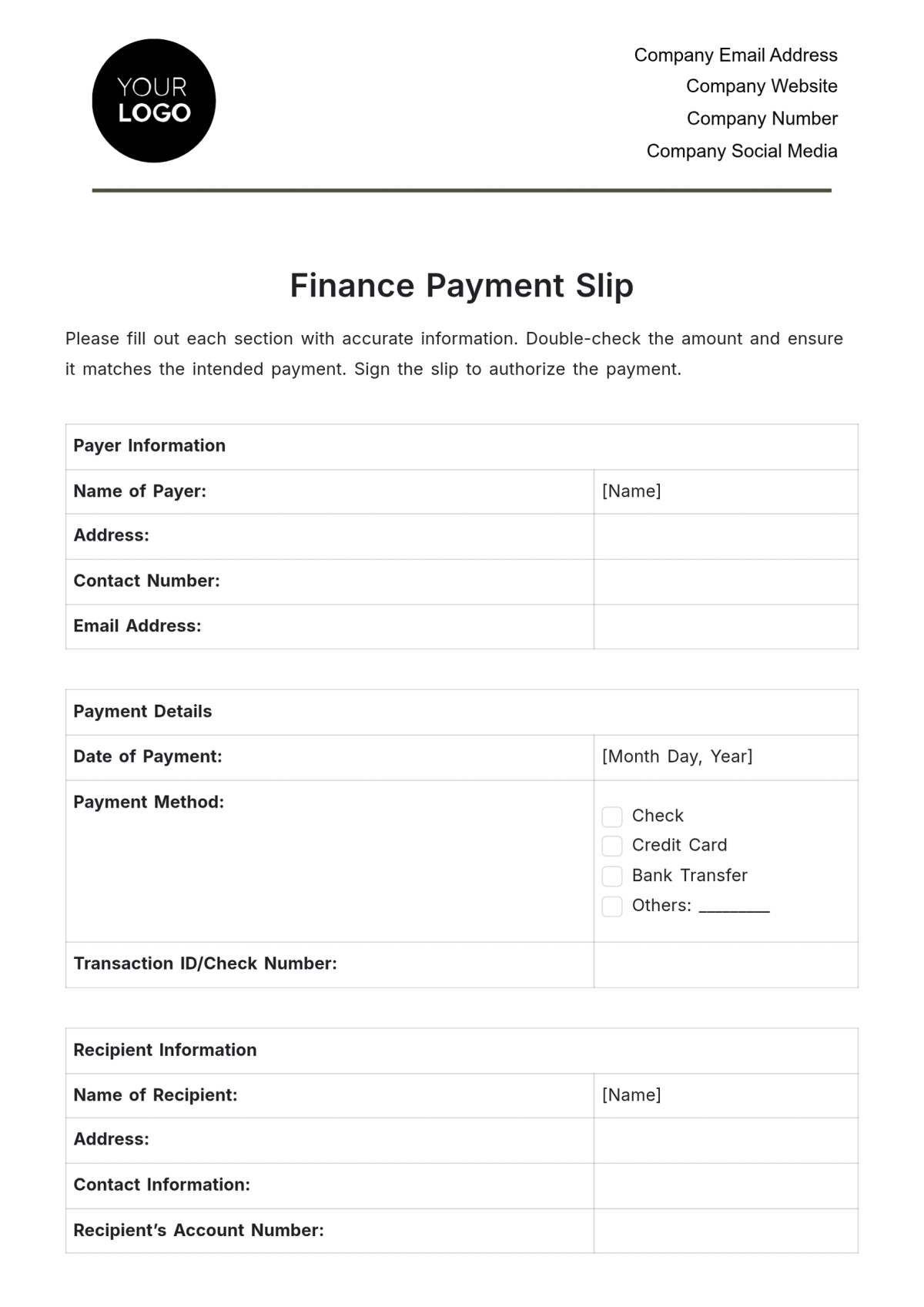
Best Practices for Using Payment Slips
Integrating payment slips into your business routine can provide several benefits. Here are some best practices:
- Keep Copies: Always keep a copy of each payment slip for your records. This helps in case of disputes or for reference during tax preparation.
- Use Sequential Numbers: Assign a unique number to each payment slip to help track transactions and maintain organization.
- Train Staff: If you have employees, ensure they understand how to fill out and manage payment slips correctly. This consistency will reflect positively on your business.
- Digital Record Keeping: Consider scanning or taking a photo of each payment slip before you file it away. This creates a digital backup that can be easily accessed if needed.
Implementing a Downloadable Printable Payment Slip To Print At Home can simplify your payment processes and enhance your business’s professionalism. By following these practical steps, you’ll ensure that your transaction records are accurate and well-organized.
For immediate action, find a reliable template today and start streamlining your payment management process.